Check the acquisition promise
Read the store headline, screenshots and description. What problem is the app promising to solve?
Study the storefront ↗
Marc Chametzky · iOS
Explore the ad evidence, study the storefront, and build your next acquisition hypothesis.
01 / Creative research
Read the store headline, screenshots and description. What problem is the app promising to solve?
Study the storefront ↗Explore apps with direct store-link matches. Compare their hooks and formats without assuming the same approach works here.
Browse observed advertisers ↗Store rankings and revenue estimates describe market context. They do not establish ad spend, conversions or ROAS.
Review the market context ↗02 / Storefront & product
Study the product story and store experience behind the acquisition funnel.



03 / Market context
Keep revenue, downloads and store rankings separate from advertising performance.
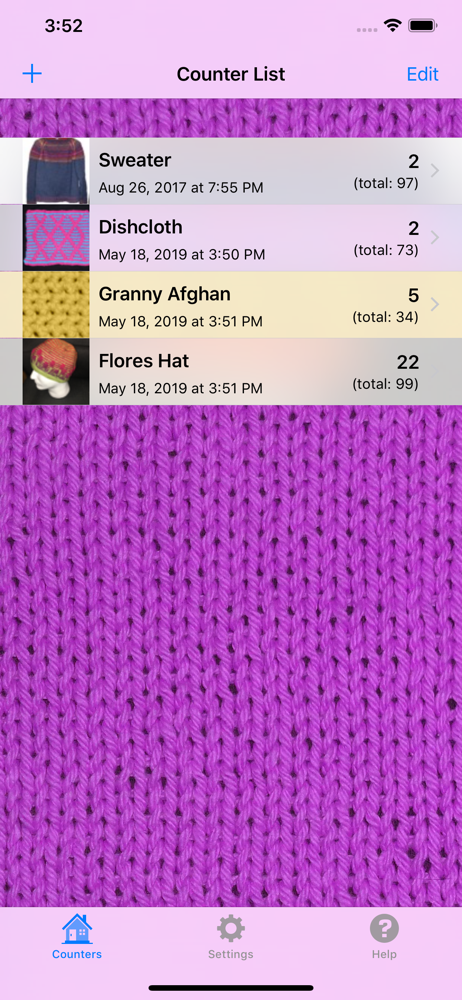
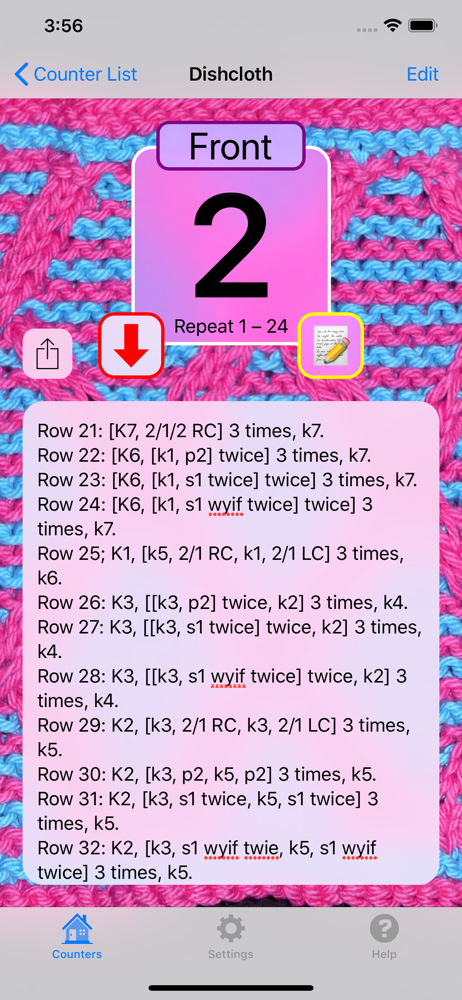
Until a few months ago I was still using manual stitch counters...ugh! As I was about to purchase my fifth clicker I thought, there should be an app for this. Lo and behold, there are dozens of them. I tried several without being impressed, but then stumbled on Knit & Crochet Counter. This app has improved my knitting experience exponentially! It’s so well designed, loaded with really usable features and is completely user friendly. Using notes allows me to continue a complex pattern without my laptop or a written pattern...all I need is my phone (perfect when flying!). The only thing I can think of that would make it even better (5 stars) would be a feature for calculating stitch counts for increase and decrease rows when the pattern doesn’t provide them. Thank you for this amazing app!
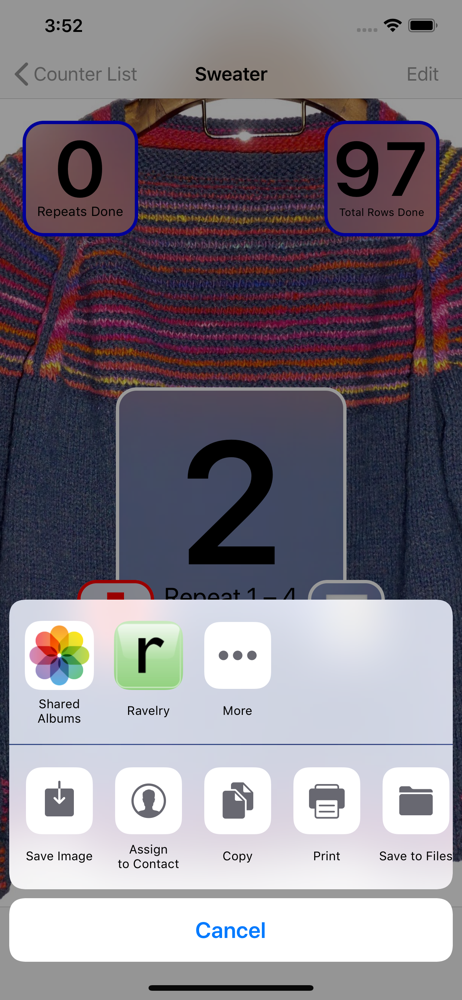
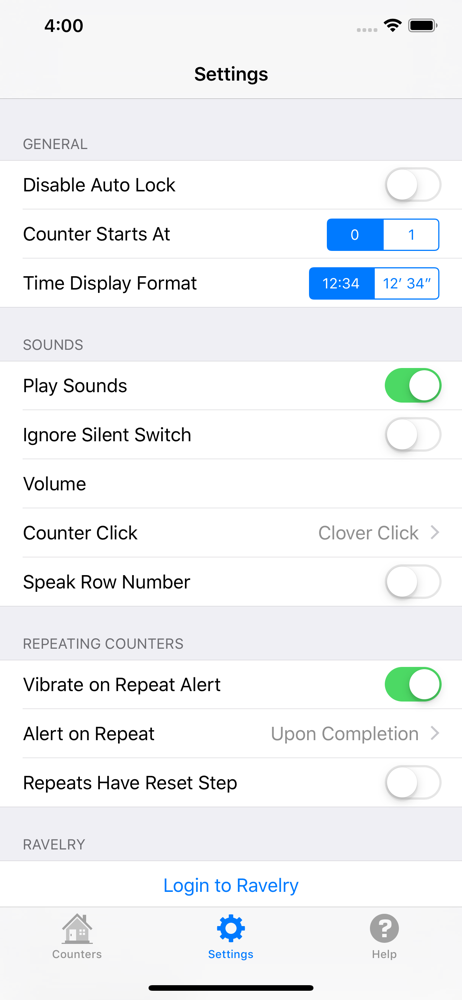
So far, this is my favorite counter app for my projects that need more than a basic row counter! I have tried many different ones over the years and this one has everything that I need in one place, plus I can have multiple projects listed. Once I understood how all of the functions worked, it was very easy to use. I also like that I can access my Ravelry projects, sync it to the my WIP, and update my project notes right from the app. I was also very happy to see it have an “elapsed time” timer because I really needed something to time how long some of my projects take me to make and using the timer on my phone at the same time as a counter app is inconvenient. My only “problem” is that I wish I could pause the elapsed time while still on the project page instead of having to back out of it when I need to make notes, and since it has a text field, which is convenient for making notes right on the project page, backing out to pause the timer obviously doesn’t work. I want to keep track of my stitching time, not my note taking for a pattern I’m writing. It also seems to keep counting time when I am in the project setting menu. Otherwise, awesome app, would definitely recommend.
Among other things, we run a small crochet business online (NOT on Ravelry) and this app is GREAT for keeping up with multiple open jobs! Each crocheter can have the pattern instructions in front of them and keep up with how much is done, how much is left and so on. You can even upload snapshots of the work you have so that you can remember which counter is for what job! There's a 99cent charge to ditch the rolling ads; so we just paid and got it over with. This app is worth it! All of our "hookers" have this app!👍
The Knit and Crochet Counter app allows you to count rows of knitting or crocheting, or anything you wish! It's easy to use the counter. Simply tap o...
| Name | Price | Type |
|---|---|---|
| Disable Ad Banners | $0.99 | One-time |