Check the acquisition promise
Read the store headline, screenshots and description. What problem is the app promising to solve?
Study the storefront ↗
Atmosphere Interactive LLC · iOS
Explore the ad evidence, study the storefront, and build your next acquisition hypothesis.
01 / Creative research
Read the store headline, screenshots and description. What problem is the app promising to solve?
Study the storefront ↗Explore apps with direct store-link matches. Compare their hooks and formats without assuming the same approach works here.
Browse observed advertisers ↗Store rankings and revenue estimates describe market context. They do not establish ad spend, conversions or ROAS.
Review the market context ↗02 / Storefront & product
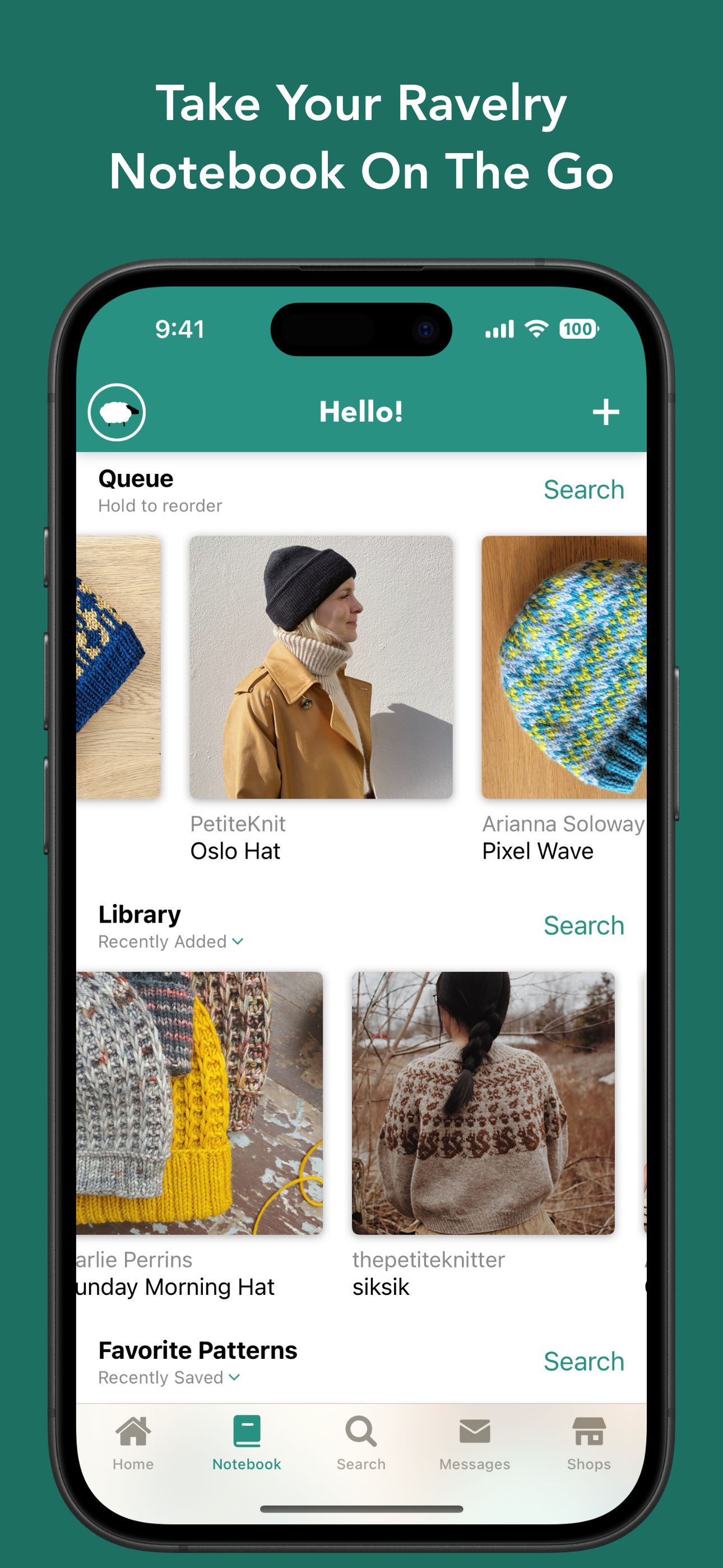
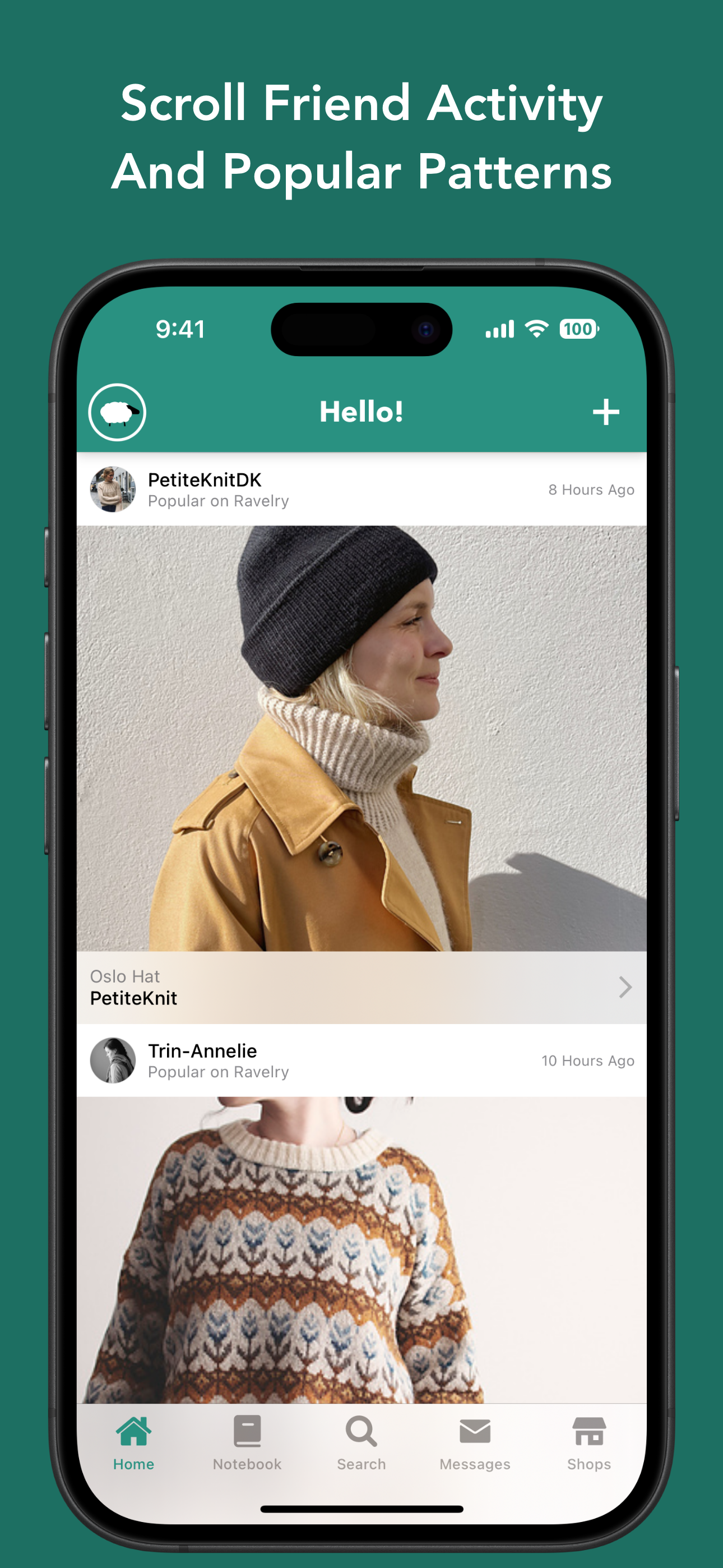
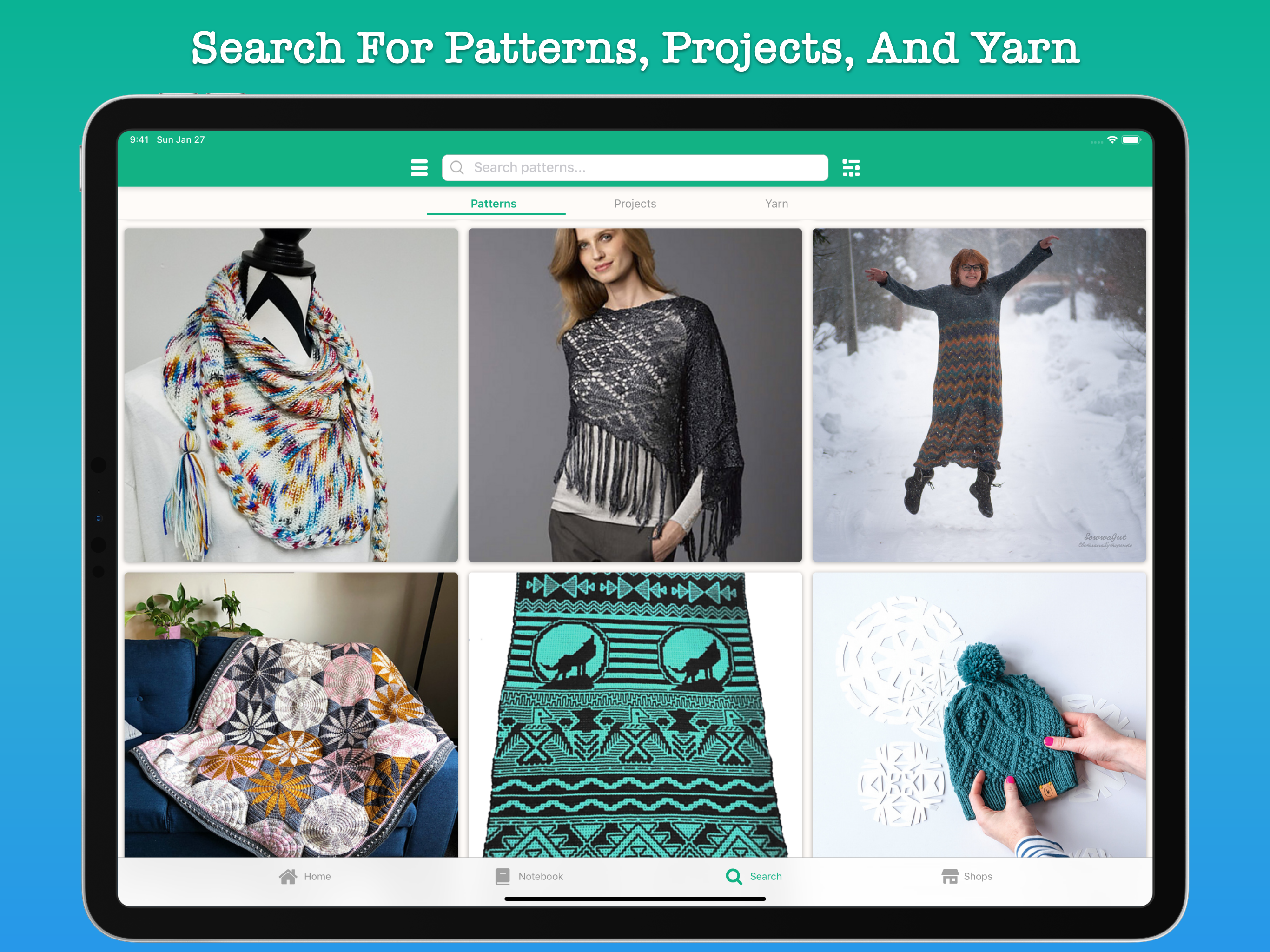
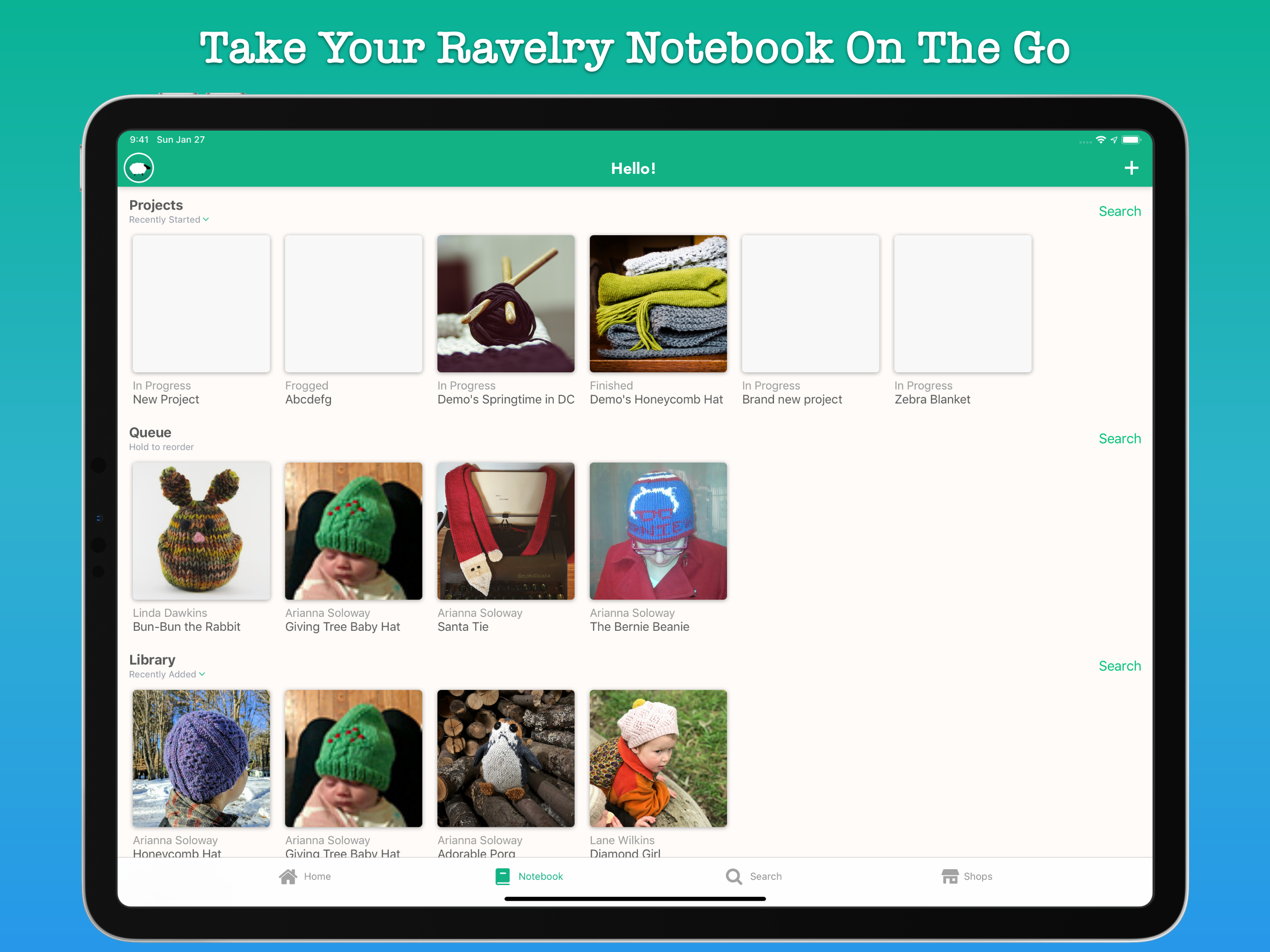
Study the product story and store experience behind the acquisition funnel.



03 / Market context
Keep revenue, downloads and store rankings separate from advertising performance.
I love this app. I haven’t tried other apps that work with Ravelry, since this one does almost everything I want for free. I use this app far more often than the website. It’s super easy to use, and it has a more attractive interface than the website. The only thing I’ve wanted to do that I’m not able to is to favorite projects. Sometimes I want to flag a user’s adaptations to a pattern. I can do that on the site, but the app doesn’t allow that. Also, recording yarn info for projects can be a little weird, but I don’t have enough experience with that on the site to compare the two. For browsing, searching, and keeping track of patterns, this app is awesome. I use it every day. Even though I think the app could be improved, I can’t hold back on giving it five stars. And I’m so grateful that it’s free!
This is one of my favorite apps on my phone and I definitely spend way too much time perusing and collecting patterns using it. I’ve never had any issues with it before this week, but now whenever I try to click a link within a pattern to another pattern (e.g., I clicked the “grains of good sweater” that was linked within the “grains headband”), it brings me to a pattern called “Library”, which is not at all related (by designer, pattern name, type, etc). Multiple times this has happened on multiple different patterns, always bringing me to the “library” pattern, which is for a sweater vest that, while I’m sure is lovely, I have no intention of making or adding to my pattern collection. I’ve looked to see if there are app updates (there aren’t) and tried restarting my phone to determine if it’s an issue with my device (it isn’t), all to no avail. My current theory is the designer of the “Library” sweater vest has hacked the app in a subtle way to get her vest pattern out there to the masses haha. But in all seriousness, that glitch aside, this is a great app. If they can fix that bug I will change my rating to 5 stars.
Okay, so I’ve been using Ravit instead of Ravelry’s mobile site, and it’s really come a long way in the last few months, but it’s still kind of disappointing. So, I was thrilled when I discovered Alpaca, because it seemed like it might have everything that Ravit lacked. The one thing that’s really irritating is that the “saved search parameters” don’t actually stay saved. They’re reset every time I reopen the app. I don’t want to have to re-enter my search parameters every time I want to look for something in the app. Hopefully this will be addressed in the next update, because I really like Alpaca, and I think it’s got a ton of potential. I also love that you can see and leave comments on other user’s projects from the app, but I wish that I could “favorite” projects from the app as well. You guys would have Ravit best hands down if those features were available.
Take the best of Ravelry everywhere you go with Alpaca! • View Ravelry patterns, projects, yarn, shops, and friends • View pattern pdfs in the app, o...