Check the acquisition promise
Read the store headline, screenshots and description. What problem is the app promising to solve?
Study the storefront ↗
Abdullah Ajmal · iOS
Explore the ad evidence, study the storefront, and build your next acquisition hypothesis.
01 / Creative research
Read the store headline, screenshots and description. What problem is the app promising to solve?
Study the storefront ↗Explore apps with direct store-link matches. Compare their hooks and formats without assuming the same approach works here.
Browse observed advertisers ↗Store rankings and revenue estimates describe market context. They do not establish ad spend, conversions or ROAS.
Review the market context ↗02 / Storefront & product
Study the product story and store experience behind the acquisition funnel.


03 / Market context
Keep revenue, downloads and store rankings separate from advertising performance.
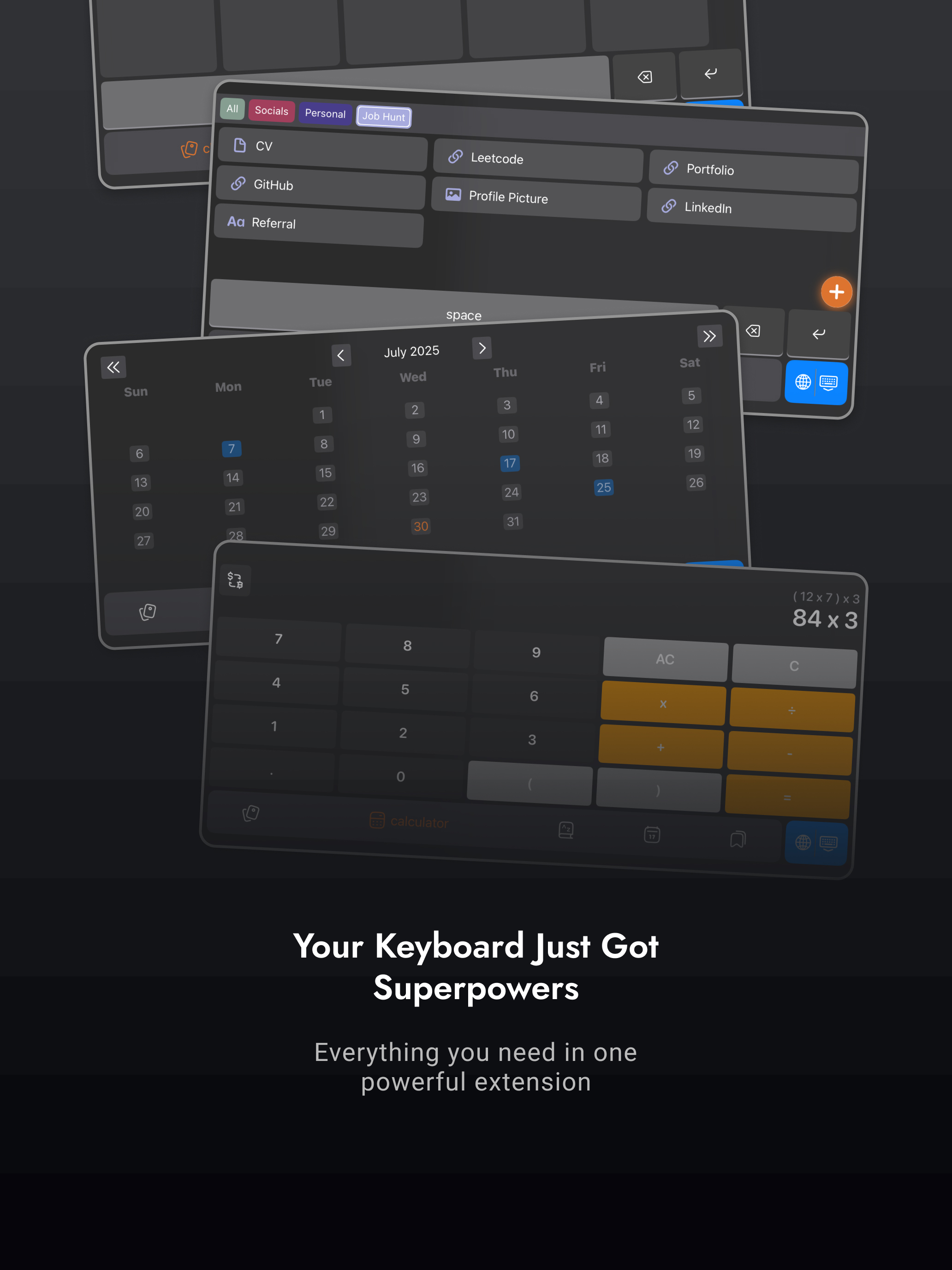
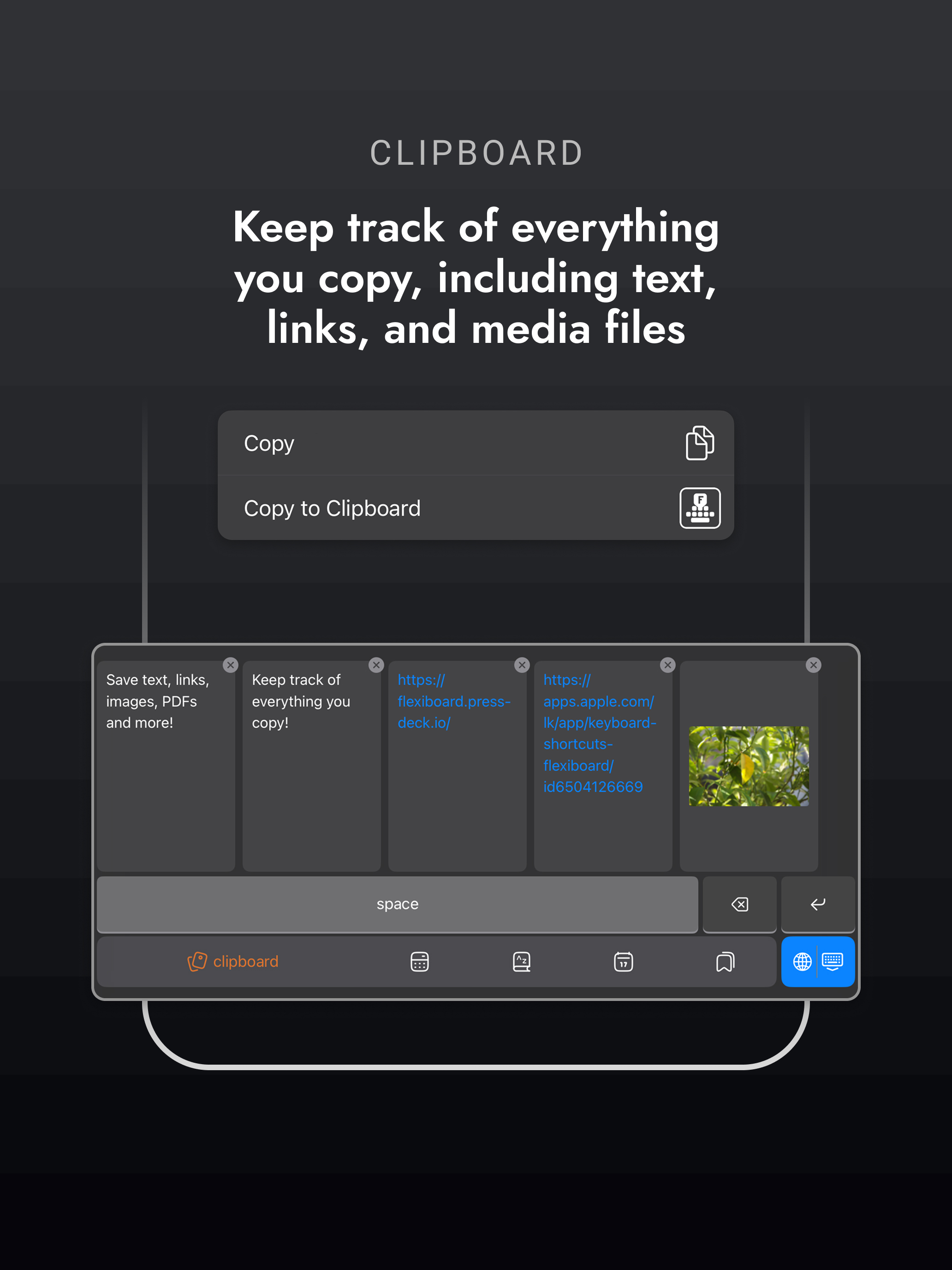
Note I didn’t have the complete experience because I don’t use an iPhone so I was testing it out on my old iPhone 8 so take this with a grain of salt iPhone X and above users. When I first downloaded the app I didn’t really understand it. I don’t like using alternative keyboards because they mess up the style of my phone. But this isn’t an alternative keyboard, it’s just keyboard tools. And I think it’s genius. You press the globe button to switch to the tools and press it again to switch back, super simple, really easy, and extremely convenient. The only “issue” that doesn’t affect me really is I had to turn off my emoji keyboard because it would sometimes randomly switch to the emoji one. And on older iPhones you can’t have multiple keyboards and still keep the emoji button. So if you want the cool tools, get a new iPhone lol. But the tools are awesome. The clipboard alone would be reason enough for an iPhone user to get one but it packs in a ton of other features like bookmarks, a whole calculator, dictionary, and a calendar. This app will definitely come in handy on this old phone so thanks for making this (I would use an emoji but I can’t)
This app is awesome! It’s super easy to use and has a clean interface. I think it would be even better if there was a way to see all the clipboard items from the app. Also, it would be cool if there was an option to add custom tabs or collections.
Just downloaded the app. Set up was fairly simple with easy to read instructions. The layout is nice and easy to read. The touch input on the keyboard for the dictionary tool is a bit off. I have to aim a little higher than the key location. But the clipboard is spot on. Can’t wait for app to take off. Best of luck, developer!
Take Control of Your Keyboard with FlexiBoard! FlexiBoard is the ultimate clipboard manager, auto-paste keyboard, and productivity tool, designed to s...
| Name | Price | Type |
|---|---|---|
| FlexiBoard Pro + AI Weekly Access | $1.49 | Weekly |
| FlexiBoard AI Monthly Access | $1.99 | Monthly |
| FlexiBoard Monthly Access | $2.99 | Monthly |
| FlexiBoard Pro + AI Monthly Access | $3.99 | Monthly |
| FlexiBoard Annual Access | $11.99 | Yearly |
| FlexiBoard AI Annual Access | $19.99 | Yearly |
| FlexiBoard Lifetime Access | $19.99 | One-time |
| FlexiBoard Pro + AI Annual Access | $29.99 | Yearly |