
Check the acquisition promise
Read the store headline, screenshots and description. What problem is the app promising to solve?
Study the storefront ↗
Xenodium Ltd. · iOS
Explore the ad evidence, study the storefront, and build your next acquisition hypothesis.
01 / Creative research
Read the store headline, screenshots and description. What problem is the app promising to solve?
Study the storefront ↗Explore apps with direct store-link matches. Compare their hooks and formats without assuming the same approach works here.
Browse observed advertisers ↗Store rankings and revenue estimates describe market context. They do not establish ad spend, conversions or ROAS.
Review the market context ↗02 / Storefront & product
Study the product story and store experience behind the acquisition funnel.





03 / Market context
Keep revenue, downloads and store rankings separate from advertising performance.
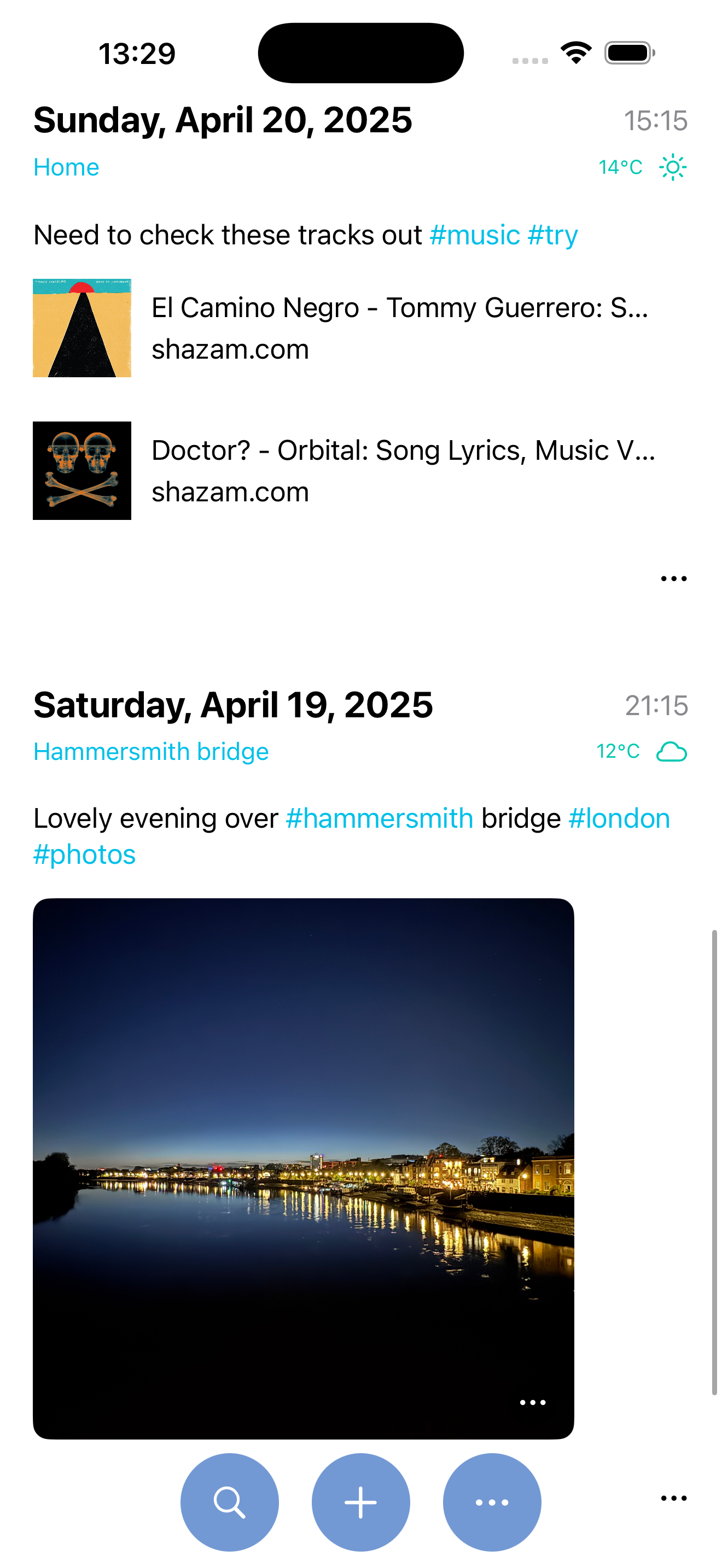
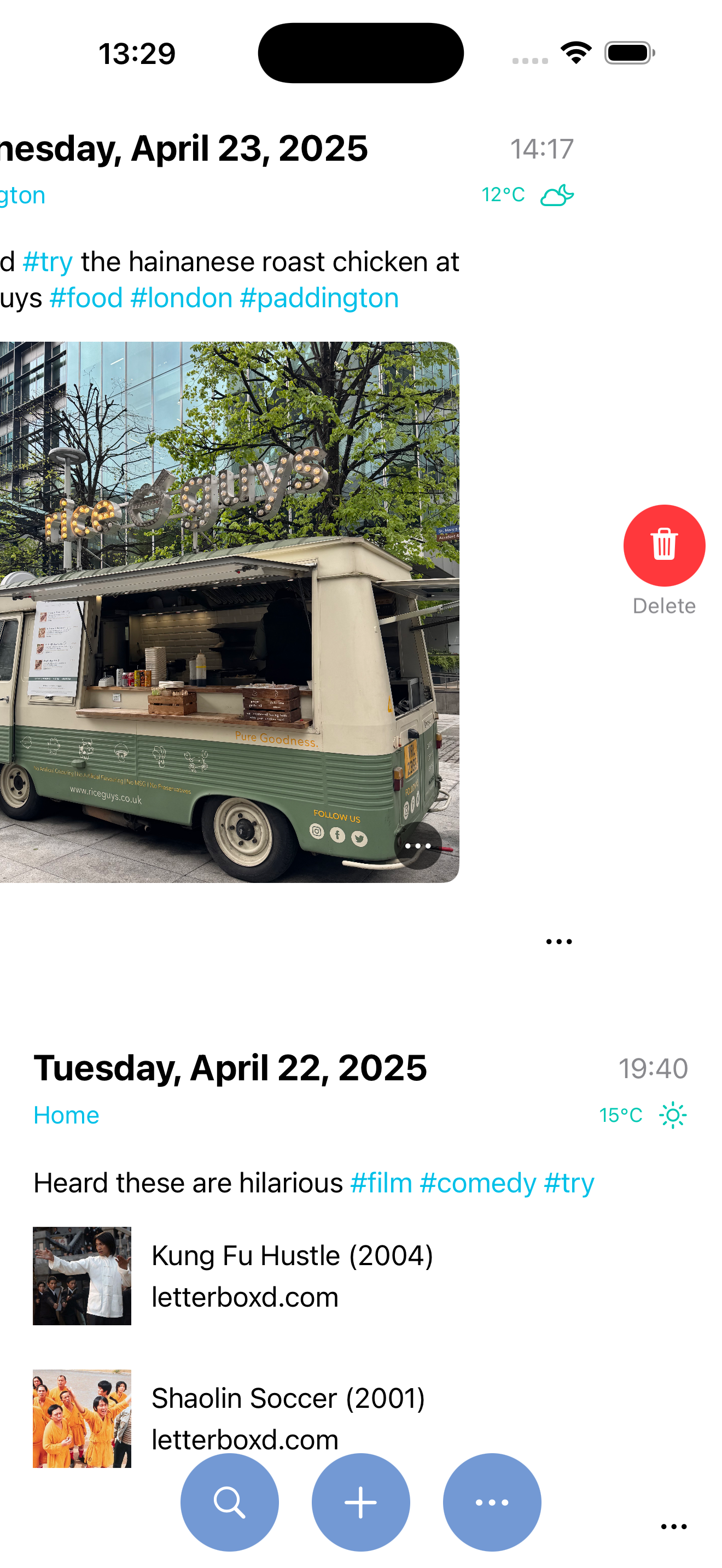
If you’re looking for a simple app to capture images, todos and thoughts on your phone, this is a decent option. Its superpower is that it generates a plaintext (org mode or markdown) file that can be synced to your computer via iCloud. This app solves two big pain points of a plaintext productivity system: mobile, and images. Unlike most (all) other similar apps, this handles images super gracefully, and it looks great on mobile. If you’re an org mode fanatic in a museum, for example, this is the app you need. Similarly, if you live in markdown and are looking for a “jot it down and assess it later” app, and also want to keep a food journal, or track the growth of a houseplant, or the books you need plus photos of where they are in the stacks, this would do the job. The only thing it can’t do is push you reminders about upcoming todos—which, to be fair, is not something in its design scope.
I happened to stumble upon this after using the wonderful Org Plain app and a few Reddit posts and I’m glad I did. Journelly lets me utilize syncing between devices and capturing thoughts on the go, including checklists, lists, photos and more. The fact that it’s also stored in org markup is fantastic; I can easily put this into my workflow for further refinement later if I choose. It would be great if we could add headlines to give emphasis inside of a journal entry, but other than that I’m super happy and am already thinking of ways to incorporate this into my workflow. One that popped into my head while I’m writing this is tagging posts with #public, and then automating posting those posts to social media potentially, while keeping the rest for my eyes only. Or tagging it with a #filename and having it write to my denote file that contains the same name
Journelly is an elegant private journaling app. It's a nice writing environment that's instantly accessible when on the go, and perfectly fits the use case of making quick entries throughout the day. It stamps your entries with location and weather info and has all the editing features you want: share to the app, attach images, use hashtag-based keywords. You don’t have to even care about it having org-mode under the hood, but if you do care: Your Journelly journal is a single file (with attachments in a neighboring folder) that you can sync via iCloud to your PC, which opens up all the options of full-scale org-mode use beyond just writing and editing, like refiling notes and using all of org's functionality for lists and organization. Maybe it's an org-mode gateway for you? Or maybe it's just a great, clean journal app that's a joy to use all on its own.
Take notes and journal privately — Offline by default. No account needed. Journelly gives you a familiar feed for quick notes, ideas, recipes, checkl...


