Check the acquisition promise
Read the store headline, screenshots and description. What problem is the app promising to solve?
Study the storefront ↗
Harman Professional, Inc. · iOS
Explore the ad evidence, study the storefront, and build your next acquisition hypothesis.
01 / Creative research
Read the store headline, screenshots and description. What problem is the app promising to solve?
Study the storefront ↗Explore apps with direct store-link matches. Compare their hooks and formats without assuming the same approach works here.
Browse observed advertisers ↗Store rankings and revenue estimates describe market context. They do not establish ad spend, conversions or ROAS.
Review the market context ↗02 / Storefront & product
Study the product story and store experience behind the acquisition funnel.


03 / Market context
Keep revenue, downloads and store rankings separate from advertising performance.
I use this with PRXOne. Love the speaker and the amount of built in mixer channels/DSP compared to the Bose Pro16 stuff(big selling point). The app looked appealing as well as a convenient means of controlling remotely. It is convenient, but it is uncomfortably unresponsive, jittery and laggy. Maybe this is because it’s Bluetooth instead of WiFi? As an engineer trying to mix with an attentive audience during a 4 day festival for 8-10hrs a day, it is stressful and unnerving. I’m not complaining, persay, but if there is a way to improve the stability and responsiveness, I would 100% without a doubt recommend this product to anyone it makes sense for. I hope you hear me, JBL :)
First off, make sure all speakers are updated to the lastest version or it wont work in any capacity. If the app says there's an update for your speaker available, update. Then, disconnect and forget the initial bluetooth connection through your phones settings, turn off your speakers, and wait a few seconds. Reboot the speakers, reconnect BT, and then connect to the app. If you try connecting to the app before connecting bluetooth, things break. After you try that a few times in different orders, it works-ish. It takes way too much time to get working, but it eventually fixes itself. Once that happens, its pretty useful for EQing and transfering EQs from speaker to speaker. Only issue is that sliders are janky and unresponsive, you cant change EQs and channel gains for groups with the same speaker models within them (you can change group master tho), and the app is a little confusing to navigate with no help section or tutorial. After you get a hang of it though, its useful enough to use regularly. Note that my speakers (eon 715s) sort of didn't function quite right at some stages of the process after updating, but they fixed themselves within a few minutes and turning them off between attempts to connect. After you connect them and get the app working once, though everything works smoothly and consistently with connecting. Its a 4/5 app, but the mess of getting it to work, slider issues, and clunky navigation ruin the rating.
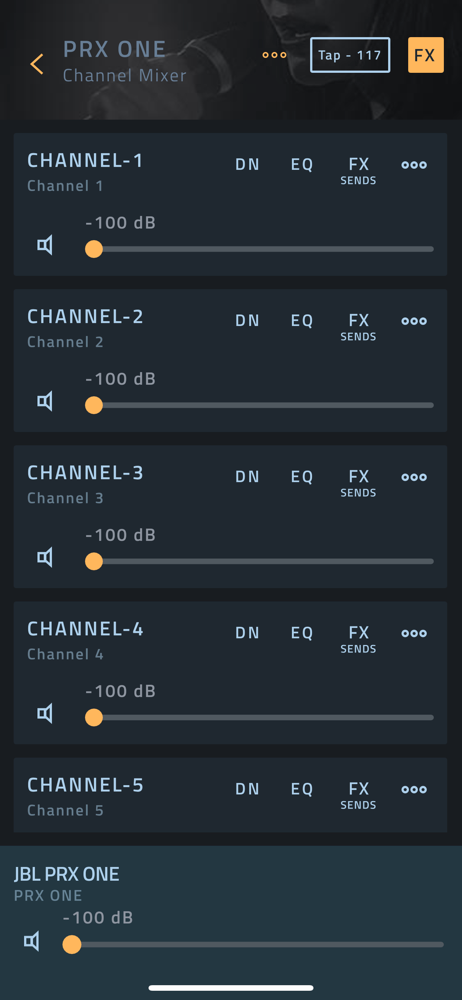
I have loved my Eon One but this version is a substantial upgrade! I really love the ability to control the system remotely from my iPad. This solves a significant issue I had with my Eon One whereby you basically had to mix on stage or run an external mixer to the unit. And this unit is super beefed up from the Eon One in terms of bass, power, mixer channels and features. Very impressed! My only complaint is I cannot find any user manual for the Pro Connect app. By process of clicking and searching I’m kind of figuring things out. I had to update the firmware twice before it would connect but now seems to work. But I am not sure how to navigate the program. Not everything seems to respond when I tap on it. Controlling channel volume is pretty obvious but beyond that I’m struggling. This would likely be a 5 star review if a manual were available for the Pro Connect App. I am extremely impressed with this all in one unit. I have loved my Eon One but this PRX version is a very substantial improvement in terms of bass, overall power, and an expanded and high tech mixing counsel. And love the ability to control remotely with my iPad!
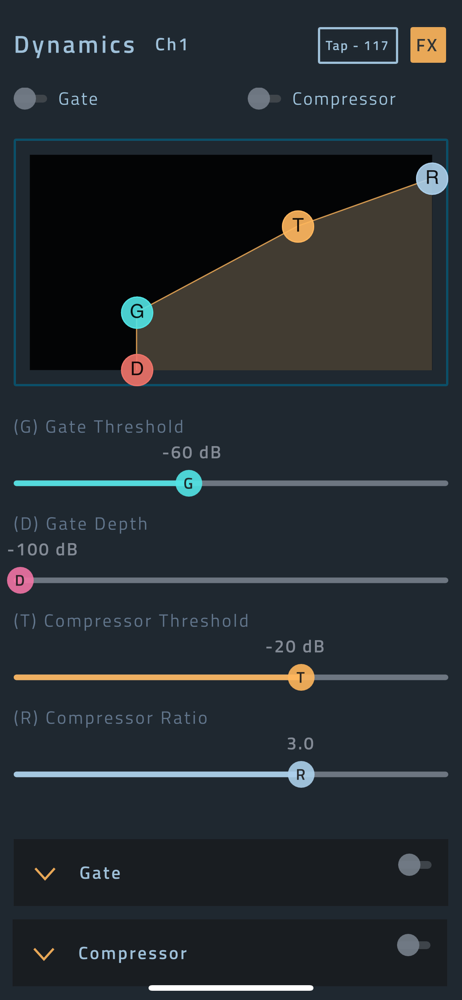
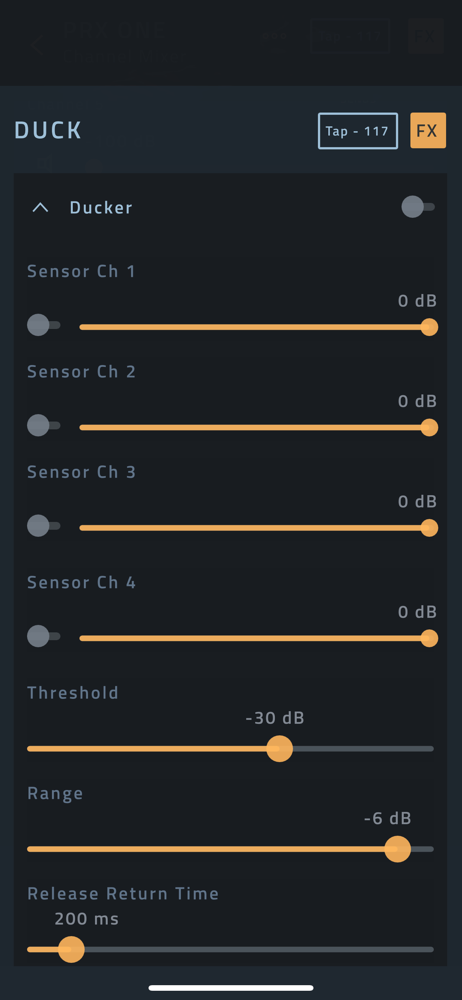
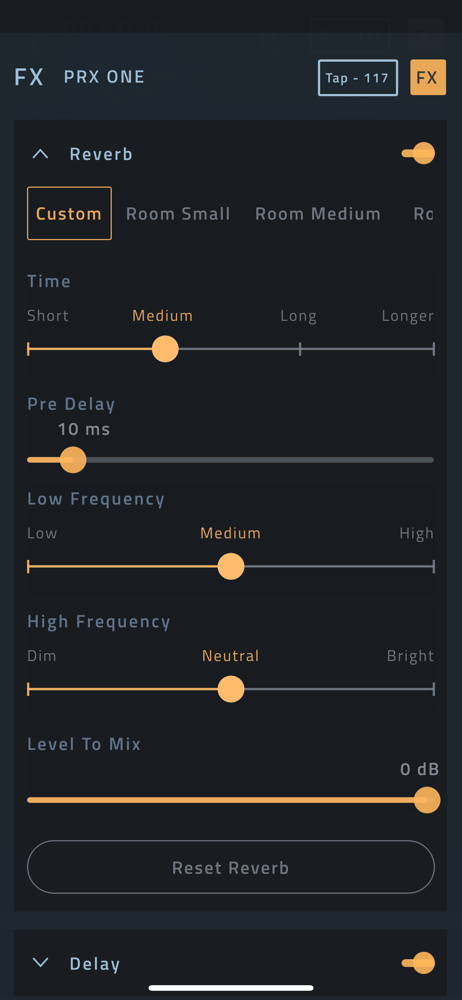
Control JBL Professional PRX ONE, EON700 EON ONE MK2, PRX 900 or EON One Compact portable PA speakers directly from your iPhone® or iPad® with the fre...