Check the acquisition promise
Read the store headline, screenshots and description. What problem is the app promising to solve?
Study the storefront ↗
Eric POUSSE · iOS
Explore the ad evidence, study the storefront, and build your next acquisition hypothesis.
01 / Creative research
Read the store headline, screenshots and description. What problem is the app promising to solve?
Study the storefront ↗Explore apps with direct store-link matches. Compare their hooks and formats without assuming the same approach works here.
Browse observed advertisers ↗Store rankings and revenue estimates describe market context. They do not establish ad spend, conversions or ROAS.
Review the market context ↗02 / Storefront & product
Study the product story and store experience behind the acquisition funnel.




03 / Market context
Keep revenue, downloads and store rankings separate from advertising performance.
Works great on my iPhone 11 running iOS 18. I was able to draft up a router template for woodworking and able to print it to scale.
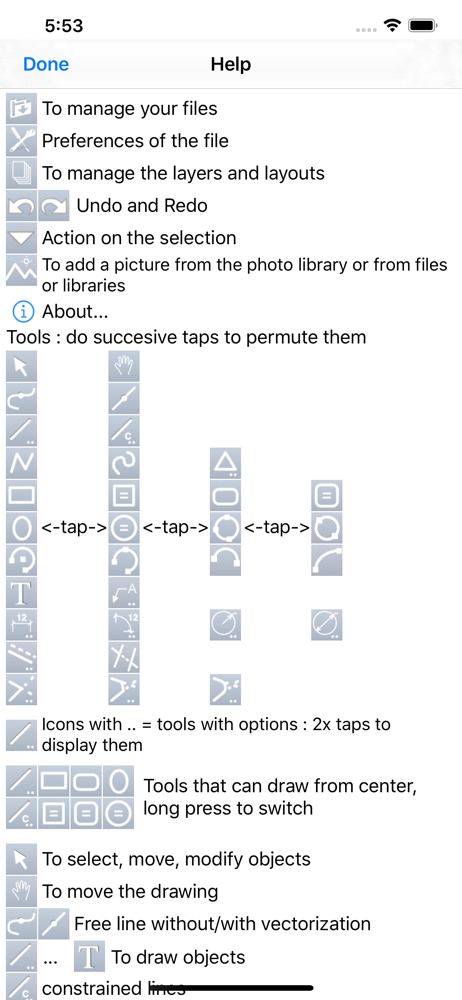
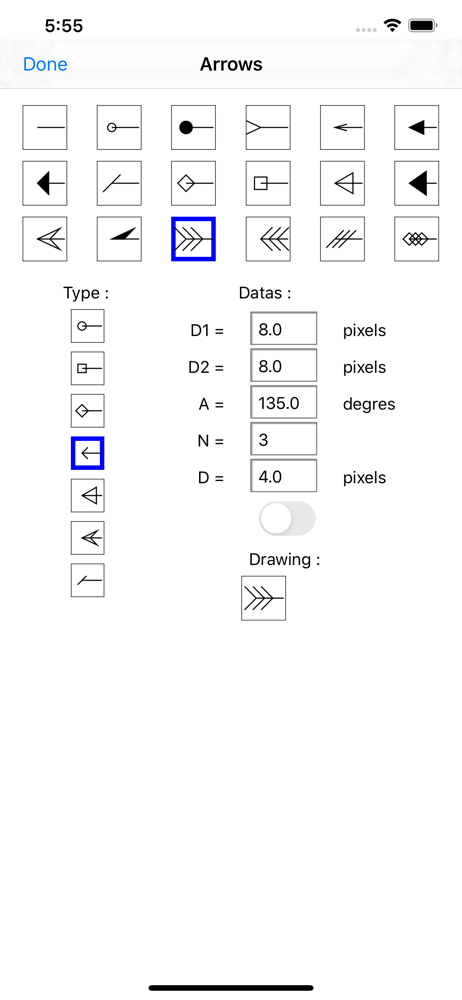
Good complement of tools executed in iOS using a magnified selection window (to see behind your pointing device, finger), indication of basic snap points, and a combination of tap, double tap, drag and long tap gestures. You can define a user library. The lite version interrupts with ads, but seems to have all the features of the full app. Read the manual on the website and watch the tutorials to understand the functions and appreciate the value. If you liked Claris Cad or Ashlar Vellum, and need it to work on iOS, you will like this. And, it is compatible with the Mac OS app Realcadd.
I use PocketDraw for all my precision drawings. Snaps need more options, and trimming-extending tool can be tricky. Otherwise, I think it's one of the best drawing apps available so far.
** look at the video tutorials put online on our site ** iPocket Draw is a vector drawing program comprehensive (CAD 2D), which offers to you total c...