Check the acquisition promise
Read the store headline, screenshots and description. What problem is the app promising to solve?
Study the storefront ↗
Arrette · iOS
Explore the ad evidence, study the storefront, and build your next acquisition hypothesis.
01 / Creative research
Read the store headline, screenshots and description. What problem is the app promising to solve?
Study the storefront ↗Explore apps with direct store-link matches. Compare their hooks and formats without assuming the same approach works here.
Browse observed advertisers ↗Store rankings and revenue estimates describe market context. They do not establish ad spend, conversions or ROAS.
Review the market context ↗02 / Storefront & product
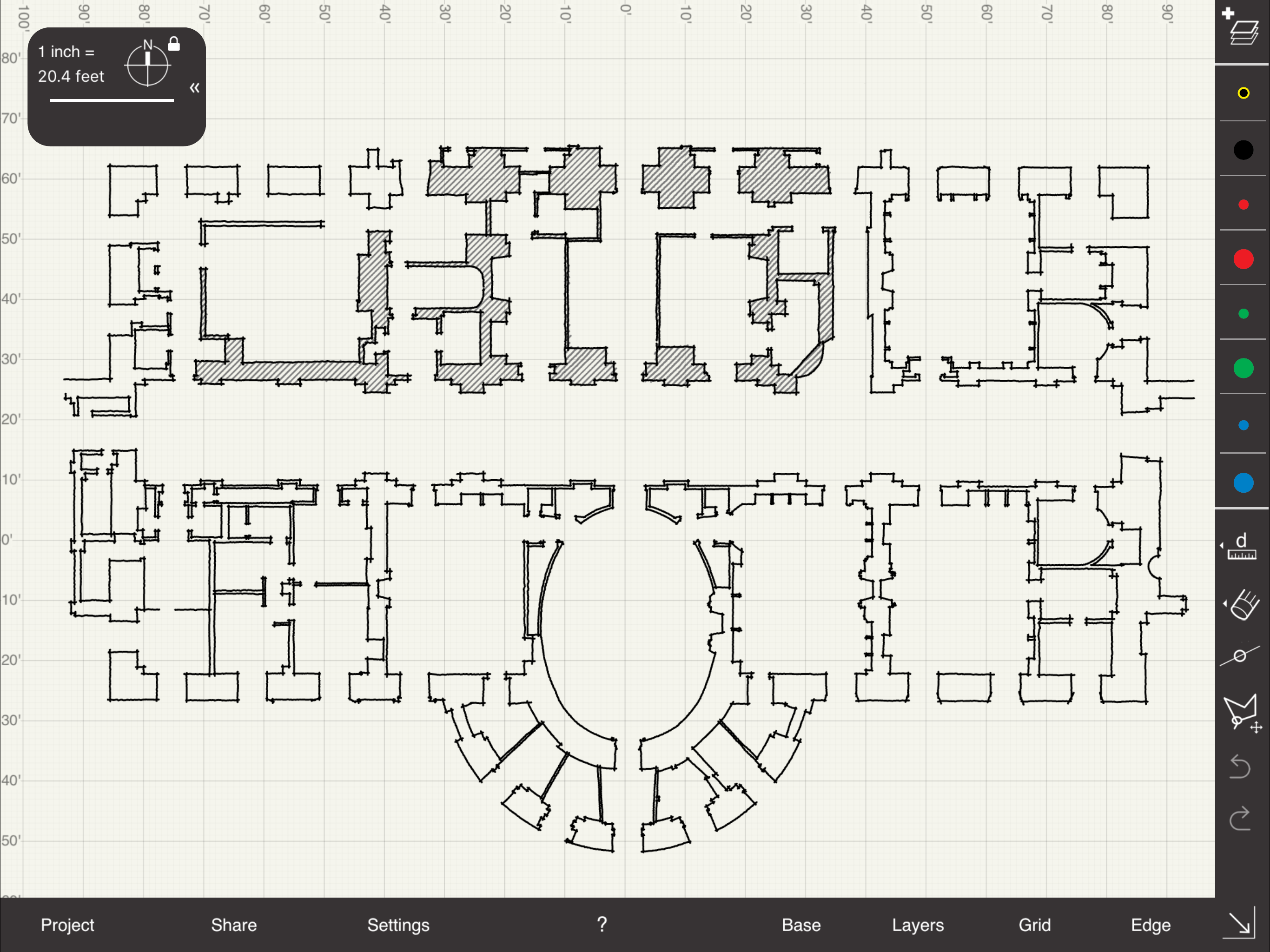
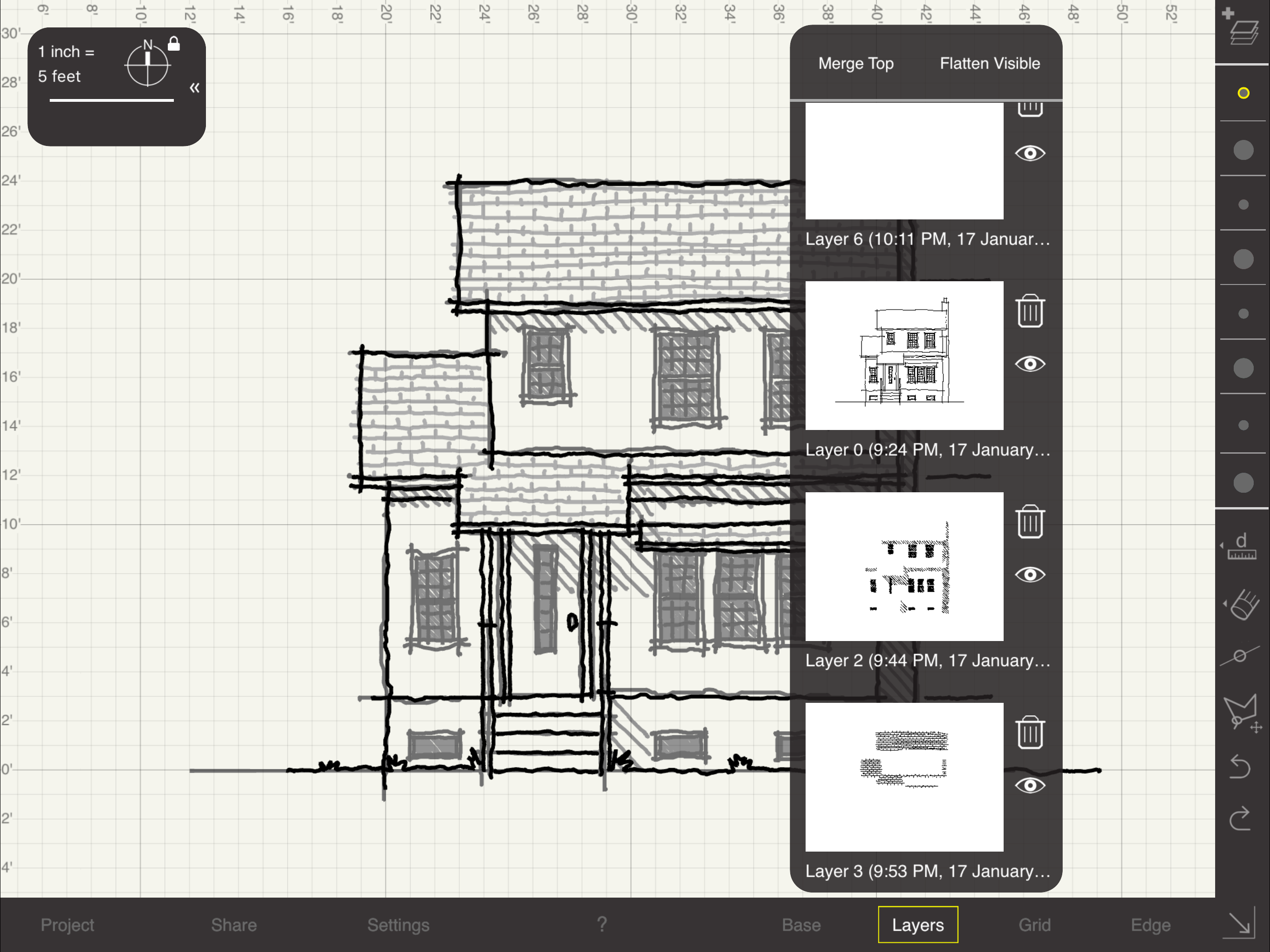
Study the product story and store experience behind the acquisition funnel.

03 / Market context
Keep revenue, downloads and store rankings separate from advertising performance.
Can’t draw straight lines. Everything is free hand. Also, can’t change from the metric system to architectural. Not useable
This is a very handy, easy to use app for simple design sketches. I do a lot of volunteer electrical work for non-profits. I use Arrette SK to make on-site sketches of the existing layout, then take the sketches home to review & determine the best solutions. Between the sketches and the photos I take with the same iPad, all the info is in one convenient place. I would prefer more colors in the pen palette to better color-code different types of equipment, but that’s about the only improvement I’d make.
I love the app and use it frequently in my work. Recently though, I started having extreme issues with lagging of my Apple Pencil. Only in this app and not the other drawing apps I have. Although I suspect ibis paint wrote some guerrilla programming into their app to cause this problem.
Rated #1 Technical App for Architects by ArchDaily! Arrette Sketch for iPad is an app for designers who want to draw freehand while maintaining a mea...