Check the acquisition promise
Read the store headline, screenshots and description. What problem is the app promising to solve?
Study the storefront ↗
UWorld LLC · iOS
Explore the ad evidence, study the storefront, and build your next acquisition hypothesis.
01 / Creative research
Read the store headline, screenshots and description. What problem is the app promising to solve?
Study the storefront ↗Explore apps with direct store-link matches. Compare their hooks and formats without assuming the same approach works here.
Browse observed advertisers ↗Store rankings and revenue estimates describe market context. They do not establish ad spend, conversions or ROAS.
Review the market context ↗02 / Storefront & product
Study the product story and store experience behind the acquisition funnel.
03 / Market context
Keep revenue, downloads and store rankings separate from advertising performance.
Update July 2026: An update fixed this issue completely! The last 4+ weeks the app has been flawless. Props to the developers for addressing whatever the issue was! Previous review: App is borderline useless. Amazing product, works perfectly on a computer or web browser. But this App works less than 1 in 10 attempts. Constant “authenticate” errors, or the wheel just spins when I go to log in and never advances. I’ve uninstalled and reinstalled multiple times trying to fix the issue, with absolutely no improvement. This is NOT a negative review of Uworld test bank and study materials, which are 5/5 phenomenal. But the app needs A LOT of work.
I have never left a review for any app in my life, but using UWorld on the iPad has become so frustrating that I feel I need to warn others. UWorld is great content-wise, but it will NEVER remember your answers. It will constantly allow you to finish exams but will not remember you have logged in. It’s clear that there is a timer that automatically logs you out on the backend but does not log you out from the front end. This means you will start a block of questions, you must finish them all immediately. If you have to see a patient and minimize the app then attempt to resume your block, it will allow you to keep answering questions BUT WILL CRASH when you get to the end. This means you’ll have to relog in then repeat the 20 questions you did when you were logged out by the system. The creators of the material do a great job. The app developers have created one of the worst users experiences on this device.
I think this app is a great representation of the website version. It’s useful to have on phone when on rotations like OB, for example, where the next delivery will be 4 hours later. I use the iPad version a lot and I think it looks and works really well. However, I think it needs more functions when using a magic keyboard with the iPad though. It would be nice if when swiping with two fingers on the trackpad would go to next question. Also when highlighting things, it currently requires a two finger tap with trackpad. It’d be nice if like on the desktop version it highlighted automatically. These are small things but would really be nice to have.
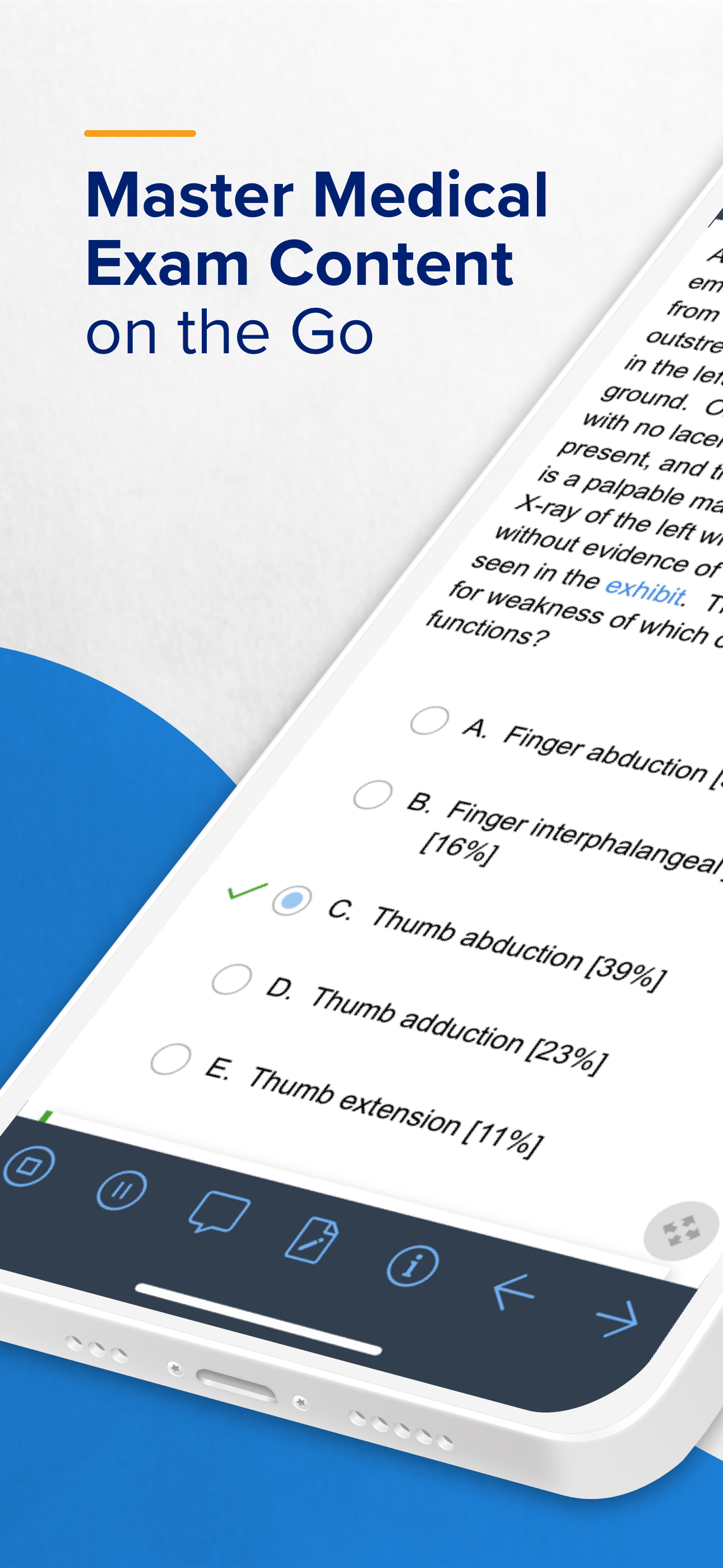
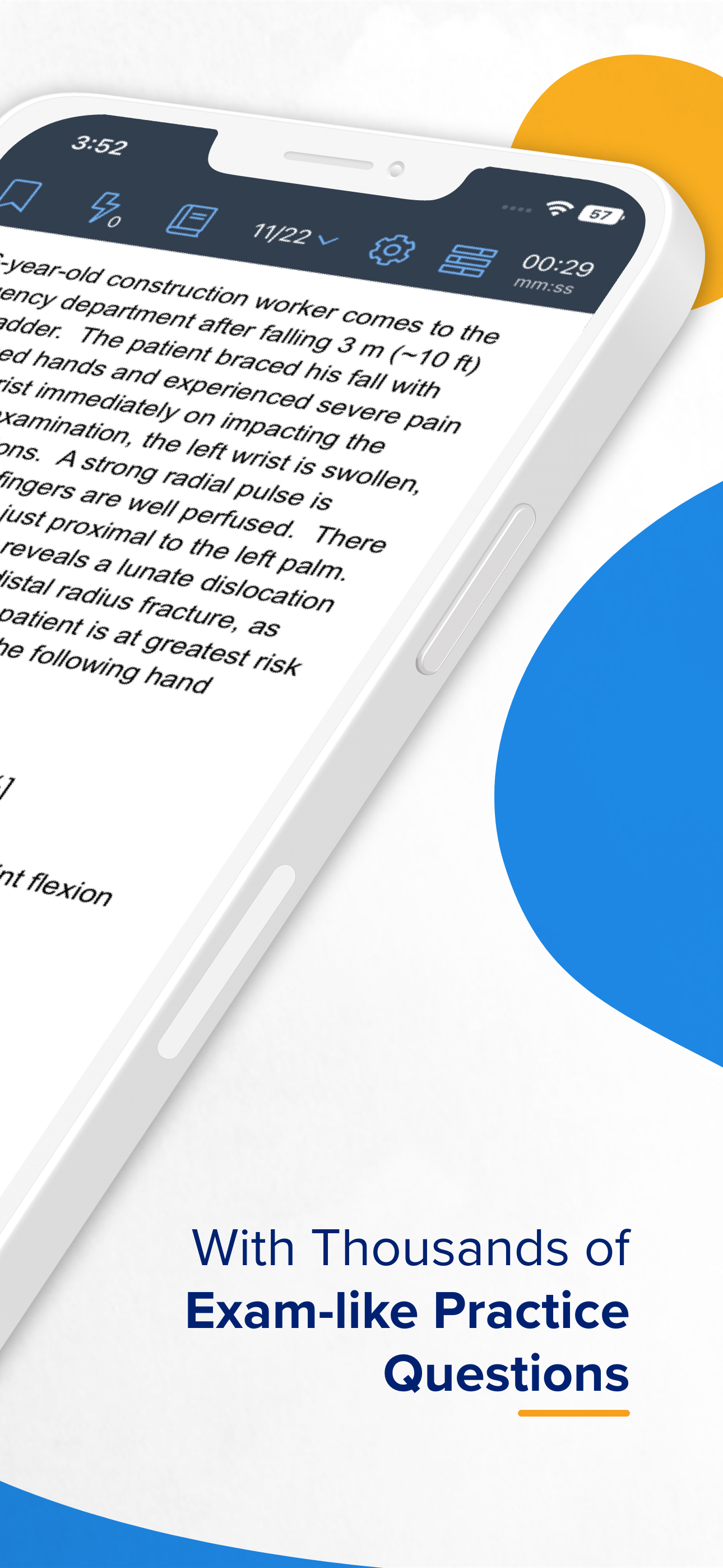
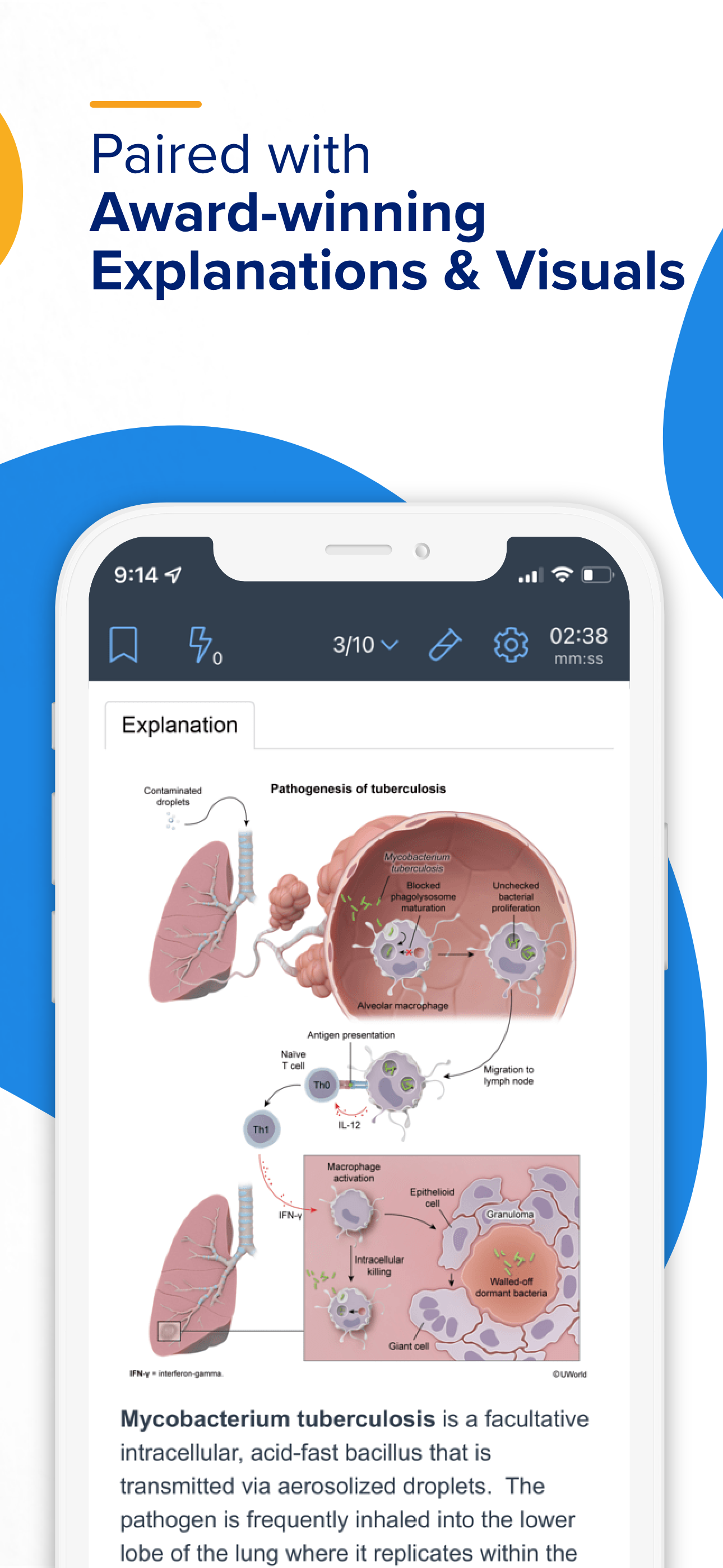
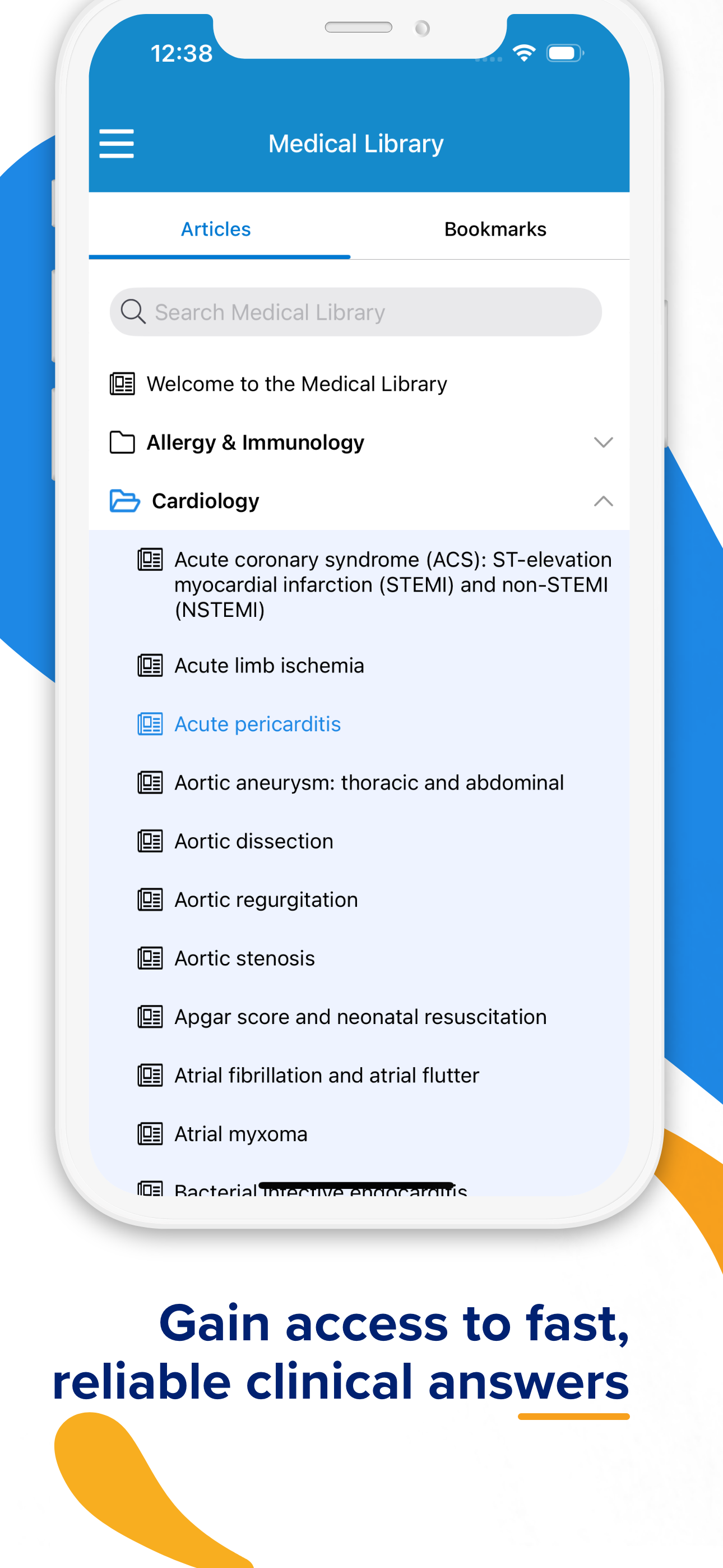
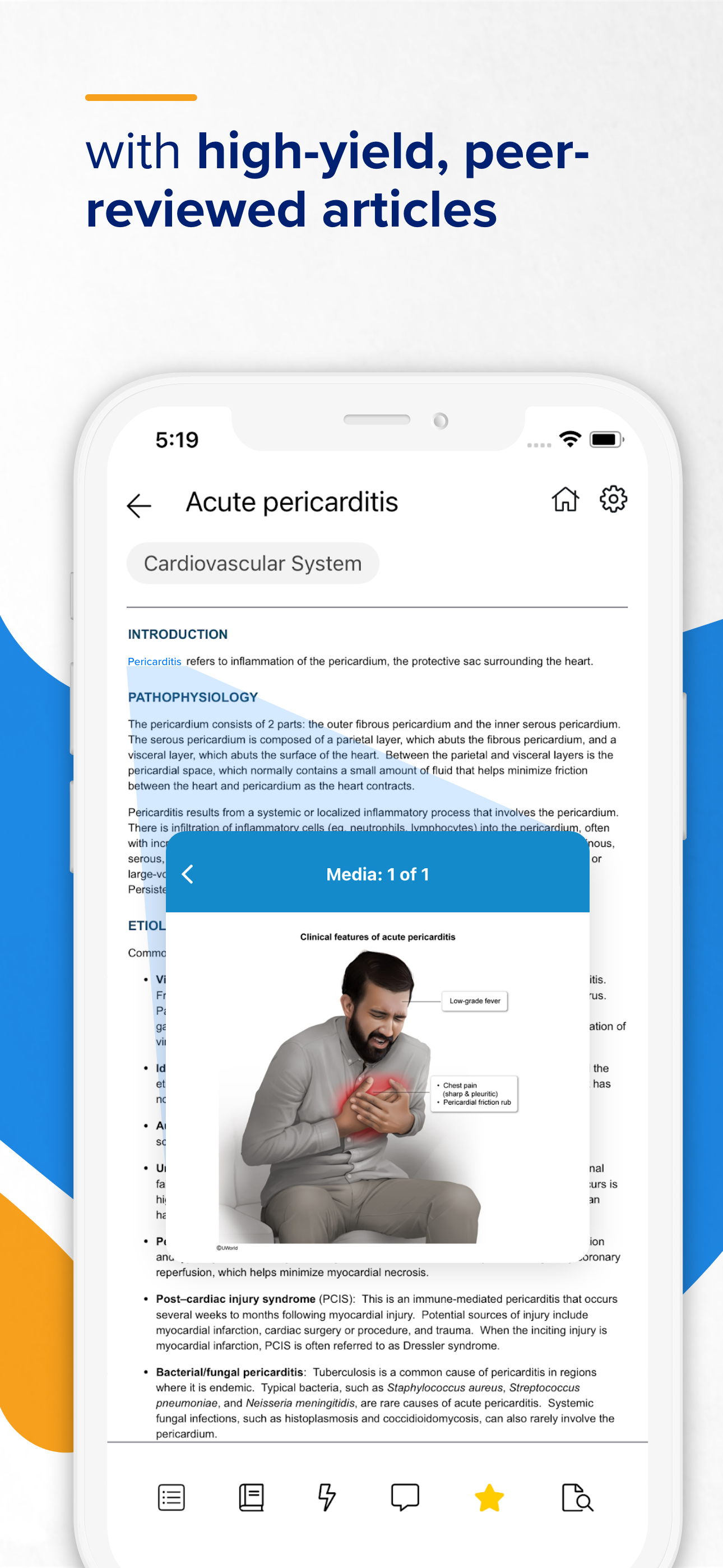
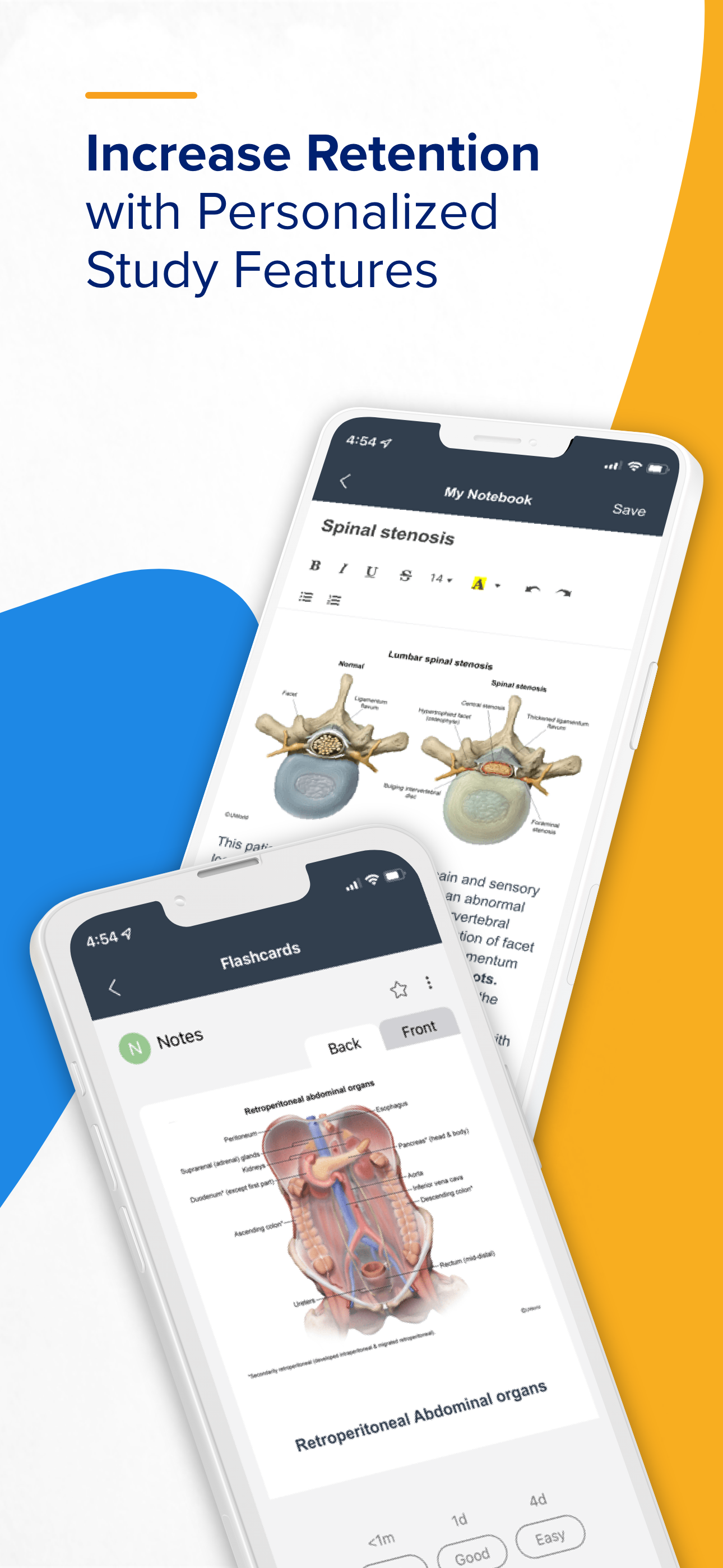
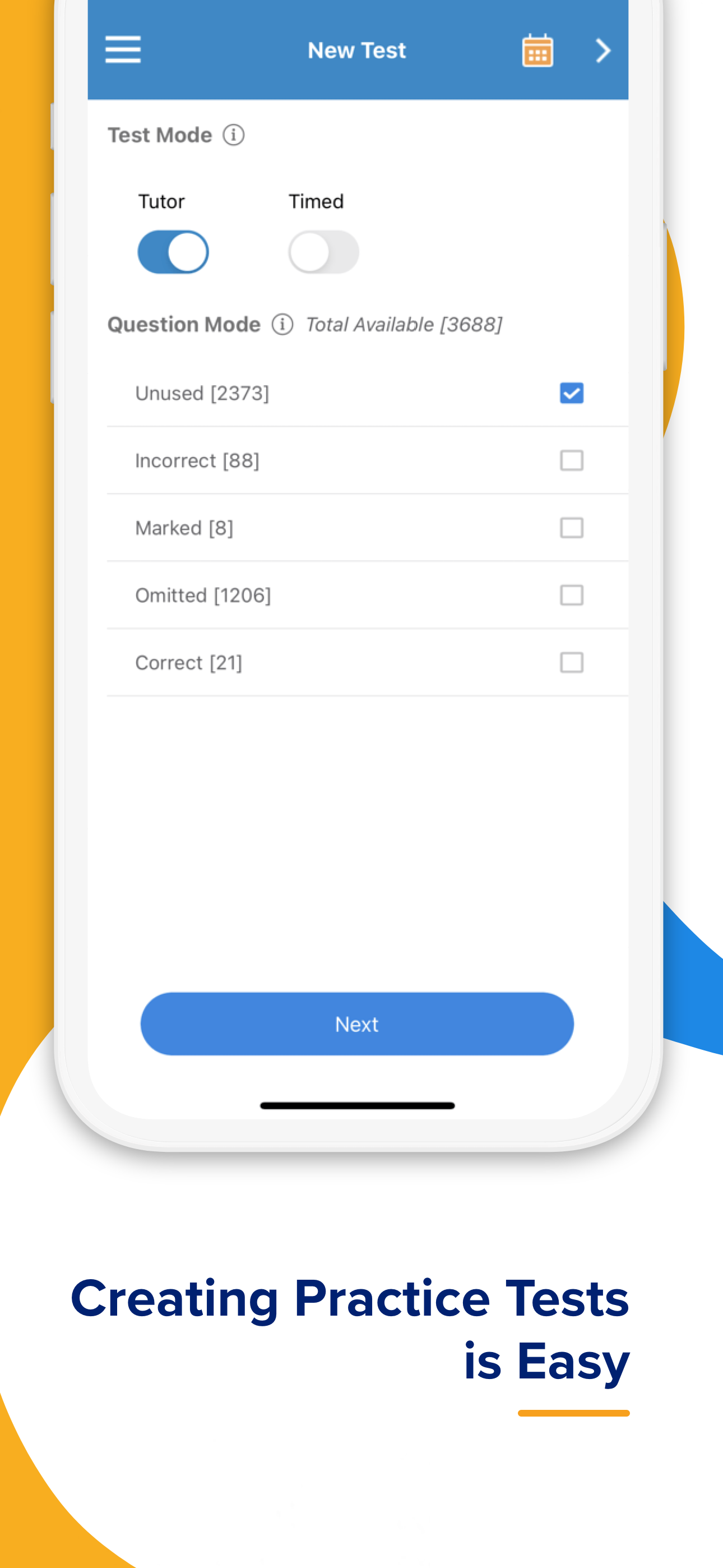
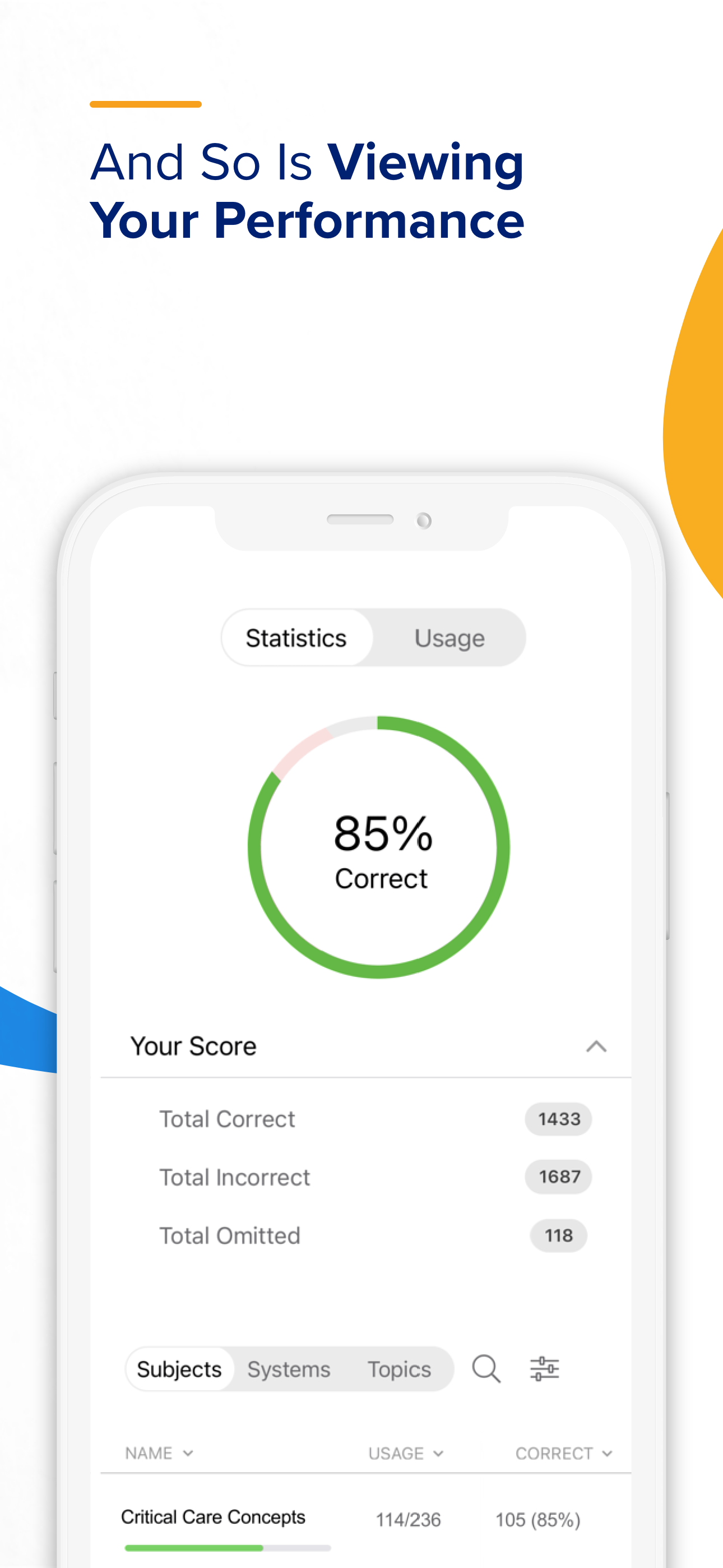
The UWorld Medical app is the gold standard in medical exam preparation - delivering elite QBank content for USMLE® (Step 1, Step 2 CK, Step 3), COMLE...
| Name | Price | Type |
|---|---|---|
| UWorld Step2 30 days | $459.00 | One-time |
| UWorld Step1 30 days | $459.00 | One-time |
| UWorld Step3 90 days | $619.00 | One-time |
| UWorld Step2 90 days | $629.00 | One-time |
| UWorld Step1 90 days | $629.00 | One-time |
| UWorld Step2 180 days | $689.00 | One-time |
| UWorld Step1 180 days | $689.00 | One-time |
| UWorld Step3 180 days | $689.00 | One-time |
| UWorld Step2 360 days | $799.99 | One-time |
| UWorld Step3 360 days | $829.00 | One-time |