Check the acquisition promise
Read the store headline, screenshots and description. What problem is the app promising to solve?
Study the storefront ↗
Apalon Apps · iOS
Explore the ad evidence, study the storefront, and build your next acquisition hypothesis.
01 / Creative research
Read the store headline, screenshots and description. What problem is the app promising to solve?
Study the storefront ↗Explore apps with direct store-link matches. Compare their hooks and formats without assuming the same approach works here.
Browse observed advertisers ↗Store rankings and revenue estimates describe market context. They do not establish ad spend, conversions or ROAS.
Review the market context ↗02 / Storefront & product
Study the product story and store experience behind the acquisition funnel.
03 / Market context
Keep revenue, downloads and store rankings separate from advertising performance.
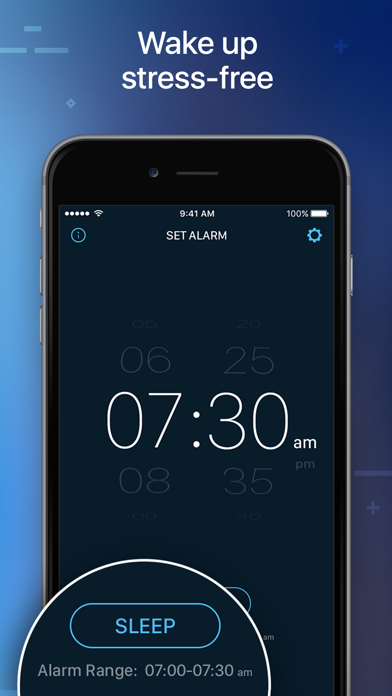
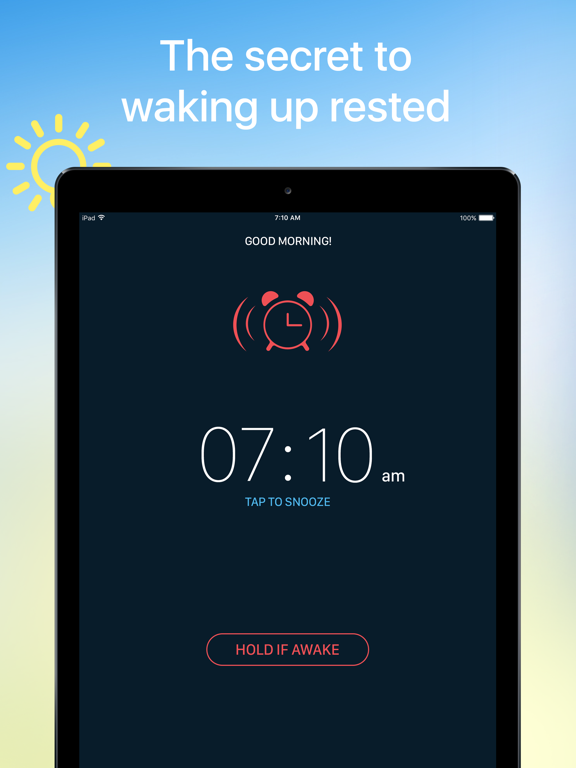
Perfect alarm clock as far as I’m concerned. My favorite feature is that the volume setting stays consistent no matter where i set other volumes on my phone. If I accidentally muted the ringer sometimes the phones built in alarm is also silent, which obviously is counterproductive. Goodmorning never lets me down and rings with the same volume every morning. Feature req: can we have more variety with the rings? I’d love to have a dozen or a few dozen more rings. I’m not docking my rating because of the paucity of rings; a half dozen seems fair. I’ve been using this for a while and just think that more variety would be awesome.
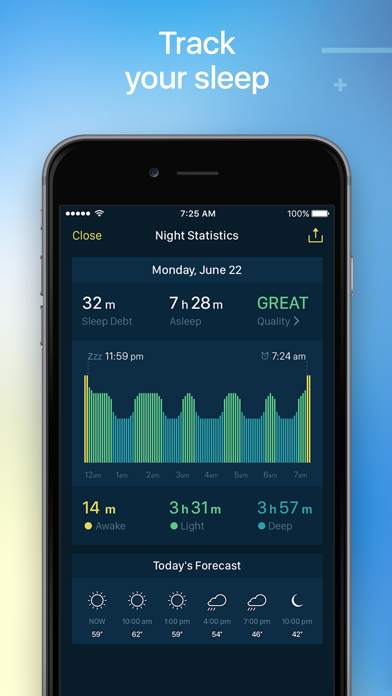
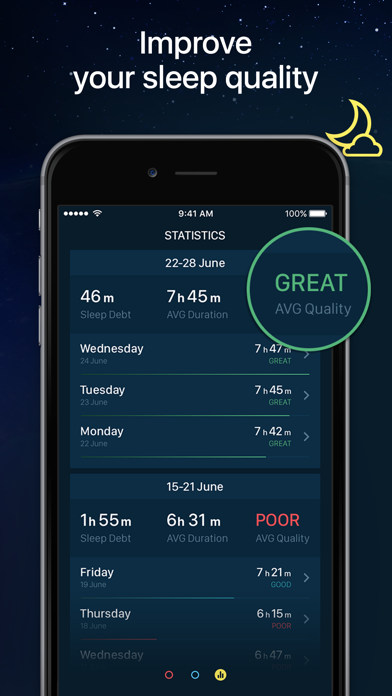
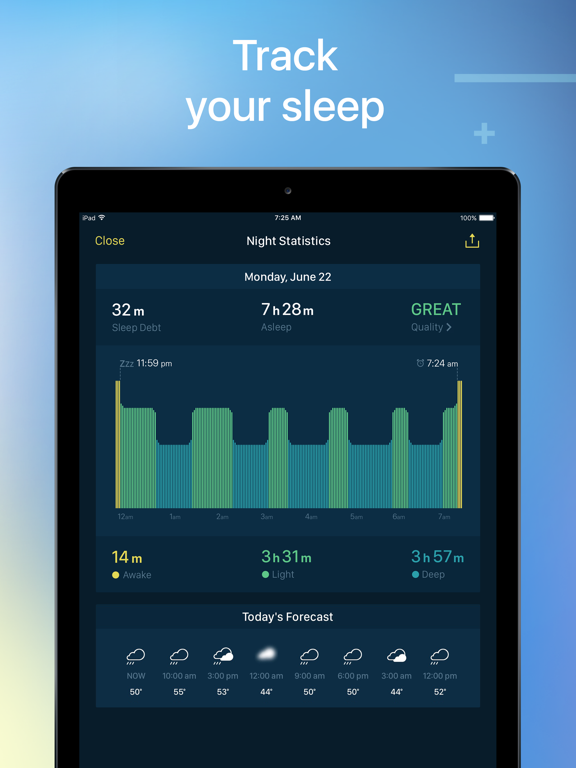
I’ve been using this app for a little over a month now. The first couple weeks, it worked great! I could see my sleep patterns and how admittedly terrible they were, and it was good challenge for me to improve. My friend uses this app too, and it was fun to compare our stats. From the outset, I really liked the alarm options, from the different tones available to the variable wakeup window size. I like how in the stats I can see how my sleep was split between light/deep, when I woke up, the time spent in all 3, and the overall quality of my sleep based on those numbers and my set sleep goal. Unfortunately over the last two weeks there’s been dramatic decline in accuracy. I don’t know why, since I haven’t changed anything about my surroundings, but it no longer accurately tracks my sleep cycles. It tells l me I was awake for long periods when I know I wasn’t, deeply asleep when I know I was awake. The alarm clock still worked, but without accurate cycle readings, it’s not helping. Last night in particular was completely wrong, and it’s the last straw. It’s a beautiful app and I liked the features a lot, which is the only reason it gets 2 stars, because I’ll have to look elsewhere.
If you are looking for a good sleep-tracking app, I suggest that you try this one. For me, it has been great!!!! Waking up at the right time has made a HUGE difference for me! When I wake up at the right time, between sleep cycles, I am not groggy and sleepy all day. I looked through a lot of apps. This one is simple to use, is cost-effective, has a lot of choices to personalize it to you, and is reliable. >>>AND, you do NOT have to wear an Apple Watch to use it!!<<< Since I charge up my Apple Watch at night, I cannot wear my watch for a sleep app! <I don’t know why other developers haven’t figured this out! I cannot afford to dedicate a watch just for sleeping! Suggestion: Try the free app first, on the weekend, to experiment. I used the free app several times before I put my money down for the paid one. But, I believe in supporting developers and reimbursing them for their time. I do think the app icon is dorky, but you won’t forget which app is your sleep app, and it is worth remembering this one.
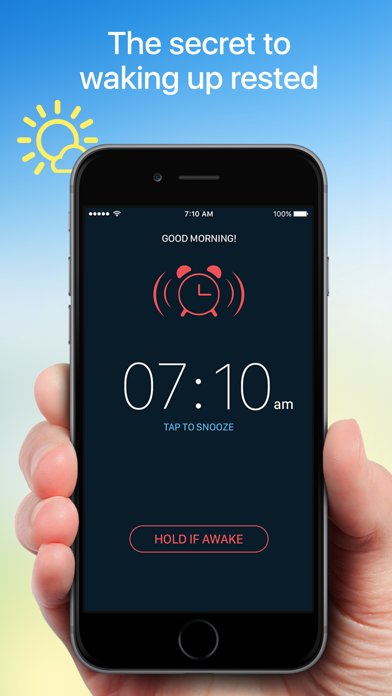
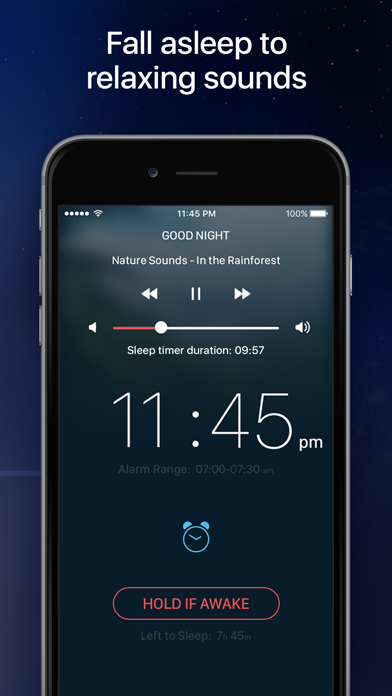
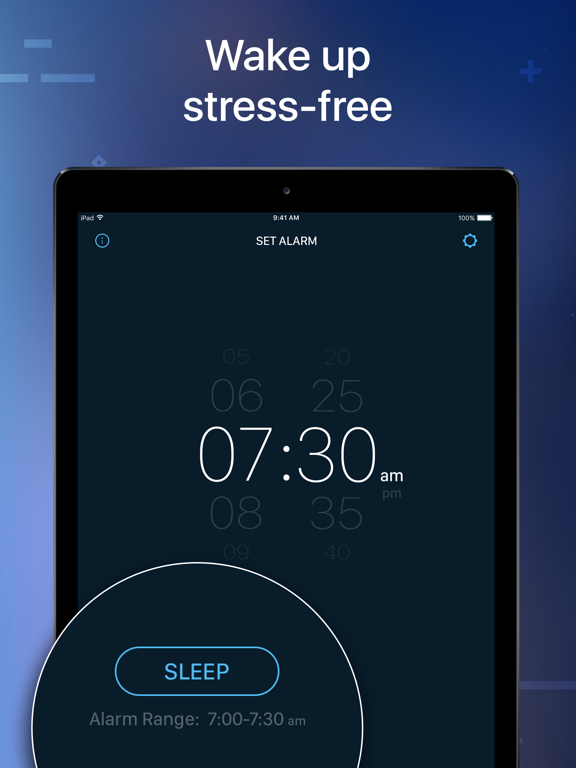
Good Morning Alarm Clock is a smart alarm clock that finds the optimal time to wake you up, keeps track of your sleep quality, and notifies you if you...