Check the acquisition promise
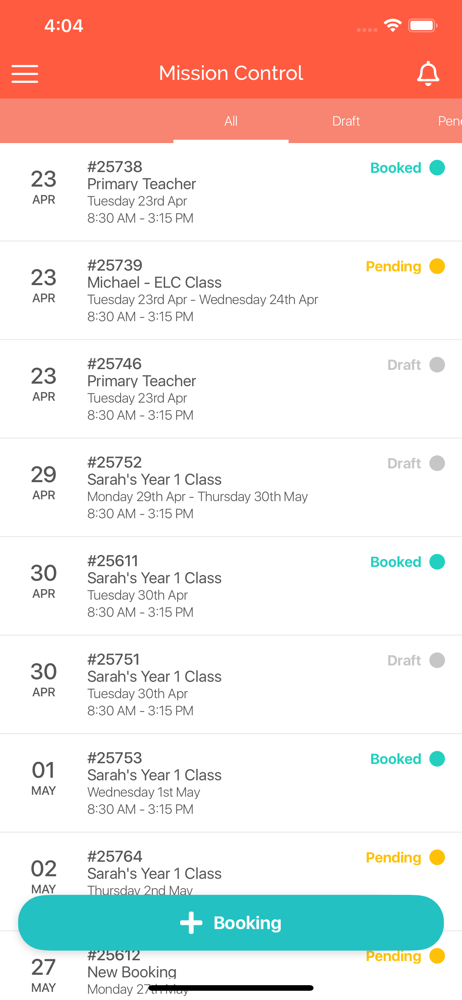
Read the store headline, screenshots and description. What problem is the app promising to solve?
Study the storefront ↗
Tap Technologies Pty Ltd · iOS
Explore the ad evidence, study the storefront, and build your next acquisition hypothesis.
01 / Creative research
Read the store headline, screenshots and description. What problem is the app promising to solve?
Study the storefront ↗Explore apps with direct store-link matches. Compare their hooks and formats without assuming the same approach works here.
Browse observed advertisers ↗Store rankings and revenue estimates describe market context. They do not establish ad spend, conversions or ROAS.
Review the market context ↗02 / Storefront & product
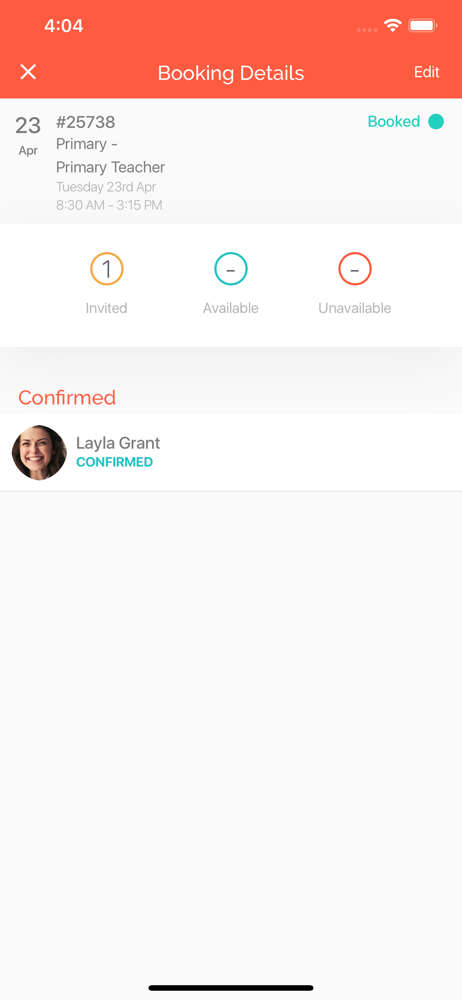
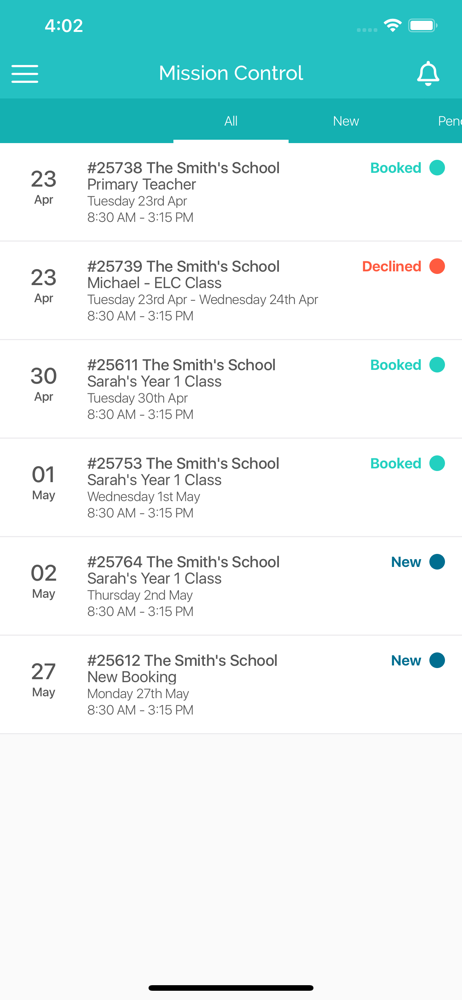
Study the product story and store experience behind the acquisition funnel.
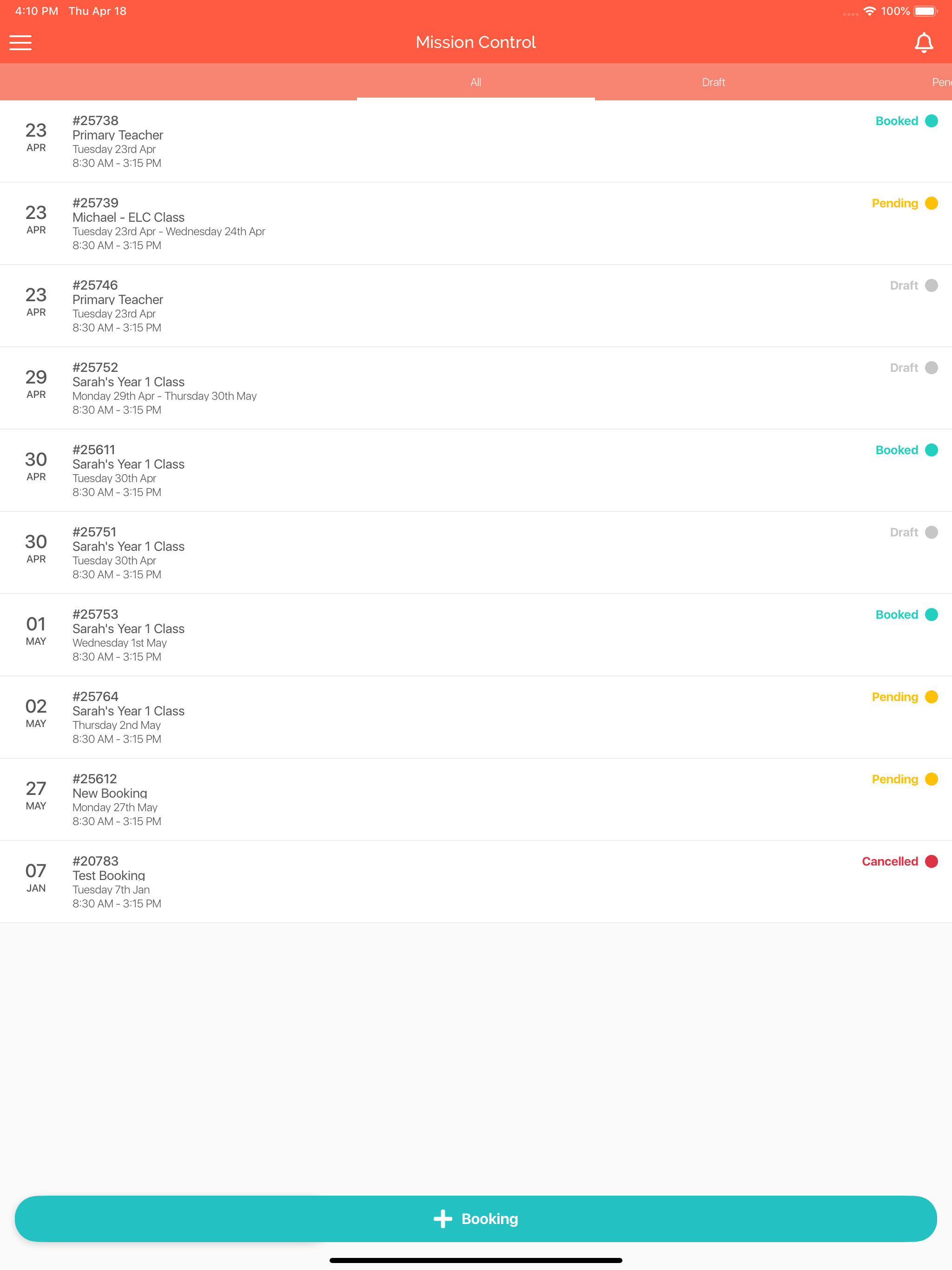
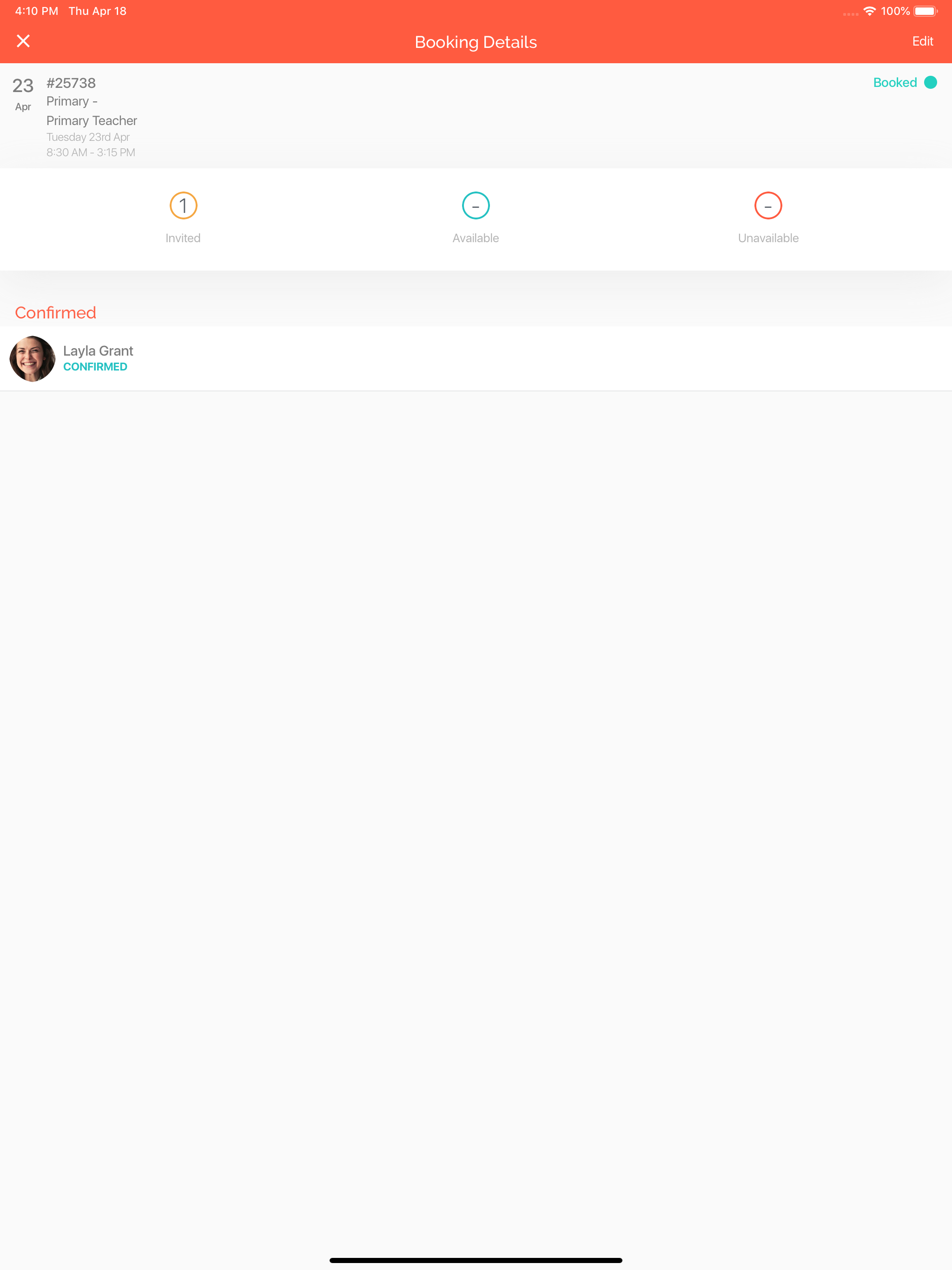
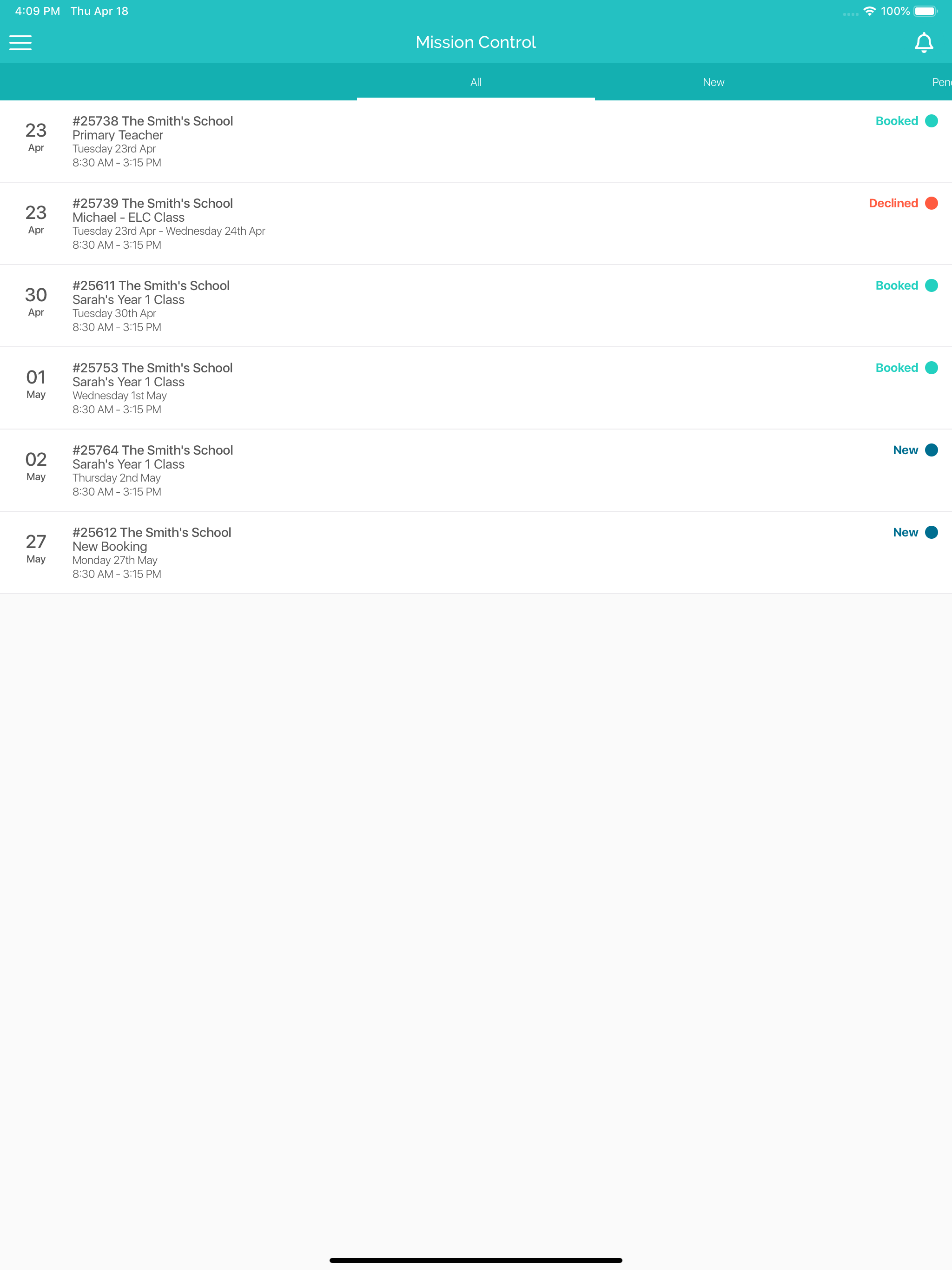
03 / Market context
Keep revenue, downloads and store rankings separate from advertising performance.
I just started using this app and found it easy to book work straight away. When I pressed the connections / network tab it gave me the option to cancel or open an external link in Safari. I chose the latter and nothing happened. Likewise, when I went to edit my profile I hit the same option and the “Open external link in Safari” button didn’t work.
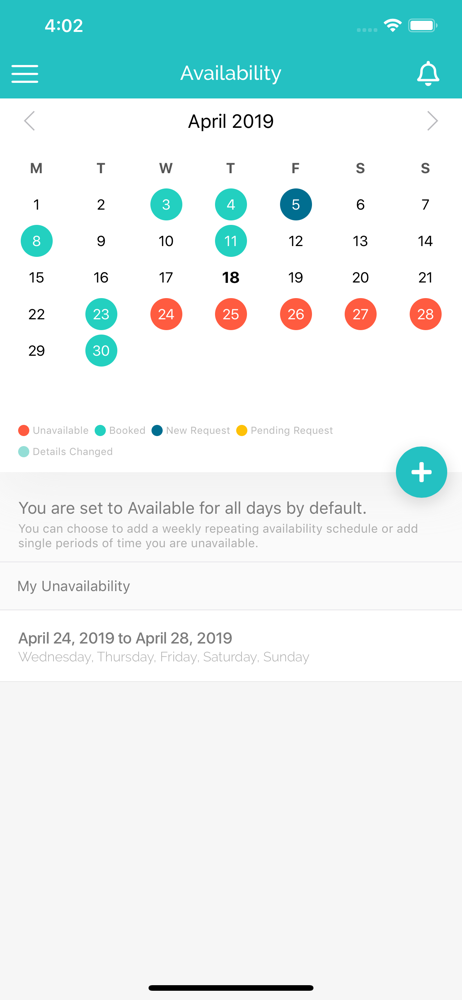
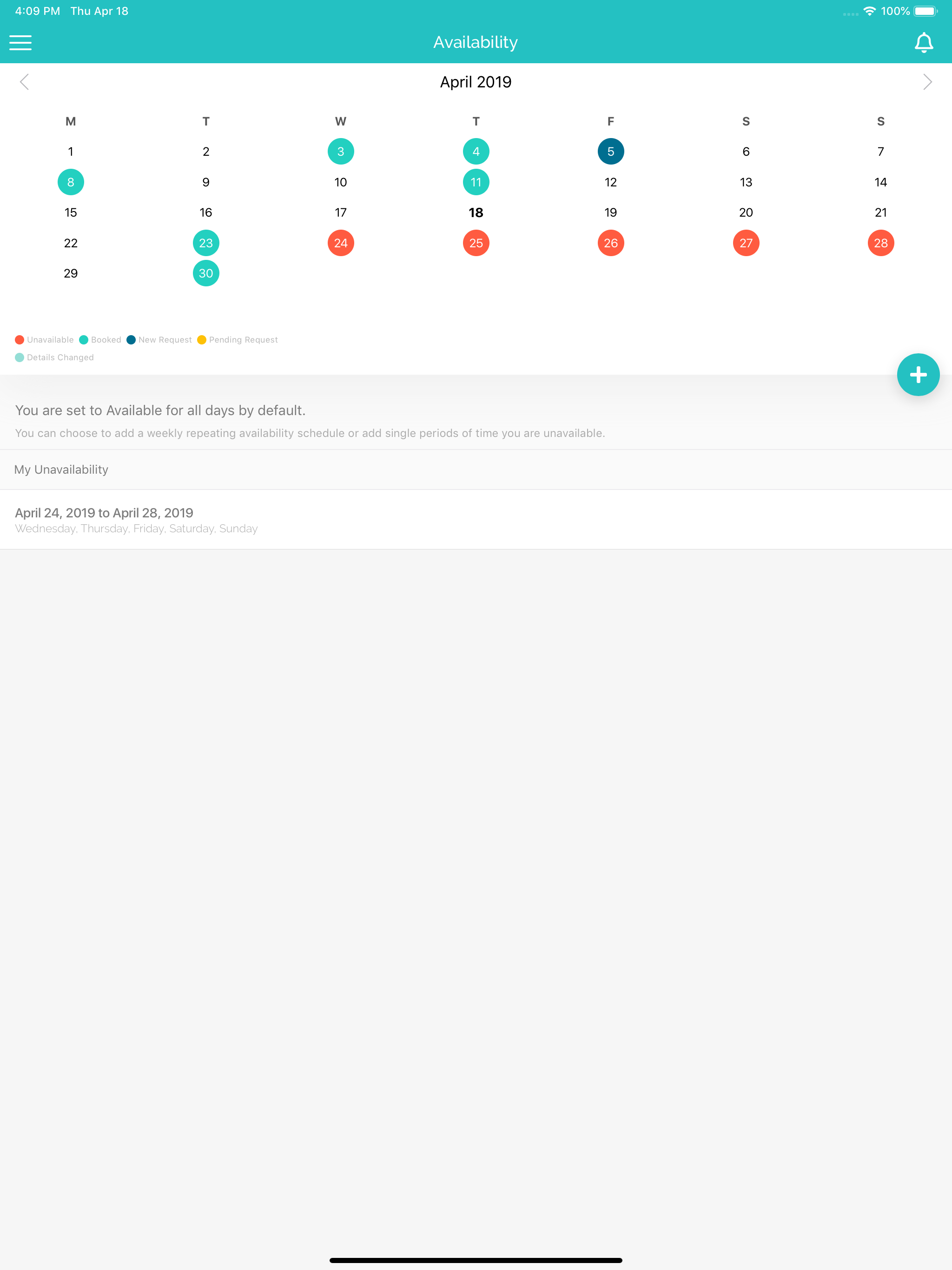
Although set up was easy and straight forward, the functionality of the app could be improved to make for a more efficient user experience. The main area being employee availability. Where someone is only available for a certain number of days, one would need to go in and select their unavailable days to block these out on a continually basis. Rather than a start date and end date, a user should be able to just choose the days unavailable and the app should block these all out infinitely until the user goes in and changes them. The most UNuser friendly part of this which contradicts the whole purpose of relief teaching being flexibility is how difficult it is to make ONE unavailable day that has been blocked out, become available. In my experience I have had to delete the entire unavailability so that I can make a single day available (as a parent of young children flexibility is crucial) and then have to start again on the tedious process of blocking out availability. A friendly suggestion would be to have the availability section look like a calendar where you can click on individual dates to turn availability on and off (red/green status) and then an option to alter long term availability where you just click/highlight days of the week from a list which will then block out all days on the calendar. A visual representation of ongoing availability like a calendar view is much more appealing than a list of dates. Then a separate calendar (not unlike the one already in the app) to show booked shifts.
This App has been flagged by one of the schools I work for, so have signed up as it is a great idea ⭐️😊 - unlike others, I got in easily & and just set up the basics - my Contact details etc (figures i'd go back & sort my details like my pic., quals etc. when I had more time ⭐️😊- got a text re work this morning but was direct to my Msg Box & not through the App. 💭I then went into the App to add my availability - but the App says it defaults to 'Available' unless you change it - fair enough...so i figured I'd just Tap on the Red 'Unavailable' dot & tap dates - that would be the quickest & easiest way to block out days I can't work (🎉there App Makers, my solution for you); but NO, instead I have to block out individual dates - as I would on my phone but this is a tedious & timely process & twice, the App seemed to over-ride dates already entered & I had to re-do... pls fix glitches! 🚧 💭I then thought I'd upload my photo & Quals & add in the bits I'd missed earlier - cannot find a way to do this as there's no 'Edit' button that I can find & I went to the 'Help' bar which simply redirected me to re-signing up for the App on a continuous Loop.... problematic. Solution: please add an 'Edit' button so we can upload Docs & Profile Pic (can be done as Linked In does this & its really easy to sort 😁) Hope this is helpful. Am now going back to being 'Old Fashioned' & will email my schools with my Availability. 📝Tara
Tap for Teacher - Seamlessly connecting schools and relief teachers. Schools, say goodbye to the time-consuming, early morning ring around. Tap for T...