Check the acquisition promise
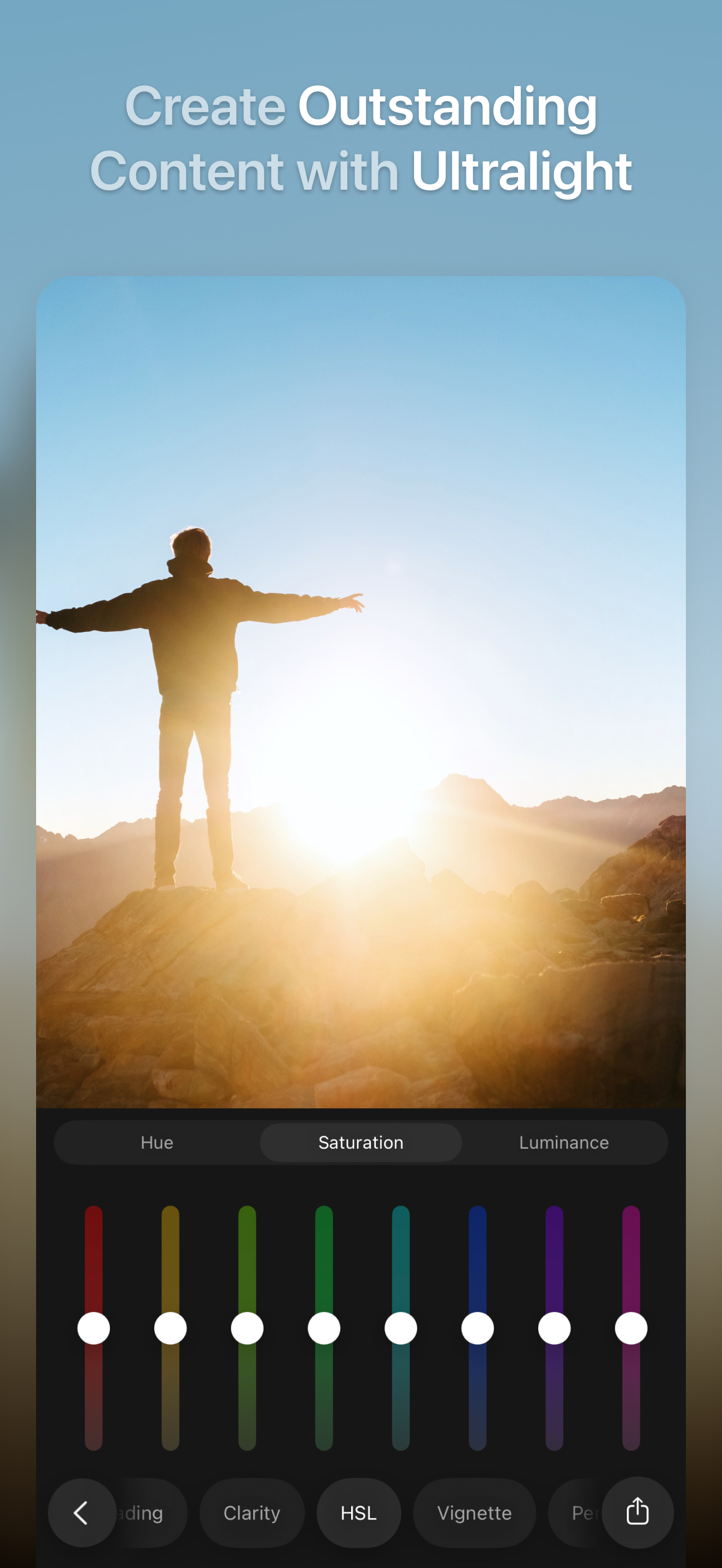
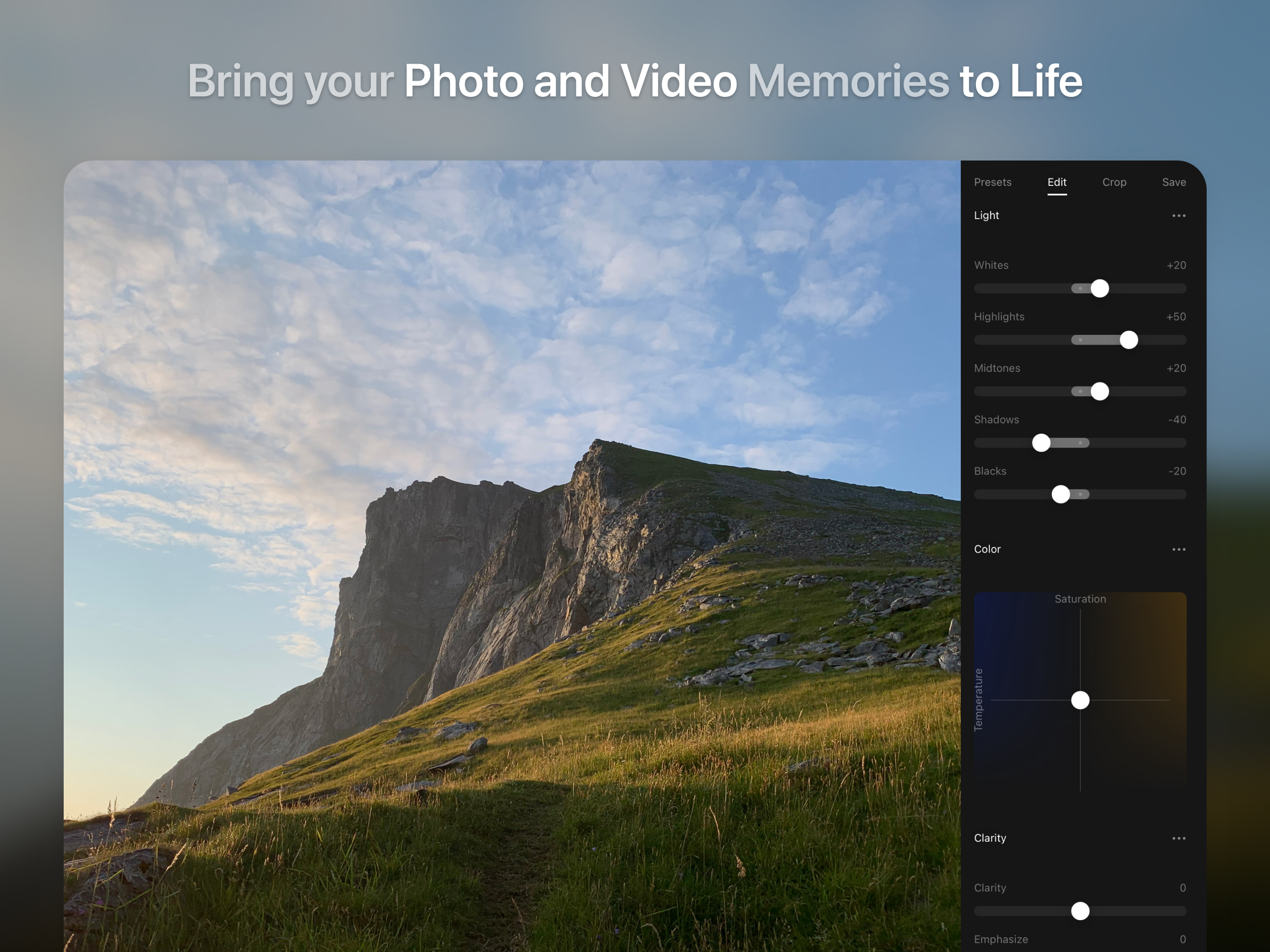
Read the store headline, screenshots and description. What problem is the app promising to solve?
Study the storefront ↗
Uova Oy · iOS
Explore the ad evidence, study the storefront, and build your next acquisition hypothesis.
01 / Creative research
Read the store headline, screenshots and description. What problem is the app promising to solve?
Study the storefront ↗Explore apps with direct store-link matches. Compare their hooks and formats without assuming the same approach works here.
Browse observed advertisers ↗Store rankings and revenue estimates describe market context. They do not establish ad spend, conversions or ROAS.
Review the market context ↗02 / Storefront & product
Study the product story and store experience behind the acquisition funnel.





03 / Market context
Keep revenue, downloads and store rankings separate from advertising performance.
So I love this app for editing and other stuff like that, I wish you could add a blur affect in where you can put the clarity the noise and stuff like that there should be a blur one like you could do blur for like your videos and I actually would make it like good and so I would think that should be a future update but there is a blur for photos but it’s a pro and I would like to have one of those like you could go on edit in the triangle where you can put the clarity I wish there was a blur so you can make a blur I know clarity you could do that but but if you want to clarity all the way up for like a fan page edit or something like that and so I would like a blur.
I just bought the full version, I used two other editing apps . I just got started in photography I definitely liked the app but I would like to suggest on adding a text feature so I could write on my photos (watermark) , an when adding the double exposure adding a easier way to add the second photo using a rotate feature that could help straighten the picture. And I would also like to see a way to view The before and after pictures during the edit session . Can’t wait too see this app continue to grow Thanks you for creating this app I love the backgrounds! Edit I would also like to suggest a feature that lets me pick what size brush I want to use when using the saturation it can get a little tricky . Edit : thanks for improving the app I would like to suggest maybe a desktop version? I would definitely download it.
I don’t think I’ve ever written a review before but after downloading the app reading other reviews I was amazed at how few people were talking about the fact that THIS APP SUPPORTS VIDEO EDITING. This is amazing. In my quest do have computer level editing freedom I have around 10 different photo editing apps on my phone. Each with a specific strength that I use it for. (Retouching, portraits, filters, etc) However, I have always wanted to be able to edit videos. In the past I had downloaded Rush CC but been disappointed that it only allowed for a few uses before it wanted me to sign up for an account. I am astounded and grateful that this app allows me to edit videos with the free version and without an annoying watermark. Great job to the developers. If I could offer one suggestion for the app it would be the ability to use actual tone curves. I understand why they are not there as user friendly controls are a key marketing point, however it would be nice for more advanced users to have some way to access them like in a settings menu. Then again maybe there is and I missed them. Either way I am very pleased with the app.
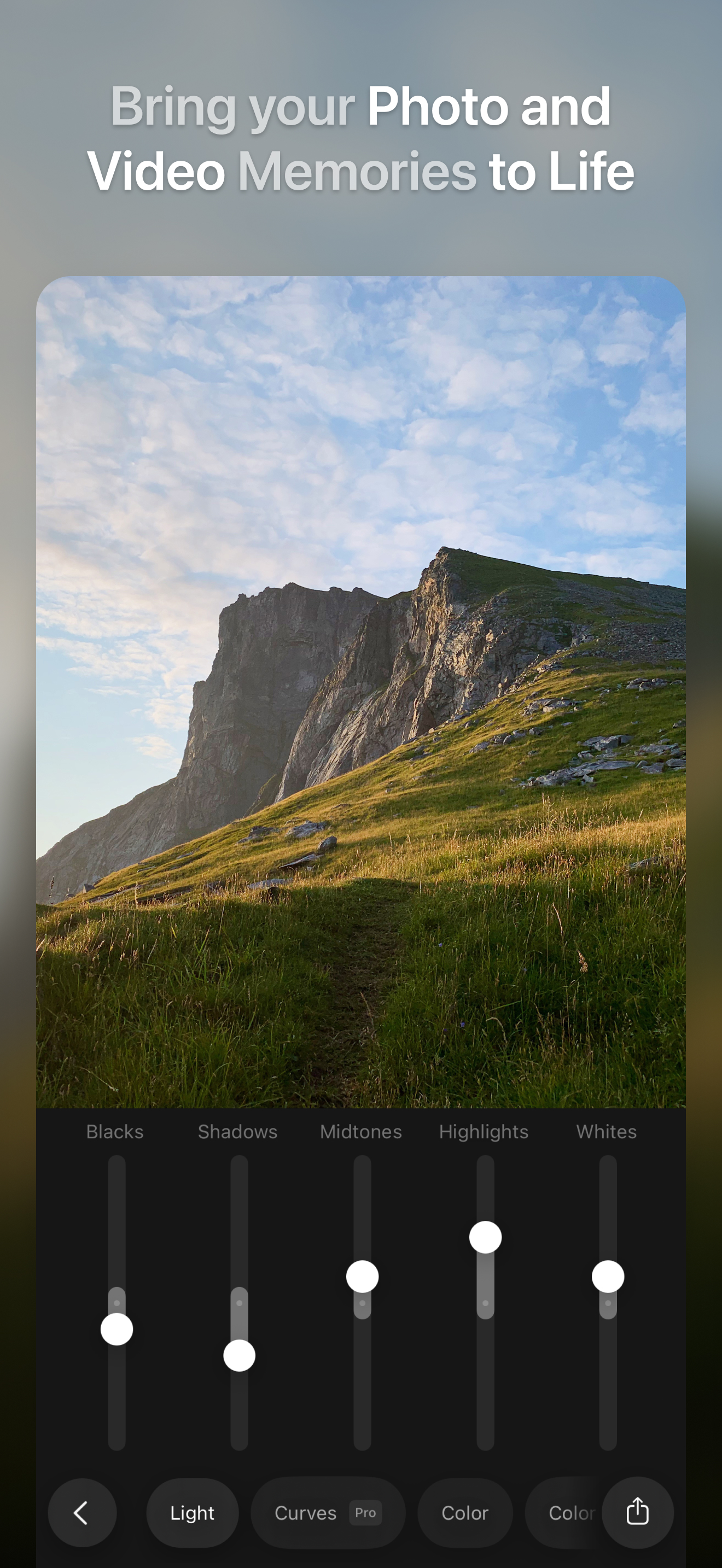
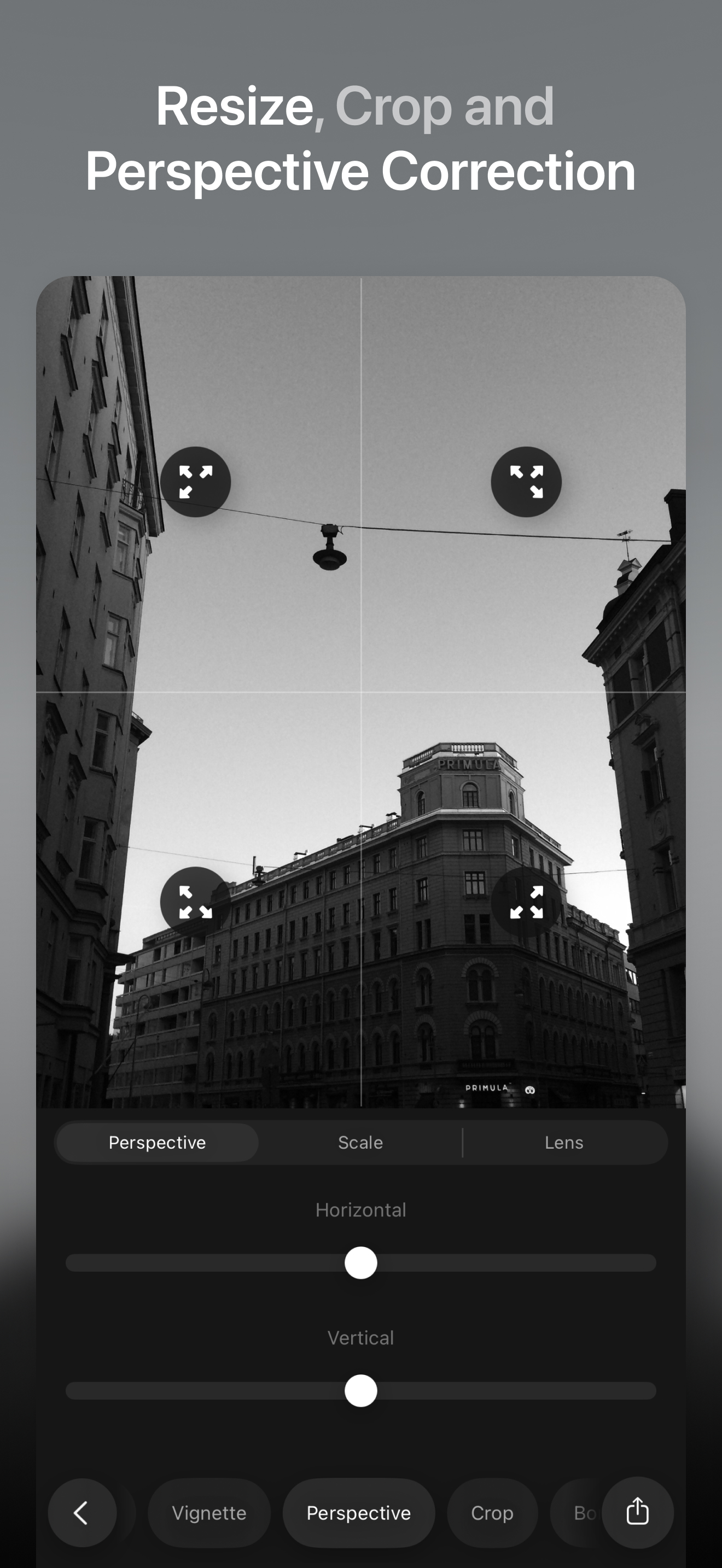
Bring your memories to life with a simple, powerful, and intuitive photo and video editor. Join us to celebrate 10 years in the App Store! Ultralight...
| Name | Price | Type |
|---|---|---|
| Film Kit | $0.99 | One-time |
| Night Kit | $0.99 | One-time |
| Studio Kit | $0.99 | One-time |
| Editorial Kit | $0.99 | One-time |
| RGB Curves | $1.99 | One-time |
| Texture Tool | $1.99 | One-time |
| Fine-tune brushes | $1.99 | One-time |
| Ultralight Pro - Monthly | $4.99 | Monthly |
| Ultralight Pro | $16.99 | One-time |
| Ultralight Pro (Annual) | $24.99 | Yearly |