Check the acquisition promise
Read the store headline, screenshots and description. What problem is the app promising to solve?
Study the storefront ↗
Csaba Iranyi · iOS
Explore the ad evidence, study the storefront, and build your next acquisition hypothesis.
01 / Creative research
Read the store headline, screenshots and description. What problem is the app promising to solve?
Study the storefront ↗Explore apps with direct store-link matches. Compare their hooks and formats without assuming the same approach works here.
Browse observed advertisers ↗Store rankings and revenue estimates describe market context. They do not establish ad spend, conversions or ROAS.
Review the market context ↗02 / Storefront & product
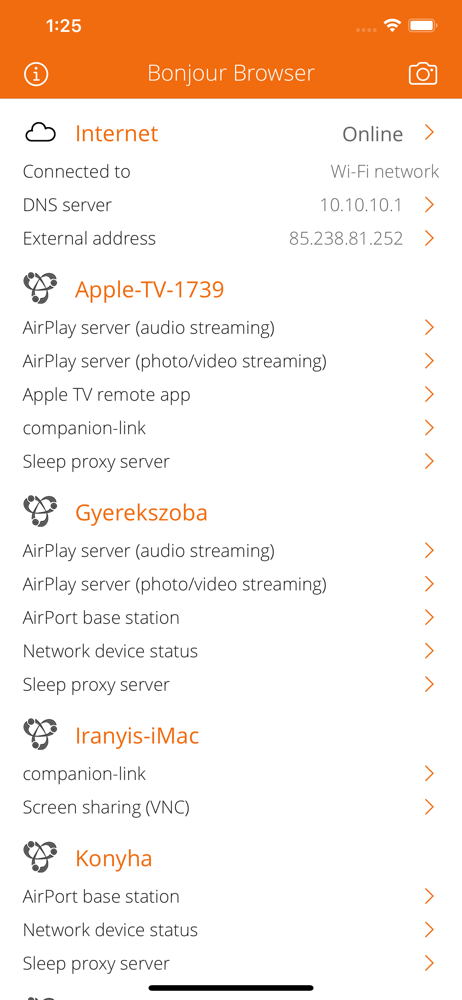
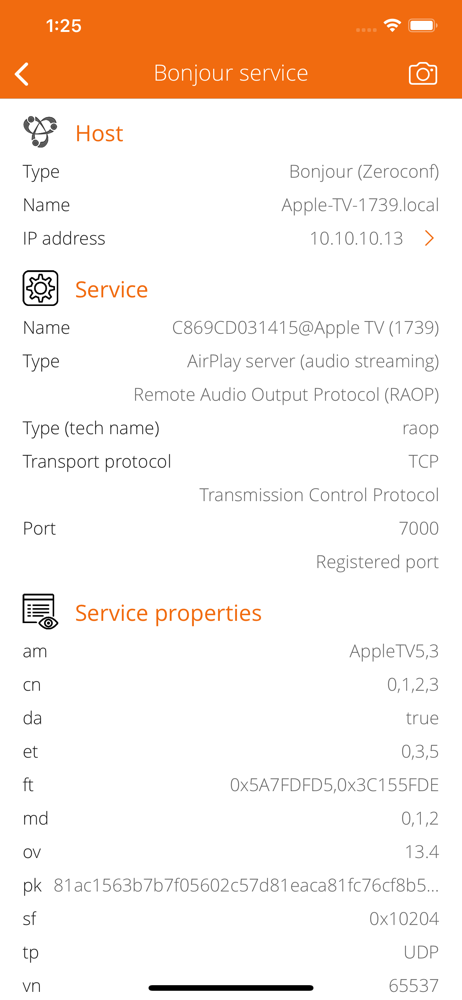
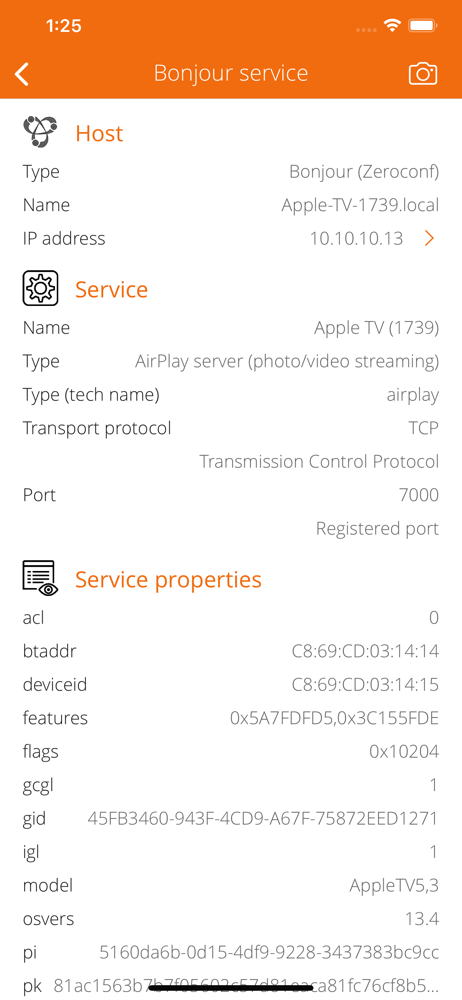
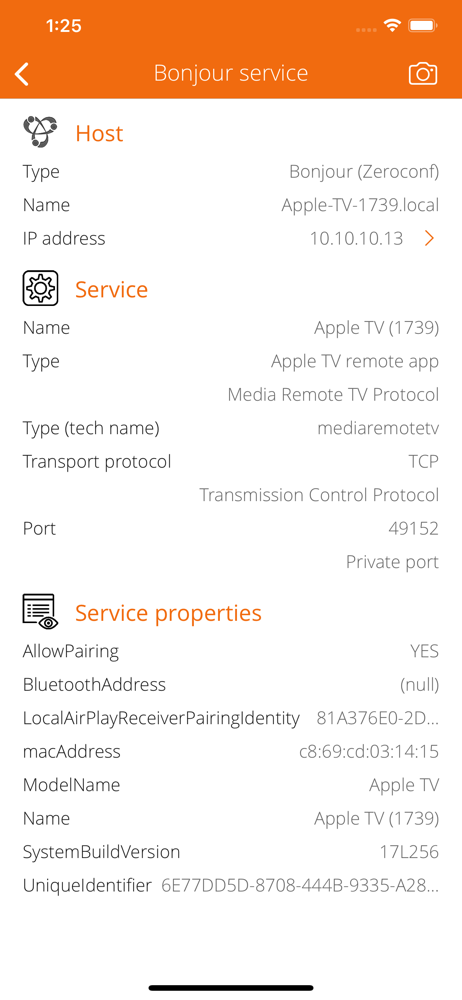
Study the product story and store experience behind the acquisition funnel.

03 / Market context
Keep revenue, downloads and store rankings separate from advertising performance.
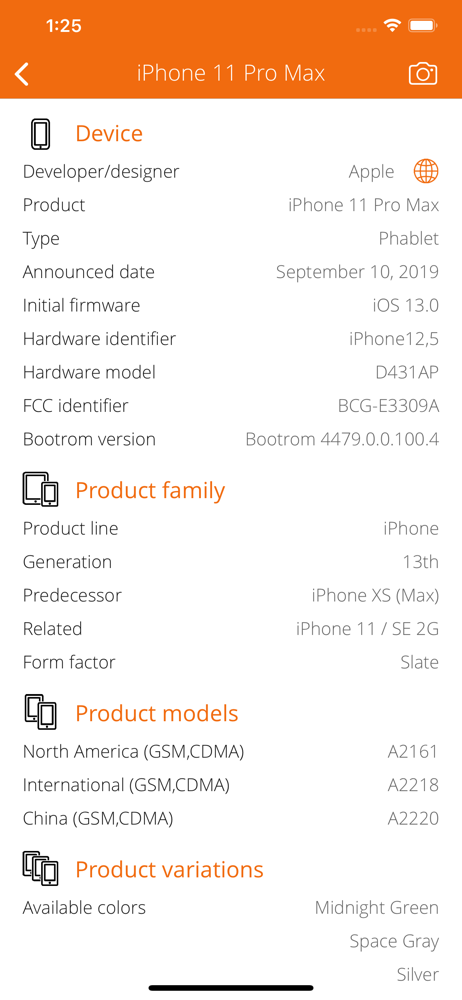
This is my third or fourth app I’ve purchased from this developer, and this app is yet another awesome tool that does exactly what it claims to. I’ve tried most of the ones out there as far as utilities information and systems check, and this gold☆ It has the basics that you’d expect, but also has many, many more features and EXTREMELY detailed readings that I’ve never seen anywhere else in the App Store. Don’t listen to naysayers and check this app out for yourself, they go above and beyond what everyone else does in my opinion. I am very happy with it and my other apps from these guys
Great job on all your apps. Great detail in the deepness of the content about the devices is great. Was a lot of help for me too be more informed of my devices. No other comments or ratings other then mine is a surprise I must be on another App Store???
I tried this on my iPhone 7+, iPad Air 2, and Apple TV 4 all updated to the latest iOS/tvOS versions. It crashes at launch on all three devices.
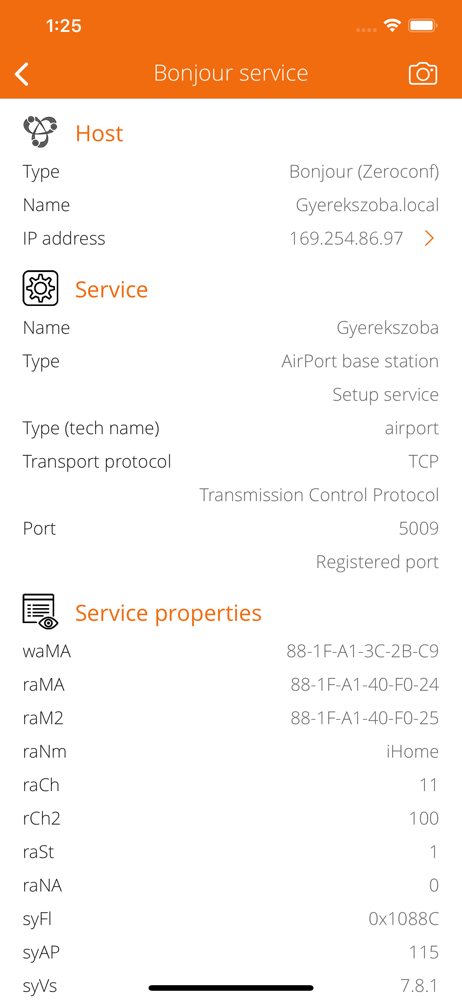
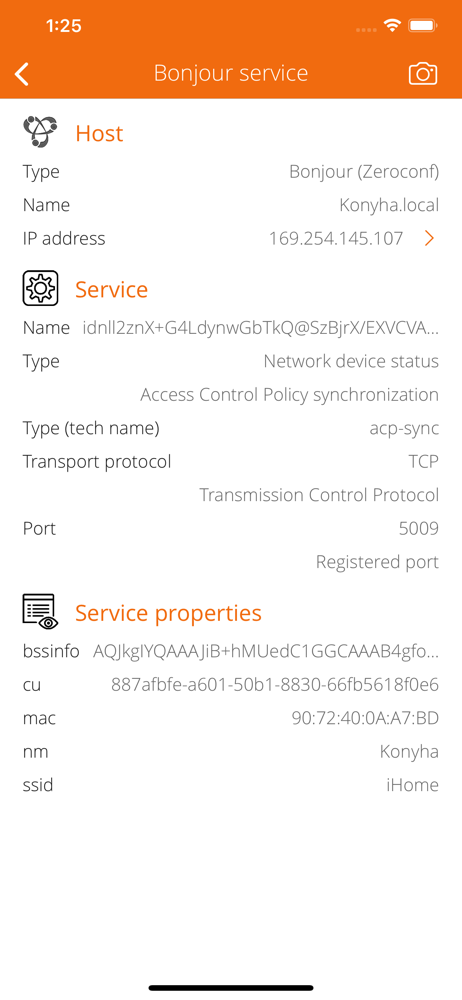
Explore and browse your local network. Search for Bonjour services like iTunes libraries, shared file systems, AirPlay speakers, Apple TVs, AirPrint p...