Check the acquisition promise
Read the store headline, screenshots and description. What problem is the app promising to solve?
Study the storefront ↗
Michal Kos · iOS
Explore the ad evidence, study the storefront, and build your next acquisition hypothesis.
01 / Creative research
Read the store headline, screenshots and description. What problem is the app promising to solve?
Study the storefront ↗Explore apps with direct store-link matches. Compare their hooks and formats without assuming the same approach works here.
Browse observed advertisers ↗Store rankings and revenue estimates describe market context. They do not establish ad spend, conversions or ROAS.
Review the market context ↗02 / Storefront & product
Study the product story and store experience behind the acquisition funnel.



03 / Market context
Keep revenue, downloads and store rankings separate from advertising performance.
Apple’s version of Notes is great and has its use cases, but I was looking for something where I could only jot down text quickly to forget about and not need later — just like NotePad in Windows. I don’t need any of the features that just bloat word document apps: font styles, tables, formatting, checklists, colors, etc... Apple’s version has all of this, plus it would automatically save & categorize my notes — another feature I disliked because I won’t be needing minor things I take note of for later. This app is perfect at what it does and runs quickly.
Just wanted something to write simple notes &/or lists for shopping on my iPhone & Watch 3LTE & this is just right. Downloaded itself to my iPhone, iPad Pro, watch 3 app, & the watch smoothly with no further moves or steps. Immediately showed the widget on phone where I made little list which showed up immediately in the watch. I used it for a few hours before paying & $1.99 is a very fair 1 time price—especially after looking at prices for note type apps which include the watch. Some of them require an annual subscription. There is no advertising or annoying pop-ups bugging one to buy or for other advertisers. Altogether nice, simple, easy app doing what I wanted. Thank You for this!
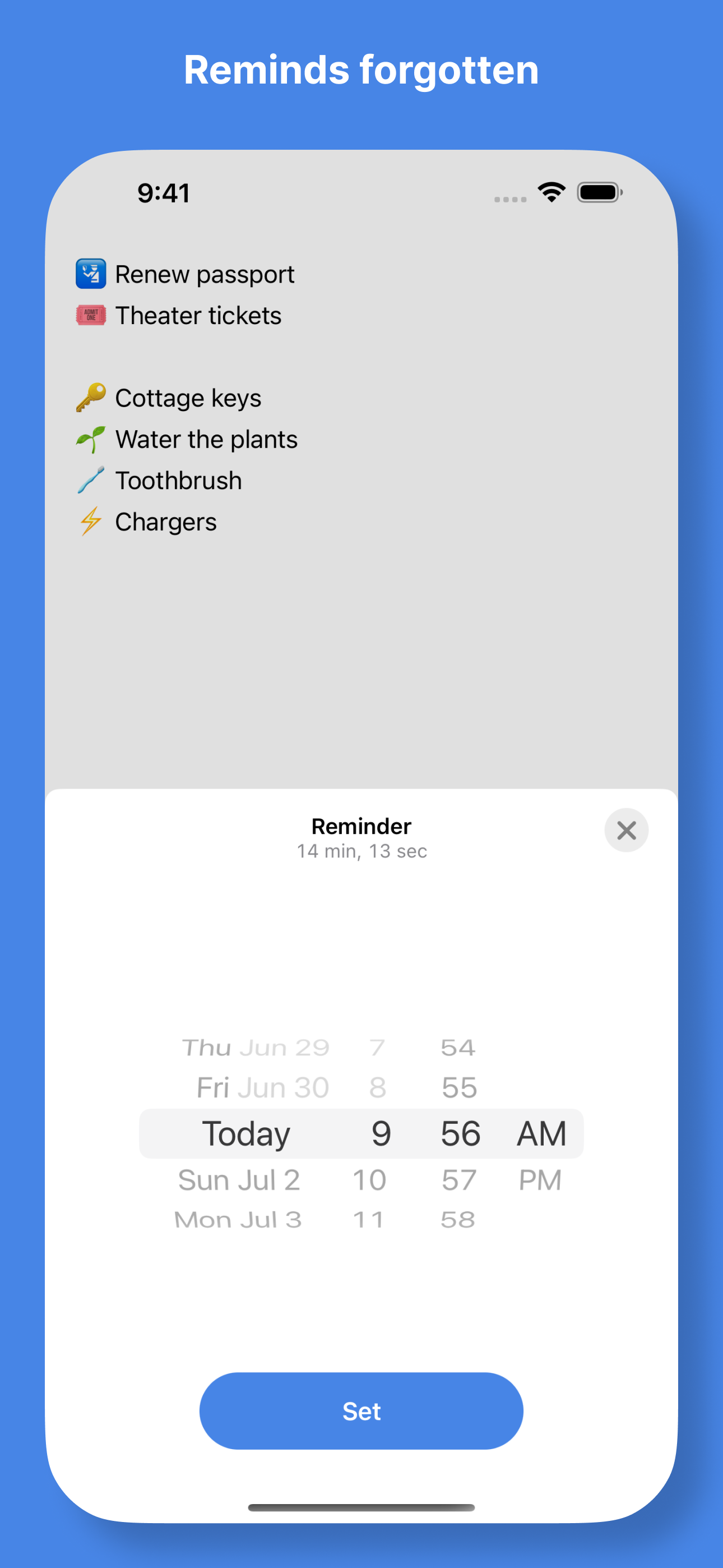
The notification page widget is the key to this app's speed and simplicity. (After downloading the app just slide open the widget page and edit it in to make the app appear.) I use the widget to access my actionable items whether it's to pick up something at the store, a personal reminder or a piece of information of short term importance. I've tried so many note/todo/reminder lists that I think I can say that this one is possibly the most intuitive for someone with simple but diverse needs. The widget is right there, easy to find. It's fast in and fast out and totally lacking the unusable, un-rememberable, super frustrating awesome but ridiculously complicating features found in most of the others. I wouldn't use this for managing a business but it's perfect for my much simpler hum drum personal needs like going to Walmart and then to Home Depot and then to pick up a few groceries. It syncs iPhone to iPad so regardless of where I type I have access on the other device. The notification page widget takes you immediately into the app, armed and ready to type. You don't need to remember how to swipe six ways to Sunday or how to set up groups or how to set up a timer that you don't want to hear anyway.I wish it was a little prettier. Actually I wish it was a lot prettier but not a lot more complicated. I wish it had an option for multiple columns so as to better address brief reminders (one or two key words) and other multifunctional uses that might require a short note or URL. Despite its lack of elegance I paid for it because unlike the many others of its kind that I've tried I'm actually using it.
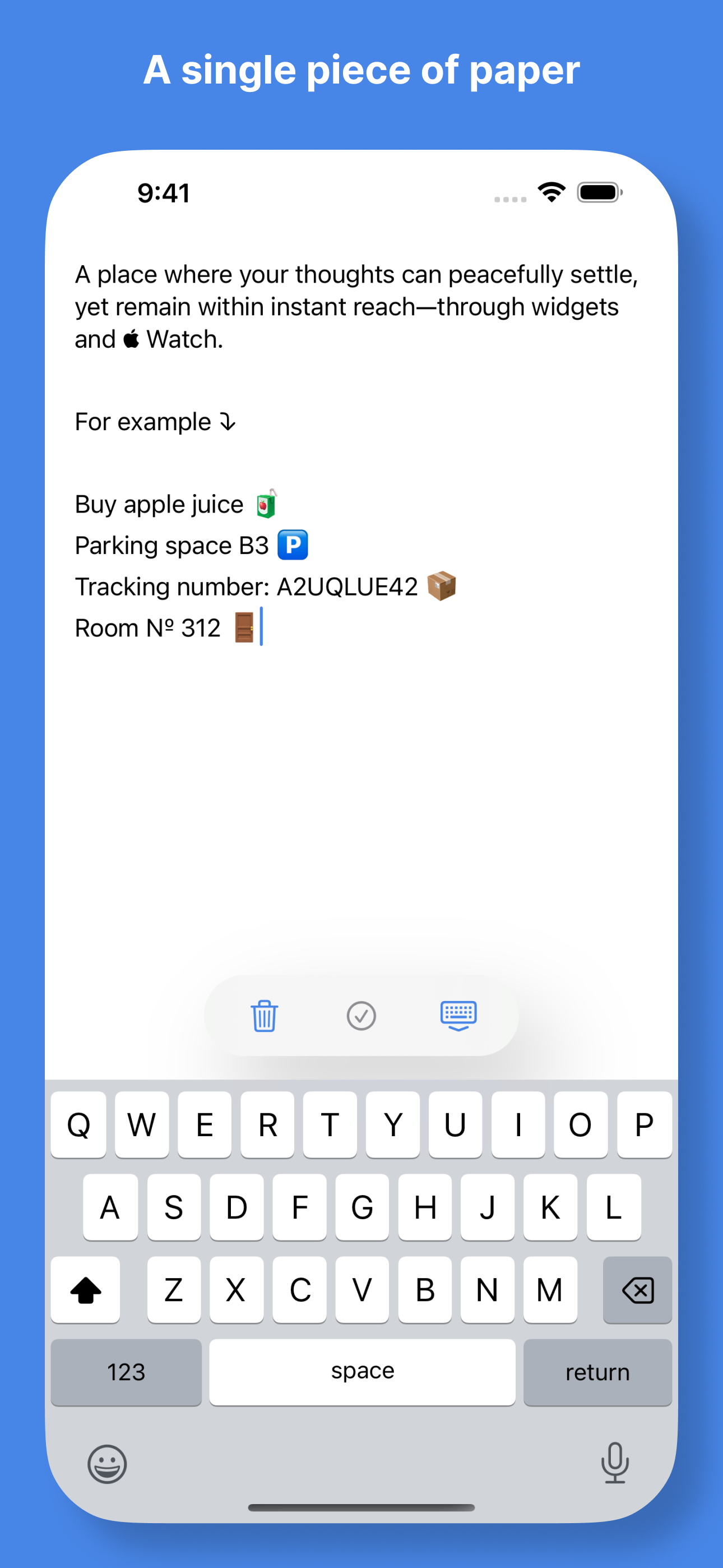
A single piece of paper for your peace of mind. That's exactly what Quick Notes is all about – a nifty place to jot down your thoughts as quickly as p...
| Name | Price | Type |
|---|---|---|
| Everything | $3.99 | One-time |