Check the acquisition promise
Read the store headline, screenshots and description. What problem is the app promising to solve?
Study the storefront ↗
Google · iOS
Explore the ad evidence, study the storefront, and build your next acquisition hypothesis.
01 / Creative research
Read the store headline, screenshots and description. What problem is the app promising to solve?
Study the storefront ↗Explore apps with direct store-link matches. Compare their hooks and formats without assuming the same approach works here.
Browse observed advertisers ↗Store rankings and revenue estimates describe market context. They do not establish ad spend, conversions or ROAS.
Review the market context ↗02 / Storefront & product
Study the product story and store experience behind the acquisition funnel.


03 / Market context
Keep revenue, downloads and store rankings separate from advertising performance.
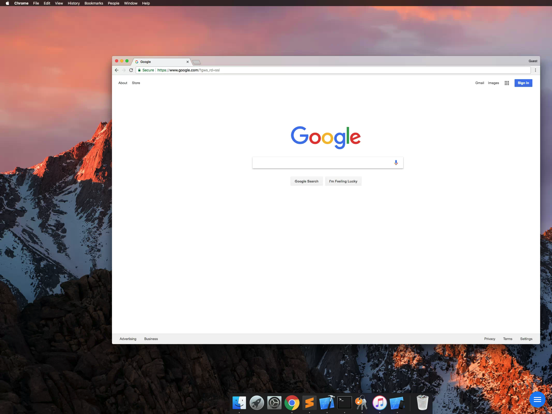
i've been using this app for years for various reasons. and while i will always prefer to use my laptop directly, through various changes in laptops and phones, this app hasn't caused me any major problems as of yet. it's nice to at least be able to check in on my laptops when i'm away from it, especially during processes that'll take a long time. in my experiences, i can only ever use it in trackpad mode, since it actually shows the mouse and allows for the usual trackpad functions, but it tracks mouse movements almost perfectly, works with multiple display fine, and has easy zooming in and out for ease of use and accessibility. my only complaints are that audio quality is still choppy even on good connections, the UI is lackluster — perhaps even a little dated, having to constantly switch between showing and hiding the keyboard is annoying, and it doesn't take long for the session to disconnect itself if/when i briefly leave the app running in the background for any reason.
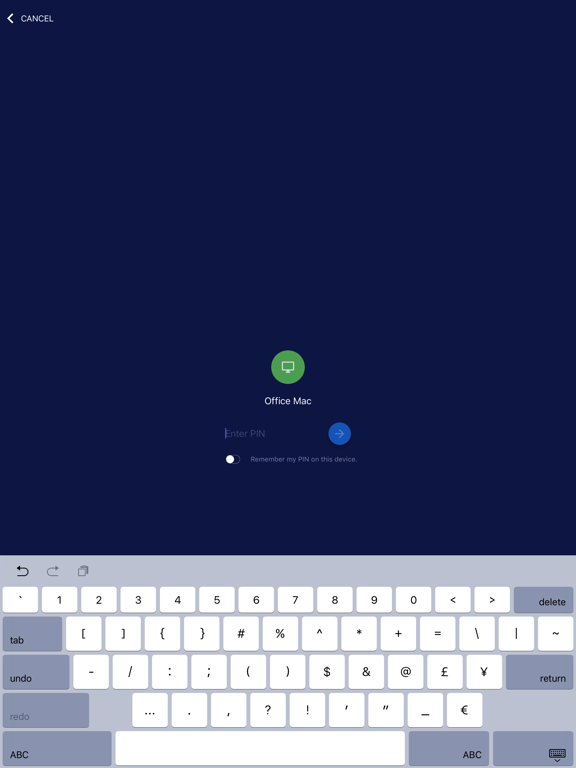
I’ve been using Chrome Remote Desktop for a couple years and it has worked very well, consistently. Just tried this new version and I can definitely see the performance improvement. That’s very nice. The bad news is that Google changed the user interface. It takes two presses to bring up the keyboard or change the mouse mode, instead of one. (I wish there was a “shortcut” press [3D?] to quickly change mouse mode or toggle the keyboard.) Also, the new titles given to the two mouse modes are not helpful. In the previous version and this new version, iOS dictation and keyboard shortcuts (like auto-capitalization at the start of a sentence and adding a period after pressing two spaces) do not work. Still all in all, a great app that I love and highly recommend.
I have been using this app for a while now and it has been incredibly useful in so many situations but there is one thing that bugs me so much; The app needs is own custom Keyboard, a semi transparent, customizable keyboard. It bugs me quite a bit that they haven't thought to do it yet because it is nessessary! How is anyone supposed to use Esc or any of the other essential keys?! A 4 layer keyboard would be great, first layer has the letters, backspace, Shift/CapsLock, space bar, return/enter and the main punctuation marks ( like most regular keyboards); And again like most keyboards there would be a second and third layer of numbers and other symbols and then ANOTHER layer that has all the Esc, Ctrl, Shift, Windows, Tab, Print Screen, F1-F12 buttons among others. That would really bring it all together, and instead of having it integrated make it a custom Keyboard that you have to enable in settings and all that but have its option settings in the app. I hope you would take this suggestion into consideration because it would be so helpful to most of not all users of the Chrome Remote Desktop app. Thank you, A loyal customer.
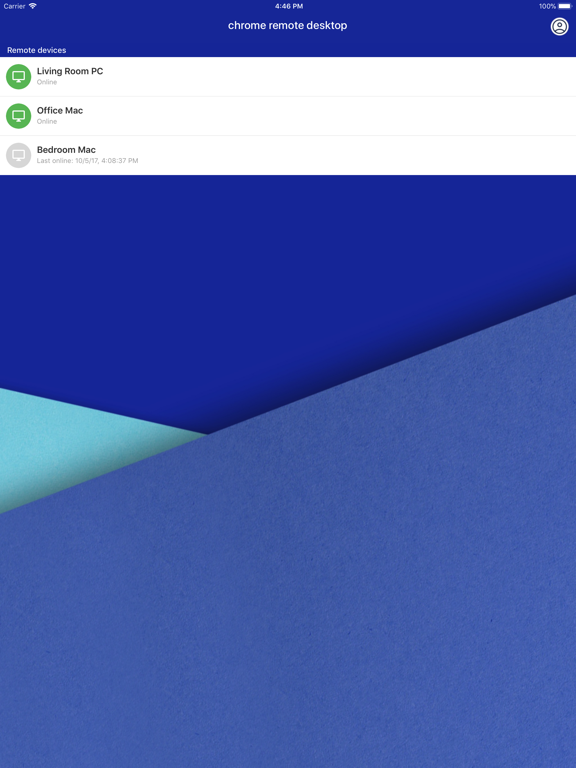
Securely access your computer from your iOS device. It's fast and simple. • On the computer you want to access remotely, open Chrome and visit the Ch...