Check the acquisition promise
Read the store headline, screenshots and description. What problem is the app promising to solve?
Study the storefront ↗
Intuit Inc. · iOS
Explore the ad evidence, study the storefront, and build your next acquisition hypothesis.
01 / Creative research
Read the store headline, screenshots and description. What problem is the app promising to solve?
Study the storefront ↗Explore apps with direct store-link matches. Compare their hooks and formats without assuming the same approach works here.
Browse observed advertisers ↗Store rankings and revenue estimates describe market context. They do not establish ad spend, conversions or ROAS.
Review the market context ↗02 / Storefront & product
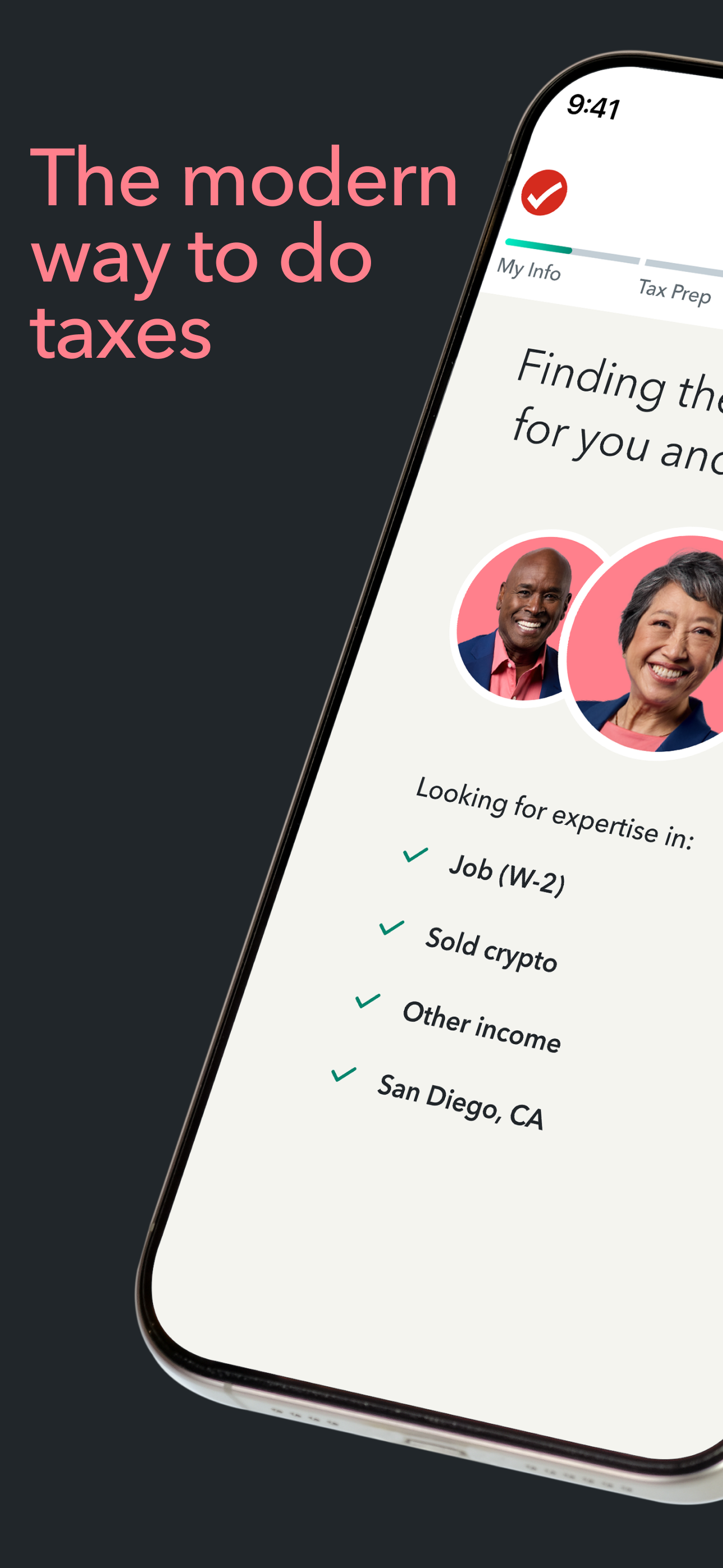
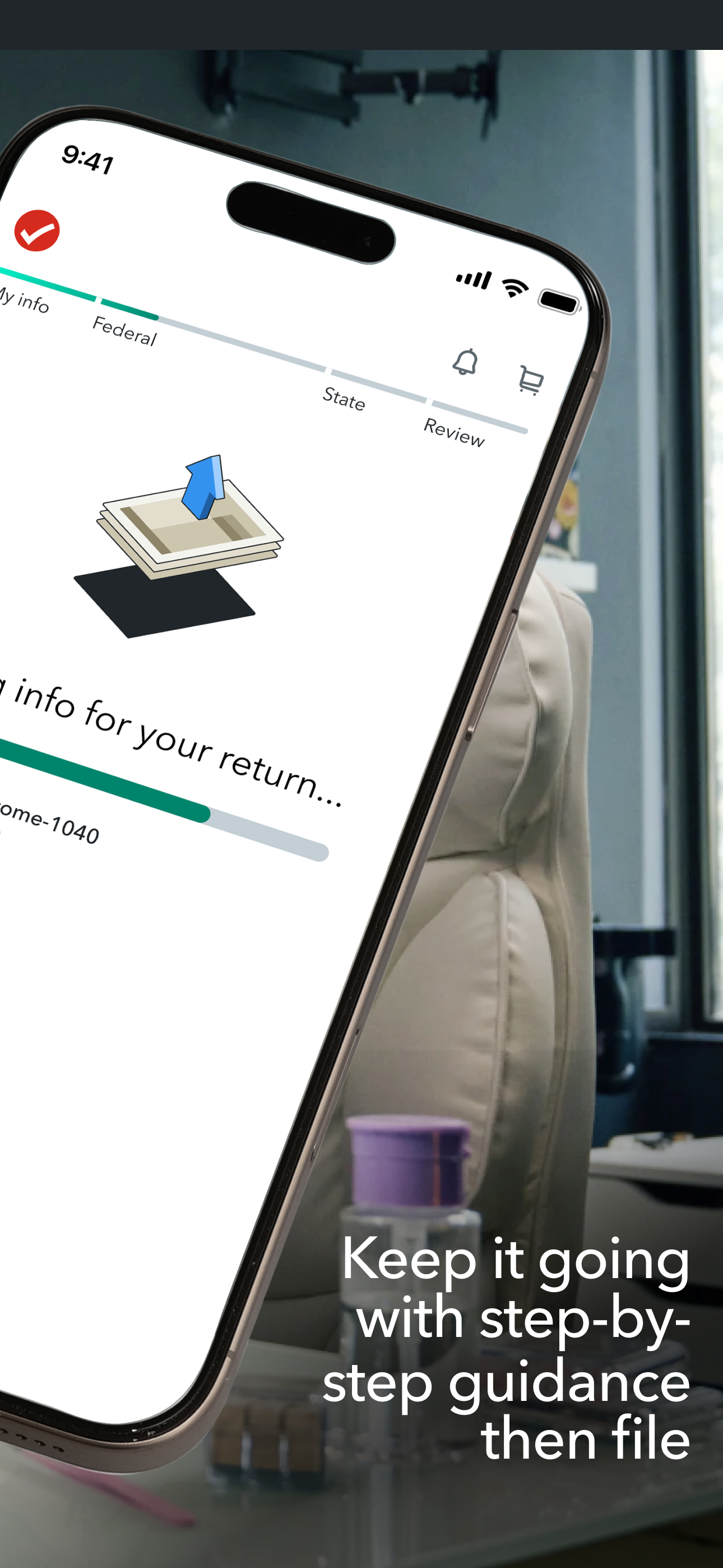
Study the product story and store experience behind the acquisition funnel.






03 / Market context
Keep revenue, downloads and store rankings separate from advertising performance.
I would not recommend this return service to anybody ever. This is the second year in a row they tried to force me to buy their premium edition. When avoided entirely and making it to the very end they would not let me proceed without purchasing the deluxe edition. I did so in order to file and get it over with. My total was stated to be $118 at which time they asked for my payment method. Once I entered my payment method it then asked me to confirm my amount of $118 which is already ridiculously high considering my taxes were already completed when forced to buy their deluxe edition so I never actually got any use out of it. After confirming the amount stated, it accepted my payment but when showing me my amount paid it showed $198 before tax. I then looked at my receipt which showed an additional $13 in taxes which brought my grand total to $211 which only showed up after the payment was already processed when I was only informed I’d be paying $118 and only consented to paying that amount. It showed nowhere at all that I’d be paying the outrageous amount of $211 before taking my payment in fact the breakdown of balances changed entirely between checkout and viewing my receipt. This is the second year in a row that they have overcharged me significantly for absolutely no reason whatsoever, but is the first time they’ve lied about what was going to be withdrawn from my account. It’s much cheaper to pay a tax representative than it is to use this scam of a website.
TurboTax is the way to go! I love it. Couldn’t be easier. It’s incredibly user friendly and set up in an easy to follow format. We do line item deductions. For example, my husband is a construction worker and we deduct his work clothes and work boots. For medical, we deduct co-pays, out of pocket, the deductible and even over the counter items that we need; medicine for allergies, GERD, diabetes supplies, etc… so, Married with children and own our home, file jointly. I’ve been doing our taxes for 8 years now on TurboTax. I do pay for the premium services because the services offered contain legal representation in case I make a mistake. In fact they will do your taxes for you with that package. Prior to TurboTax, we had an accountant do our taxes. We moved to our current home 8 years ago and rather than find a new accountant, I gave TurboTax a try. It’s been smooth sailing ever since. I recommend it to everyone. We get our refund in 3 weeks. After the holidays, I count on that money like most of us. It goes right into my bank account. Finally, my favorite part- they retain all of your personal info including what you claimed the year before. They import all of your W2s, 1099’s, etc. They also determine the way for you to file to get the best refund. (Married, jointly- married, separately, I highly recommend TurboTax. I’ve learned so much by doing my taxes myself. With the ease of using TurboTax, I feel that I’ve gained a real world skill and an understanding I was oblivious to in the past. Good Luck in what ever way you file!
The first hiccup I ran into is on the page where you review the cart of the products you’re about to purchase. On that page an “optional” $44 premium item shows along with a ‘Remove’ button that doesn’t work (selecting it takes you to a blank screen that forces you to rest the app). So I just bit the bullet and decided I would keep it except—there was no way to continue to a checkout page! Apparently, a “See payment options” button is supposed to appear under the list of items, but it wasn’t until after 4-5 attempts to exit the page and return. Then when I select that button, I’m able to purchase the TurboTax products successfully, because of course that part isn’t broken—plus remember the extra $44 I got ripped out of. However, the federal e-file credit card form doesn’t save my correct billing information, so it wasn’t a shock that following the e-file loading page it tells me the payment didn’t go through, that I should retry (which I did a few times), and to contact customer service if it doesn’t work. The problem is—THE APP DOESN’T PROVIDE A WAY TO CONTACT CUSTOMER SERVICE!!! No button. No email. No phone number. No anything! That error page just tells you to contact customer service and that’s it. So let me get this straight: everything is smooth when you want the users to pay for the product (except for when they to remove a line item they don’t need or wish to pay for), but somehow the engineering and UX prowess is suddenly missing when it comes to the part where the users want to actually pay their taxes?
Missed the extension deadline? You can still file your taxes. Pick up where you left off and finish today, on any device. FILE WITH AN EXPERT AS SOON...