Check the acquisition promise
Read the store headline, screenshots and description. What problem is the app promising to solve?
Study the storefront ↗
DM DIGITAL SOFTWARE SRL · iOS
Explore the ad evidence, study the storefront, and build your next acquisition hypothesis.
01 / Creative research
Read the store headline, screenshots and description. What problem is the app promising to solve?
Study the storefront ↗Explore apps with direct store-link matches. Compare their hooks and formats without assuming the same approach works here.
Browse observed advertisers ↗Store rankings and revenue estimates describe market context. They do not establish ad spend, conversions or ROAS.
Review the market context ↗02 / Storefront & product
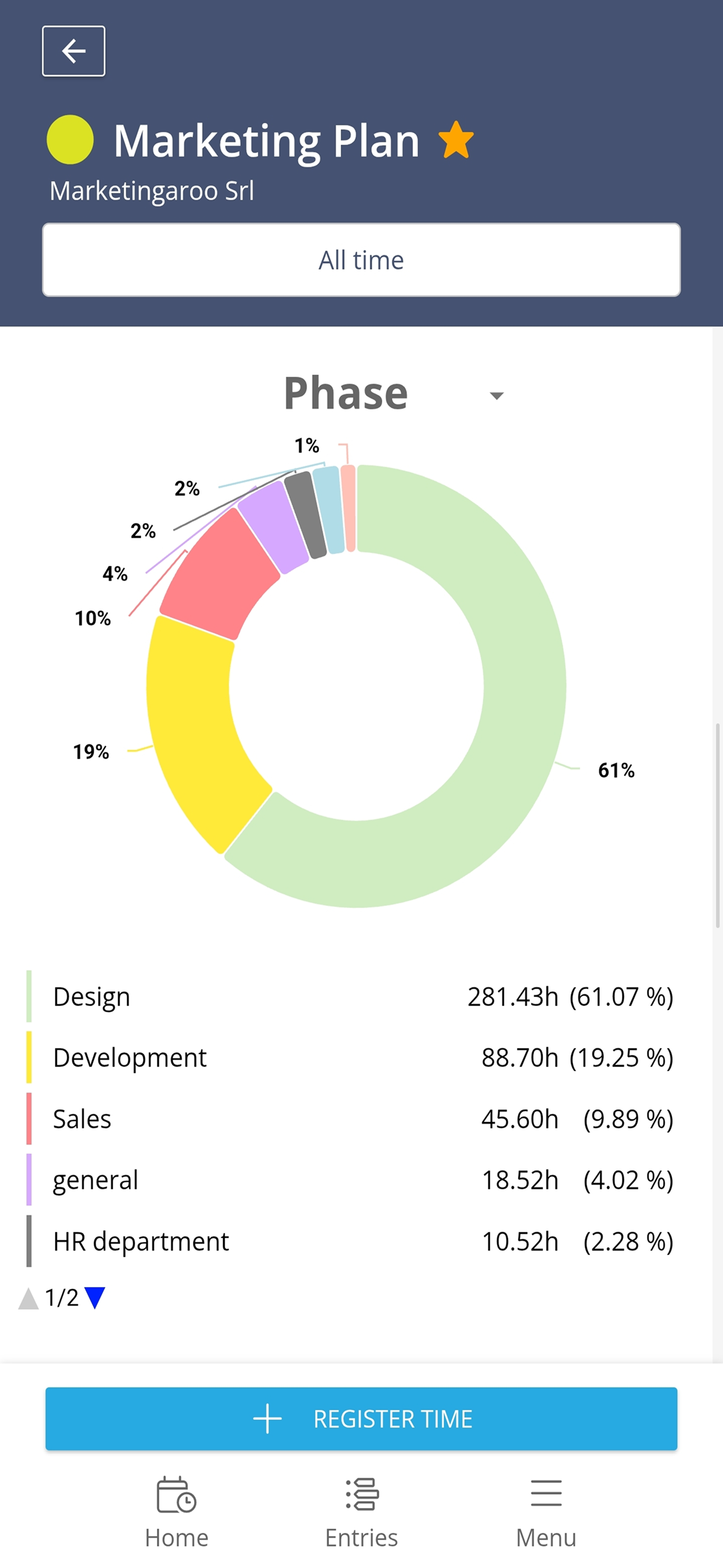
Study the product story and store experience behind the acquisition funnel.



03 / Market context
Keep revenue, downloads and store rankings separate from advertising performance.
I use this app for tracking time spent between two projects. Mostly, the app works, but there are some feature problems (and several quality-of-life issues). The largest feature problem is that budgets set online are not visible on the app (though there's a field for them, they always show 0). Also, the projects tab shows a blank screen when tapped, and requires me to scroll in order for projects to appear. If these core features would work as intended, this would be a great app, but as of now it seems the app was unfortunately shipped with some features straight-up broken.
I really love this time tracker and use it heavily on my PC. However, I’m moving a lot of work to my iPad Pro now but this app does not have a good support for that. The app is designed for iPhone. Would love it if there could be a version designed for iPad use.
Nowhere does it mention that this app is meant solely for iPhone or that it only loads in portrait mode. I currently use a second generation iPad Pro with Apple Smart Keyboard for most of my computing needs. I was looking for a time tracker with web and mobile versions that would integrate well with Asana. Lately, most of my time on the “computer” is actually spent on my iPad and all of my task and project management is done on this device with the Apple Smart Keyboard attached (which keeps the iPad in landscape orientation. When I launched this app, what I got was a small box in the middle of my 12.9” screen, oriented in portrait mode. It is clearly designed for iPhones and completely unusable on this device. I guess I will be looking elsewhere for my mobile time tracking needs.
Easily start and stop your timers on the go. Track the time spent on your existing projects, save your time entries and keep an eye on your budgets. N...