Check the acquisition promise
Read the store headline, screenshots and description. What problem is the app promising to solve?
Study the storefront ↗
SDI Technologies · iOS
Explore the ad evidence, study the storefront, and build your next acquisition hypothesis.
01 / Creative research
Read the store headline, screenshots and description. What problem is the app promising to solve?
Study the storefront ↗Explore apps with direct store-link matches. Compare their hooks and formats without assuming the same approach works here.
Browse observed advertisers ↗Store rankings and revenue estimates describe market context. They do not establish ad spend, conversions or ROAS.
Review the market context ↗02 / Storefront & product
Study the product story and store experience behind the acquisition funnel.



03 / Market context
Keep revenue, downloads and store rankings separate from advertising performance.
I am running the latest version of the iHome app on an iPhone 11 Pro Max. This versions release notes say iOS 13 bug fixes. Every time I launch the app it immediately crashes. The same happens on iPadOS. I have tried uninstalling the app many times and even that is problematic. The app icon disappears after the uninstall but reappears after I restart my phone. When the app does reappear on the phone it displays the white grid, icon placeholder and not the actual iHome icon. When I go to the App Store at that point it believes the app is still installed so it gives me the option to open the app instead of install the app. I place a lot of the blame here on Apple and iOS 13. That’s why I’m giving a non functional app 3 stars instead of 1. What a let down iOS 13 and iPadOS have been so far.
It’s hard to separate the app from the instructions and the device itself. I have set up 4 other brands with little effort. I tried to set up the device following the prompts from the app. It never asked for the passcode and setup stalled. I followed the alternate instructions of manually adding the device (which it did with no problem) and then adding from within the app and still no luck. I have done a hard reset after every attempt. Finally I manually added device to network and used HomeKit to connect to device which it did with no problem. I went back to the app and got an error message but restarted app and device was there and could be controlled from both HomeKit and the app. Unfortunately, less than 5 hours after install, I needed to unplug the device and plug back in because HomeKit could no longer connect to the device. There was no problem with any other smart home device. I then tried to add to Alexa. There is absolutely nothing in the instructions or app about how to do this. Alexa could not find the devices. Not sure if I will bother with not adding to Alexa (which I am trying to move away from for privacy concerns). Overall I am not happy with device. It really should not be this hard to add a device. Ihomewas good enough to respond to my review, but only addressed adding to Alexa and telling me to call support. I am upping it to a 2 star based on ihome at least doing a follow up.
I rarely write reviews but noticed this app is getting beat on for some reason, I’ve never had any issues. This product line and app are great! Love the products and love the app! Setup is a breeze too! Homekit integration works perfect and I can use Siri to turn on and off outlets. I have 10 iSP8’s in my house and 3 iSS50 environment monitors which are great for temperature and humidity rules. The rules work perfect and I truly never have any issues at all. Gets too hot or humid in the crawl space, no problem, the environment monitor triggers a rule and switches on an outlet that has a fan plugged into it - and notifies me via the app. Beautiful! Been using WiFi via UniFi access points or TimeCapsule with no issues, if you have issues make sure your signal is good and you have a good router. My only suggestion: Keep up the great work and roll out some cool new products I can buy! :)
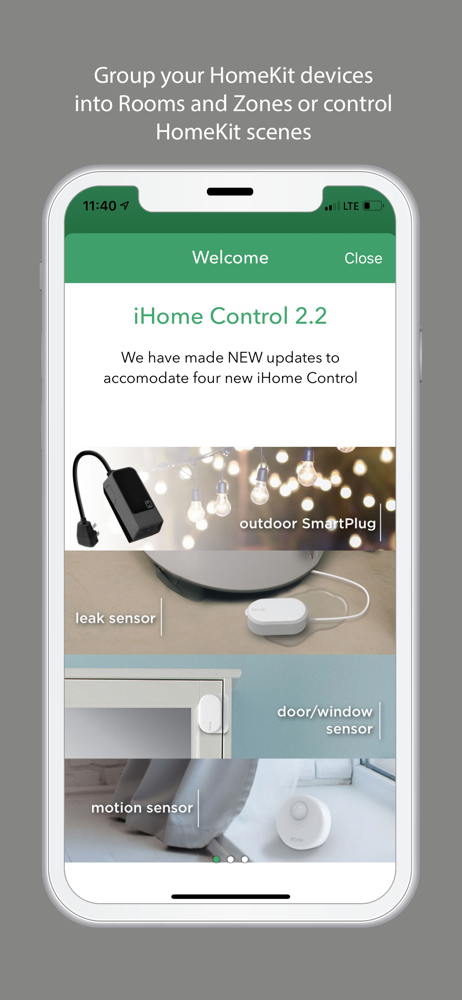
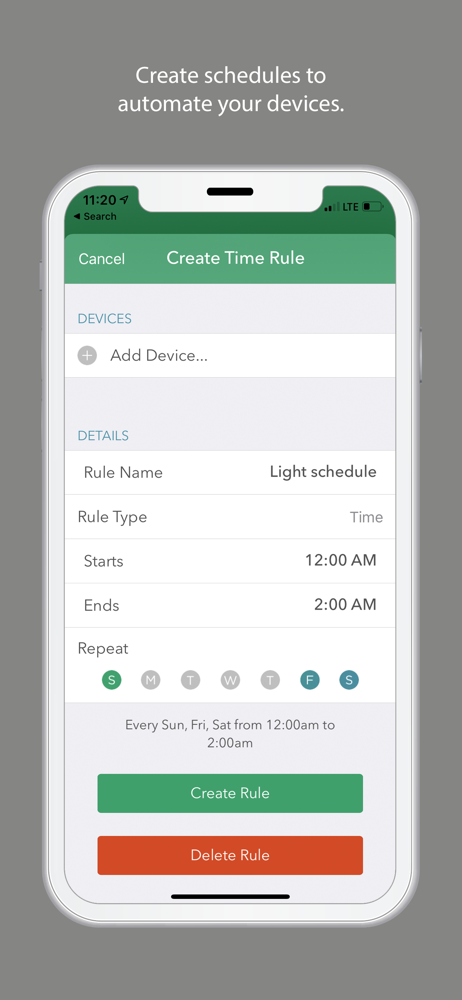
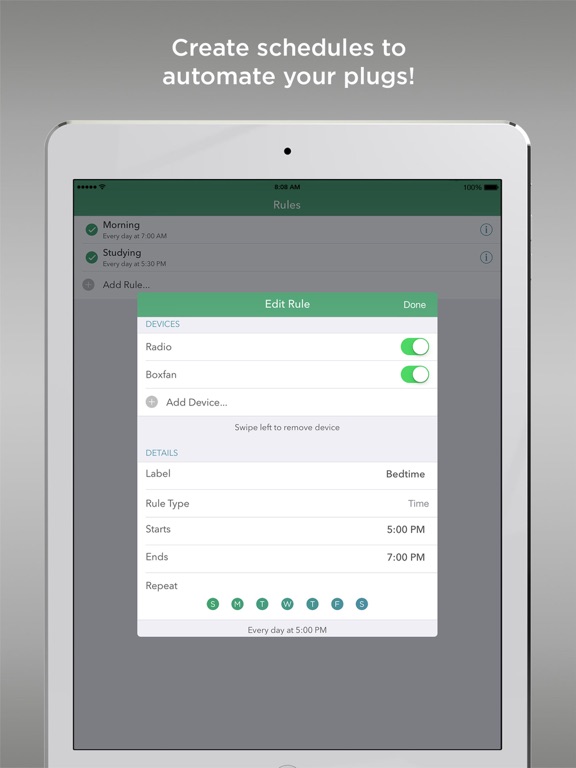
The iHome Control app is the perfect tool to control your iHome SmartPlugs and monitor your home with the iHome SmartMonitor from virtually anywhere i...