Check the acquisition promise
Read the store headline, screenshots and description. What problem is the app promising to solve?
Study the storefront ↗
Synology Inc. · iOS
Explore the ad evidence, study the storefront, and build your next acquisition hypothesis.
01 / Creative research
Read the store headline, screenshots and description. What problem is the app promising to solve?
Study the storefront ↗Explore apps with direct store-link matches. Compare their hooks and formats without assuming the same approach works here.
Browse observed advertisers ↗Store rankings and revenue estimates describe market context. They do not establish ad spend, conversions or ROAS.
Review the market context ↗02 / Storefront & product
Study the product story and store experience behind the acquisition funnel.




03 / Market context
Keep revenue, downloads and store rankings separate from advertising performance.
When you leave a note open and leave the app and then come back to it after some time (not sure what that amount of time is), the contents of the note will be wiped out. This is an unbelievably bad bug, you have to fix this Synology! If you have a copy of the note that has synched to your DS then you can retrieve that copy from your note history, but if you’re somewhere where the app can’t connect to your DS then in my experience you will lose everything in the note that changed since the last time the note was synchronized. As I said, this is an unbelievably bad bug that Synology has not bothered to fix for years. And unfortunately, it’s only 1 of 2 bugs that has these same dire consequences. The other bug is that if you press cmd+Z (the standard keyboard combinations for undo) then the app will freeze and it must be force-quit and you will everything in the note that changed since the last time the note was synchronized. Again, an unbelievably bag bug that Synology has not bothered to fix for years. I love that this app exists, I love that my notes live at my house, not in some service somewhere. But with these bugs, it’s like you’re having to work around land mines, it is frustrating and disappointing.
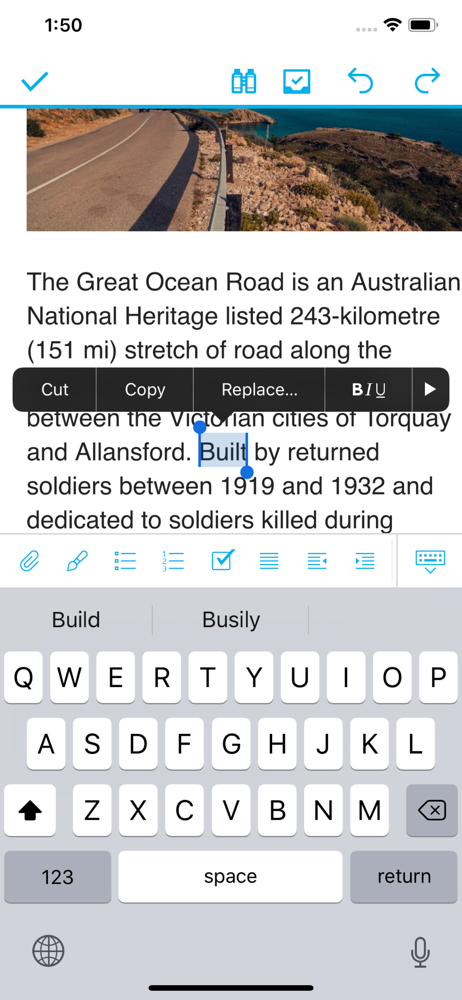
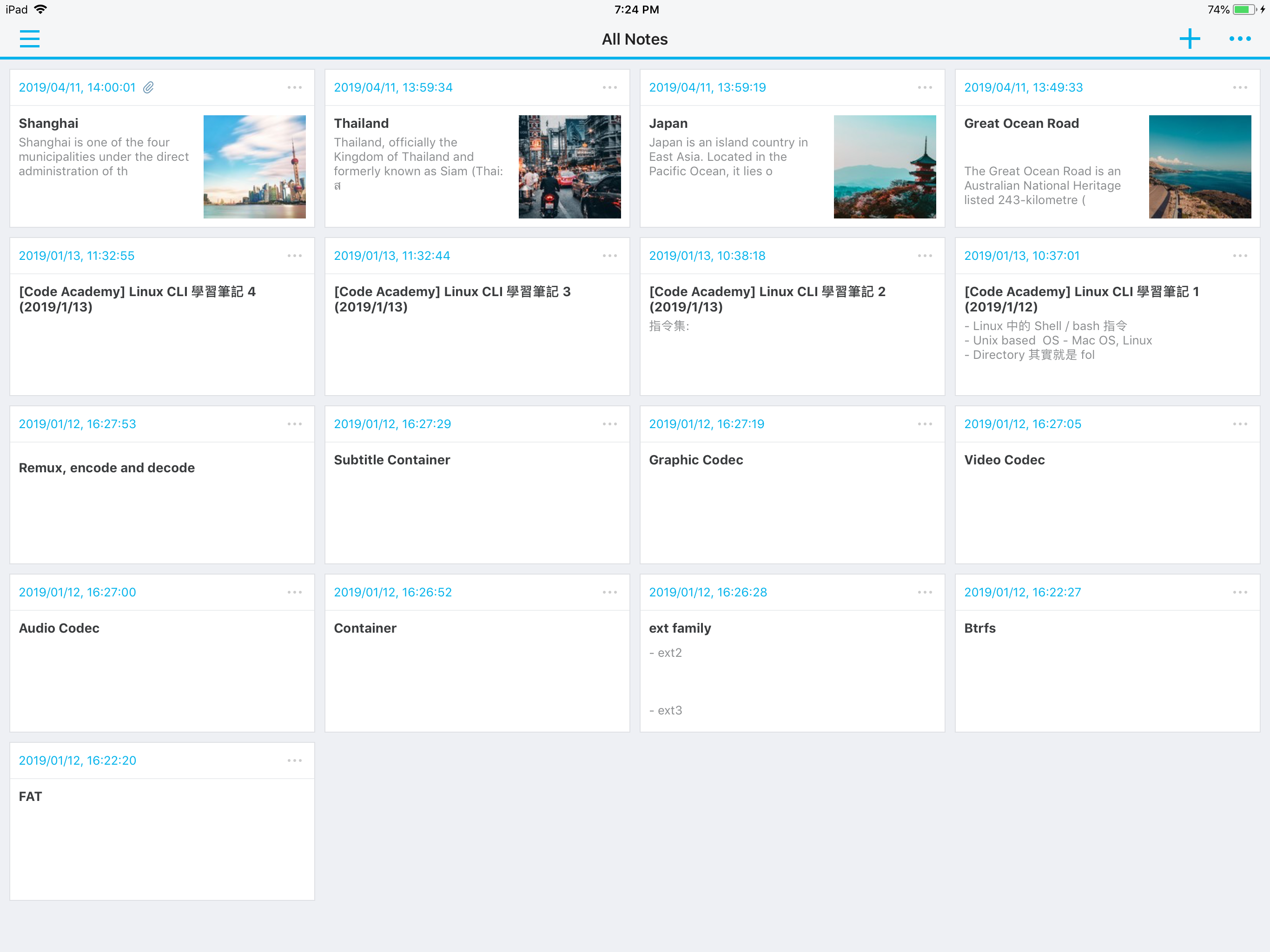
The app is OK but not great on Windows. The iphone app is a little worse and most notably has some issues where it’s easy to forget to save notes or it looks like they’re saved but later the note turns out to be blank. On Ipad, the UX doesn’t work well for the larger screen and saving issues still occur. Crashing seems to happen more often, though this may likely be related to it being easier and more tempting to use the text editing functions like converting to bullet list which can cause it to freeze and crash. Since there’s not really any autosave, if you don’t manually save (which ends the edit session), you just destructively lose whatever you were working on. Navigating notebooks doesn’t feel good on ipad and doing most things is sort of clunky in general. I’ve resorted to writing in apple notes and then having to export to this app, but it seems like you have to manually export every note individually and this loses most metadata including what folder the note was in on ios, when it was originally written, etc. Designing a apple notes tier app is probably way out of scope, but I’d be pretty happy if there was a better import from notes system or just a more reliable version of this app as an alternate that won’t crash, maybe only supports plain text and pictures (or attaching pictures at least), and has a better design for switching between notebooks that doesn’t use so much space and disappear or interfere with other things constantly.
If you start a note, go do something else and don’t explicitly save it first, it wipes out the content. It should auto save or at least keep it open with the original content. This was reported by someone else months ago and has not been fixed.
**You must own a Synology NAS to run this app, and be running the Note Station 1.1 to get the complete set of features** Whether for creating your we...