Check the acquisition promise
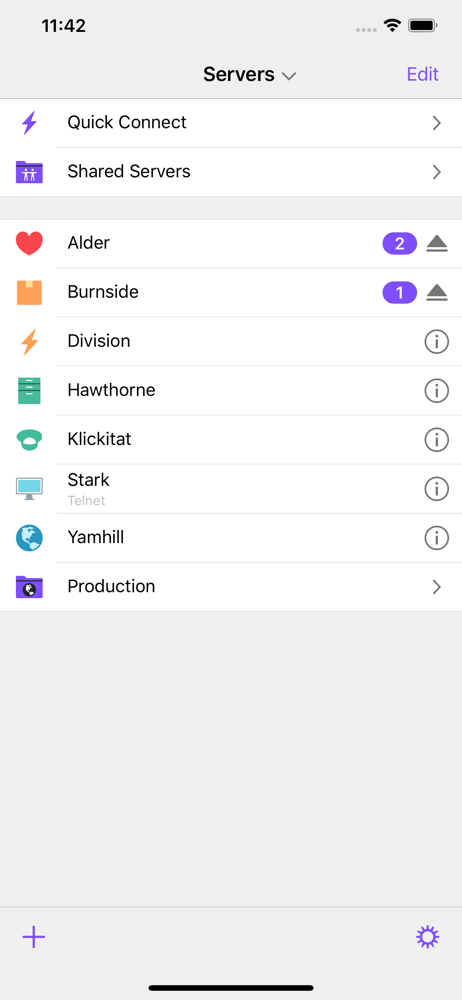
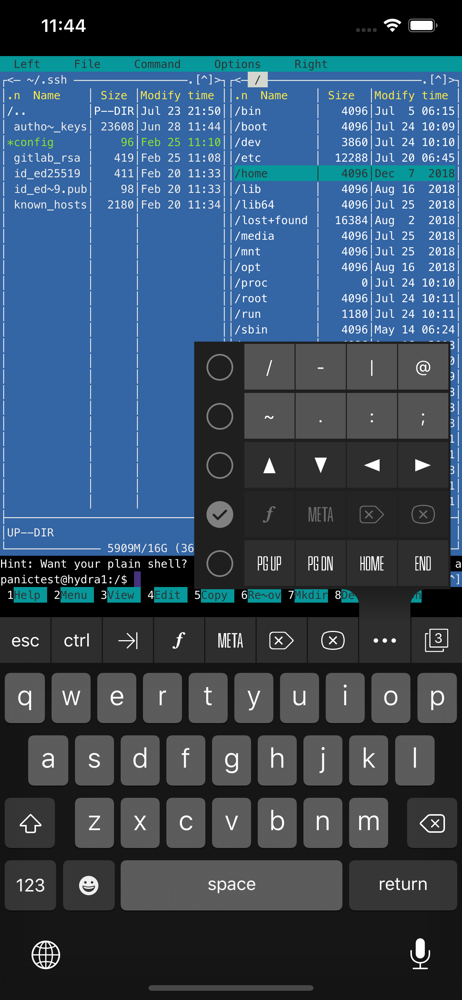
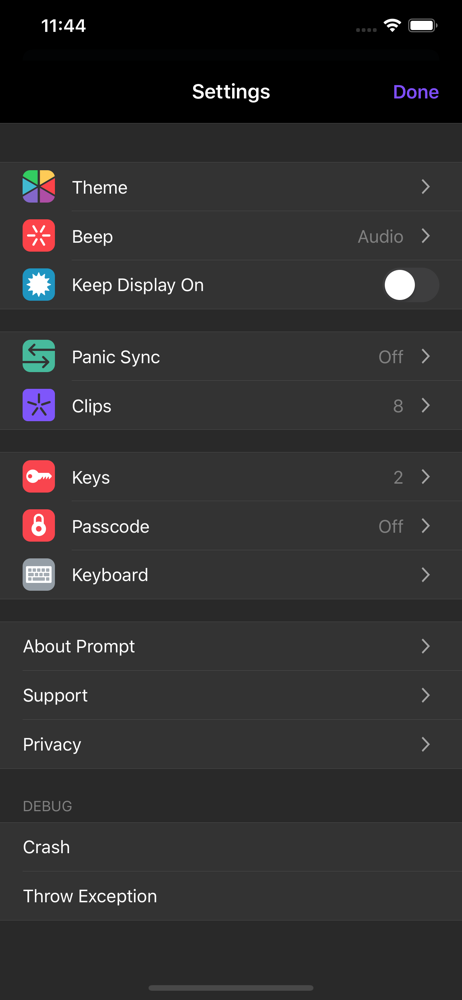
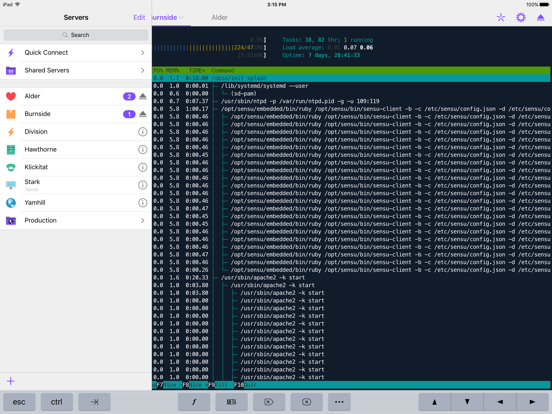
Read the store headline, screenshots and description. What problem is the app promising to solve?
Study the storefront ↗
Panic, Inc. · iOS
Explore the ad evidence, study the storefront, and build your next acquisition hypothesis.
01 / Creative research
Read the store headline, screenshots and description. What problem is the app promising to solve?
Study the storefront ↗Explore apps with direct store-link matches. Compare their hooks and formats without assuming the same approach works here.
Browse observed advertisers ↗Store rankings and revenue estimates describe market context. They do not establish ad spend, conversions or ROAS.
Review the market context ↗02 / Storefront & product
Study the product story and store experience behind the acquisition funnel.



03 / Market context
Keep revenue, downloads and store rankings separate from advertising performance.
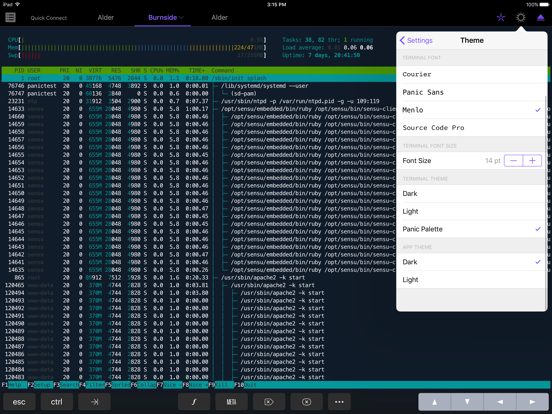
I am still getting used to the amazing concept of ssh-ing into a server on an iPad. The terminal emulation has so far proven to be faultless, and the interface works well. With a Bluetooth keyboard, it's as functional as a laptop. I was demonstrating how data were being written to a MySQL database by a balance, and being read and updated from a FileMaker database, all on my iPad. Amazing. You can even store a public key in a saved server, which in my case skips me around the two-factor authentication hassle. Being bugged to switch back to Prompt to keep it connected is making me crazy. I have had to do that a number of times while writing this review, and the App Store app stops taking keyboard input when I switch out. Sigh. It's an unavoidable restriction imposed by Apple. If the programmers at Panic are ever sitting around trying to think of a bone to throw us users, the ability to change screen colors (background, type, etc.) would be cool, or the ability to create themes (or even a few more themes) would be nice.
Perhaps the most crucial app on my iPad Mini. Deals with the space- and UI constraints in a sensible way. I actually love the way that I need to re-authN to the app each time I switch to it (and that biometric is an option for authN), and the fact that the devs took pains to prevent data leakage via app-switcher thumbnails. Just enough assignable keys to drag heavily-used symbols (pipe, underscore) up and out of where Apple buried them on the default keyboards. Finally, very pleased with Prompt 2’s (so far, fully-transparent) IPv6 support. I’d recommend it to anyone who needs SSH on the go. Kudos!
I wrote an earlier review that I cannot locate but stated only one issue with this app, the termination of sessions. The developer responded and provided an acceptable answer. The fault is not with the app but with Apple's regulations which force developers to comply with a ten minute background process limit. This should be a setting I can override. If I want a background app to run indefinitely, discharging my battery regardless, I should be able to. Five stars for this app, best SSH client for iPhone and iPad.
THE #1 SSH CLIENT FOR iOS — POWERFUL FEATURES, EASY-TO-USE. Includes Panic Sync, our secure, super sync service — for FREE. ABOUT It's classic. You s...