Check the acquisition promise
Read the store headline, screenshots and description. What problem is the app promising to solve?
Study the storefront ↗
nPerf SAS · iOS
Explore the ad evidence, study the storefront, and build your next acquisition hypothesis.
01 / Creative research
Read the store headline, screenshots and description. What problem is the app promising to solve?
Study the storefront ↗Explore apps with direct store-link matches. Compare their hooks and formats without assuming the same approach works here.
Browse observed advertisers ↗Store rankings and revenue estimates describe market context. They do not establish ad spend, conversions or ROAS.
Review the market context ↗02 / Storefront & product
Study the product story and store experience behind the acquisition funnel.


03 / Market context
Keep revenue, downloads and store rankings separate from advertising performance.
I’m no stranger to nPerf and have several of my own servers running. It would be nice if this developer would spell out a few things, for example: What features are limited (if any) without a premium subscription purchase? Does the premium subscription purchase affect the tracking of performance data, collection, sharing, etc? In other words, does the subscription afford one the ability to perform tests with privacy? Is there a mechanism to use one’s own nPerf servers for testing, and if so, is THIS data tracked and recorded as well? In trying to find a testing app that provides data privacy for test results, there are just too many free apps (without ads even) and no IAP because of the lucrative market for the metrics. (I’m assuming this anyway) Some clarification in the description on the function of the premium subscription and how it relates to privacy would be especially appreciated. Thanks for making this app available; I hope to be able to use it.
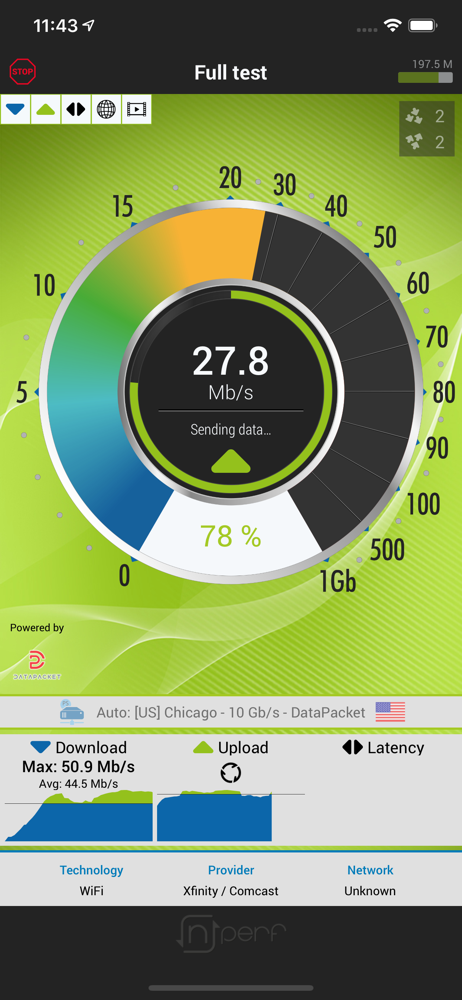
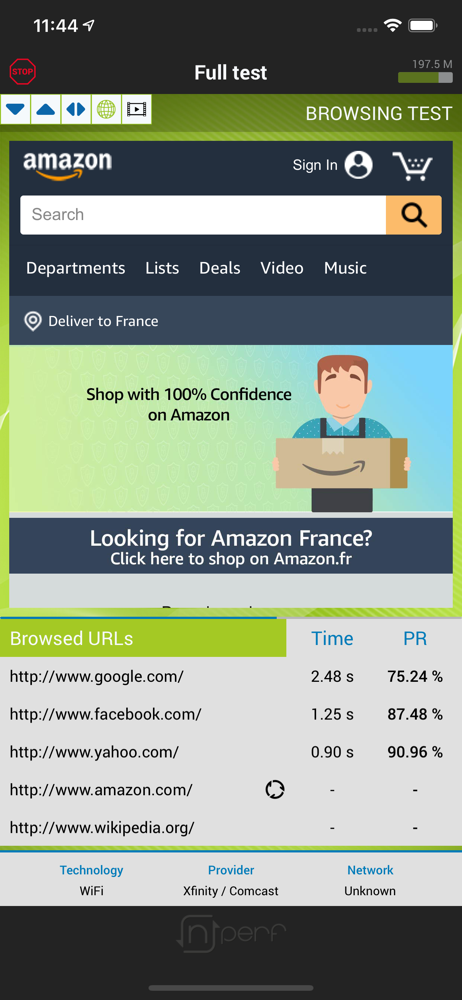
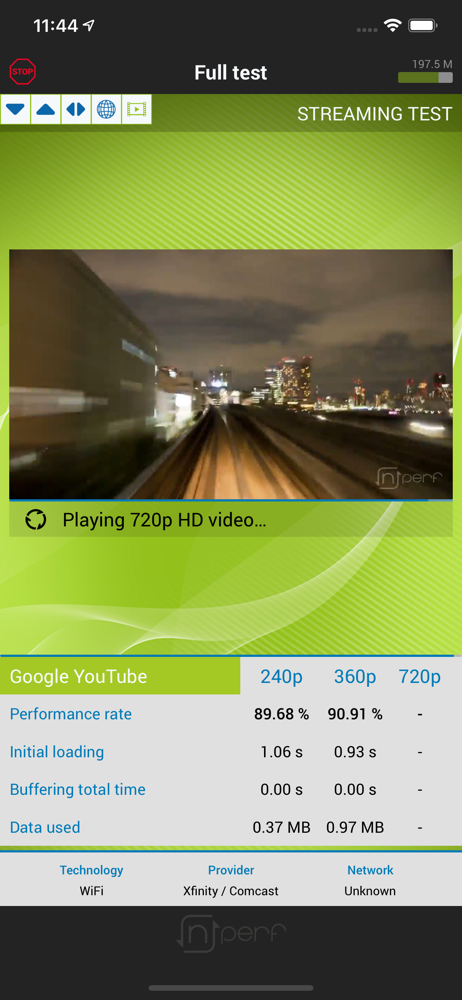
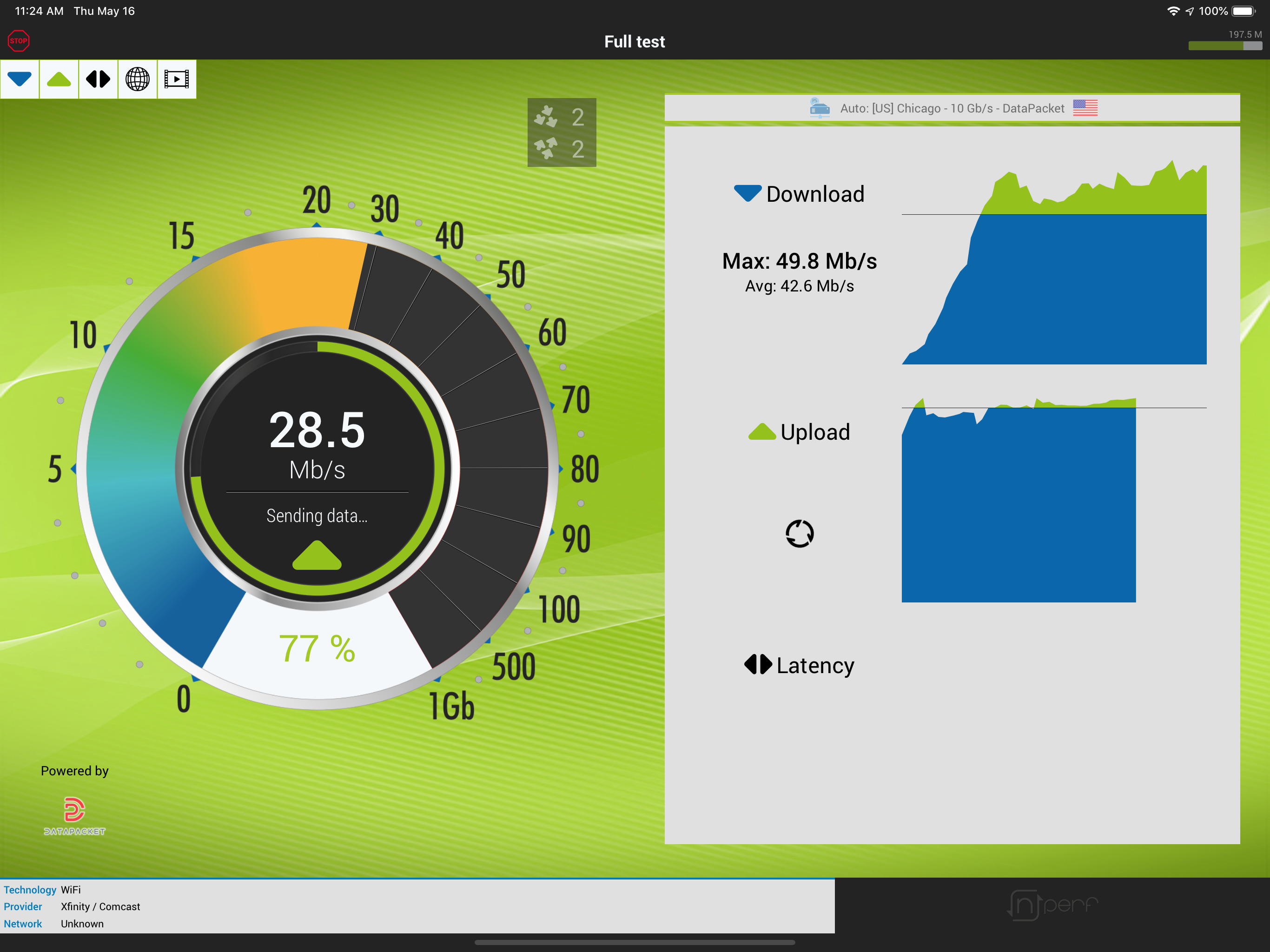
I. It measures download speed 2. It measures Upload speed as well 3. Latency for gaming 4. Browsing speed (and (who doesn’t browse?!) 5. Video set up and amount of buffering 6. It creates a one screen report card of the test’s results on my iPhone and iPad Pro. My Internet and WiFi are by Spectrum which promises download speeds to always be at at least 200 Mbps. My down load results are usually between 230 and 240 Mbps. Latency is around 20, and browsing is usually in the high 80s percentile (funny it was 91% for the first time today). Browsing has always been in the low 90s percentile and best of all buffering has ALWAYS been zero. Finally, if tracking results are important to you, the app’s final page is a one screen complete comprehensive report you can screenshot and store in a photo album. I realize measurement protocols vary and I’ll leave debating this app’s methodology and algorithms to each user. No mater how you currently measure your cellular and WiFi device performance now, I recommend you give you this app a try. If it’s not for you, fortunately Apple makes deleting almost every app (including many of their own) a breeze. Thank you for reading my review. My best wishes to all and please stay safe.
After using a number of Speed Test tools this one is by far the easiest to use and the closest to the real thing. Most speed test tools use Ping tests to give you some kind of information as to speed of your connection this one goes the distance by using actual phrases and returns a closer figure as to what's really happening with your upload and download speeds. I would most certainly recommend it to anyone needing a speed test tool on the fly!
More than a simple speed test, nPerf brings you the best and the fullest mobile connection quality measurement tool up to 1 Gb/s speeds! Full QoS te...
| Name | Price | Type |
|---|---|---|
| Premium Subscription | $2.00 | One-time |