
Check the acquisition promise
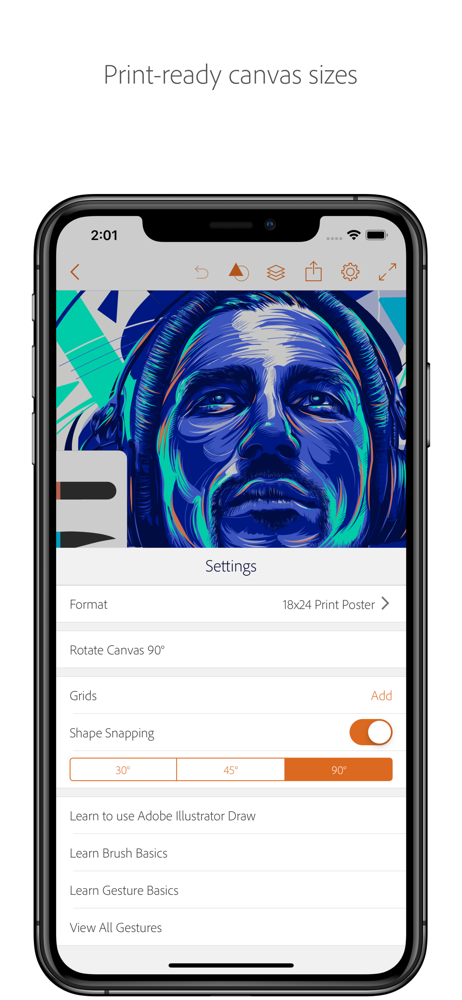
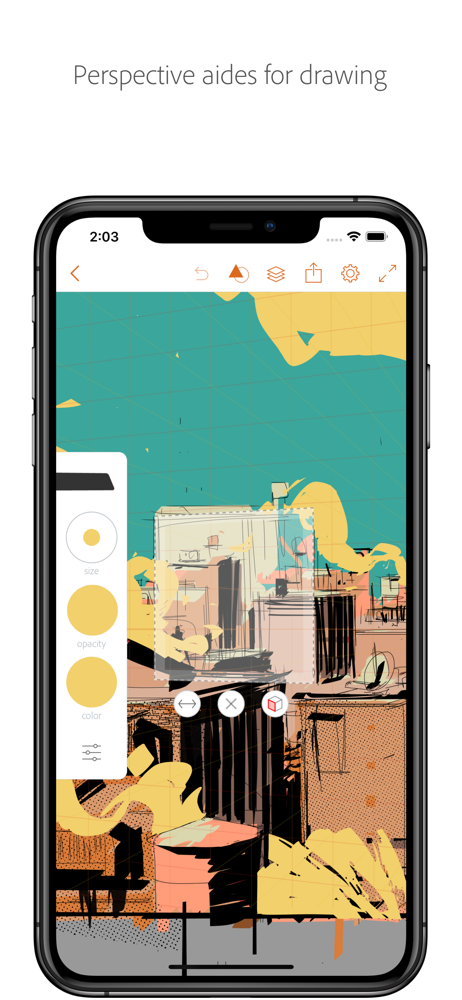
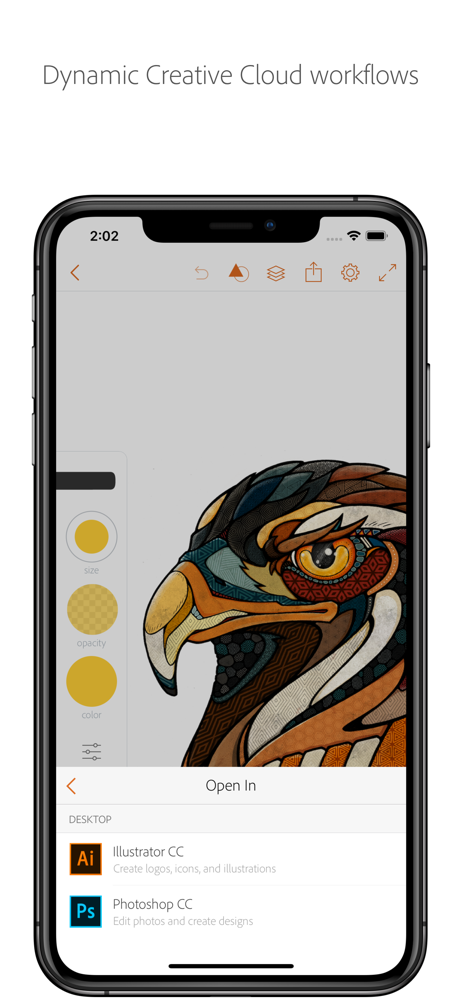
Read the store headline, screenshots and description. What problem is the app promising to solve?
Study the storefront ↗
Adobe Inc. · iOS
Explore the ad evidence, study the storefront, and build your next acquisition hypothesis.
01 / Creative research
Read the store headline, screenshots and description. What problem is the app promising to solve?
Study the storefront ↗Explore apps with direct store-link matches. Compare their hooks and formats without assuming the same approach works here.
Browse observed advertisers ↗Store rankings and revenue estimates describe market context. They do not establish ad spend, conversions or ROAS.
Review the market context ↗02 / Storefront & product
Study the product story and store experience behind the acquisition funnel.


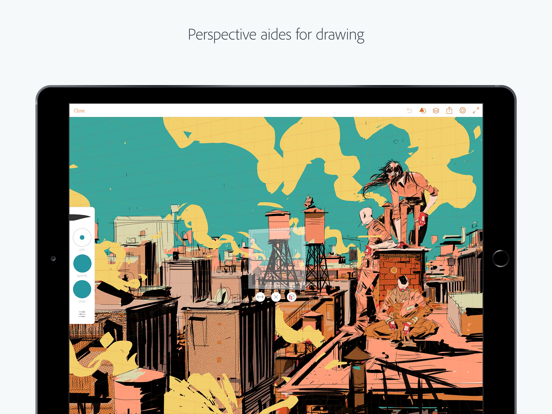

03 / Market context
Keep revenue, downloads and store rankings separate from advertising performance.
Like foreal. I love this app. I use it for graphic design along with YouDoodle. Had some freezing and some glitches but still totally worth it. They are quick to fix bugs and issues especially if you report them. So updates are a must. I find the whole calligraphy effect amazing when using a tapered brush. I go from digital paintings to graphics to presentations slides and even clothing design. I use it a lot for clothing design sketches a lot also- reason being -you can add layers for days. So I can draw layered patterns and whole outfits. I will draw my seam lines on one layer and then lace etc. there is one thing that will turn this into a miracle app. Please Adobe add a blender tool! If I could utilize this to do more realistic shading rather than layers of lower opaque colors I could use this app for even more things. Also if I could record while I’m drawing. That would also be amazing. Otherwise get this app! My little brother is 13 and doing graphics! It’s an easy learn. !
I’ve been using this app for about a week now, and I have to say, after growing accustomed to the layout and gestures, I’d really been enjoying it. I made some stuff I was really happy with, and if all had stayed as it was, this would be a 5 star review. However, a few days ago, the app gradually started to have issues, in that it began freezing up every 10 seconds or so, for about 3 seconds every time. To be clear, I have a new iPhone 8 and a new iPad both of which are having this issue. It does it even when you’re doing absolutely nothing in the app, or when you’re drawing, or resizing or pulling up a menu. It just happens inconsistently, and for seemingly no reason. I’ve looked it up online, emailed adobe, and even gone as far as deleting all but 6 simple pieces of my art and bought extra memory for a small price each month. Nothing has improved the problem, I haven’t had a response yet from adobe, and it makes it nearly impossible to complete anything unless you’re content with the program stopping you half way through your pen strokes to have a think every so often. Extremely frustrated and disappointed.
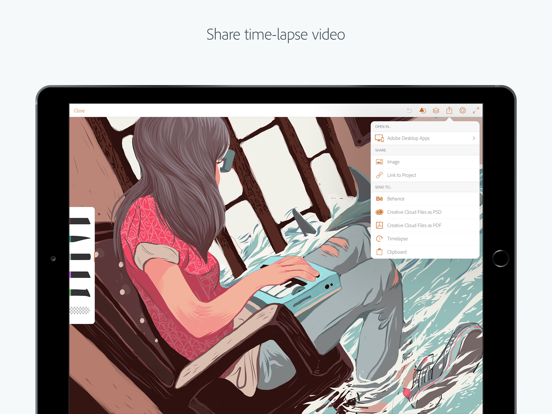
As far as the quality and ease of use, this app takes the cake. I’ve struggled to get into digital art because the apps are usually so unfriendly to users, but simplicity and easy to follow tutorials really helped with this app. There’s not a lot of tool options, but they’re all the tool types that I really need. Plus the fact it easily converts to a timelapse is a awesome plus. However, I am sad to say I’m currently looking for a different app as I quickly outgrew my use for this one. If all you plan to do is sketch something quick, this is the app for you. But any real project worth time and effort causes awful lag. I have my iPad Pro up to date, as well as the app, but my larger projects just can’t be supported by the functions of the app. Sometimes it’s a few second delay for a single line to show, opening and closing layers takes ten seconds to load, the fact that if you forget to “convert to timelapse” every few minutes then it will never load, or the zooming/rotating taking another ten seconds to load. It’s bad enough I don’t want anything more to do with this app anymore. Additionally, I’ve learned to work around the lack of a smudge or blur tool, but there are lots of times it would really be perfect for the looks I’m trying to create.
We're replacing Adobe Draw with two new apps that will provide you with the tools, features, and functions you need to create. Take a look at Adobe Fr...


