
Check the acquisition promise
Read the store headline, screenshots and description. What problem is the app promising to solve?
Study the storefront ↗
VanDyke Software · iOS
Explore the ad evidence, study the storefront, and build your next acquisition hypothesis.
01 / Creative research
Read the store headline, screenshots and description. What problem is the app promising to solve?
Study the storefront ↗Explore apps with direct store-link matches. Compare their hooks and formats without assuming the same approach works here.
Browse observed advertisers ↗Store rankings and revenue estimates describe market context. They do not establish ad spend, conversions or ROAS.
Review the market context ↗02 / Storefront & product
Study the product story and store experience behind the acquisition funnel.





03 / Market context
Keep revenue, downloads and store rankings separate from advertising performance.
I LOVE the SecureCRT desktop app. Unfortunately it’s capability and reliability aren’t shown in the ipad version. Was hoping to have an easy way to manage network equipment when walking around the building with only my ipad mini, without needing my laptop on me at all times. Unfortunately the scrolling behavior in this app makes it unusable. It won’t stay snapped to the bottom of the screen when trailing a log or even typing. It randomly snaps to the top of a session. It scrolls down in slowmo and erratically snaps to the top as you try to get to your current place in the shell. And 90% of the time, it doesnt adjust the bottom of the window so your cursor ends up BEHIND the touch keyboard so you have to guess what you’re typing.
This is a really good ssh client, but is really showing it’s age. Lack of biometric security is a big drawback. It would also be good to sync host information with the Mac and windows versions via iCloud.
I’ve used SecureCRT on Windows, macOS/OSX, and Linux for about as long as I can remember, so I of course had to have it for iOS as well. It’s not bad, but some of the things that would make it better are support for TouchID/FaceID, Dark Mode support, and the ability to import sessions from a desktop where the keys snd such are stored separately (because as it is right now, you have to undo that (merging things back together) and then export the sessions in order to import them to the iOS app) - it’s a pretty annoying way to do have to do it each time you need to sync your saved sessions. Either an option needs to be added to the desktop apps to temporarily merge the settings/keys or the iOS app needs to be modified to support importing separate keys.
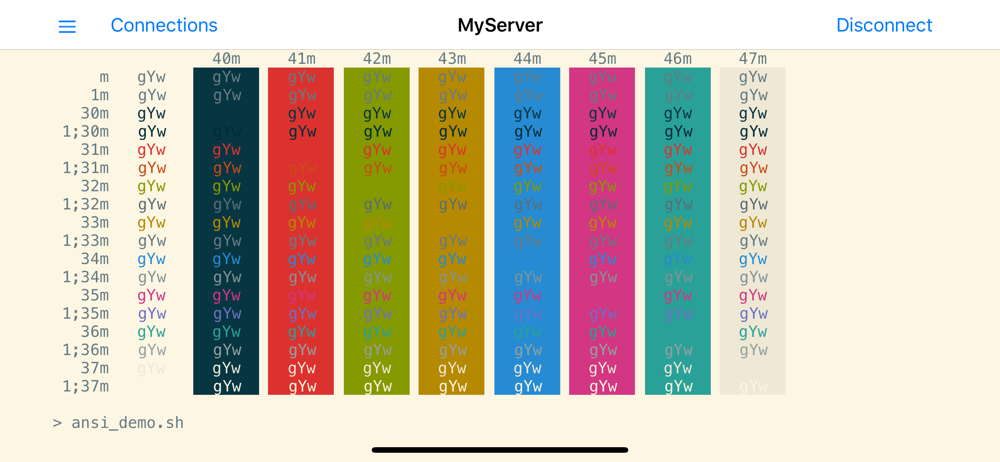
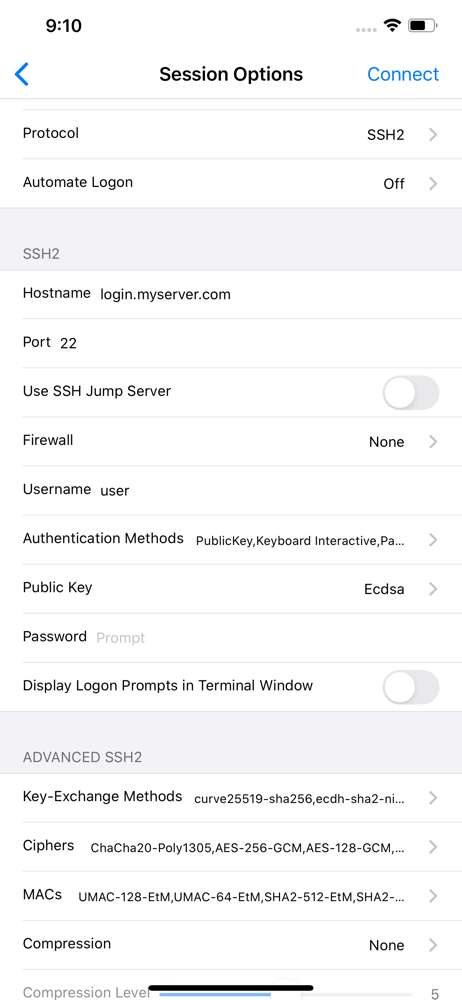
SecureCRT is a go-anywhere SSH/Telnet app with rock-solid remote access and terminal emulation on your iPhone and iPad. SecureCRT has advanced sessio...


