Check the acquisition promise
Read the store headline, screenshots and description. What problem is the app promising to solve?
Study the storefront ↗
TouchPal HK Co., Ltd. · iOS
Explore the ad evidence, study the storefront, and build your next acquisition hypothesis.
01 / Creative research
Read the store headline, screenshots and description. What problem is the app promising to solve?
Study the storefront ↗Explore apps with direct store-link matches. Compare their hooks and formats without assuming the same approach works here.
Browse observed advertisers ↗Store rankings and revenue estimates describe market context. They do not establish ad spend, conversions or ROAS.
Review the market context ↗02 / Storefront & product
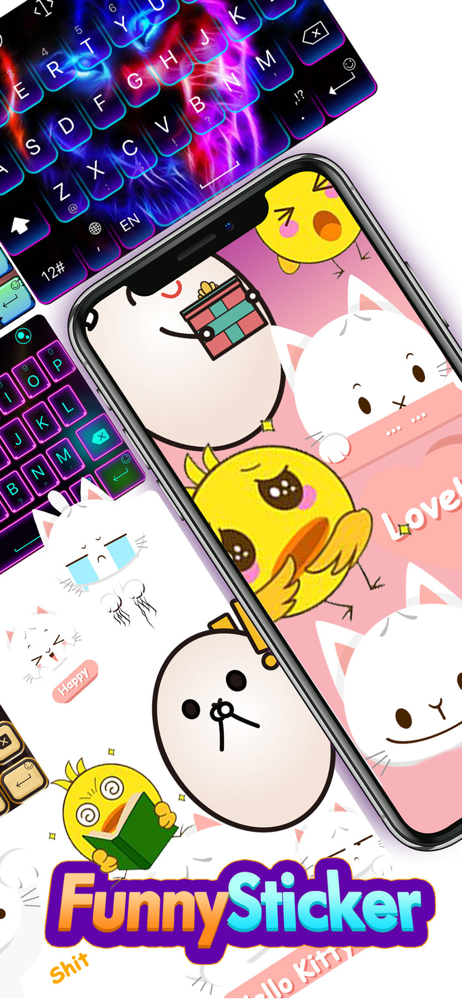
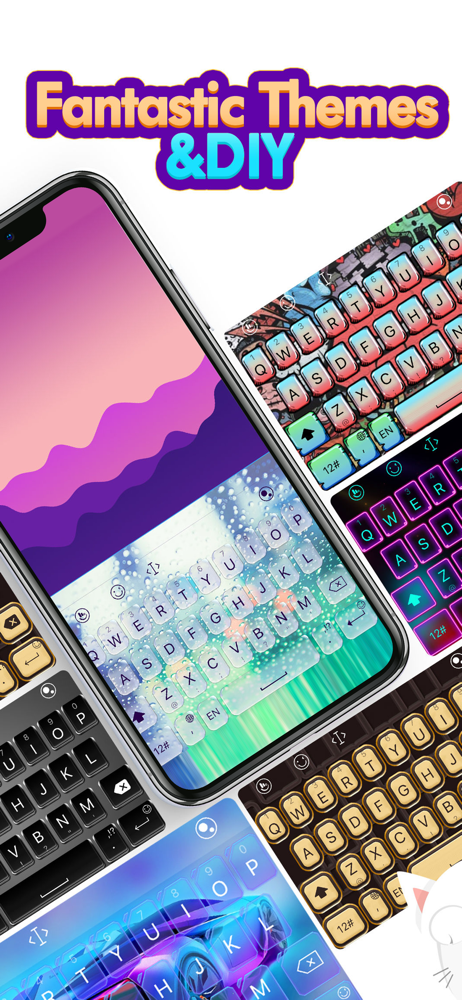
Study the product story and store experience behind the acquisition funnel.

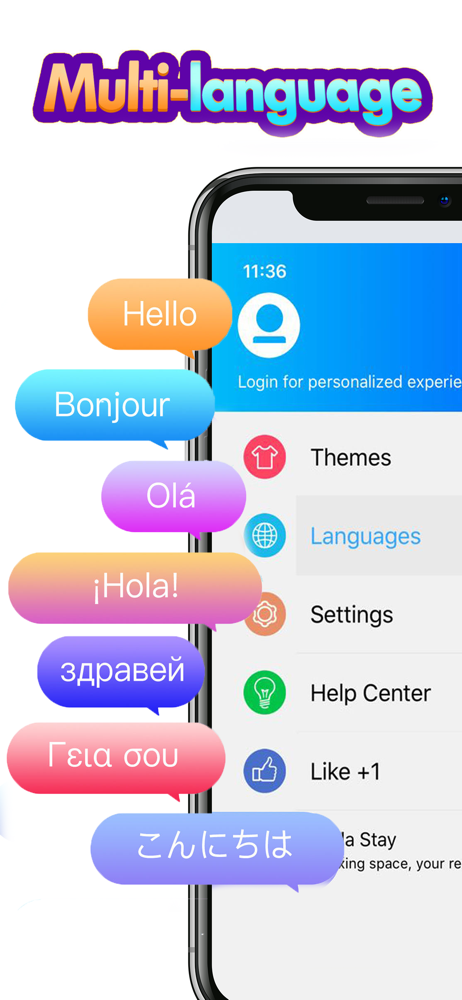
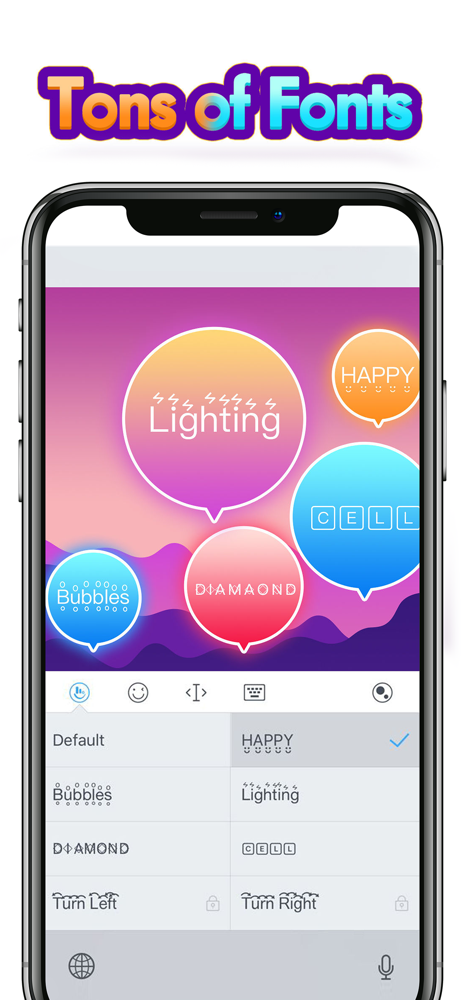
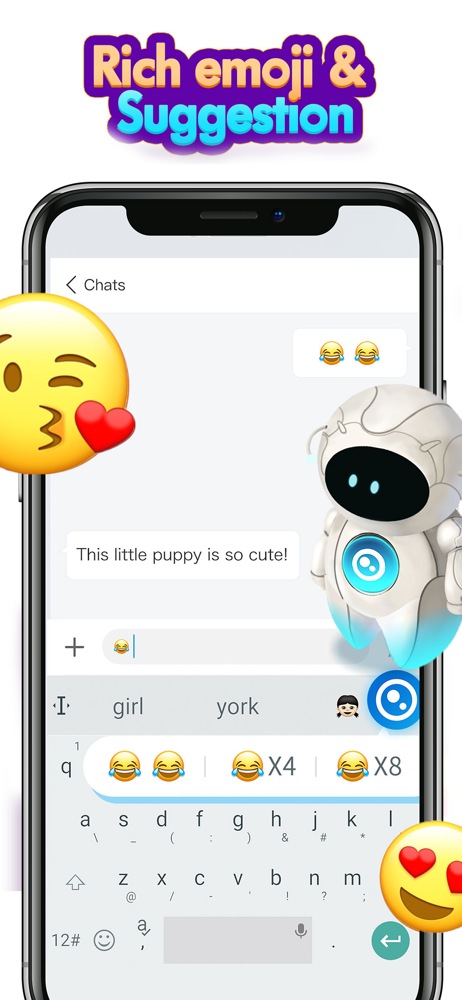

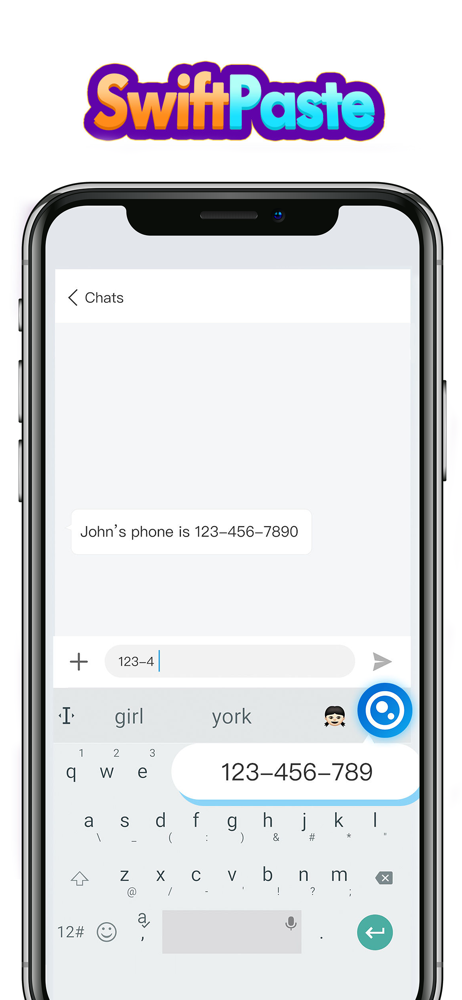
03 / Market context
Keep revenue, downloads and store rankings separate from advertising performance.
Very comprehensive, I like the format(s), works well with "others". Something changed recently regarding themes and not sure what is going on? Is it possible to have a imposter TouchPal? Sometimes the settings doesn't offer number row on top, which is must have for it saves so much time sparing the usual back and forth when times of much mixed content. I myself need symbols of all kinds; math, languages, etc. Having that included like the stand alone symbols keyboards would greatly make TouchPal a one stop shop with no need for other keyboards to clutter my device(s). One important rule is privacy and making sure any saved user words are inaccessible to anyone for obvious reasons. Make sure the default is OPT OUT. Disclose third party application who are somehow not bound to TouchPal privacy statements. Thank you
I used to love this keyboard, and it's my go to keyboard with Discord because I can make the keyboard dark like the app and actually use the return key, which gets automatically replaced by # and @ in Discord's iOS app on the stock keyboard. However, this last update added Talia, and I'm really unhappy with it. Firstly, it replaced the arrow which would drop the keyboard down. This was the only way I could see what I was typing a lot of times because the TouchPal doesn't automatically scroll what you're typing like the stock keyboard. Secondly, I don't want to see what is on my paste clipboard every time I click to type. Talia does this, in bright blue so you have to see it. This is annoying and unproductive. Finally, when I do accidentally click the icon for Talia, it causes my entire device to chug loading it, preventing me from typing. This is awful, inefficient design. Please make Talia optional in the settings menu and not right in our faces every time we use the keyboard. I hate that I'm going to be switching to SwiftKey until this is resolved.
I am getting really tired of having to correct this up. There are words, for example "so", the app corrects it to "do". Ok, not a big deal, just backspace to change it to so... Here is the frustrating part, it changes it to "do" again,and then again and again. If I am going back to correct, the app should know to at least change it to another word or keep the one I just corrected it to. And also here you see that I typed "..." the app automatically inserted a space and capitalized the next word. Also, if I put something in parentheses, we all know that the punctuation signs must go inside the parentheses. The app always places a space between the punctuation sign and the closing parenthesis. Little gripes here and there, but hopefully someone is listening and will make corrections. New version doesn'tautomaticallyspaceafter a worditrecognizes. <-- see what i mean?
TouchPal Keyboard is a keyboard with predictive text and glide typing. Type fast single handedly by just gliding on the letters! In the meantime, it p...