
Check the acquisition promise
Read the store headline, screenshots and description. What problem is the app promising to solve?
Study the storefront ↗
RootRise Technologies Pvt. Ltd. · iOS
Explore the ad evidence, study the storefront, and build your next acquisition hypothesis.
01 / Creative research
Read the store headline, screenshots and description. What problem is the app promising to solve?
Study the storefront ↗Explore apps with direct store-link matches. Compare their hooks and formats without assuming the same approach works here.
Browse observed advertisers ↗Store rankings and revenue estimates describe market context. They do not establish ad spend, conversions or ROAS.
Review the market context ↗02 / Storefront & product
Study the product story and store experience behind the acquisition funnel.




03 / Market context
Keep revenue, downloads and store rankings separate from advertising performance.
I spent a lot of time searching for an app to convert pdf files to jpg and they were all either slow or expensive or they crashed or …you get the picture! This one is definitely worth the $3. In seconds my file was converted with absolutely no hassle! Saved it to my files and was done! This app is absolutely seamless! Love it!
Had to waste a lot of time downloading apps until I found this one. I’m a professional illustrator, and use pages on my iPad to create very nice looking invoices for my clients that include thumbnail size images of the illustrations I’ve billing them for. My problem WAS the pdf files were too large to send by email. Every other app was either subscription based, limited the file size that can be converted, or just flat out scams. This app is really great and well worth the money.
I had created a document with a photo inserted on YouDoodle+ app. I then printed it out from that app (as a PDF also). A week later I needed to edit a mistake but to do that I needed my PDF back into an image on my phone camera gallery first. I’ve tried every free app out there to NO avail. I decided to risk this one for $3. For $3 I’m thrilled to tuck away this app as a keeper. The UI is clean and simple yet lots of export options available. My favorite feature is how I can adjust the resolution & quality before saving to camera roll. The small text and print are as sharp or sharper than the original image. Nice work!!
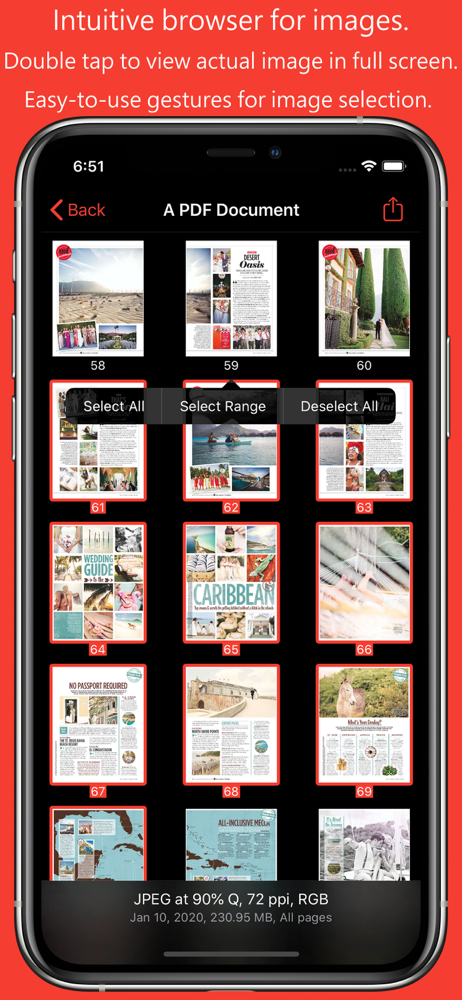
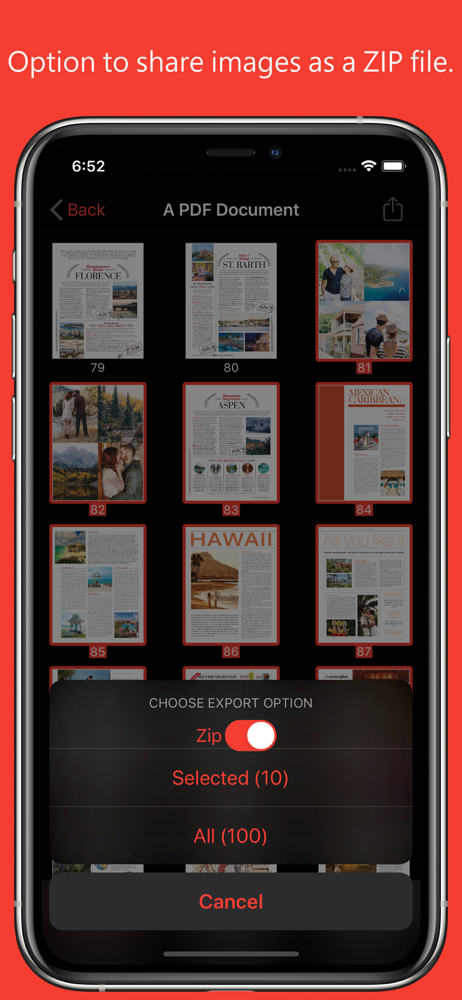
PDF to JPG is an intuitive app to convert PDF documents into best quality JPG, PNG and TIFF images on iPhones and iPads. PDF to JPG converts each PDF...


