Check the acquisition promise
Read the store headline, screenshots and description. What problem is the app promising to solve?
Study the storefront ↗
Scratch Foundation, Inc. · iOS
Explore the ad evidence, study the storefront, and build your next acquisition hypothesis.
01 / Creative research
Read the store headline, screenshots and description. What problem is the app promising to solve?
Study the storefront ↗Explore apps with direct store-link matches. Compare their hooks and formats without assuming the same approach works here.
Browse observed advertisers ↗Store rankings and revenue estimates describe market context. They do not establish ad spend, conversions or ROAS.
Review the market context ↗02 / Storefront & product
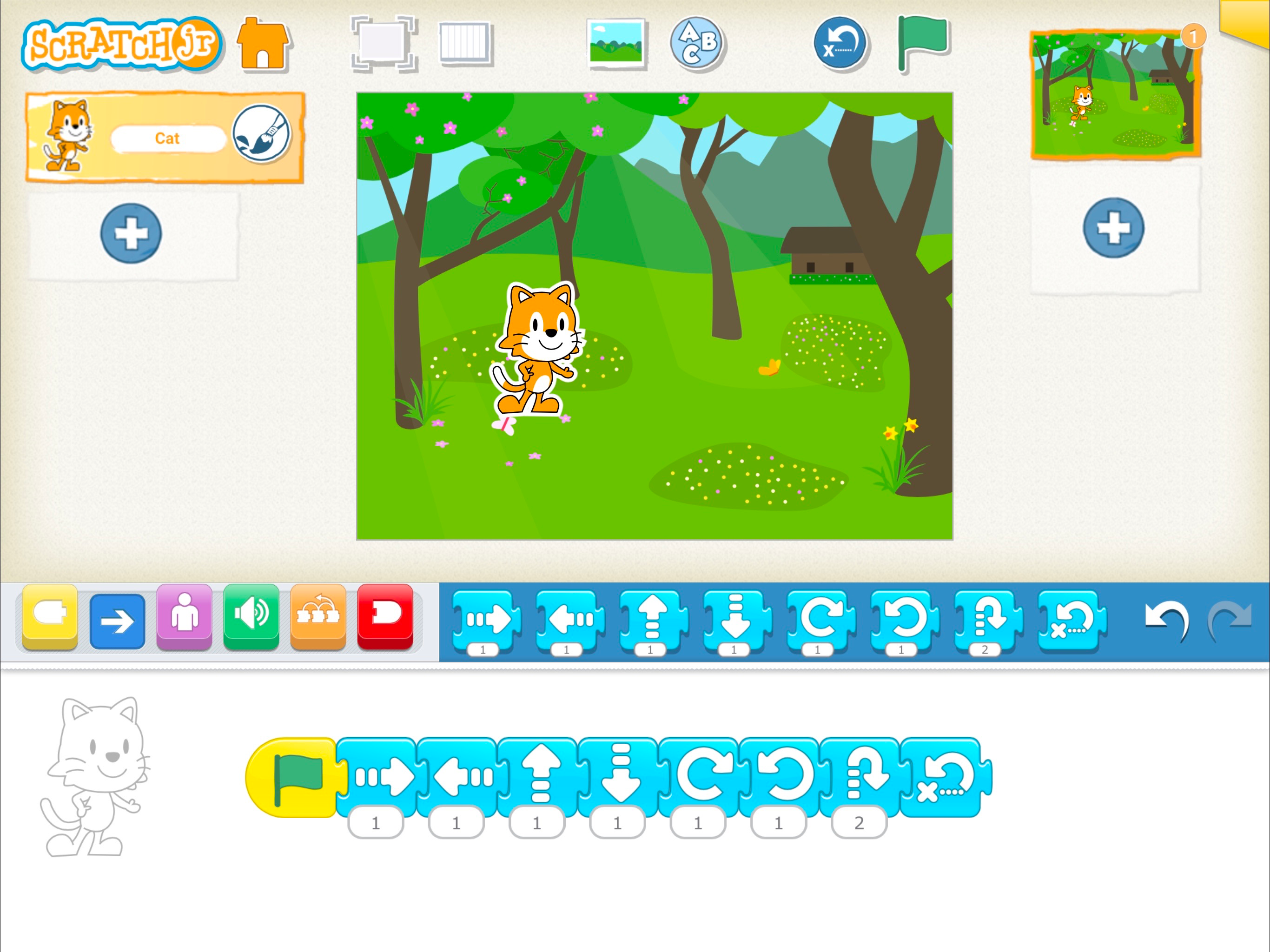
Study the product story and store experience behind the acquisition funnel.

03 / Market context
Keep revenue, downloads and store rankings separate from advertising performance.
Although being more-so directed at younger children, I believe this game is fun for all ages! With regular Scratch being too complex to simply be its own mobile app (a search engine is required to use it) this is an amazing substitute that has just enough challenges to not completely feel directed to 4-7 year olds. Of course, apps like this are always bound to a few glitches, but that barely downgrades the rating. The main reason I put four stars instead of five is due to a really restraining feature—not glitch—I’ve found, that no other review has talked about (to the best of my knowledge of scrolling and reading reviews.) This feature is hard to explain, but if you test it out on the app you might get it. Explanation: Layers in ScratchJr are pretty odd. You have to press and hold on a layer to move it to the top, no exceptions. This isn’t a bad feature, but combined with the sprite hit boxes it makes it hard to deal with. In ScratchJr you can (hypothetically) draw a box on the very left of the sprite canvas, but the hit box still includes all of the blank, invisible area. Now imagine that with more sprites, and imagine your original sprite was supposed to be on top. You try to press and hold to move it upwards in the layers, but you hit the invisible spot an other sprite’s hit box. A few ways to fix this would be to add a whole interface for layers, or to make it so you can only move the sprite you have selected. Overall an amazing, super fun app, but the few setbacks can be difficult! ❤️
Sooooo, in 1st or 2nd grade (I don’t remember) in school we were told how to use this app for the first time and it was so FUN! I remember going home and literally playing it every single day. But I’ve kinda forgotten about it. But a few days ago I was scrolling through my iPad and found this, I was like “OMG I remember this!” So I clicked on it and started scrolling down to look at my old creations (my first ever on there was about a fire dragon and a flame dog. Now I really love wings of fire and warriors/ warrior cats) and I dictated that I wanted to make something else, so I made a bunch of different colored dragons and made them fade into each other. (Also I think u should pleeeseee make cats a default animal, I mean I know u have that mascot like one but I want one like the dogs) any way all I want to say is how nostalgic this is for me (also random but when did they add this emoji? 🫎🫎🫎)
There is this mail letter thing, you can choose different colors for it to trigger a signal in your coding thing, or, whatever you call what it does. There is only a few colors, not a lot. I don’t like that part, because I have a lot more things to use that mail thingy than just 6 colors. Can we maybe put a text, instead of colors? Like, any text. For example: “car”. And on the character, you put the same text on that mail thingy. And the action happens. Also, why only 4 scenes? Can we add more than 4 scenes? I also want the audio recording quality a little better. There is this noise sound, it makes the recording sound a little glitchy, I also want to have a feature where you can just get audio from your audio library, or video library. Thank you, I just want an improvement to make coding better. Overall from this, this app is great! Thank you for reading.
With ScratchJr, young children (ages 5-7) learn important new skills as they program their own interactive stories and games. By snapping together gr...