
Check the acquisition promise
Read the store headline, screenshots and description. What problem is the app promising to solve?
Study the storefront ↗
Coalesce Software · iOS
Explore the ad evidence, study the storefront, and build your next acquisition hypothesis.
01 / Creative research
Read the store headline, screenshots and description. What problem is the app promising to solve?
Study the storefront ↗Explore apps with direct store-link matches. Compare their hooks and formats without assuming the same approach works here.
Browse observed advertisers ↗Store rankings and revenue estimates describe market context. They do not establish ad spend, conversions or ROAS.
Review the market context ↗02 / Storefront & product
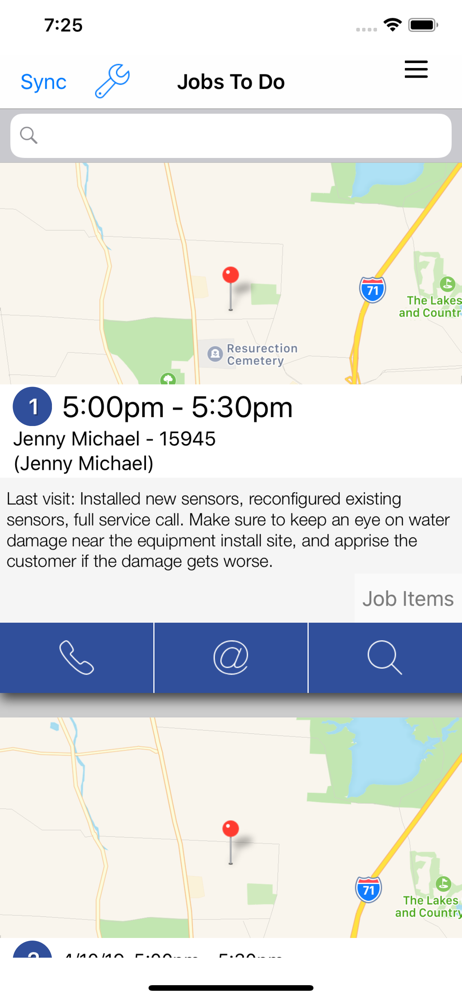
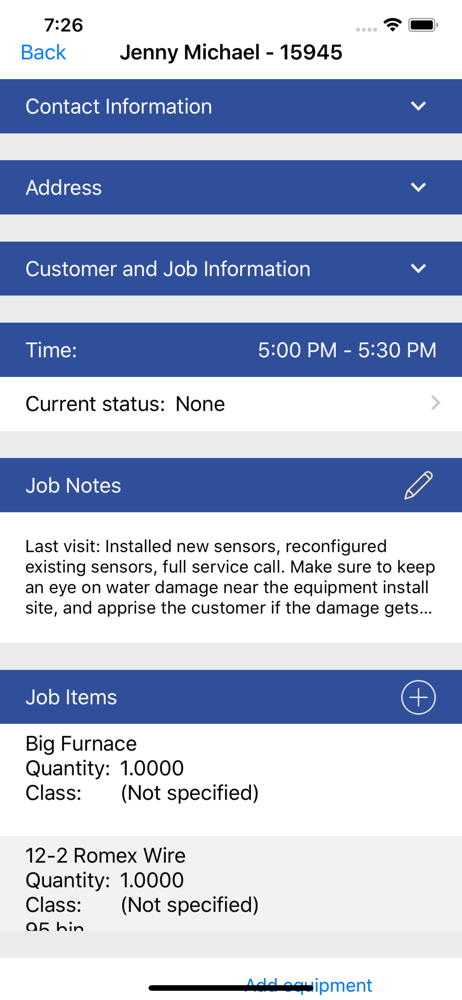
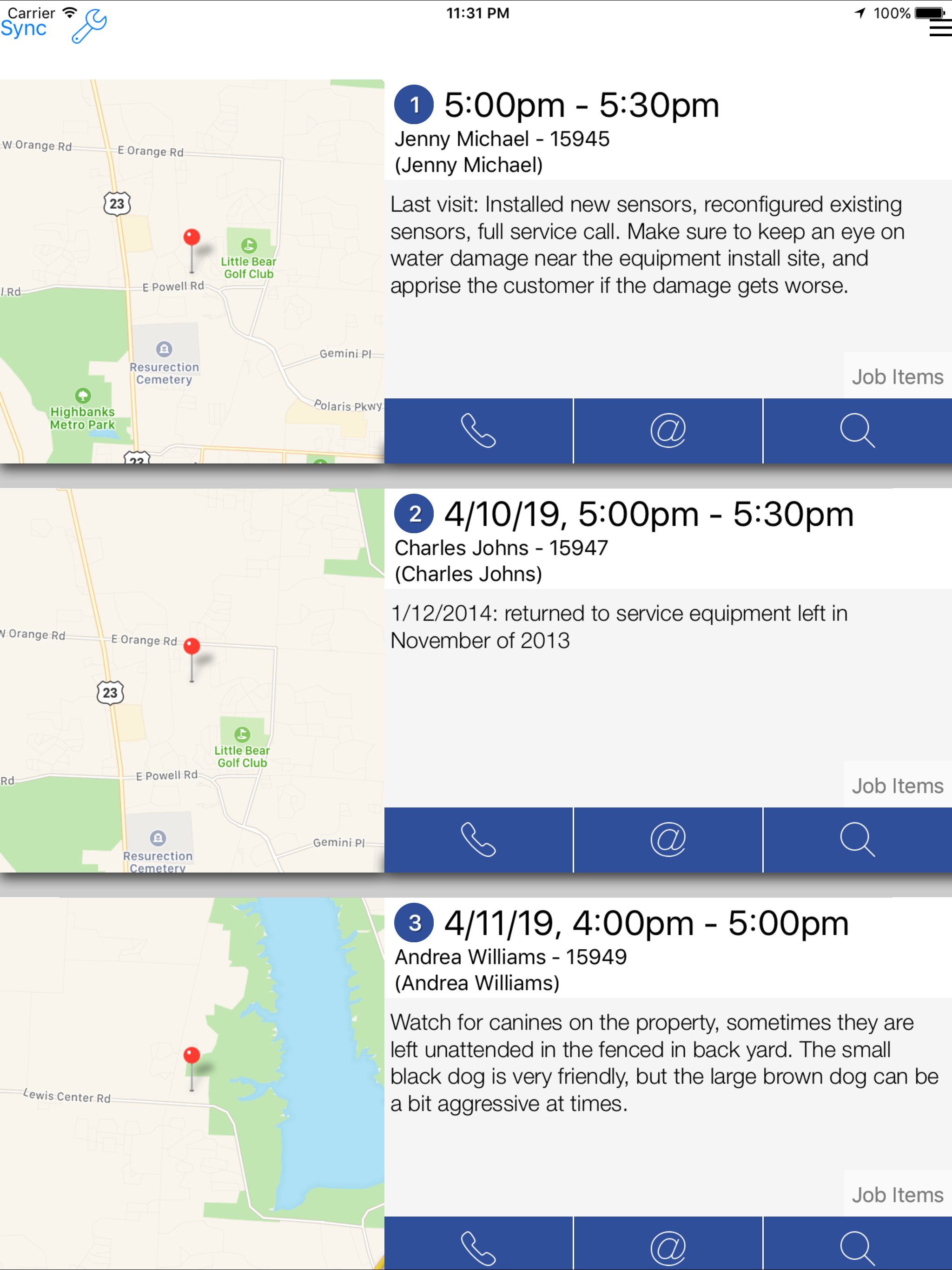
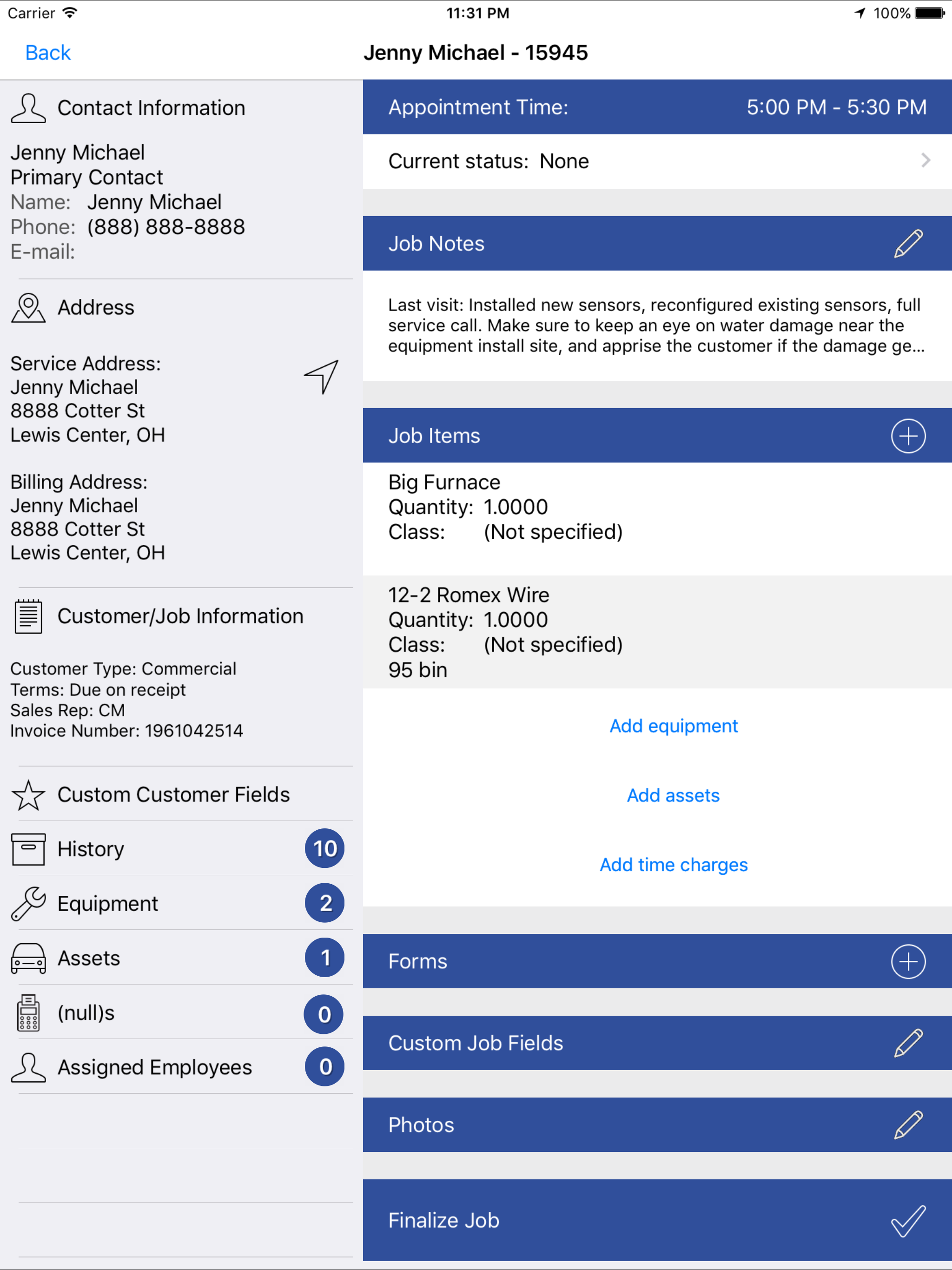
Study the product story and store experience behind the acquisition funnel.
03 / Market context
Keep revenue, downloads and store rankings separate from advertising performance.
On settings: -to have an option to disable delete confirmation of Job Items… -An option to enable or disable the autosync after sending an email When filling job items: In the Description be able to write without double tapping like in the rest of the text boxes of the job items Be able to enable or disable the job notes from the PDF
Once you spend a day or 2 playing with the app you realize it is way easier to use than filling out work tickets for every job you do. It can get annoying in areas with bad reception as the app tends to sync pretty frequently. The app would be much better if you could incorporate the use of google maps instead of the IOS maps app.
Once upon a time this app worked well....now you constantly loose your input. It auto syncs every time you move in and out of the app making in near impossible to transfer information into an estimate or repair from other sources.
iFleet brings work orders into the digital age, serving as a high-tech clipboard that houses all the schedules, job information, and paperwork the mod...


