Check the acquisition promise
Read the store headline, screenshots and description. What problem is the app promising to solve?
Study the storefront ↗
zhang weiru · iOS
Explore the ad evidence, study the storefront, and build your next acquisition hypothesis.
01 / Creative research
Read the store headline, screenshots and description. What problem is the app promising to solve?
Study the storefront ↗Explore apps with direct store-link matches. Compare their hooks and formats without assuming the same approach works here.
Browse observed advertisers ↗Store rankings and revenue estimates describe market context. They do not establish ad spend, conversions or ROAS.
Review the market context ↗02 / Storefront & product
Study the product story and store experience behind the acquisition funnel.
03 / Market context
Keep revenue, downloads and store rankings separate from advertising performance.
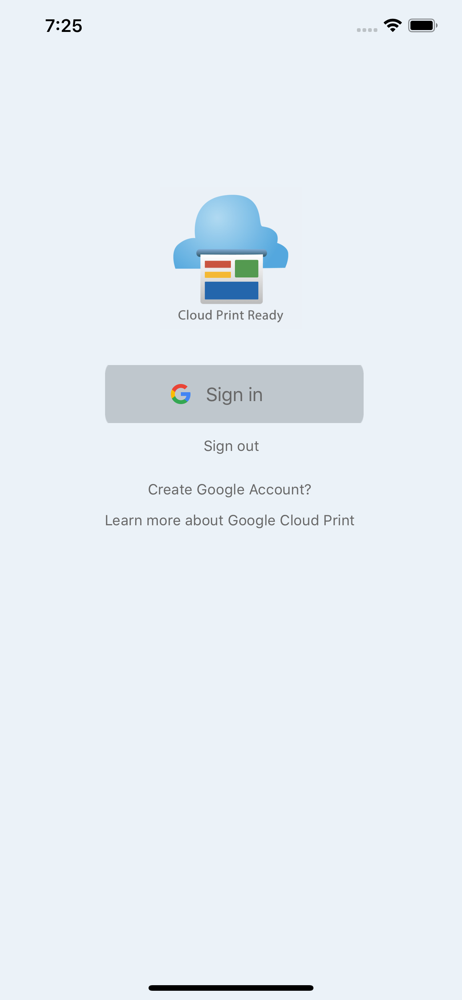
The latest update that was supposed to "fix" the Google login bug, broke the app on my 4th generation iPad with iOS 10.3.3. Every time I try to login in the app crashes and goes back to the initial screen.
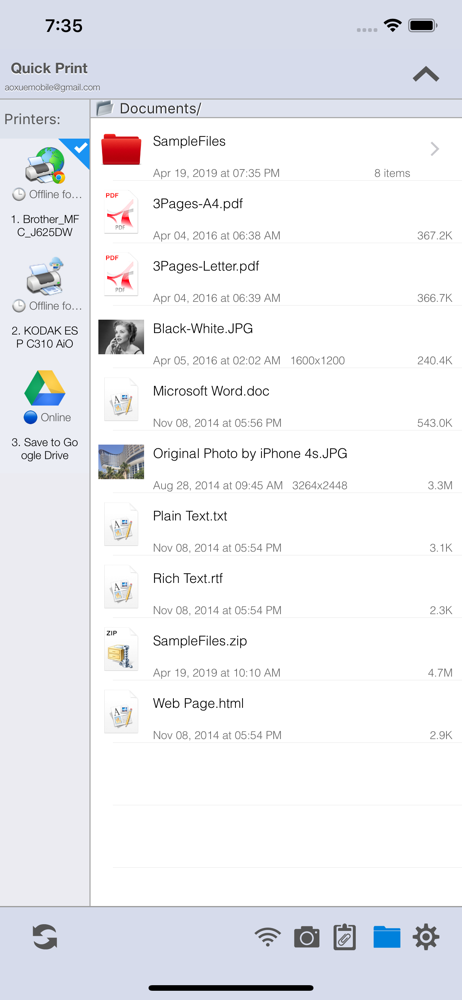
Google’s recommended app is busy and confusing. Your solution has a clean, intuitive layout. I had it up and running quickly. I like how I can select an available printer from the bar on the left. Nice. Great work!
I can print anything on my phone, from anywhere in my house with a couple simple clicks of a button! Excellent, I love not having to plug my phone into my computer, or transfer things via email, it's a real like savor, especially when you need to print off kids back to school supplies and your in the bathroom doing your hair. 😬
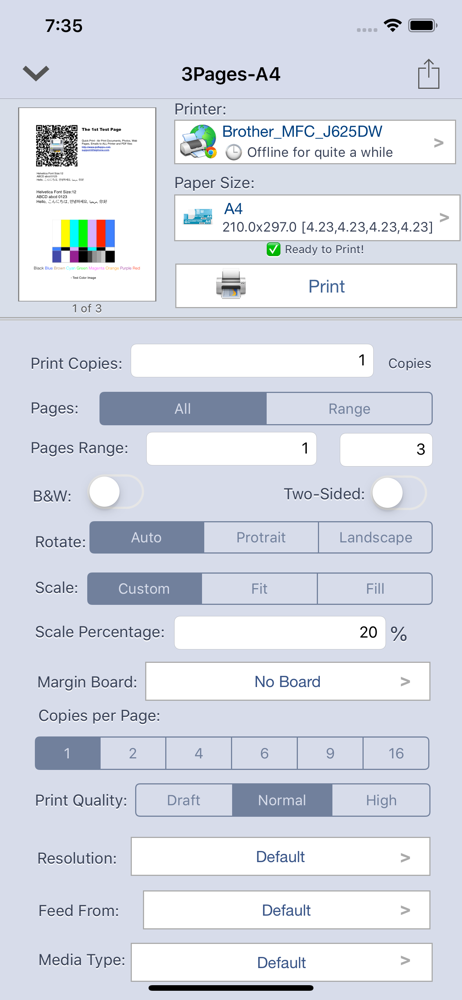
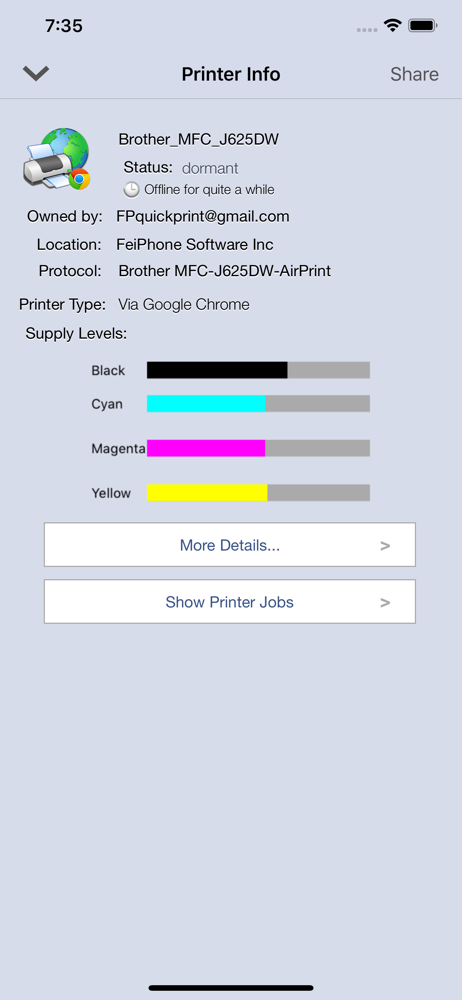
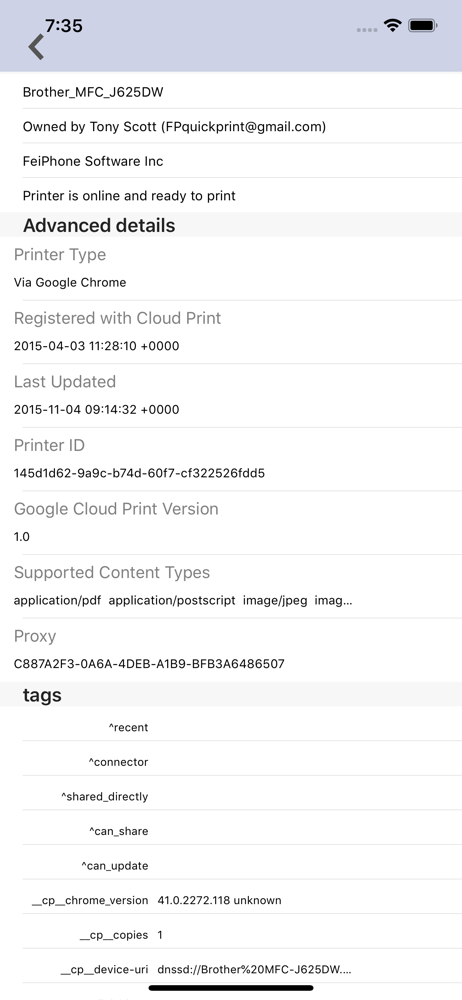
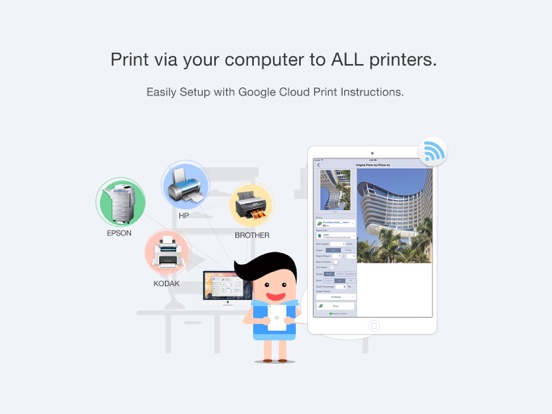
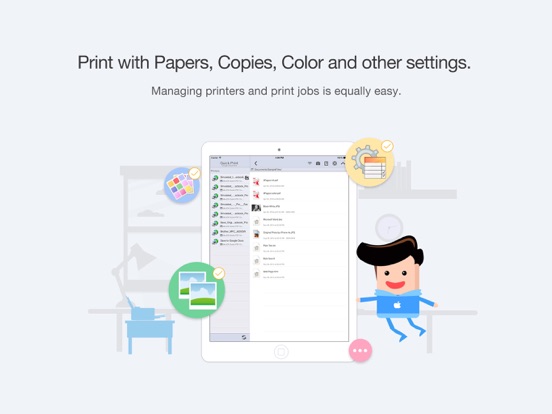
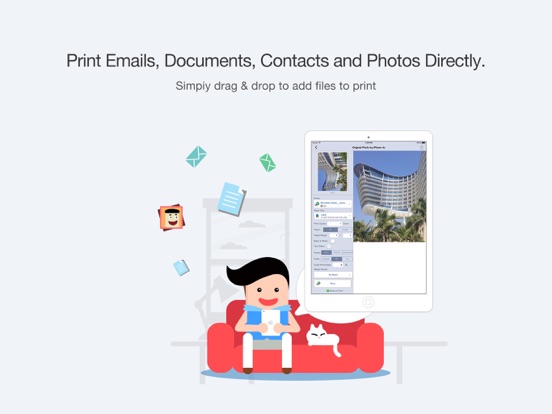
Quick Print (Cloud Version) enables wireless printing documents, photos, web pages, emails and more right from your iPhone & iPad Anywhere to ALL prin...