Check the acquisition promise
Read the store headline, screenshots and description. What problem is the app promising to solve?
Study the storefront ↗
MobilePioneers · iOS
Explore the ad evidence, study the storefront, and build your next acquisition hypothesis.
01 / Creative research
Read the store headline, screenshots and description. What problem is the app promising to solve?
Study the storefront ↗Explore apps with direct store-link matches. Compare their hooks and formats without assuming the same approach works here.
Browse observed advertisers ↗Store rankings and revenue estimates describe market context. They do not establish ad spend, conversions or ROAS.
Review the market context ↗02 / Storefront & product
Study the product story and store experience behind the acquisition funnel.



03 / Market context
Keep revenue, downloads and store rankings separate from advertising performance.
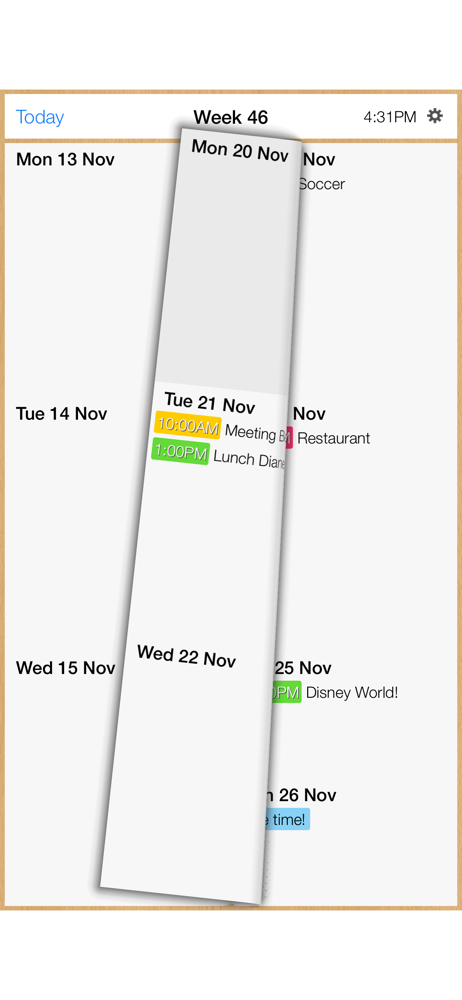
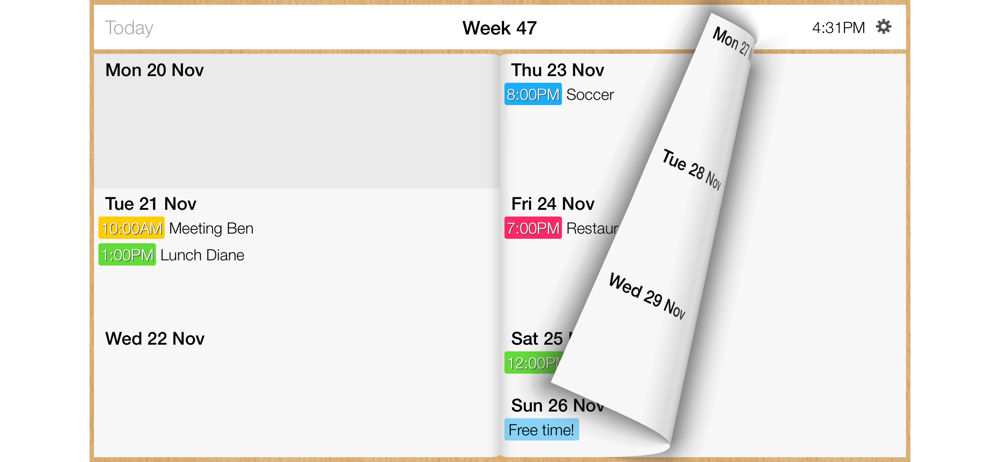
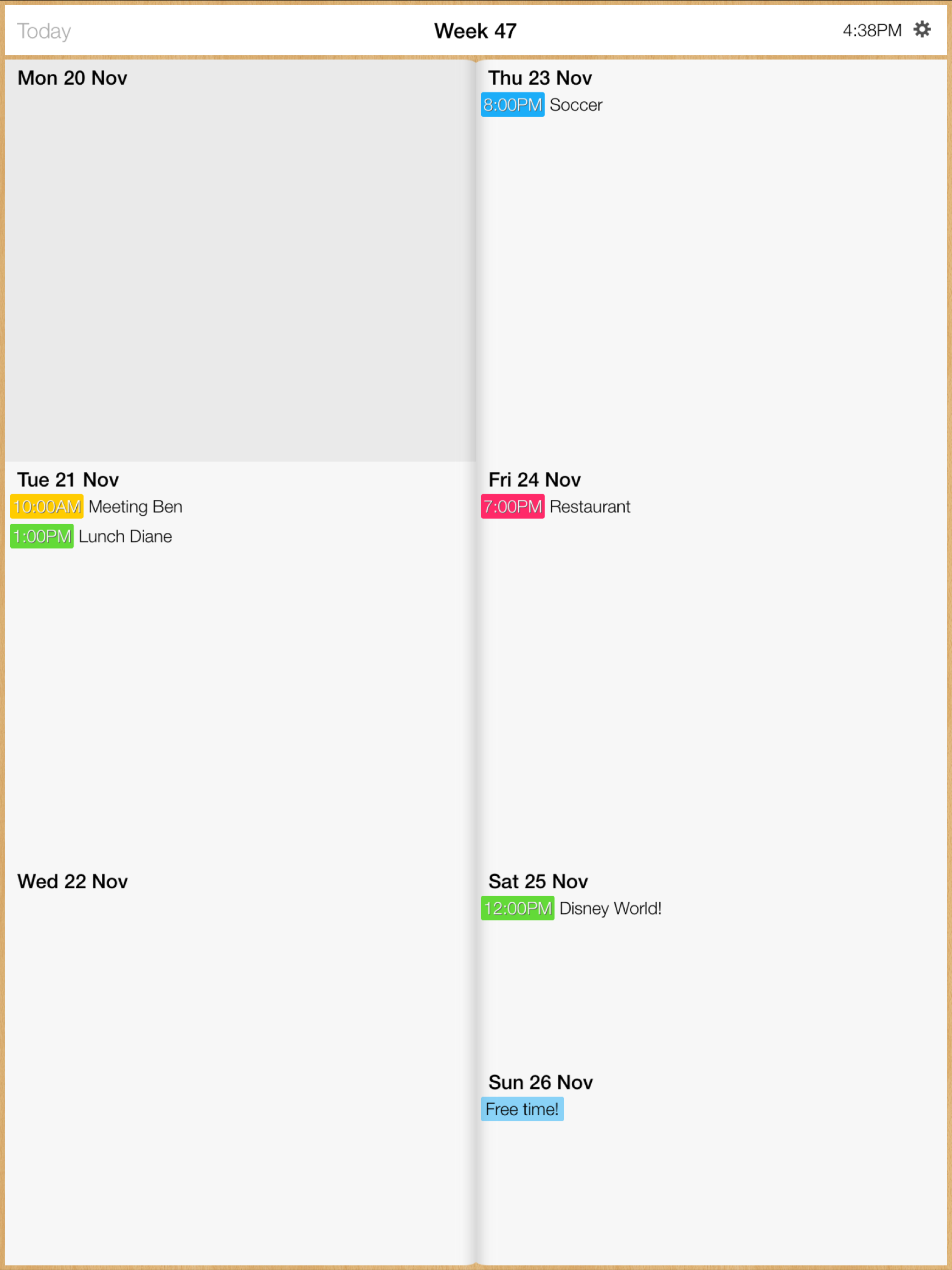
If you want just a week view of your IOS calendar, it is great, simple, easily readable. Don't ask him to do more for the price (free...) it's perfect. One potential improvement would be to choose the number of lines authorized to display an event. Currently, with just one, this is too short.
Love the simplicity. I did have to reboot my iPhone when I changed the layout in order for it to take effect.
Just what I needed! I was tired of having to scroll through every day to find the right event. Now I can look in one place and update events in a snap. Bravo!
With Week Calendar you swiftly swipe your way through your calendar. All you need to enter is the name and time of your event. Other default settings...
| Name | Price | Type |
|---|---|---|
| Monthly | $0.99 | Monthly |
| Monthly | $0.99 | Monthly |
| Monthly | $1.99 | Monthly |
| Monthly | $1.99 | Monthly |
| Yearly | $2.99 | Yearly |
| Yearly | $3.99 | Yearly |
| Yearly | $7.99 | Yearly |
| Yearly | $12.99 | Yearly |