Check the acquisition promise
Read the store headline, screenshots and description. What problem is the app promising to solve?
Study the storefront ↗
Tom van Zummeren · iOS
Explore the ad evidence, study the storefront, and build your next acquisition hypothesis.
01 / Creative research
Read the store headline, screenshots and description. What problem is the app promising to solve?
Study the storefront ↗Explore apps with direct store-link matches. Compare their hooks and formats without assuming the same approach works here.
Browse observed advertisers ↗Store rankings and revenue estimates describe market context. They do not establish ad spend, conversions or ROAS.
Review the market context ↗02 / Storefront & product
Study the product story and store experience behind the acquisition funnel.




03 / Market context
Keep revenue, downloads and store rankings separate from advertising performance.
I Used to love this calendar but for some reason now when I set an Alert to something like "Remind me one day before", then I set the second alert to "remind me one hour before" it then changes the First alert to One hour before." In other words, now it always sets the two DIFFERENT alerts so they are EXACTLY the same. Please, please fix this or I will be looking for a new calendar! Update: The problem has been fixed and I LOVE this calendar again. Thank you so much! It’s a WONDERFUL calendar. I have now been using this calendar for several years. I love the way it can be customized. If I want a reminder about something that happens on a certain day every other week, this calendar will do that. It looks just like the Google Calendar but, I believe that it does much more than the Google calendar. It’s perfect!
I really like being able to browse for a new date with the “move” function and have the event automatically reschedule to the new date. My only suggestions are related to the display. It’s nice to be able to choose a theme, but it would be great if the color was brighter for the day/date bars for each day, so that each day was more defined from the rest of the calendar entries in the week view. I think having the option to add a subtle color to the main area of the calendar, instead of the glaring white background, would be nice too. I like dark mode, but with that almost all definition of the above-mentioned day/date bars goes away, so would like to have them stand out more in dark mode too, with the current date also highlighted better. Overall, I think this is an excellent app with great features.
I previously purchased the Planner app with the impression that it would sync automatically with my iPhone calendar. But I was sadly mistaken. So when I came across this app I was unsure if it was what I needed. MUCH to my surprise, not only does the app sync to my iPhone calendar, but it does so instantly when you download the app, and you do not have to do anything to it. Simplified special dates or appointments you add to this app can be done through the app directly, but what I love is that if there is more detail that needs to be added to the event it takes you directly to your iPhone calendar to be completed, and then syncs to the Easy Calendar. I LOVE IT! PLUS the little graphics of birthday cakes and such along with the color coded events makes this app fun, and visually appealing! I agree with other users that the app logo could use some work, but all in all it was well worth the $1.99 purchase! Well done!!! And thanks!
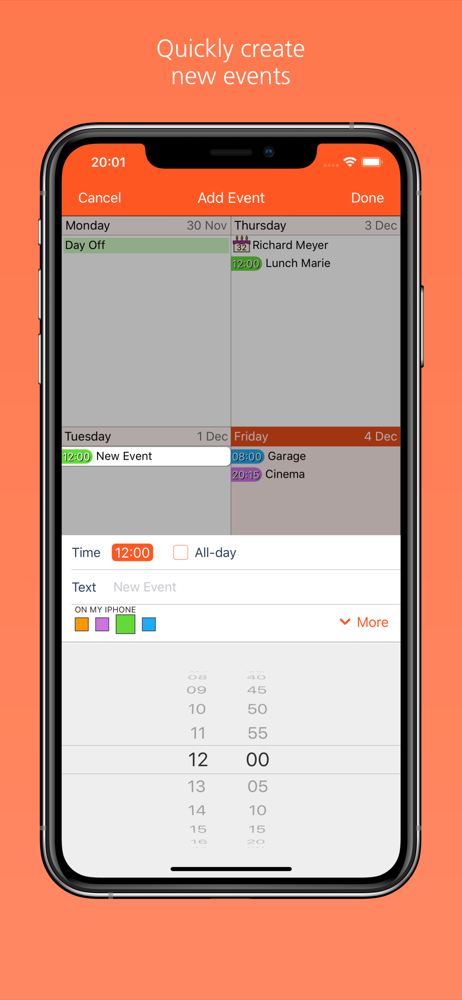
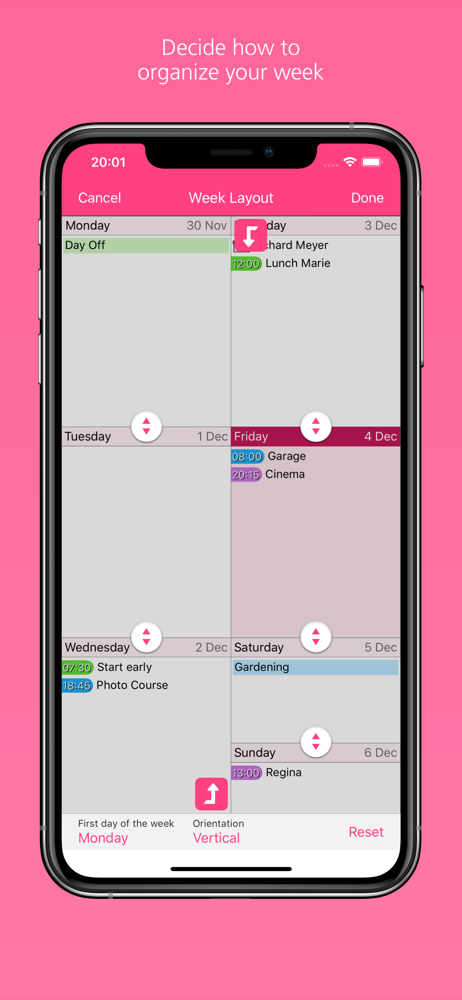
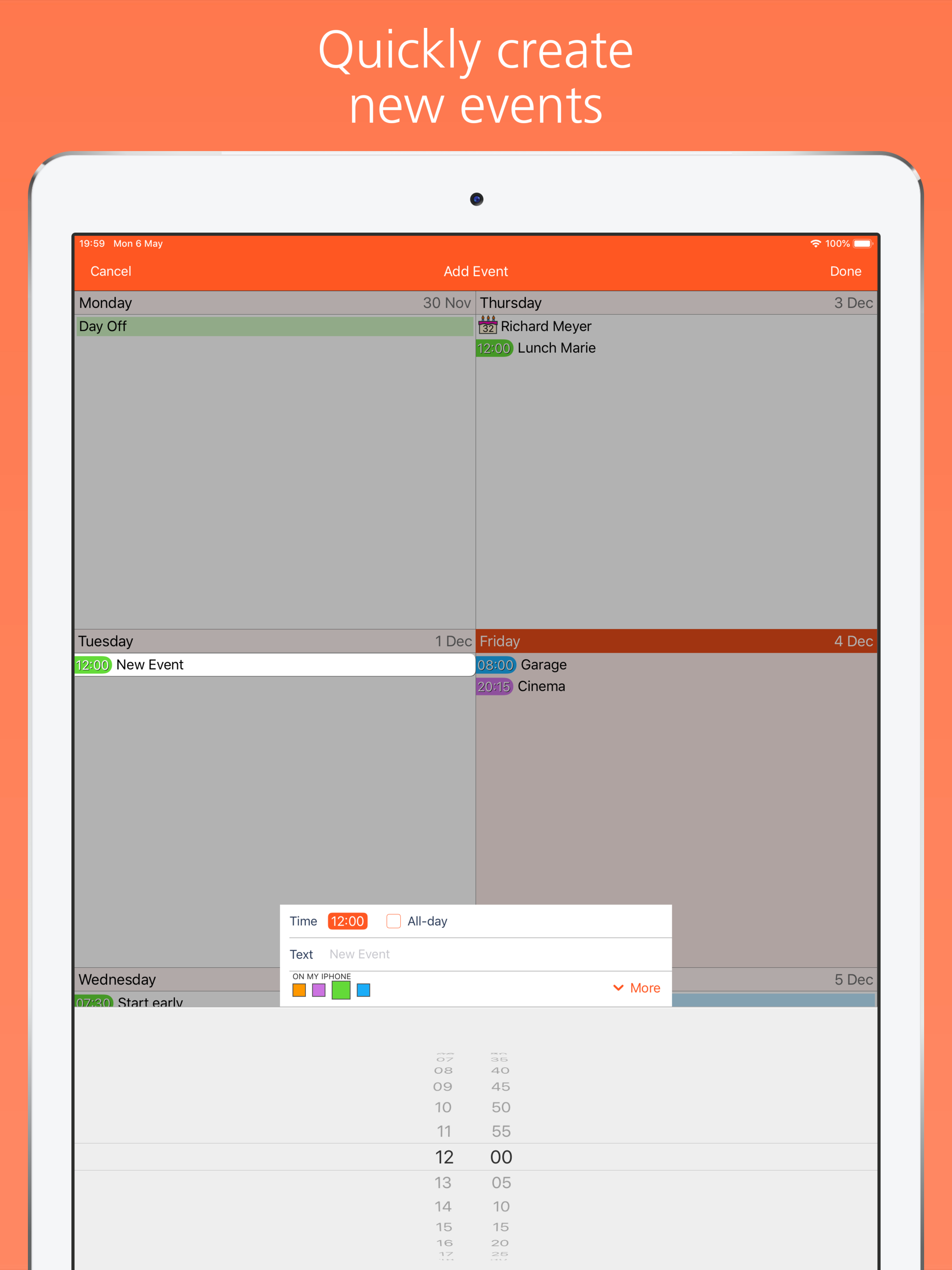
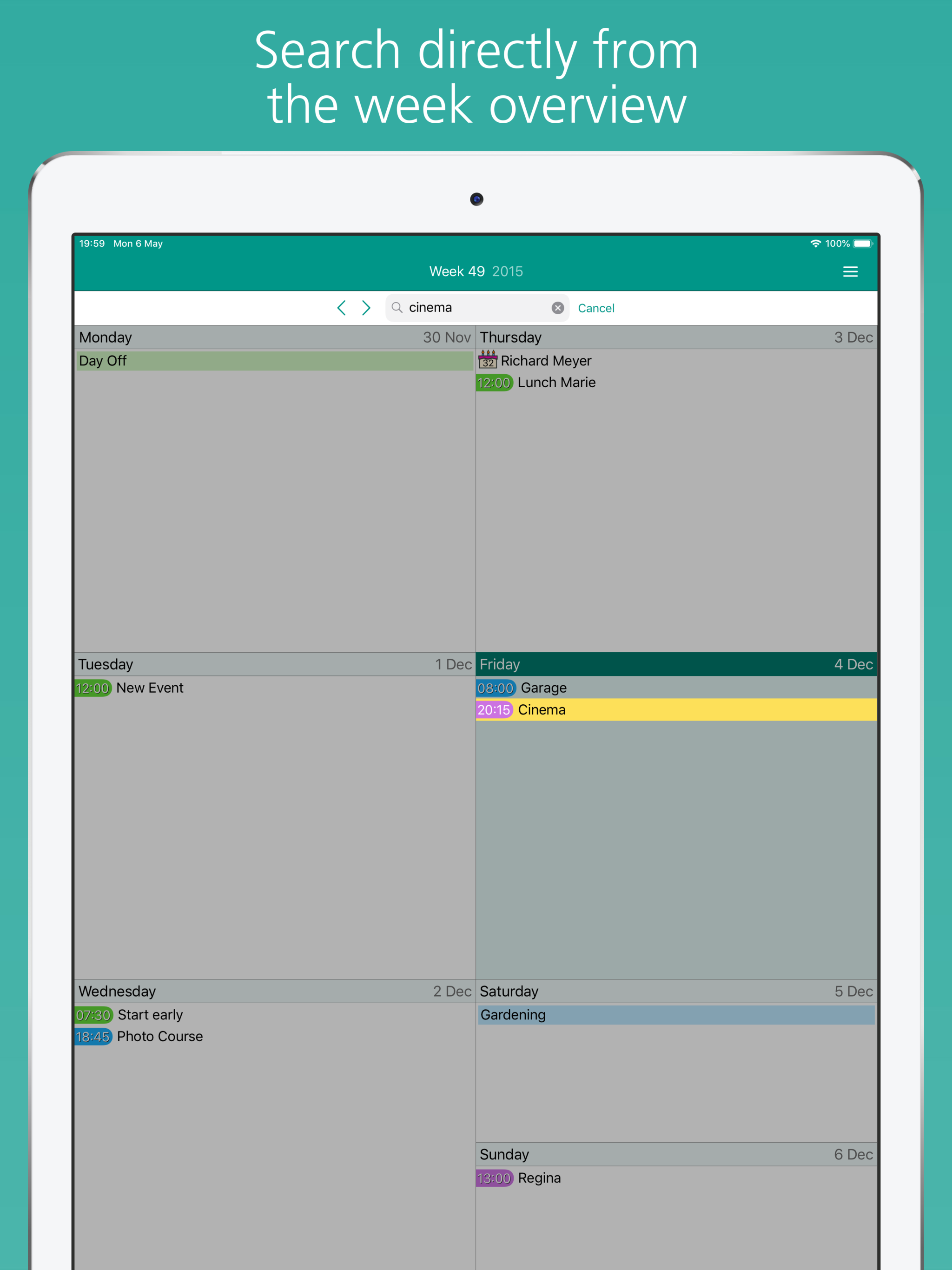
Experience the ease of use of a weekly calendar in the palm of your hand! Designed around frequent tasks, Easy Calendar lets you create and edit event...
| Name | Price | Type |
|---|---|---|
| Calendar Store (Annual) | $1.99 | Yearly |
| Easy Calendar Premium (Annual) | $6.99 | Yearly |