Check the acquisition promise
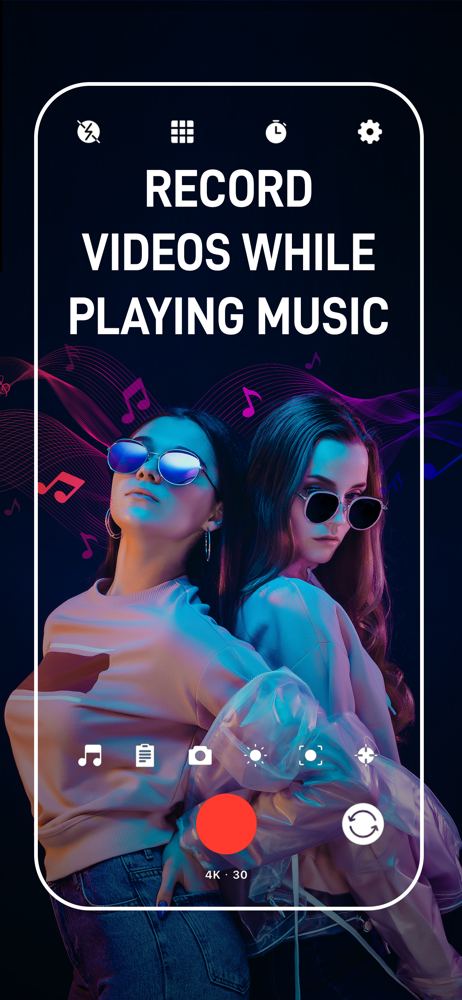
Read the store headline, screenshots and description. What problem is the app promising to solve?
Study the storefront ↗
Maroun Abi Ramia · iOS
Explore the ad evidence, study the storefront, and build your next acquisition hypothesis.
01 / Creative research
Read the store headline, screenshots and description. What problem is the app promising to solve?
Study the storefront ↗Explore apps with direct store-link matches. Compare their hooks and formats without assuming the same approach works here.
Browse observed advertisers ↗Store rankings and revenue estimates describe market context. They do not establish ad spend, conversions or ROAS.
Review the market context ↗02 / Storefront & product
Study the product story and store experience behind the acquisition funnel.


03 / Market context
Keep revenue, downloads and store rankings separate from advertising performance.
I really like the features and how this app is easy for a dummy like me to use.👌😌 I’m a rookie beginner at this TikTok-Instagram-Snapchat-Reels video editing stuff, like all the other platforms-apps, I cannot hardly navigate around most of them for video editing🤔🧐 besides the real boring simple ones.🙄 The editing-effects buttons are all different shapes and logos😳🤦🏼♀️ and idk what they do so I take forever figuring that out wach one..wasting time right, 🤷🏼♀️plus I get all confused with all the extra features on there it’s overwhelming lol I’ve never done this or was taught how……so yeah…😏 But this one is self explanatory 👍and easy to figure out, for me anyway. That’s why they deserve 5 🖐️whole stars 🤩from this tech tard😜🤓😂
Two things needs attention right away First this app needs pause and resume for easy editing please do it immediately Second the zoom is way to fast you need to add a zoom slider and zoom speed where we have ability to slow the zoom down as well as speed it up bud other then that the audio is absolutely perfect don’t change anything with the audio it’s perfect just add pause and resume and a zoom slider and option to change the zoom speed. Also portrait lock mode where we have the ability to put the camera in horizontal or portrait mode without unlocking the The built-in portrait mode feature by default thanks waiting to hear from you immediately please kindly take heed of these features and at them as soon as you possibly can 😊 loving the app just fix and add these quick
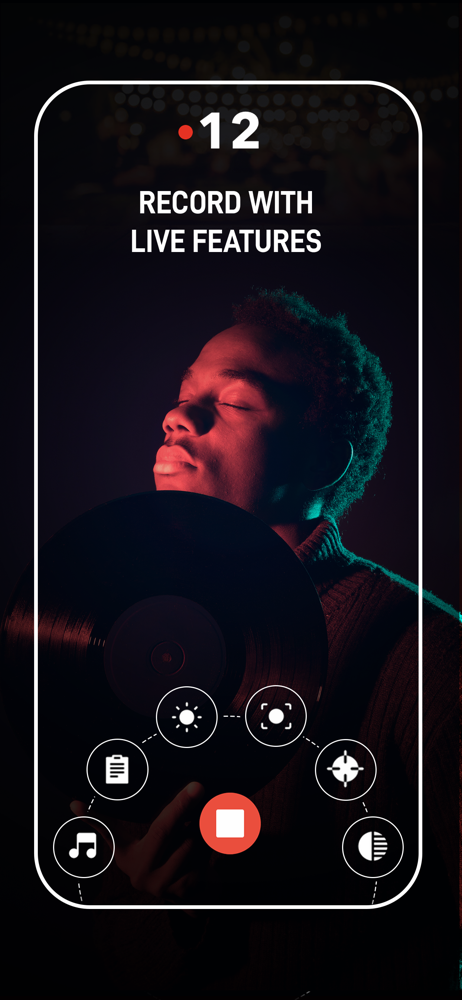
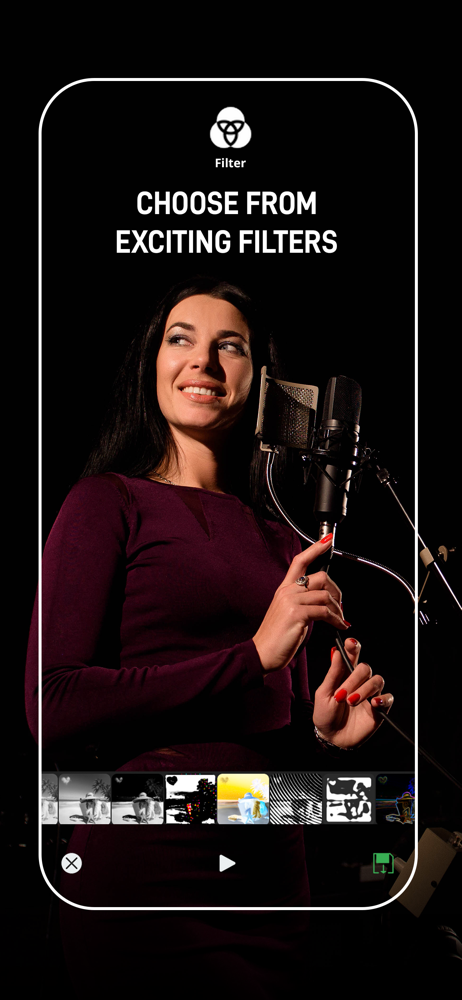
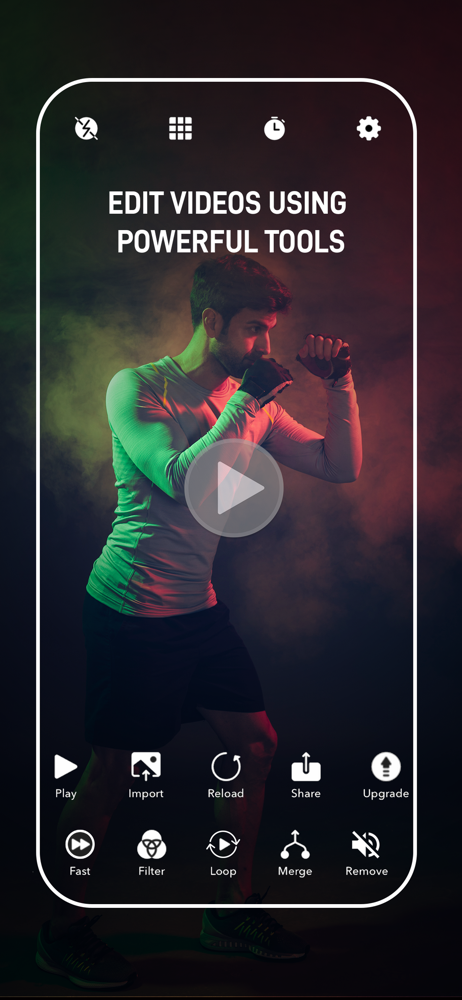
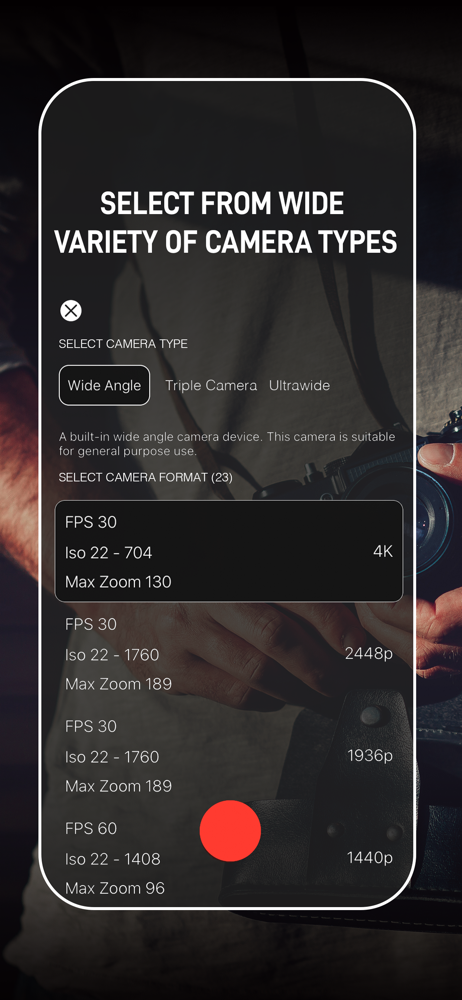
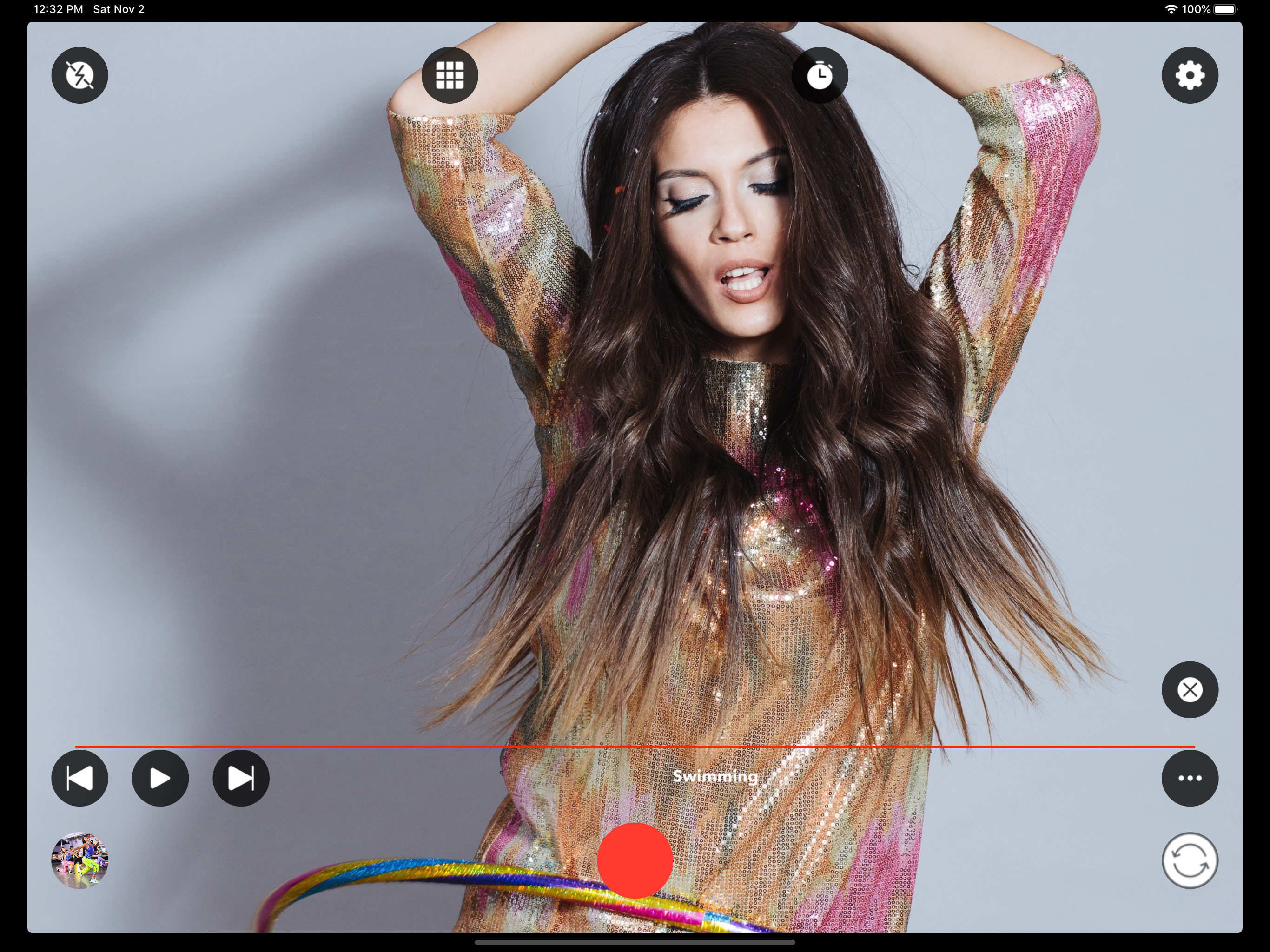
This app does exactly what it says🎉. It allows you to play music while recording video, a super handy feature! Despite not appearing to have portrait mode, if you flip your device to the desired orientation, it will record that way (not sideways). It has flash mode, selfie mode, and outward-facing camera mode, it has the option to take pictures, it has self timer (3 seconds, 5, and 7), quality options, splicing options, and a load of cool filters to boot! Now, here's a note. The app is a little finicky when it comes to interruptions (such as FaceTime calls). Make sure that it is in fact recording afterward and you won't have any problems. The developer is very friendly and responds to emails very quickly; he responded to my request in less than an hour! Overall, I rate this app 4 & 3/4 stars. ⭐️⭐️⭐️⭐️💫 -:-Hanna Brassheart💛-:-
Media Monster is an amazing camera app that gives you the ability to capture high-quality videos and photos. Not just that, with Media Monster you can...
| Name | Price | Type |
|---|---|---|
| Monthly Membership | $0.99 | Monthly |
| Monthly Membership | $0.99 | Monthly |
| Media Monster (6 Month) | $2.99 | Semi-Annual |
| Yearly Membership | $4.99 | Yearly |