
Check the acquisition promise
Read the store headline, screenshots and description. What problem is the app promising to solve?
Study the storefront ↗
Eric POUSSE · iOS
Explore the ad evidence, study the storefront, and build your next acquisition hypothesis.
01 / Creative research
Read the store headline, screenshots and description. What problem is the app promising to solve?
Study the storefront ↗Explore apps with direct store-link matches. Compare their hooks and formats without assuming the same approach works here.
Browse observed advertisers ↗Store rankings and revenue estimates describe market context. They do not establish ad spend, conversions or ROAS.
Review the market context ↗02 / Storefront & product
Study the product story and store experience behind the acquisition funnel.



03 / Market context
Keep revenue, downloads and store rankings separate from advertising performance.
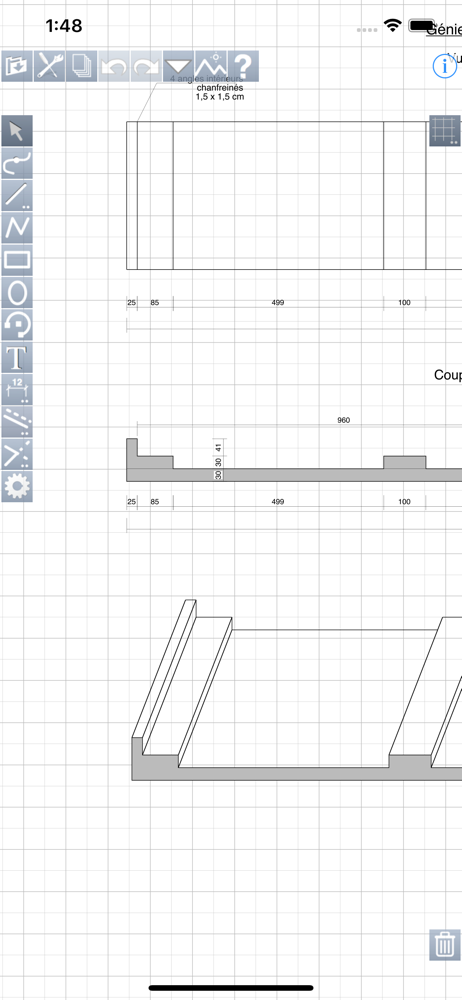
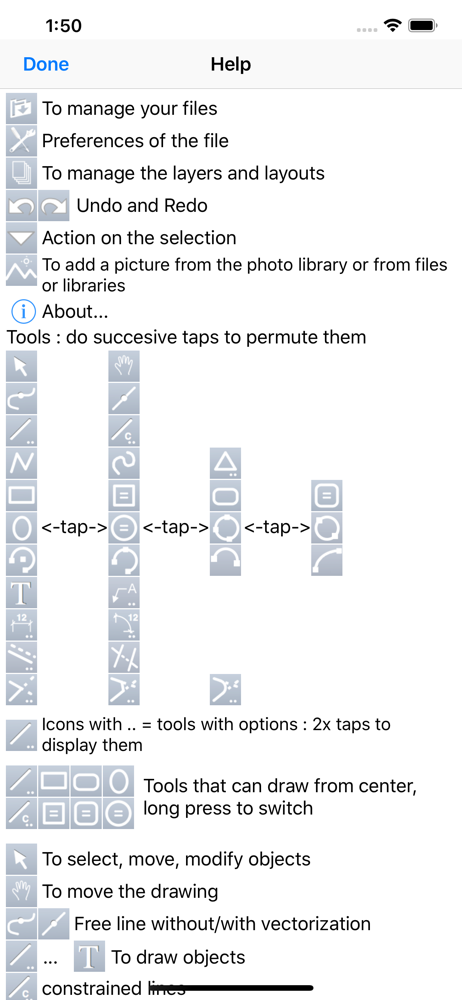
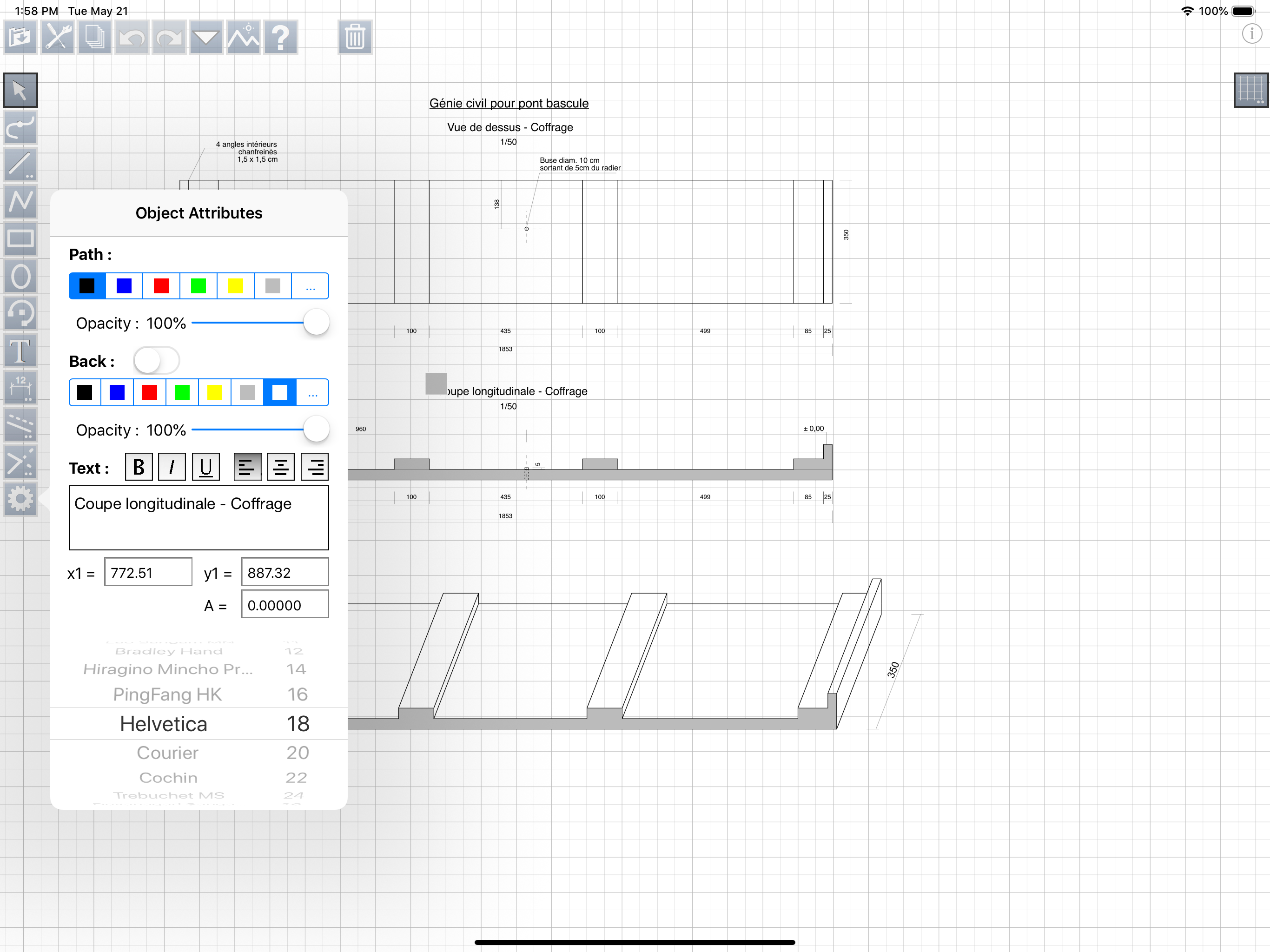
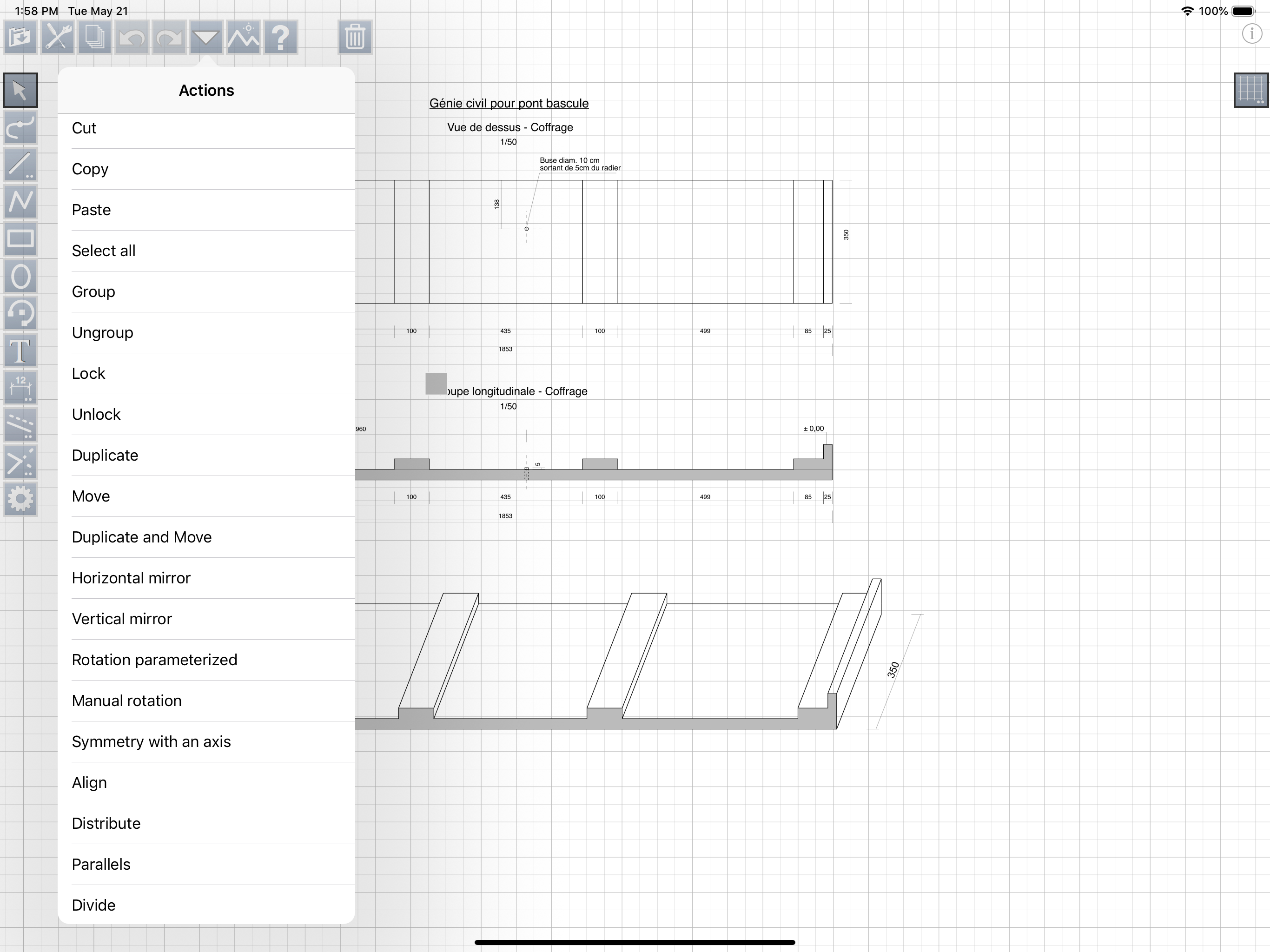
This is a great drafting program to make great scaled drawings. The instructions are OK but if you keep playing with it you can find the function you are looking for. It is good for someone that has previous CAD experience, it is difficult for someone with no experience. If are looking for an iPad CAD program and you have previous CAD experience, like to make accurate 2D drawings on the go and you are crafty and persistent then THIS PROGRAM IS FOR YOU. Highly recommend it.
This app has a steep learning curve, but once you spend time with it you find how great the functionality is. For example, grabbing objects a specific way allows you to snap them in alignment against other objects and using the dimension labeling tool is super handy but unique in the way it works. If you need to draw a project to scale, this is an excellent app. In fact, I now consider this one of the top 10 best apps for serious computing on the iPad Pro and using the Apple Pencil 2. The price point is another factor that swayed me in this direction as a competitive offering had a horrible subscription model which this one thankfully avoids.
It's not your usual iOS app interface. You have to take the time to poke around in the settings and read the help files. Once you do, you'll find that this app is an outstanding drawing / drafting app. I'm using it for everything that requires drawing or illustration and it gets the job done. The developers have a comprehensive user manual on their website. Download it! You get out of it what you put in to it. Invest the time to learn the interface and you won't be disappointed.
** look at the video tutorials put online on our site ** iPocket Draw is a vector drawing program comprehensive (CAD 2D), which offers to you total c...
