
Check the acquisition promise
Read the store headline, screenshots and description. What problem is the app promising to solve?
Study the storefront ↗
Adobe Inc. · iOS
Explore the ad evidence, study the storefront, and build your next acquisition hypothesis.
01 / Creative research
Read the store headline, screenshots and description. What problem is the app promising to solve?
Study the storefront ↗Explore apps with direct store-link matches. Compare their hooks and formats without assuming the same approach works here.
Browse observed advertisers ↗Store rankings and revenue estimates describe market context. They do not establish ad spend, conversions or ROAS.
Review the market context ↗02 / Storefront & product
Study the product story and store experience behind the acquisition funnel.

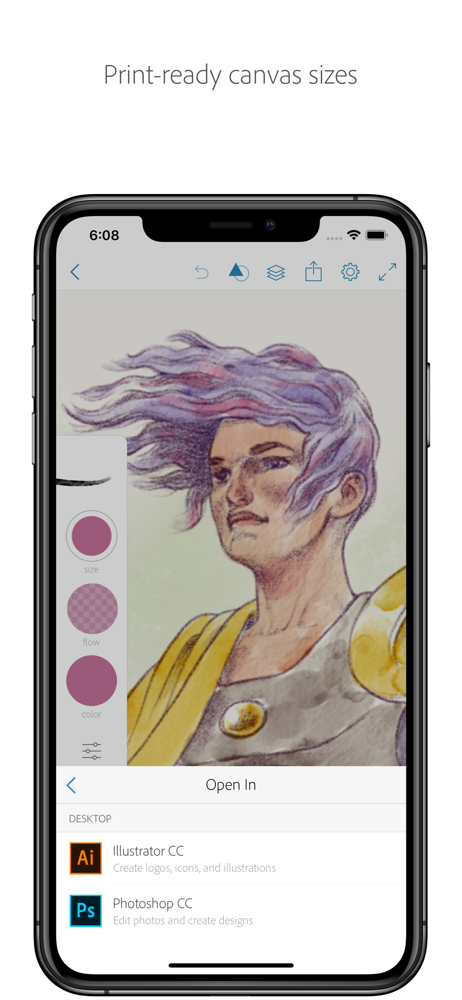
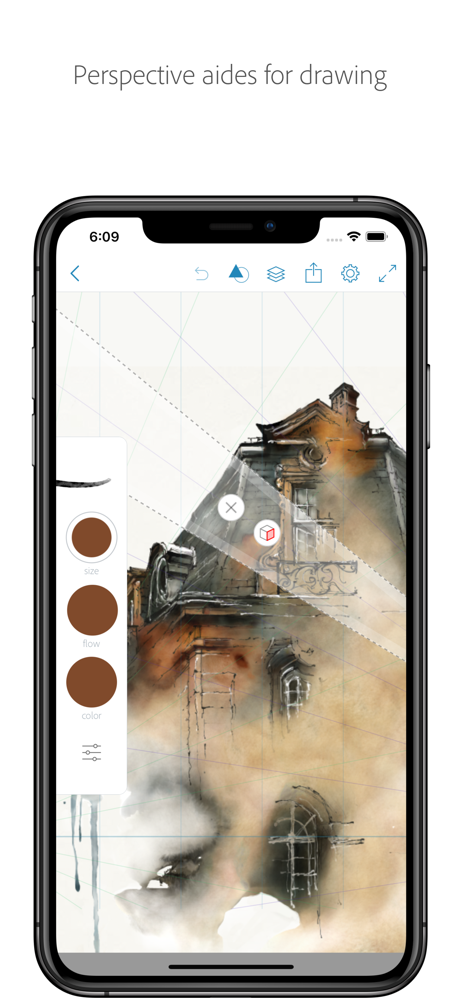
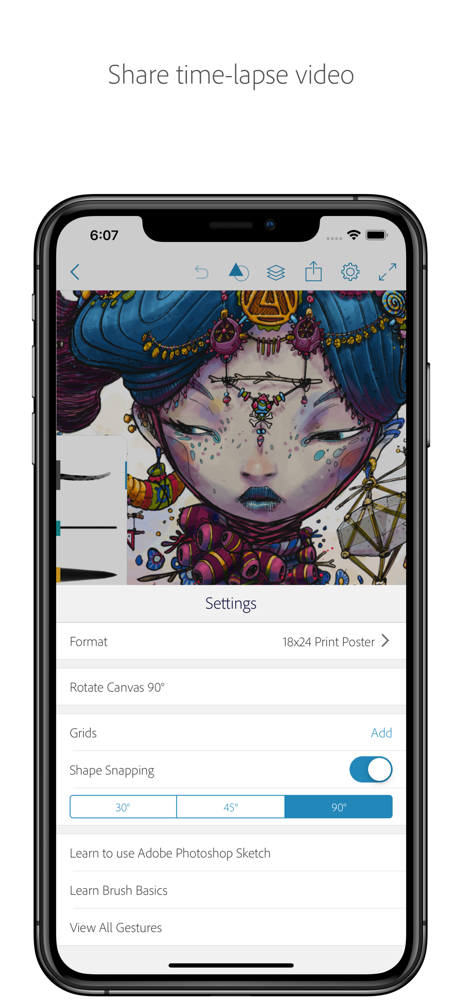
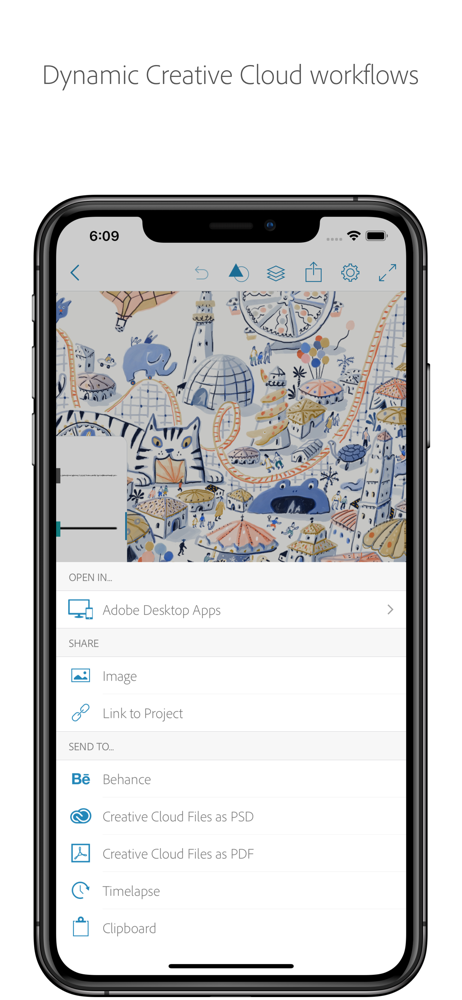


03 / Market context
Keep revenue, downloads and store rankings separate from advertising performance.
Please read this Developers. I would like to thank those who made this, because it is perfect. I love all of the different drawing tools, it’s easy to use once you know how, the color wheel works perfectly, and I love how I can have so many different projects. One more just amazing thing that I really admire: you don’t show drawing tools no then tell us we have to buy the upgrade. You show us amazing drawing tools and let us use them. I can use my Apple Pencil with it, which is great. All of the drawing tools are great, and in my experience they never glitch. Also you can actually select the color you want to use from your drawing. I use that all the time. Also you can have all the different brushes you select have different colors their using. One tiny bug is that sometimes if I close a project for a while because I want to work on something else (and by for a while I mean for a month or so, so it’s usually not a problem), when I come back, even though I had different brushes when I worked on it, it goes back to the default. But I get it if it’s hard to track all of that, which is why I don’t mind it too much. I wanted to give you a full five stars, also, because I don’t care much about the bug, I just thought you should know. This app is definitely worth five stars, so thank you for making it possible.
I work as a prop stylist and set designer at a commercial photography studio and our design department switched from pencil & paper to iPads and Adobe Sketch around 3 years ago and never looked back. It’s like a pen and paper, but WAY easier and didn’t feel overwhelming to even our most non tech savvy department members. While some department members opt for more involved set design apps with 3D ability, etc., most prefer the ease of Sketch and, because of this, my only complaint about the app would be the ability to have more control over how work gets organized and sent back and forth. We often reuse our set components and it would be nice to be able to quickly share our designs with each other without flattening the image layers so that if we wanted to reuse a set and make minor changes, we could go into their past work and be able to make those changes without disrupting any of the intricate details (like window trim, molding, etc.) and do so quickly by sharing or air dropping. Additionally, I wish it was easier to organize our files and merge project folders. We’ve all gotten the hang of how to organize by now, but still have old projects that are each in their own folders and it gets visually hectic/crowded. However, overall I give this app 5 stars because it has completely change the way we work and we are grateful!
Being a car nut since playing with HotWheels as a kid, My love for cars grew to model cars and eventually Art. After taking Art in JR High I spent hours sketching various cars which I loved but knew I could probably never obtain in real life. Years later headed to work with my prized Automotive Artwork to share with some Co-workers, a freak thunderstorm swept through my car and sucked all of my work out through the passenger window at 65mph and scattered it into a flooding river along the Highway. Lost forever I was immediately sickened knowing I had just watched every memory and piece of art I had created since grade school to that point in time blow right out of the window. This was way before Smart Phones, Apps and electronic storage. Fast forward to this year 2018 using my iPad Pro for work I discovered Adobe Sketch for field drawings and documentation of construction projects. Bored one night I decided to try to recapture my passion for art drawing a vintage VW Bus for a friend who heads up a world wide social media site using Adobe Sketch. After spending over 8 hours doing my first ever Full Color Rendering I posted it on the site. I immediately watched as the likes began to poor in. I’m now back in the world of art which I once Loved thanks to this Amazing tool called Adobe Sketch.. Many sincere thanks to the creators of this Amazing App.... Kevin Lesley , Kev~Rod Designs...
Are you an artist on the go? Adobe Sketch captures your creativity wherever inspiration takes you. We stole the mighty Photoshop brush engine and stuf...


