
Check the acquisition promise
Read the store headline, screenshots and description. What problem is the app promising to solve?
Study the storefront ↗
Alan Cushway · iOS
Explore the ad evidence, study the storefront, and build your next acquisition hypothesis.
01 / Creative research
Read the store headline, screenshots and description. What problem is the app promising to solve?
Study the storefront ↗Explore apps with direct store-link matches. Compare their hooks and formats without assuming the same approach works here.
Browse observed advertisers ↗Store rankings and revenue estimates describe market context. They do not establish ad spend, conversions or ROAS.
Review the market context ↗02 / Storefront & product
Study the product story and store experience behind the acquisition funnel.




03 / Market context
Keep revenue, downloads and store rankings separate from advertising performance.
I have this app on my tablets. I always loved this app, it is one of my favorite go to’s when I’m feeling creative. However, it is no longer the app I’ve been using for years. It looks like the same app, but when I open it I don’t recognize anything. I don’t even know how to use it and it doesn’t seem to work in the same way. It seems like I can’t use it for the things I used to use it for. Why didn’t you just create a different app instead of taking an app you already had and turning it into something else. I’m so frustrated and confused.
Dear Overly, You have an excellent app. I recommend that it become more clear to the user, that it can be used as a free app. I initially thought you can only use it with a subscription. Not until I then read your reviews, did I see that your “developer’s” responses said that most of the features are free and other responses showed how much you cared for your customer satisfaction. I went back and yes it is free to use. Somehow I had a screen shown to me that asked from me to choice one of two payment modes before “continuing”, so that mislead me and I walked away. Your tutorials are graphically excellent and easy to understand how to use the functions. I need to spend more time in this but I came back to remove my prior comment and give you this comment. I thought it was excellent care on your behalf to reply so courteously to many of the comments posted. That is what sold me. I came back and got the yearly subscription, it seemed like a great value for a regular guy like me. This is a great app. Thank you. Regards , from Southern California
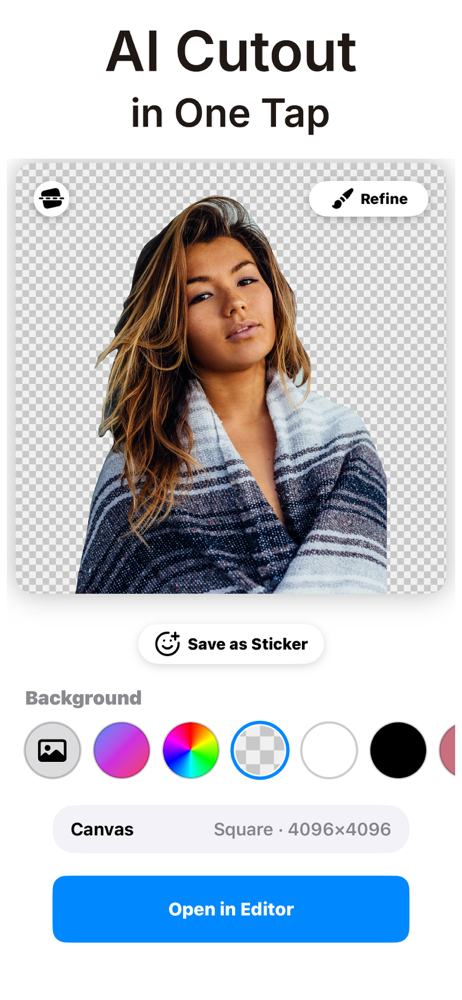
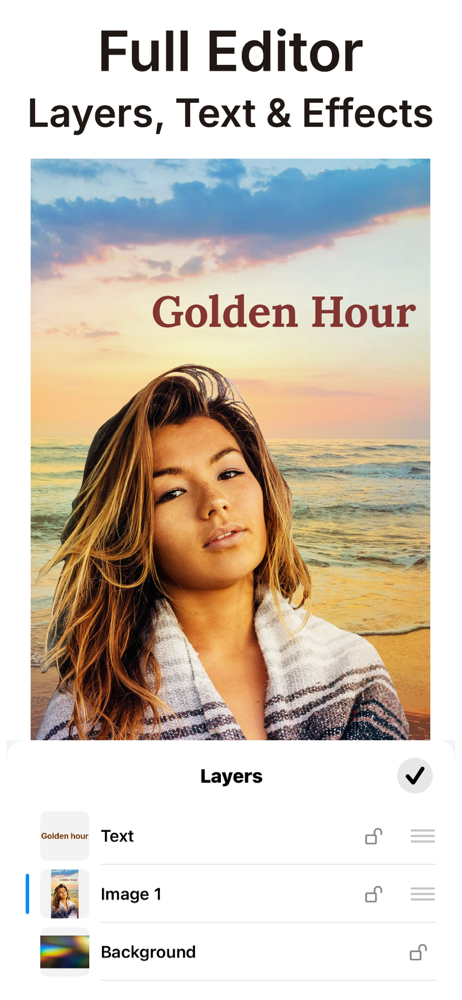
Alright so I downloaded this app with super low expectations, but I was proved wrong. The interface is super simple and the process is relatively straightforward. You select a background photo and and a foreground photo. Then, you can erase whatever part of the foreground that you don’t want and position and size it where you want, and flip the image across the y axis. Finally, you can adjust the opacity of the foreground. You can do these steps as many times as you want. That’s literally it. I really like it but I have a few requests: Please make a way to adjust the colors/brightness/saturation on the images. It’s a little frustrating when they look wrong. Second, it would be nice to add a blender tool like a blender brush or a smudger brush. The harsh line isn’t very nice. These problems aren’t really too bad and right now I can fix them using another app like Snapseed but it would be nice to not switch apps. Also as a side note, I’m a high schooler with no interest in photography/editing. I just like putting my classmates/teachers heads onto other people’s body and I like adding people into photos when they miss and event or something. I do it all as a joke because it makes me laugh and it makes other people laugh too.
Overlay is the ultimate creative canvas for making stunning layered designs, custom stickers, and social content in seconds. Whether you’re a pro desi...


