Check the acquisition promise
Read the store headline, screenshots and description. What problem is the app promising to solve?
Study the storefront ↗
Wimbledon Sound · iOS
Explore the ad evidence, study the storefront, and build your next acquisition hypothesis.
01 / Creative research
Read the store headline, screenshots and description. What problem is the app promising to solve?
Study the storefront ↗Explore apps with direct store-link matches. Compare their hooks and formats without assuming the same approach works here.
Browse observed advertisers ↗Store rankings and revenue estimates describe market context. They do not establish ad spend, conversions or ROAS.
Review the market context ↗02 / Storefront & product
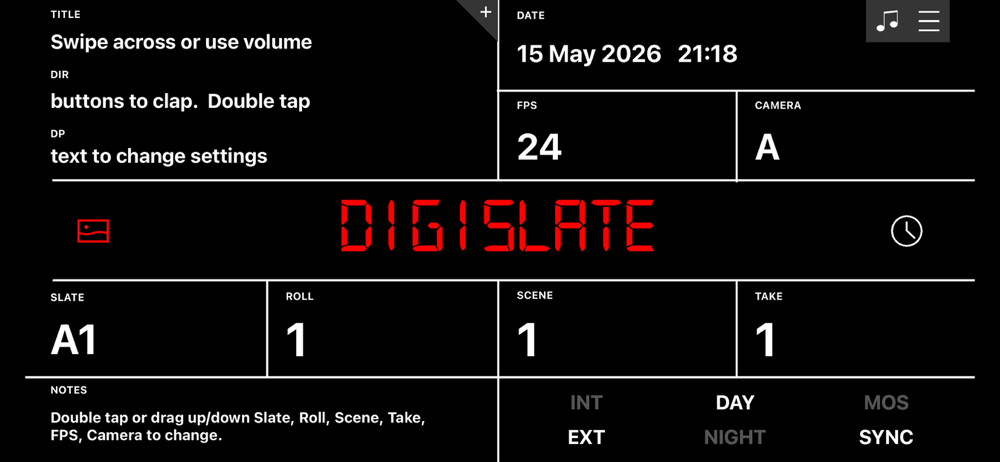
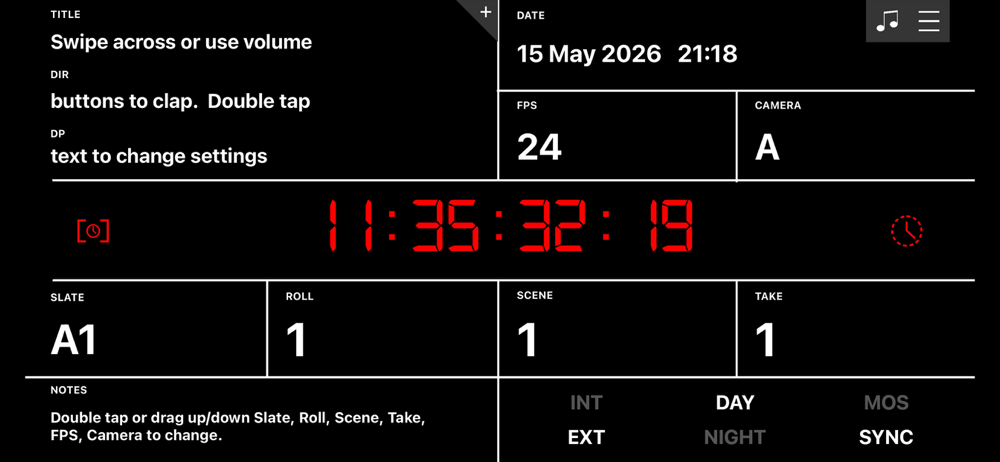
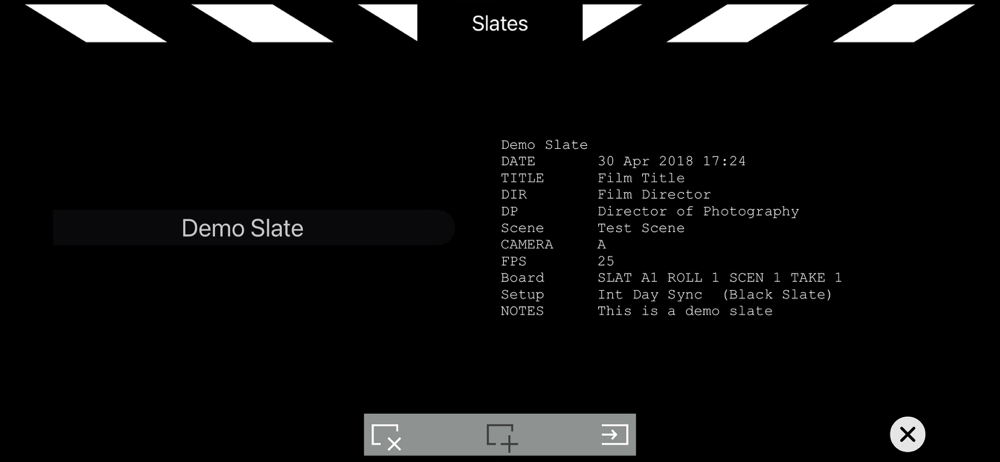
Study the product story and store experience behind the acquisition funnel.


03 / Market context
Keep revenue, downloads and store rankings separate from advertising performance.
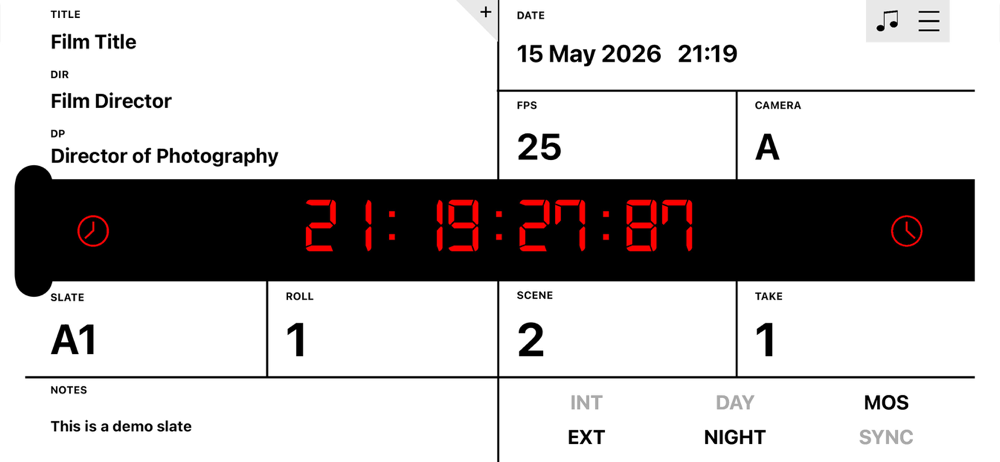
If you make more than 1 project with the same name, even if you edit the second one, after visiting the main screen it reverts back to the original you duplicated. So you can’t save multiple slates with different scene names but with the same project name. Edit: actually the system is all kinds of messed up, you can’t save multiple slates. They all default to the first one. Deleting them causes issues too. Also if you click the + to go to the project selection, you can only click the create new project button before touching anything, if you scroll your projects, the create new button greys out and you can’t click it, so you have to go into a project and leave again and not touch anything.
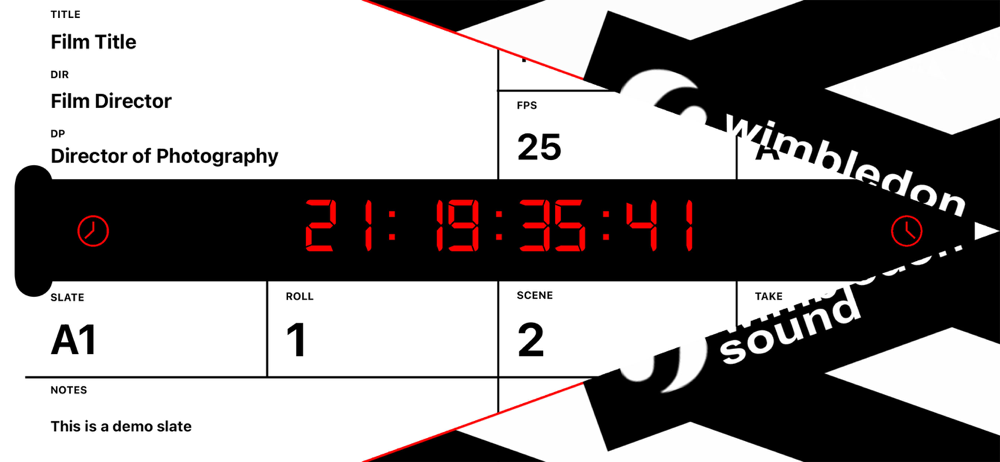
Good app except the visual clapper disappears too quickly. This is suppose to make synching audio and video easier but that really doesn’t help much when you’re spending precious minutes trying to synch and still end up being off. It’s just a second too short. I would definitely purchase the add free version if they could fix that little issue. I would hate to give this such a low rating for a small but vital problem.
I teach video production and as the students rotate through the various positions each day, I have magnets on the board to show what each student is doing so that when we watch it later, we know who was doing what. When we shoot outside, however, it’s hard to fit all the names on my traditional slate (which uses chalk). This is a great way to list the key positions. When on-location, we are typically in very noisy areas (school plays and such), so the triple-clap is great. Also, being able to switch from a black slate to a white slate is perfect, since cellphones look very different outside vs. inside. I spent the few bucks to get rid of the ads (it’s really much less than a Starbuck’s latte). Well worth it!
DigiSlate is a modern, free digital slate / clapperboard for iPad, iPhone and iPod Touch. DigiSlate uses either a swipe across the board or the volum...
| Name | Price | Type |
|---|---|---|
| Remove Ads | $3.99 | One-time |
| Music Mode | $7.99 | One-time |