Check the acquisition promise
Read the store headline, screenshots and description. What problem is the app promising to solve?
Study the storefront ↗
Mu-sonic · iOS
Explore the ad evidence, study the storefront, and build your next acquisition hypothesis.
01 / Creative research
Read the store headline, screenshots and description. What problem is the app promising to solve?
Study the storefront ↗Explore apps with direct store-link matches. Compare their hooks and formats without assuming the same approach works here.
Browse observed advertisers ↗Store rankings and revenue estimates describe market context. They do not establish ad spend, conversions or ROAS.
Review the market context ↗02 / Storefront & product
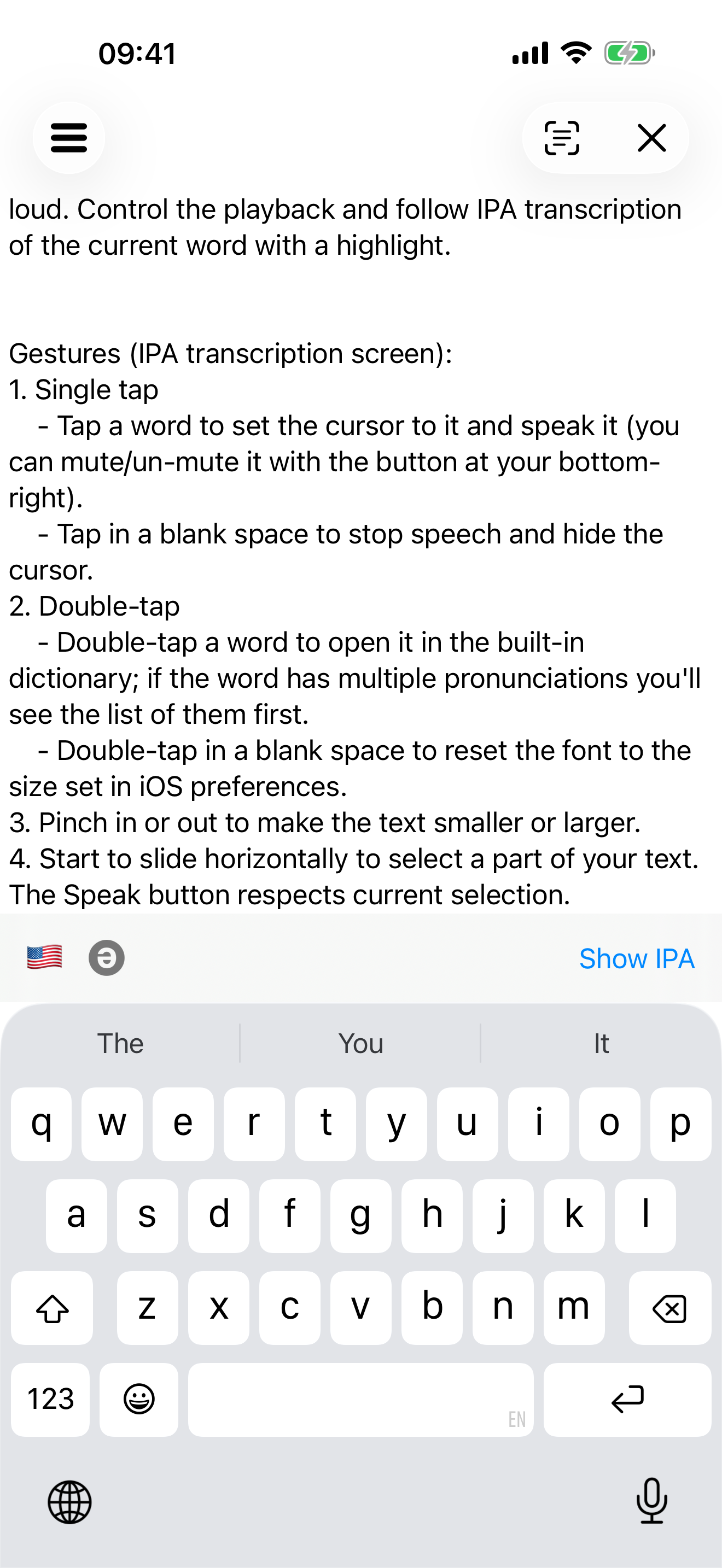
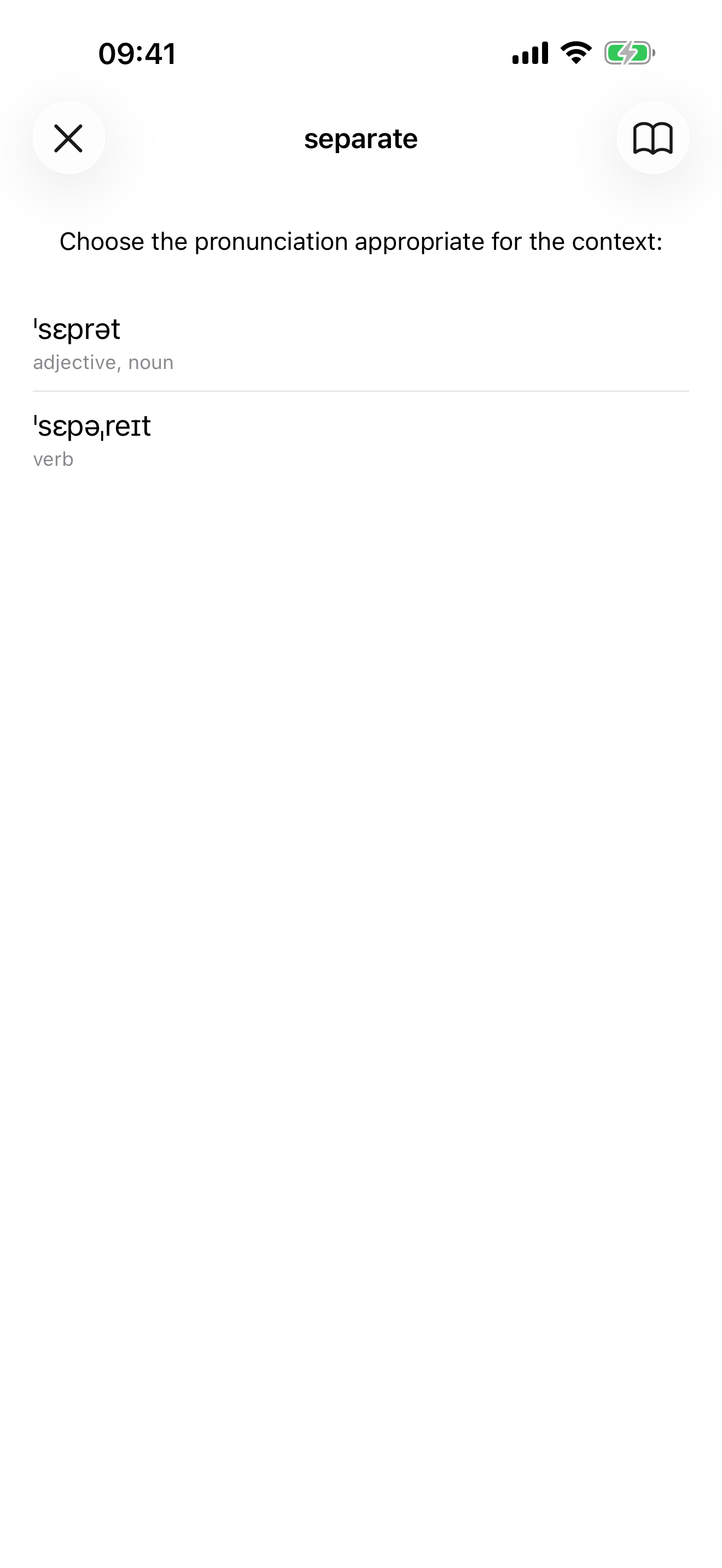
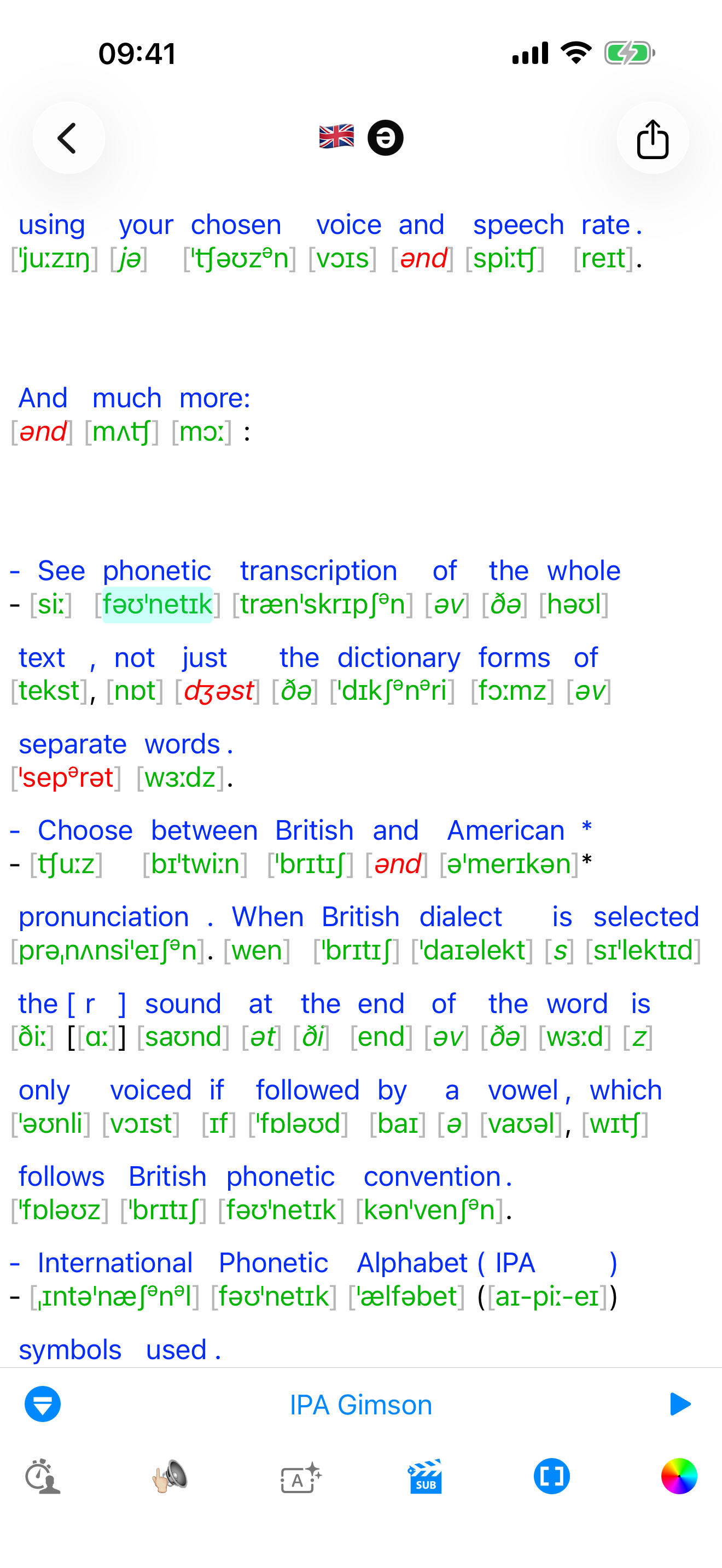
Study the product story and store experience behind the acquisition funnel.



03 / Market context
Keep revenue, downloads and store rankings separate from advertising performance.
I was hoping when I purchased the app, instead of using the free web version, that it would get rid of ads and provide narrow transcriptions. However, there’s only broad transcriptions available. They also use the trill “r” (/r/) in place of the rhotic “r” (/ɹ/) and there’s no alveolar flap (/ɾ/). I do appreciate this app for what it does offer though, and it was very helpful in the beginning of my journey. Hopefully the devs have narrow transcriptions in the works! 🤞
Hiii!! To quickly introduce myself, I’m a Speech-Language Pathologist Assistant with almost a decade of work experience in this field of effective communications. HOWEVER, immediately after I graduated with my Bachelor’s degree, I was hired to work as a home-health therapist assistant for 7+ years, but needed a drastic change. So, now I work as a school-based SLP-Assistant contractor. Now that I’ve become more aware of how seriously unintelligible I sound as a specialist, whenever I cannot accurately pronounce advanced words from English literature books, and/or medical terminology books. Let’s get the point that I was in dire need of this type of phonetic transcription app, in order to double and triple check different articulation goals. To the amazing app creators who might happen to read this review, THANK YOU SO EXTRAORDINARILY MUCH!! You’re about to be known as my top recommended apps!!!
For poetry analysis, this is what I'm looking for. Will recommend it to others. Baffled by any 1 star reviews.
toPhonetics is an app that provides fully interactive transcriptions of English texts. It displays your input's phonemic transcription using the Inter...