Check the acquisition promise
Read the store headline, screenshots and description. What problem is the app promising to solve?
Study the storefront ↗
Masalasoft (Pvt) Limited · iOS
Explore the ad evidence, study the storefront, and build your next acquisition hypothesis.
01 / Creative research
Read the store headline, screenshots and description. What problem is the app promising to solve?
Study the storefront ↗Explore apps with direct store-link matches. Compare their hooks and formats without assuming the same approach works here.
Browse observed advertisers ↗Store rankings and revenue estimates describe market context. They do not establish ad spend, conversions or ROAS.
Review the market context ↗02 / Storefront & product
Study the product story and store experience behind the acquisition funnel.

03 / Market context
Keep revenue, downloads and store rankings separate from advertising performance.
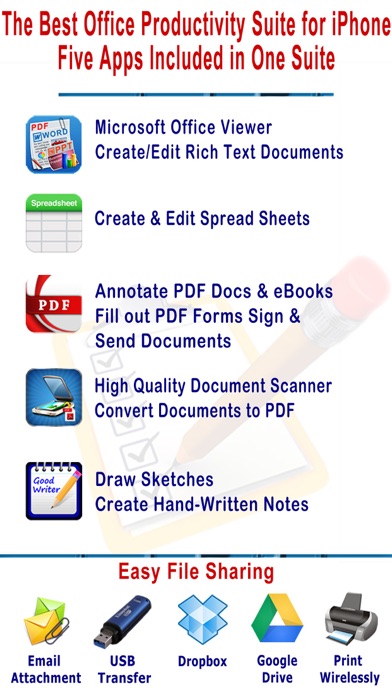
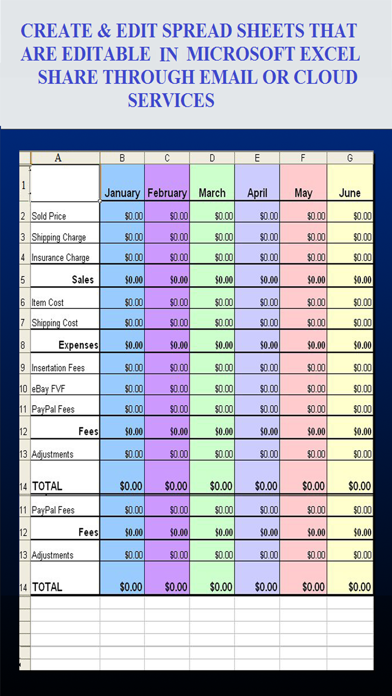
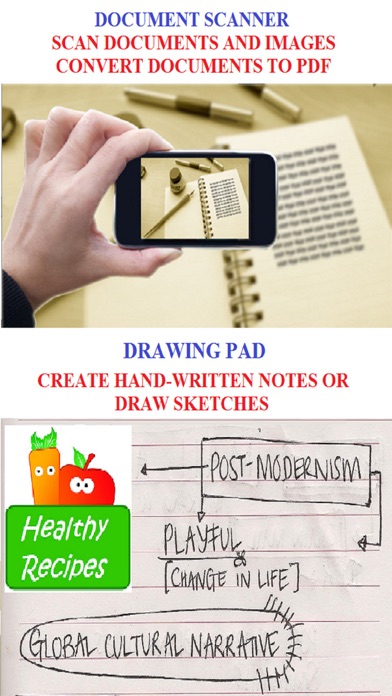
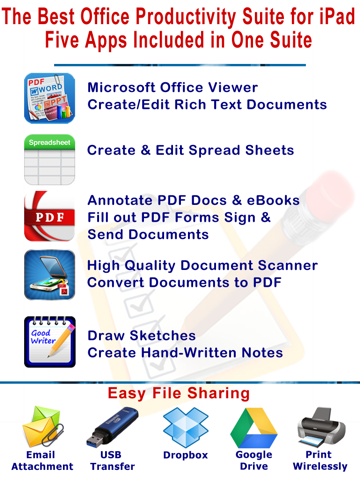
myOffice is one of the best productivity apps I have come across yet. It is like having five apps wrapped in one. You have the Microsoft Office Viewer where you can view create and edit Word documents. The spreadsheet feature allows you to edit, view and create spreadsheets. You also have one of the most complete PDF applications I have seen anywhere it is even better than programs for Mac, or Windows. There is a high-quality document scanner that easily converts your scanned items to PDF. Last but not least you have the ability to create hand written notes. The part of this app that I like the most is how easy it is to share your work across platforms; you can e-mail, use USB file transfer. You can also transfer files using web-based apps like Google Drive and Drop Box. You can even print your documents to a wireless printer. This App has been so valuable to me this summer as I travel on vacation. This app allows me to pack my laptop away and use my iPhone, saving me time, space and money.
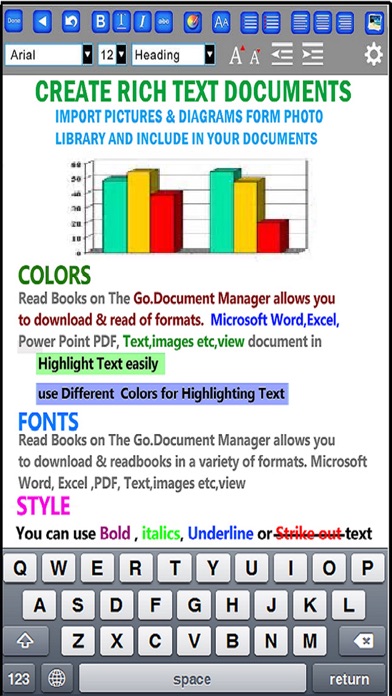
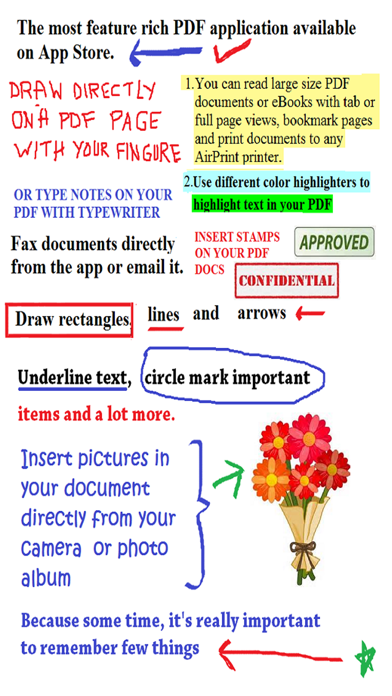
Working on your iPad, iPhone, or iPod Touch can be great until you get one of the hundreds of files that they don’t support. That’s where myOffice comes through. It can open a variety of files that other pre-installed apps like Notes can’t, so right off the bat you’re getting a lot of value from this app. It can open PDF, RTF, DOC, XML, and a whole host of other types. Plus, you can export whatever you’re working on as a different type if you want to (like RTF to PDF). Speaking of RTF, it has a lot of functions that even TextEdit on my Mac can’t do, like highlighting and annotations. There’s also a little option to draw on them, too, which is handy for circling things or even just doodling. You can even drop in pictures from your camera roll into the documents, which is a nice touch. The voice recorder is also pretty nifty and is a nice touch in an already great app. You can also sign documents too, though you’re probably going to want a stylus for that. All in all, it’s a really well-functioning app, and I’m glad I got it. It’s saved me a lot in my classes so far (being able to keep my files organized on here really helps me when I need to show my teacher something), so I’d definitely recommend it.
As the iPad unfortunately lacks the ability to edit documents due to its operating system, you need one of these to be able to work quickly. Unfortunately they aren't all created equal and fro m trying a few out, this one is near the top of the pack for a few reasons : it offers an in depth guide on how to use its tools, the tools themselves cover the range of needs someone might have, and it's reasonably priced. There are apps out there that charge double the price of this one and deliver less. Here you can annotate freely, send a fax, sign documents, even transfer them to your computer seamlessly. The faxing piece is especially significant as not many apps offer that. And the e-signing saves me paper and time. I also get emails all the time with Microsoft files, and now I can actually view them and make changes. Thank God for that. If you have a need for those services, this is a great productivity app for you to use.
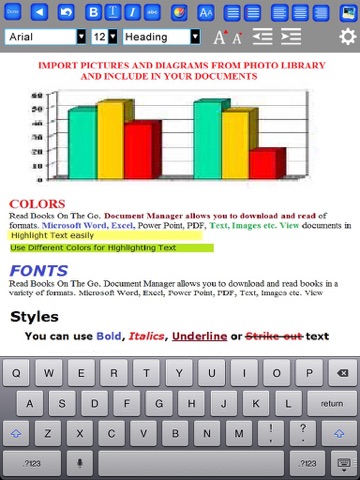
Microsoft Office Documents Viewer, Open source Document & Spreadsheets Editor, PDF Maker, Voice Recorder, Document Scanner and File Manager, all featu...