Check the acquisition promise
Read the store headline, screenshots and description. What problem is the app promising to solve?
Study the storefront ↗
Kairoos Solutions SL · iOS
Explore the ad evidence, study the storefront, and build your next acquisition hypothesis.
01 / Creative research
Read the store headline, screenshots and description. What problem is the app promising to solve?
Study the storefront ↗Explore apps with direct store-link matches. Compare their hooks and formats without assuming the same approach works here.
Browse observed advertisers ↗Store rankings and revenue estimates describe market context. They do not establish ad spend, conversions or ROAS.
Review the market context ↗02 / Storefront & product
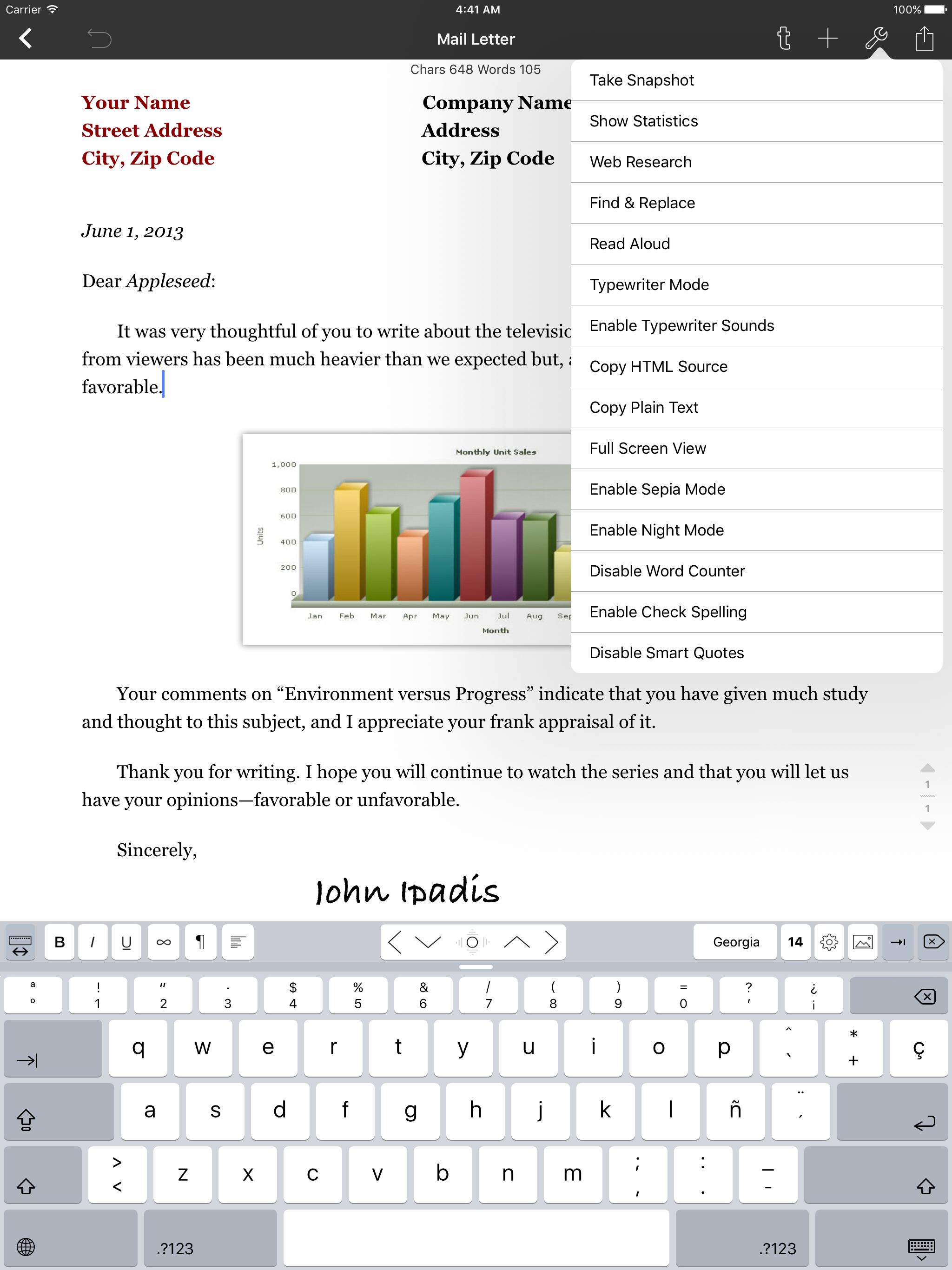
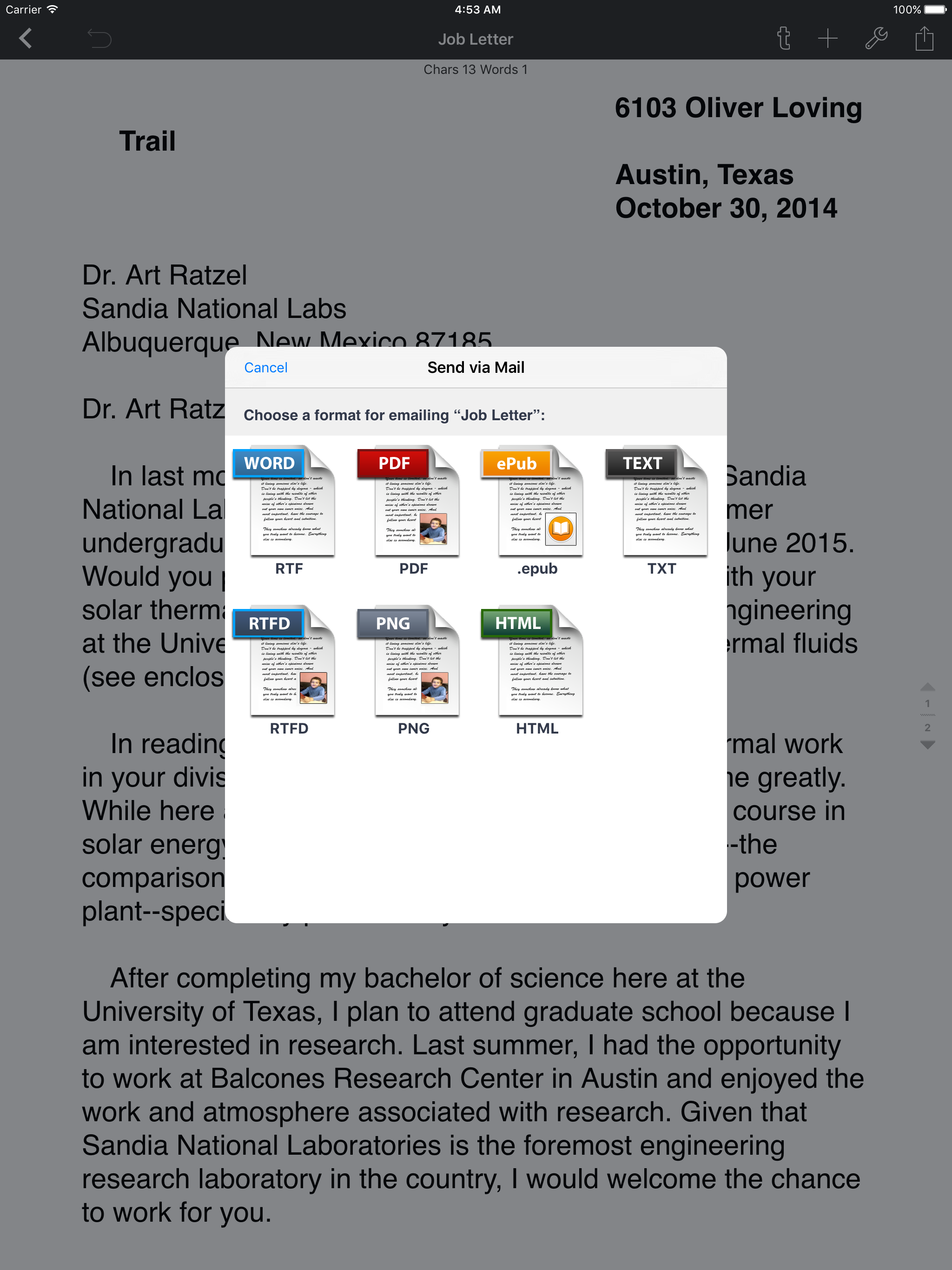
Study the product story and store experience behind the acquisition funnel.




03 / Market context
Keep revenue, downloads and store rankings separate from advertising performance.
For a while I would have considered this a 5 star app, However I ended up losing at least four whole folders of work including the RPG world I was working on.How did I lose it?I don’t know to be honest, but I have a few ideas I consider possibilities.Maybe it vanished when I removed a second copy of Textilus. When I upgraded to Textilus Pro it downloaded a second copy of Textilus that had no access to the files made with the original so I deleted it.Maybe it vanished when Textilus forgot I had pro and asked me to upgrade for more storage only to realize that I had it.Maybe it is the vanishing folder issue of earlier versions. In early Textilus versions sometimes folders vanished until I changed it to sort by folder, a sort option no longer present.Maybe it was when my tablet asked to delete unused files to make space. I was low on memory and deleting a lot of apps and photos to make room. The iPad kept asking to delete unused files. During this time I often deleted large groups of photos then went into the delete menu and chose select all and delete. If my iPad somehow considered these folders unused files I could have lost them and not even noticed when deleting dozens of photos.Regardless of the reason an app should not remove your work without you actively choosing the file to have it deleted.This was a great word processor program allowing you to save many files which given how I flit through ideas on a whim was good for me.Then I lost all my work.
This is the best writing app out there for the iPad. Though far from the inclusive editing capacity of Windows Word, it is still as good as it gets for the iPad, with many great features. I give it a four star and half stars because it often becomes slow as you type, and you have to wait for it to catch up to catch up, and ditto with the editing. There are other quirks, like I can only use an older document to start a new document, even if I am up to date with IOS lasted version, and have the most recent version of Textilus. If I begin a new document, it remains blank when I try to write. Then there is the picture addition problem. After I’ve used a document for awhile, four times or so, I have to hunt back in my files for one I’ve used less, because the pictures stop printing out. Fortunately I have been using it for several years, and have lots of old documents to reuse. Their Tech support has never been able to solve these for me. I use it daily to write out my spiritual journal entries. Using the computer is constricting, noisy and not conducive to a quiet writing solitary space. I use also use it for writing out teachings to share, recipes, and other general information. It is invaluable to me, and I’ve found nothing else available out there has come close. Between textilus and the iPad, I am rarely on the computer anymore.
I’m using the app in a fairly superficial way, as not much more than a text editor. Still, I find several shortcomings: - Occasionally, the app runs very slowly for no apparent reason; I have to close it and re-start it. - I use the Find shortcut (Command + F) a lot on iPad; this does not work in the app. - Highlighting large chunks of text sometimes results in the screen showing the highlight elsewhere than it actually is, which does not affect the accuracy of the highlighting, just its appearance. - Sometimes the line spacing between paragraphs compresses when I close and then open a file. - When I go to the beginning of a file using the keyboard shortcut the entire screen goes blank. (But if I press space it reappears.) - When I first try to name a folder, it always exits naming mode before I can name it. (But it works on the next try.) - In other apps, when I search a term or phrase, clicking the Return button takes me from one instance to the next. That doesn’t work in this app. I’m probably forgetting some other weaknesses and bugs. None of them are important enough to cause me to stop using the app, but I do hope the programmers can fix them. On the other hand, I’m grateful for the ability to create layers of folders; this is not available in Pages.
Textilus Pro is a great word processor app for students and business people, also being excellent for writing reports, papers, blog posts, journals or...
| Name | Price | Type |
|---|---|---|
| Unlock All Textilus Pro (Monthly) | $3.99 | Monthly |
| Full Version Unlock | $9.99 | One-time |