Check the acquisition promise
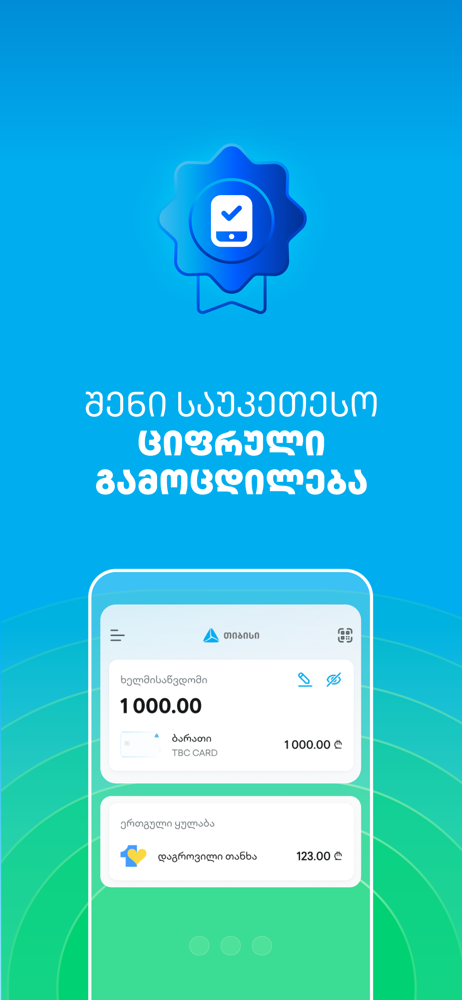
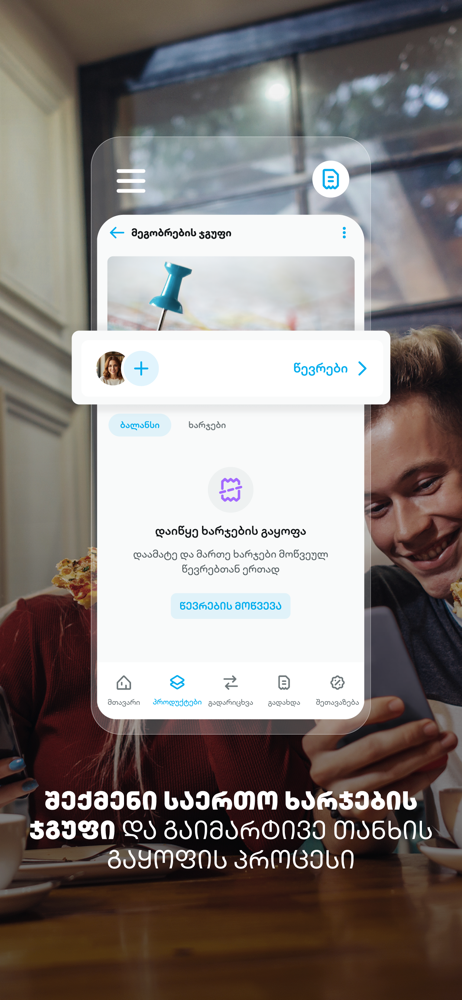
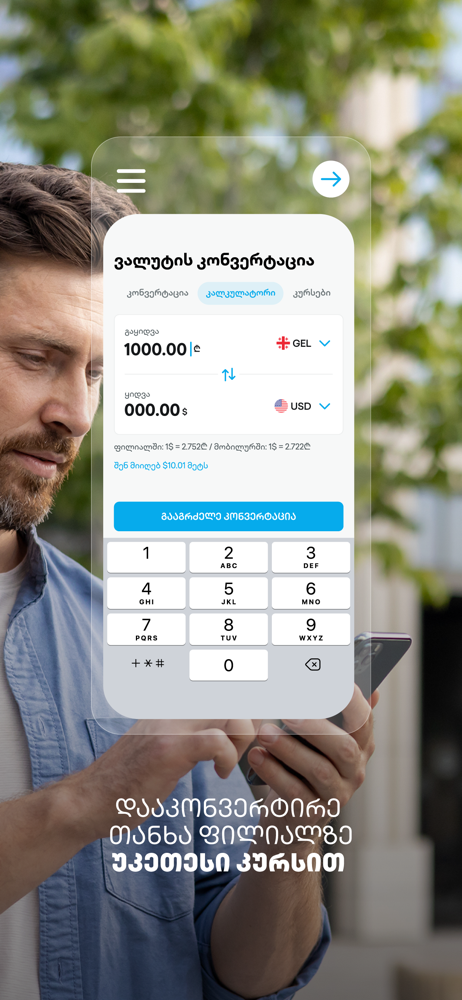
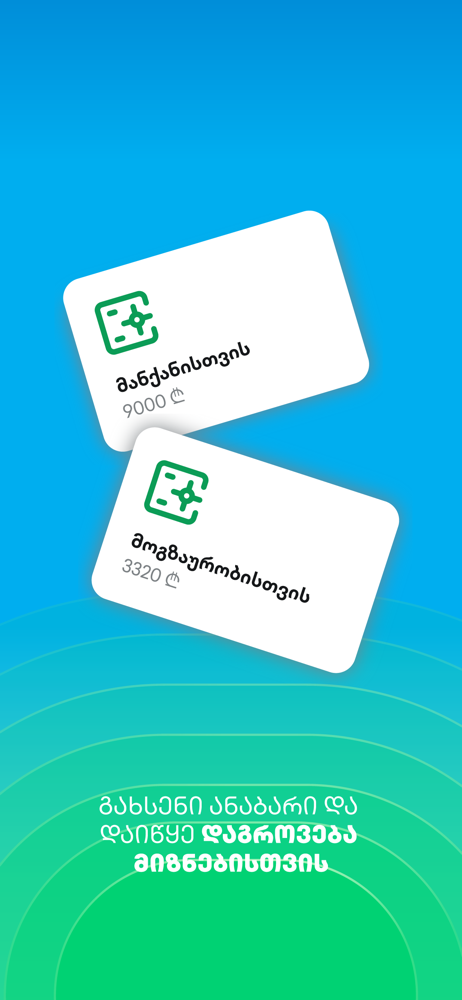
Read the store headline, screenshots and description. What problem is the app promising to solve?
Study the storefront ↗
TBC Bank · iOS
Explore the ad evidence, study the storefront, and build your next acquisition hypothesis.
01 / Creative research
Read the store headline, screenshots and description. What problem is the app promising to solve?
Study the storefront ↗Explore apps with direct store-link matches. Compare their hooks and formats without assuming the same approach works here.
Browse observed advertisers ↗Store rankings and revenue estimates describe market context. They do not establish ad spend, conversions or ROAS.
Review the market context ↗02 / Storefront & product
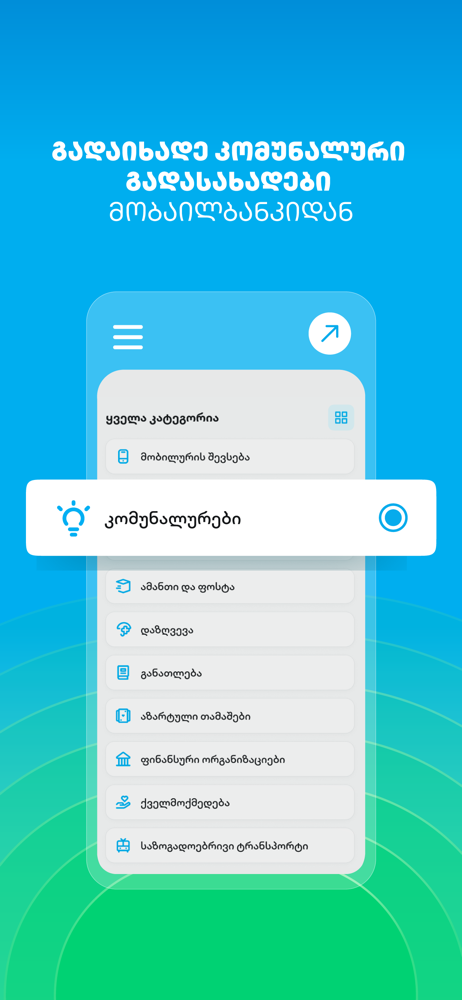
Study the product story and store experience behind the acquisition funnel.



03 / Market context
Keep revenue, downloads and store rankings separate from advertising performance.
App is good and user friendly but I’m tired of seeing the blue dot in settings for updating the app. This happens almost every single day and I’m starting to question the glitches behind the scenes. I have 10 different bank accounts across 3 different countries/continents. Never seen anything like this before. Super annoying for someone with ocd. Please, if possible never show me the blue dot in settings. I will update the app if needed or you can force update it if there is a serious issue.
Would be great to add one Emeregency/ quick summarize option in app. It would be great to add an emergency/quick summary option to the app. For example, if you have various accounts in different currencies, instead of choosing each one for a transfer, you could mark all of them and with one click, accumulate the sums from various accounts into one account. This would save time and energy, as you would have all your money instantly in one total sum on one account.
App doesn’t show you an ACTUAL amount on your account. It shows you how much you had, before you started spending. They show you BLOCKED AMOUNT (amount you have spent for the past 3 days) and “ACTUAL AMOUNT” - Which should be calculated easily YOUR MONEY-MONEY YOU SPENT=ACTUAL AMOUNT, but apparently you need to do the math yourself, every single time, to know exactly how much you have on your account. Otherwise you will spend more money than you have, without even a notification that you are spending the money you don’t have. As they say, many people have had this problem for years, but nothing changed since the app was released.
Simplify your life with TBC's Mobilebank Experience banking fully digitally – simple, instant, secure. TBC’s Mobilebank offers various features to m...