
Check the acquisition promise
Read the store headline, screenshots and description. What problem is the app promising to solve?
Study the storefront ↗
Microsoft Corporation · iOS
Explore the ad evidence, study the storefront, and build your next acquisition hypothesis.
01 / Creative research
Read the store headline, screenshots and description. What problem is the app promising to solve?
Study the storefront ↗Explore apps with direct store-link matches. Compare their hooks and formats without assuming the same approach works here.
Browse observed advertisers ↗Store rankings and revenue estimates describe market context. They do not establish ad spend, conversions or ROAS.
Review the market context ↗02 / Storefront & product
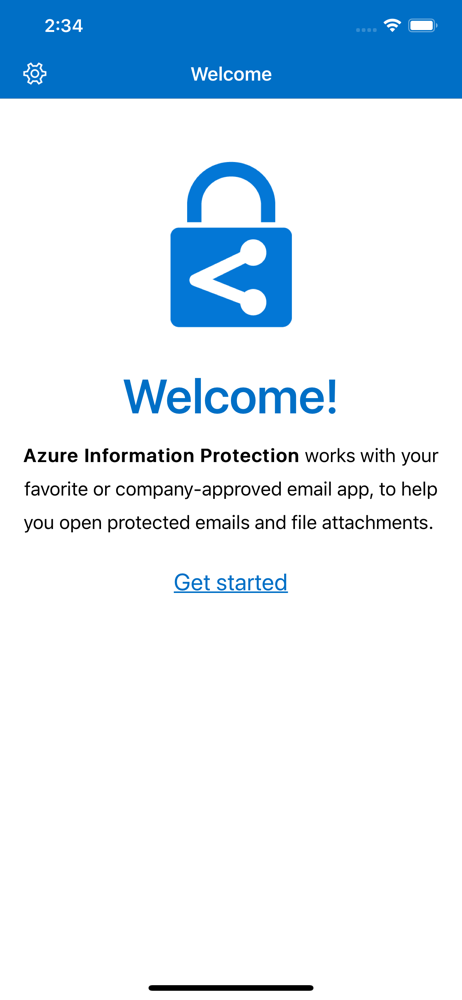
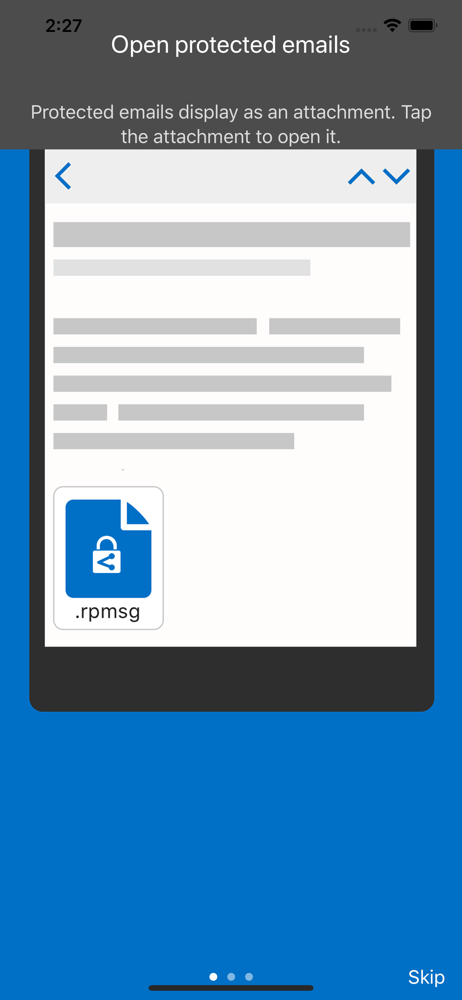
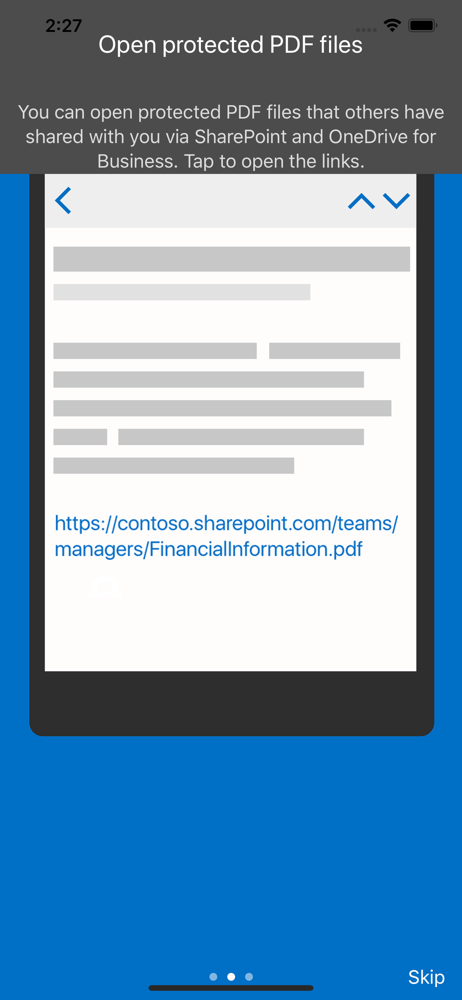
Study the product story and store experience behind the acquisition funnel.



03 / Market context
Keep revenue, downloads and store rankings separate from advertising performance.
Even from the iOS Outlook app, clicking on the encrypted email file just brings you to a link to download the app. THERE IS NO WAY TO OPEN IT. AIP app has no way to navigate to a downloaded file. Outlook does not have option to select app to open file. Share option from Outlook allow save to local or One Drive, but not ability to select an app. Simply now way to open an encrypted email at all.
AIP Viewer no longer available as a “share via” option in the iOS mail client. It’s the only option to view encrypted emails. Also no longer viewable when I select “edit” to try to add to favorites. Deleting and reinstalling does not fix the issue.
AIP was not available as an option in the iOS mail client to open encrypted messages. Had to delete and reinstall. Not working to open encrypted PPTX files.
Azure Information Protection app enables you to securely collaborate with others. You can view protected files (Rights protected email messages, PDF f...


