Check the acquisition promise
Read the store headline, screenshots and description. What problem is the app promising to solve?
Study the storefront ↗
Jerry Montgomery · iOS
Explore the ad evidence, study the storefront, and build your next acquisition hypothesis.
01 / Creative research
Read the store headline, screenshots and description. What problem is the app promising to solve?
Study the storefront ↗Explore apps with direct store-link matches. Compare their hooks and formats without assuming the same approach works here.
Browse observed advertisers ↗Store rankings and revenue estimates describe market context. They do not establish ad spend, conversions or ROAS.
Review the market context ↗02 / Storefront & product
Study the product story and store experience behind the acquisition funnel.


03 / Market context
Keep revenue, downloads and store rankings separate from advertising performance.
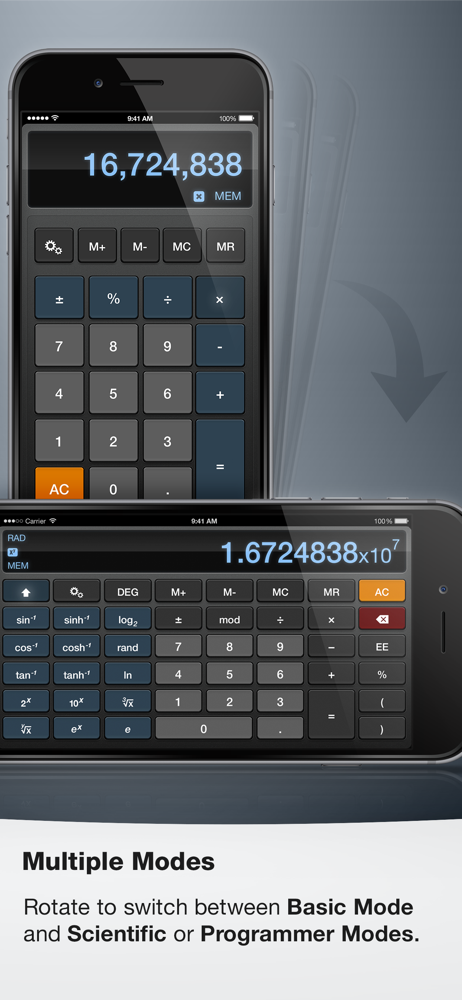
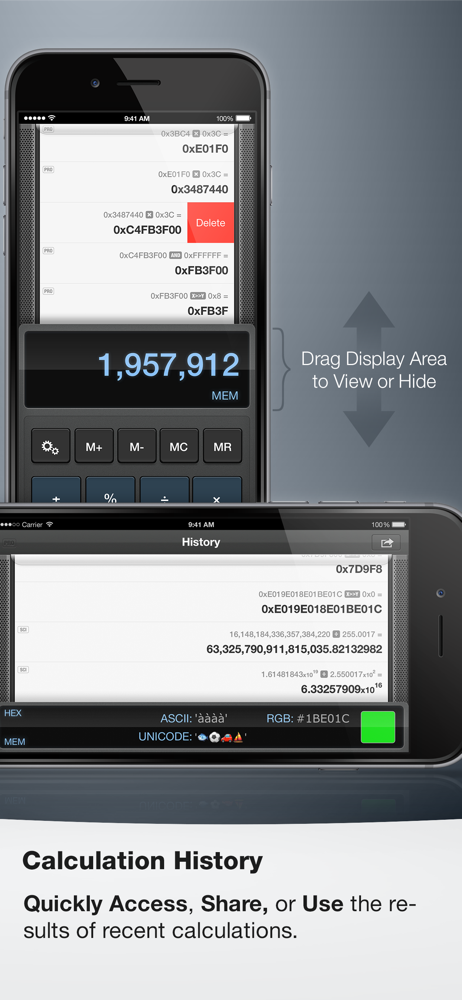
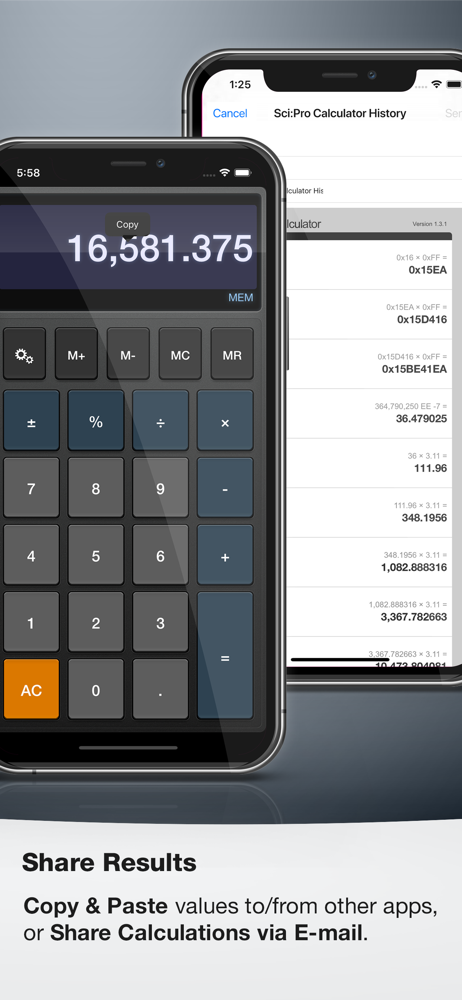
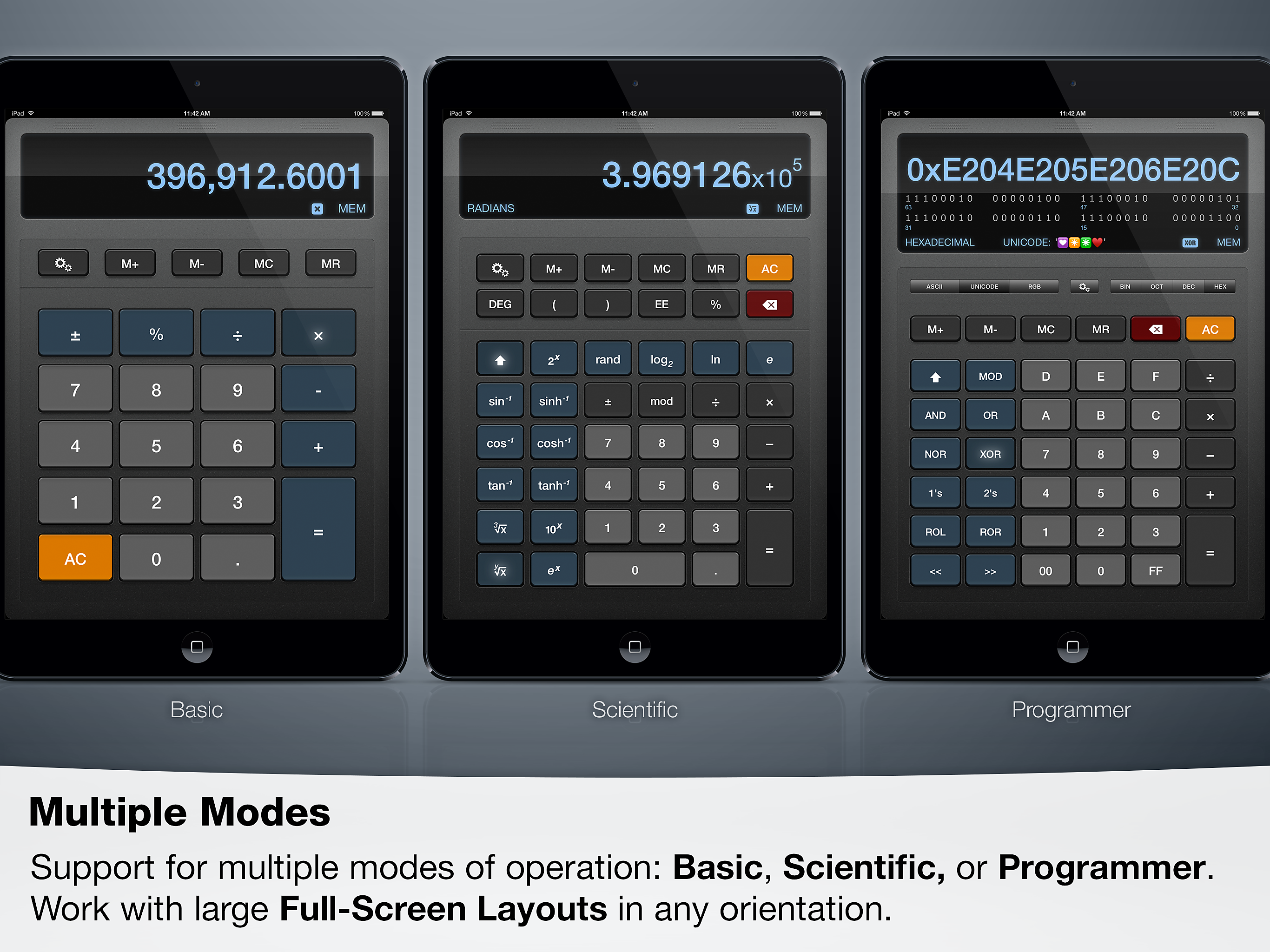
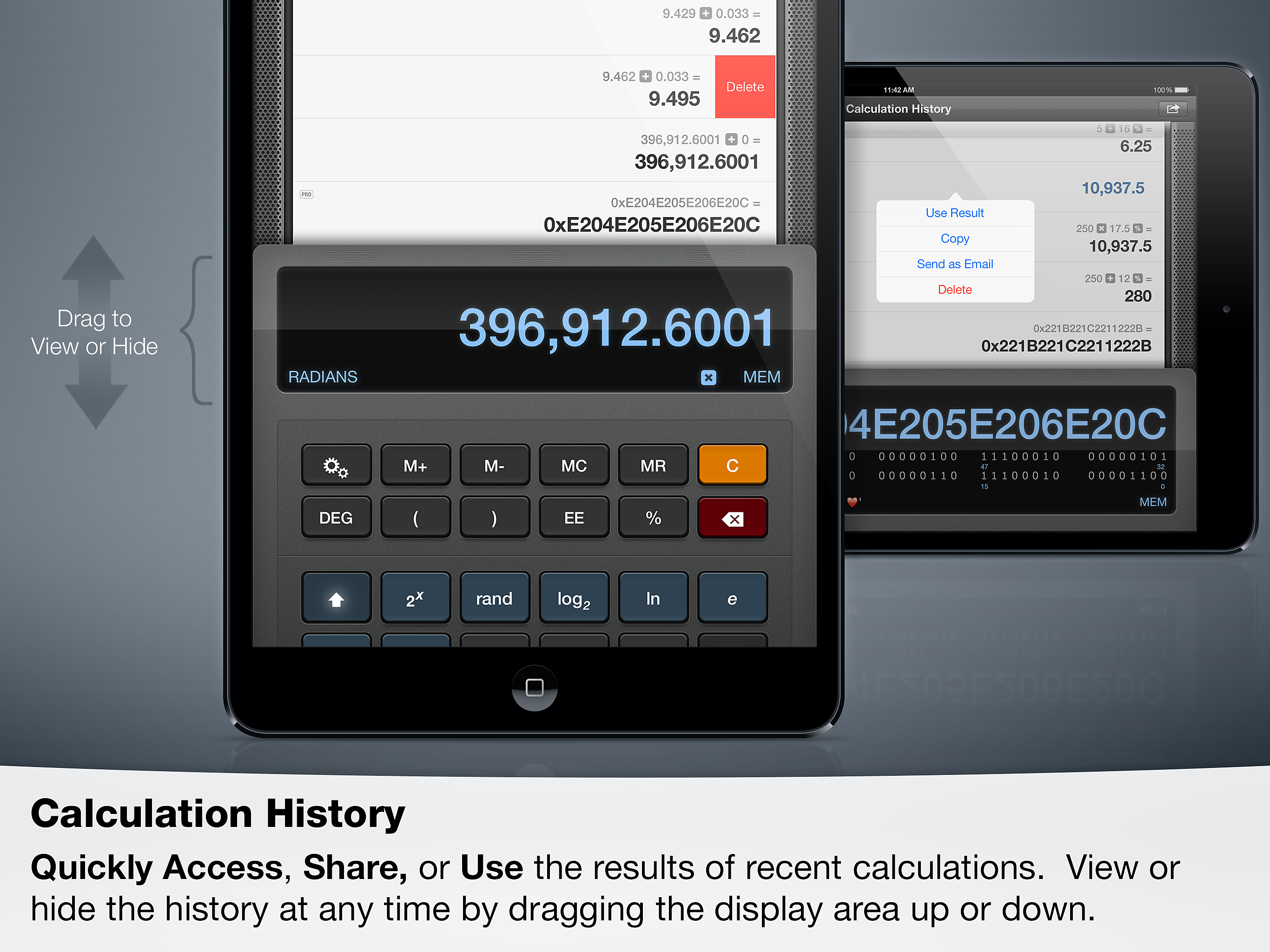
I mean it’s your typical calculator but it does have three different modes so if you’re looking for something more regular that’s the original mold then they’re scientific and there’s one more that’s even more detailed it doesn’t take up too much space if you’re looking for a plan calculator this is a great free one to get. I would %100 recommend. It also tells you your history if you want to see it you can press the button and it will show you. If the people who made this see this please respond to my question, can you add more colors to the calculator it’s kind of boring.
I was always curious why my iPad never came with a preinstalled calculator. I have been using the first calculator I came across since I bought the iPad. The only thing that really upsets me is that every time I need to use the calculator on the fly, I have to go through continual ads before I can use the calculator, I was sitting in my chair googling this very subject, and came across a post on an apple forum with a link to this calculator. This calculator is extremely complicated and way more complex than what I need but, it opens immediately, can use it immediately, and I don’t have to wait through tons of ads to use the calculator. So for me, this a perfect tool !
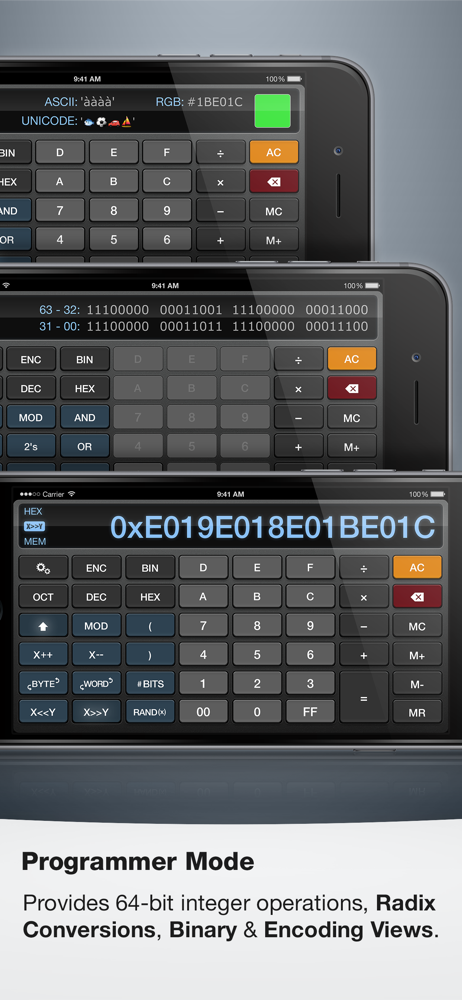
Every so often, I need a simple calculator on my iPad, and always forget that Apple, in their brilliance, do not provide one. My quick searches of the app store reveal free ones with ads, and paid ones. Perhaps I am being cheap, but every device I have ever owned, has provided at least a basic calculator that does not include ads, for free. Wt… Apple. Anyhow, today I again found myself needing a calculator, and my phone was not available… so I went to my iPad, and oh yeah, that’s right, there is not calculator. Instead of searching the app store for a reason, I browsed the web, and was pointed to Sci:Pro Calculator. I am floored. Basic calculator and much, much, more. Oh, and as someone who has done web development, the RGB entry with color preview is a nice touch, especially when I don’t have the browser development tools handy. Thanks!
Sci:Pro Calculator is a simple multi-mode calculator for your iPhone, iPad, and iPod Touch (Universal App). The app features three modes of operation...