
Check the acquisition promise
Read the store headline, screenshots and description. What problem is the app promising to solve?
Study the storefront ↗
Pull Apps · iOS
Explore the ad evidence, study the storefront, and build your next acquisition hypothesis.
01 / Creative research
Read the store headline, screenshots and description. What problem is the app promising to solve?
Study the storefront ↗Explore apps with direct store-link matches. Compare their hooks and formats without assuming the same approach works here.
Browse observed advertisers ↗Store rankings and revenue estimates describe market context. They do not establish ad spend, conversions or ROAS.
Review the market context ↗02 / Storefront & product
Study the product story and store experience behind the acquisition funnel.




03 / Market context
Keep revenue, downloads and store rankings separate from advertising performance.
This is a great app if you’re just learning how to draw as it helps develop the muscle memory necessary to draw, and it improves upon your spatial recognition so that your hand is forced to sync with your eyes and vice versa, helping you to be more accurate when you are placing an image on paper that you are seeing with your eyes. If you’re a self-learner, I highly recommend giving this app a shot. Be patient and allow yourself to make the necessary connections between your hand and your eyes. It doesn’t happen overnight, but if you’ll be patient, it will get easier each time you do it, and your drawing will inevitably improve. We’re not all Picasso’s, but we can all improve. I’m lucky, if it wasn’t for my total lack of natural ability and absence of talent, it’s quite possible I could be one of the greats.
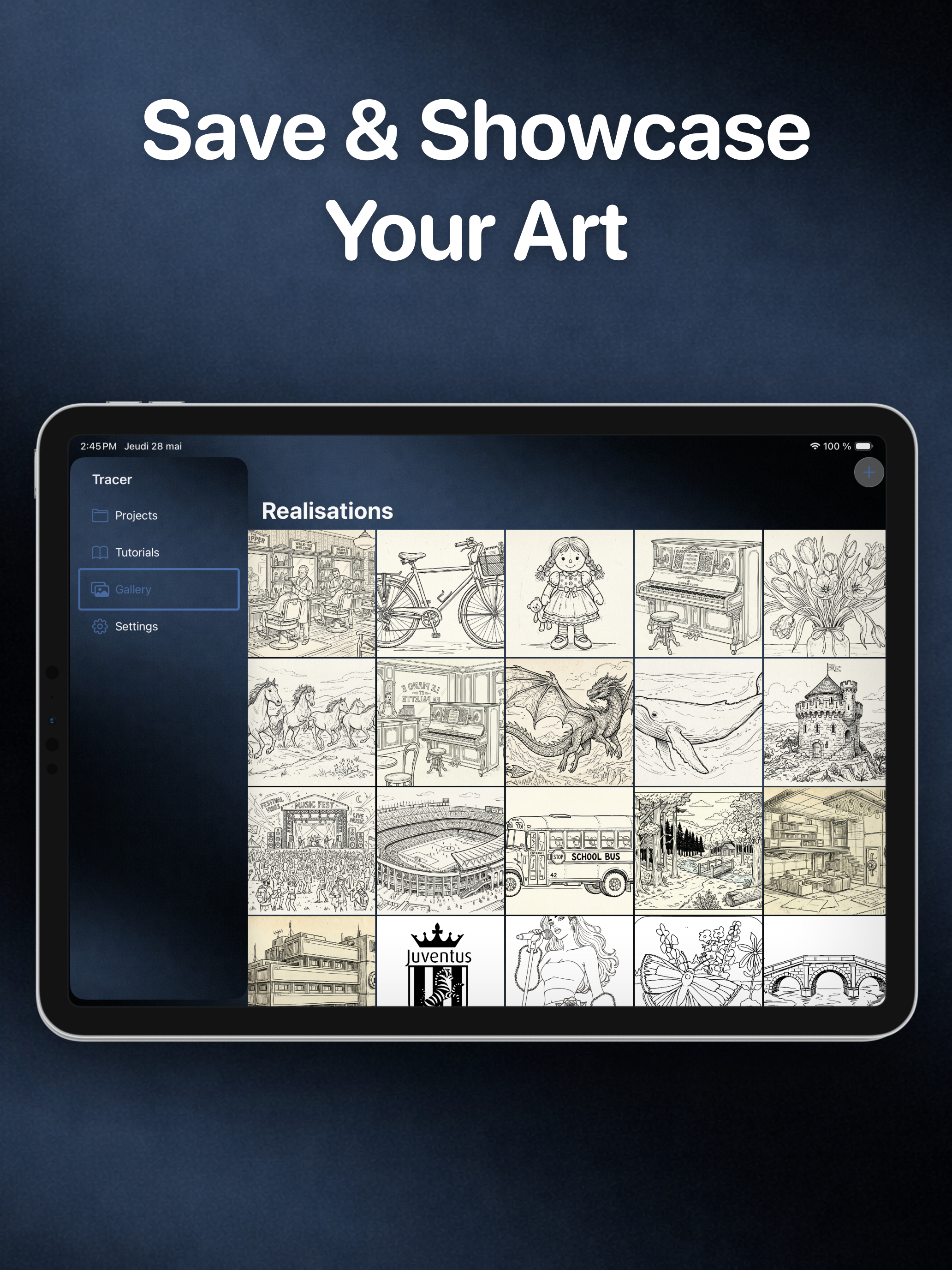
As the title states, this is genuinely the best tracer on the AppStore. One, it’s fully free to use, and lets you upload your own images WITHOUT NEEDING TO PAY. Second, it gives tutorials along with the ability to upload pictures, which can actually help those learning to draw. I cannot thank the developers enough for making this app not only free, but free to use and easy to adjust to.
Took 5 seconds to figure out how to use this app. Simple UI, does what it’s supposed to. No ads, doesn’t try to sell you anything.
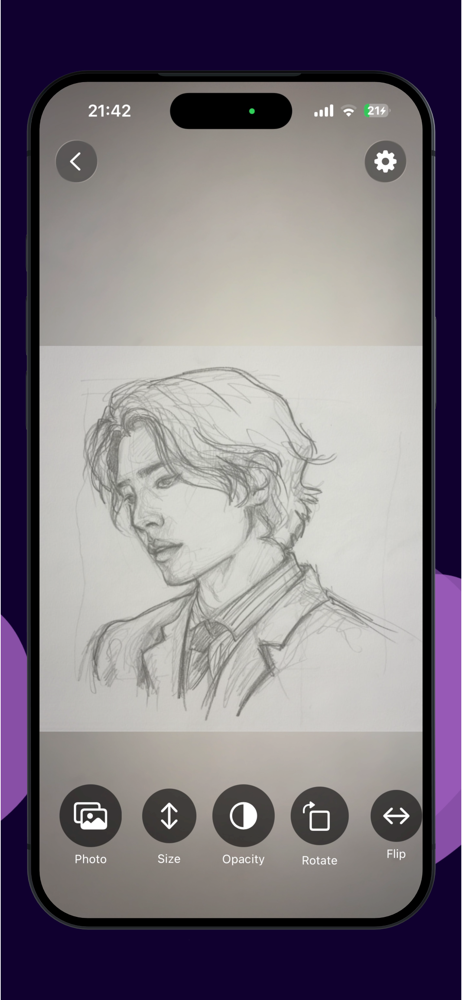
Tracer turns your phone into a digital tracing tool that helps you practice drawing and recreate images step by step. Import any image, adjust its op...
| Name | Price | Type |
|---|---|---|
| Weekly | $3.99 | Weekly |
| Yearly | $49.99 | Yearly |


