Check the acquisition promise
Read the store headline, screenshots and description. What problem is the app promising to solve?
Study the storefront ↗
Samsung Electronics Co., Ltd. · iOS
Explore the ad evidence, study the storefront, and build your next acquisition hypothesis.
01 / Creative research
Read the store headline, screenshots and description. What problem is the app promising to solve?
Study the storefront ↗Explore apps with direct store-link matches. Compare their hooks and formats without assuming the same approach works here.
Browse observed advertisers ↗Store rankings and revenue estimates describe market context. They do not establish ad spend, conversions or ROAS.
Review the market context ↗02 / Storefront & product
Study the product story and store experience behind the acquisition funnel.







03 / Market context
Keep revenue, downloads and store rankings separate from advertising performance.
I’ve never been able to get this app to properly connect to my new Samsung soundbar, model# HW-Q990H. Initially it would not connect at all. I waited a few weeks and later re-download the Samsung Sound app again. This time I was able to get the app to recognize and connect to my soundbar, but even after a connection and streaming music from my iPhone with Apple Music app through Bluetooth…it would not let me control any of the settings on my Soundbar and still acted like it did not recognize my soundbar. Don’t waste your time trying to use this app. Use the Samsung “Smart Things” app instead which will let you manage the settings on your Soundbar and other Samsung devices.
The SmartThings app always worked fine with my Q990F. It recommended I use this new app. Now it wants to re-setup WiFi for some reason and errors out and can’t connect. Says to remove from Bluetooth settings on my phone, but it’s not there. Now my sound bar is freaking out with the WiFi connection which was perfect before. I’ll just use SmartThings until this app actually works. Maybe I’ll try to factory reset the sound bar and add it again.
After much frustration, I was able to add my Q990H soundbar to the app. The soundbar requires a 5G-only WiFi network; it will not connect to multiband WiFi. Some people may find success by creating a 5G-only guest network, then connecting your phone to that network before trying to add the soundbar to the app. If possible, allow guest network devices to access your local network (LAN). This will allow you to go back to your main WiFi network and still access the soundbar from the app.
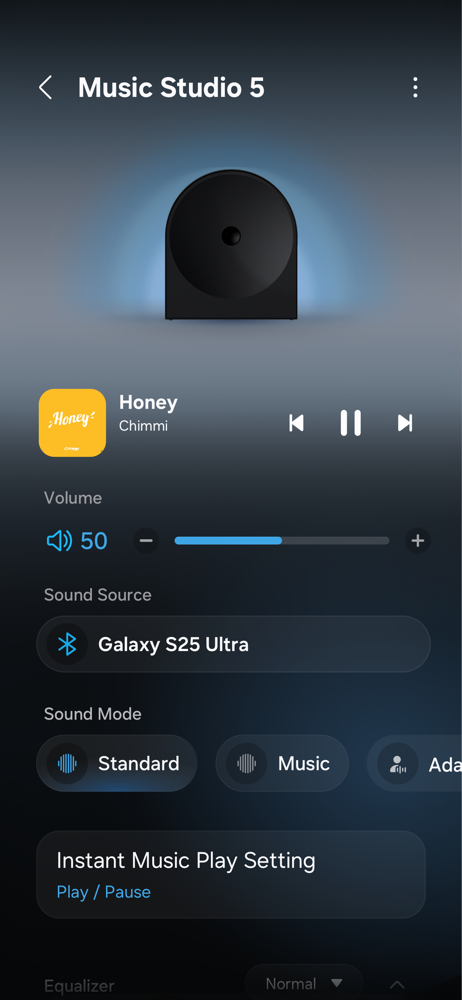
[Notice] Check 'Supported Models' at the bottom. Samsung Sound is the official app for setting up and controlling Samsung Wi-Fi speakers and soundbar...