
Check the acquisition promise
Read the store headline, screenshots and description. What problem is the app promising to solve?
Study the storefront ↗
OpenBikeControl UG (haftungsbeschrankt) · iOS
Explore the ad evidence, study the storefront, and build your next acquisition hypothesis.
01 / Creative research
Read the store headline, screenshots and description. What problem is the app promising to solve?
Study the storefront ↗Explore apps with direct store-link matches. Compare their hooks and formats without assuming the same approach works here.
Browse observed advertisers ↗Store rankings and revenue estimates describe market context. They do not establish ad spend, conversions or ROAS.
Review the market context ↗02 / Storefront & product
Study the product story and store experience behind the acquisition funnel.




03 / Market context
Keep revenue, downloads and store rankings separate from advertising performance.
I love my Zwift Ride but after a year or so I really wanted to migrate over to TPV but I wasn’t a fan of shifting from their app. Enter Bike Control! I’ve had the app for quite some time, patiently waiting for the TPV integration and now that it’s here I have been very happy with the results. The one hiccup I’ve had the developer was super responsive and quickly fixed it. Highly recommend!
6 dollar to purchase the app to look at the interface; subscription fee to use virtual shifting( update:$6 button layout for laptop to make reaching more pleasing, free for sweaty touchscreen user, but optional $3 a month or $30 a year for Zwift click or Bluetooth media user.
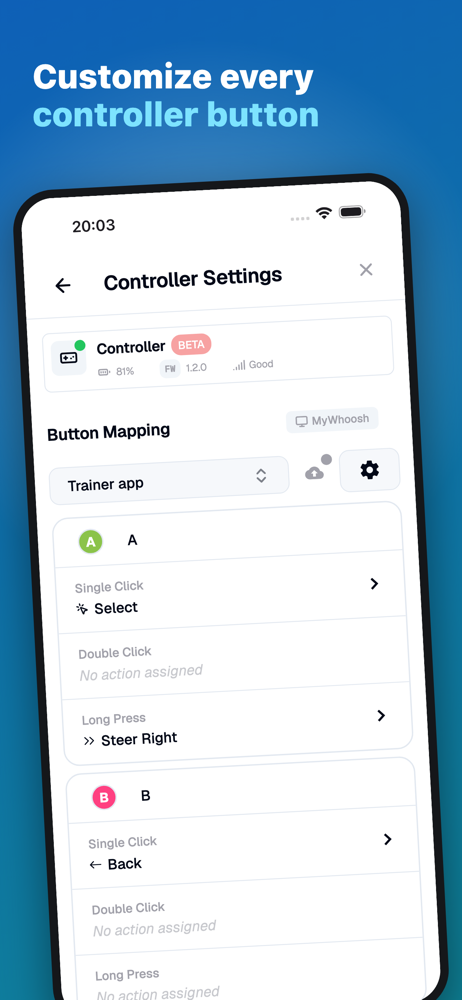
I found this app because I wanted to use my Di2 shifters to control Zwift. Virtual shifting, ride-on bombs, power-ups, look behind, etc. And it does do these things, essentially turning an old iOS device into a virtual Zwift Click device over the network, bit it's very quirky. For example, if your iOS hub device goes to sleep while the app is running, you'll lose the connection and simply turning your hub device back on, while Zwift may find the connection again, will not actually reconnect you. The app needs to be closed and re-opened, and the connection re-established, and then it'll work again. So make sure your hub device don't go to sleep on you (disable auto-lock feature). I also experience similar issues if I start the app and it tries to connect before I start Zwift on my main iOS device (to be clear, I'm running BikeControl on one iOS device and Zwift on another). Unless I first start Zwift and then the app, I won't get a connection. So don't rely on this for virtual shifting... You'll likely be hosed otherwise, or miss the start of your event trying to get things connected. I'm also seeing that while Garmin Edge devices, for example, support single, double, and long clicks of Di2 D-FLY channels, the app only supports a single or long click per action, which means only 4 actions are assignable, for 4 channels, which means I have to reconfigure 2 levers to be D-FLY channels instead of having 6 gestures via the 2 top buttons, leaving my levers untouched. And finally, the look behind camera action isn't available for some reason. I'd still give it 4 stars in spite of the D-FLY shortcomings, but the quirkiness brings it down a notch. I'm very excited for the app's potential, though. I'm hoping for more improvements to come! Thank you for making it!
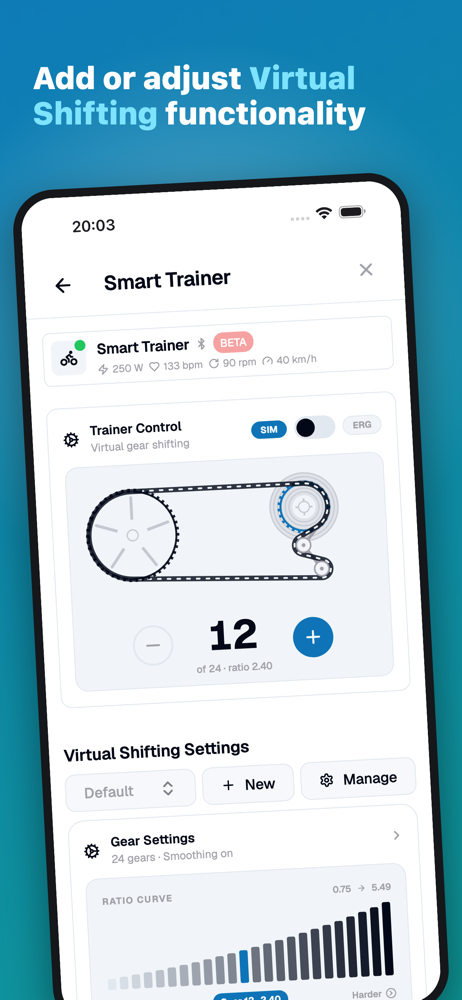
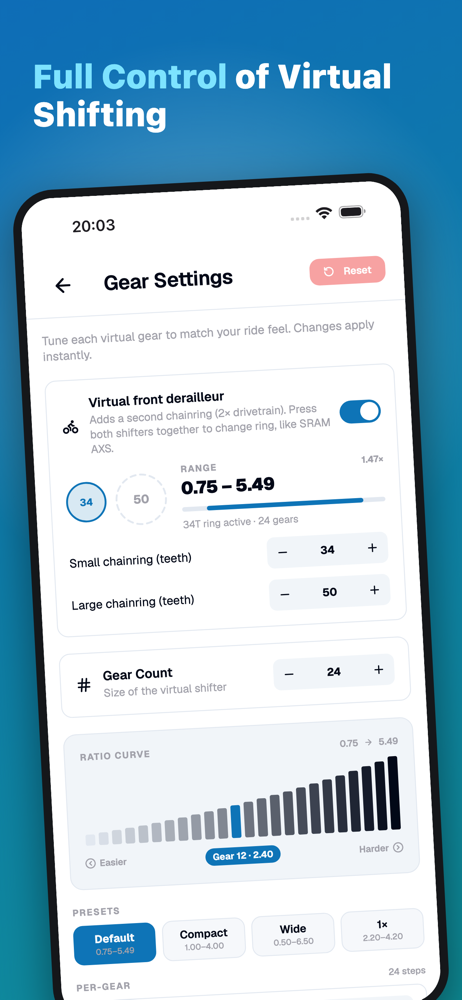
Add virtual shifting to any indoor training app. BikeControl (formerly SwiftControl) turns a controller you already own into a virtual shifter: Shima...
| Name | Price | Type |
|---|---|---|
| BikeControl Pro (Monthly) | $2.99 | Monthly |
| BikeControl Pro | $2.99 | One-time |
| Full Version Unlock | $5.99 | One-time |
| BikeControl Pro (Annual) | $28.99 | Yearly |
| BikeControl Pro - Yearly | $29.99 | One-time |


