
Check the acquisition promise
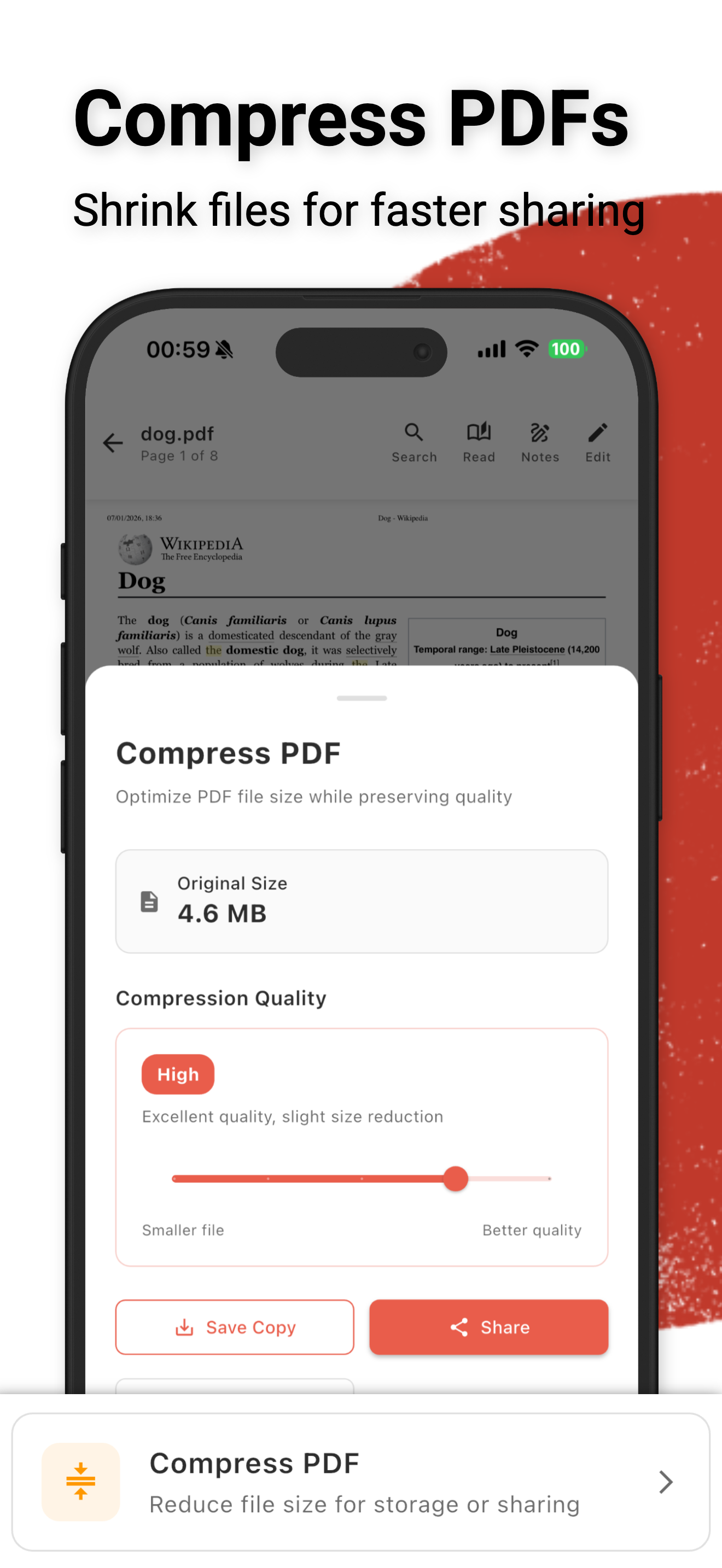
Read the store headline, screenshots and description. What problem is the app promising to solve?
Study the storefront ↗
Future Software Solutions S.R.L. · iOS
Explore the ad evidence, study the storefront, and build your next acquisition hypothesis.
01 / Creative research
Read the store headline, screenshots and description. What problem is the app promising to solve?
Study the storefront ↗Explore apps with direct store-link matches. Compare their hooks and formats without assuming the same approach works here.
Browse observed advertisers ↗Store rankings and revenue estimates describe market context. They do not establish ad spend, conversions or ROAS.
Review the market context ↗02 / Storefront & product
Study the product story and store experience behind the acquisition funnel.




03 / Market context
Keep revenue, downloads and store rankings separate from advertising performance.
Hi! I just purchased the pro version on my iPhone and am not having success accessing the pro version on my MAC? I’ve tried “restore purchase “ and got nothing. Also, I have a feature request 🙏🏼 I’m visually impaired and would be so grateful if you could add more color options so it’s easier to keep things organized by color. 2- are you able to add just a plain’notes’ section? To copy and paste from our Apple notes, add website links to refer back to, draft up our document before saving as a PDF? Looking forward to your reply!! Thanks so much!!!!
What a great app it was essential in helping me to purchase a new house. Other apps I tried to use were difficult to navigate. This one was much easier. I highly recommend it and will continue to use it as my only pdf app!
PDF Master is an incredible all-in-one PDF app that does everything I need right on my iPhone. It lets me scan documents with automatic edge detection, edit and reorganize pages, merge or split files, and even fill & sign forms — all with a clean, easy-to-use interface.  I especially love that it works 100% offline and keeps my files private — no annoying subscriptions, no accounts, and no ads.  The OCR text extraction is fast and accurate, and it even produces searchable PDFs that I can use for work or school.  PDF Master has truly become my go-to app for anything PDF — professional quality, powerful features, and total privacy all in one. Highly recommend it!
No hefty subscriptions. No annoying ads. 100% offline and private (no accounts/sign up). Fast, simple, yet powerful editor & scanner. Manage, edit,...
| Name | Price | Type |
|---|---|---|
| macOS Trial | $0.00 | One-time |
| iOS Trial | $0.00 | One-time |
| Medium Tip | $1.99 | One-time |
| Premium Unlock | $3.99 | One-time |
| Early Bird Premium iOS | $4.99 | One-time |
| Early Bird Premium macOS | $4.99 | One-time |
| Large Tip | $4.99 | One-time |
| Early Bird Premium (Bundle) | $7.99 | One-time |
| Premium Unlock | $9.99 | One-time |
| Premium (Bundle) | $14.99 | One-time |


