
Check the acquisition promise
Read the store headline, screenshots and description. What problem is the app promising to solve?
Study the storefront ↗
Omar Sherif · iOS
Explore the ad evidence, study the storefront, and build your next acquisition hypothesis.
01 / Creative research
Read the store headline, screenshots and description. What problem is the app promising to solve?
Study the storefront ↗Explore apps with direct store-link matches. Compare their hooks and formats without assuming the same approach works here.
Browse observed advertisers ↗Store rankings and revenue estimates describe market context. They do not establish ad spend, conversions or ROAS.
Review the market context ↗02 / Storefront & product
Study the product story and store experience behind the acquisition funnel.




03 / Market context
Keep revenue, downloads and store rankings separate from advertising performance.
Too bad this app is buggy and not reliable, because it's what I was looking for. I set up multiple recurring reminders, and they worked great the first day. On the second day, the reminders appeared at a time I did not specify, and after that they stopped showing up altogether. I tried to adjust the settings in the app from the menu bar, but the dialog box appeared and would not let me make any changes. I could not force quit the app from the Apple settings, so I had to restart my Mac.
I absolutely love WakeMinder. I have the lifetime subscription. I use it multiple times a day. It’s extremely helpful for sending notes and links. I use it conjunction with project management apps like Trello or Asana as it opens priority tasks upon waking my MacBook. WakeMinder is an absolutely amazing app that I’ve recommended to my colleagues, friends and family.
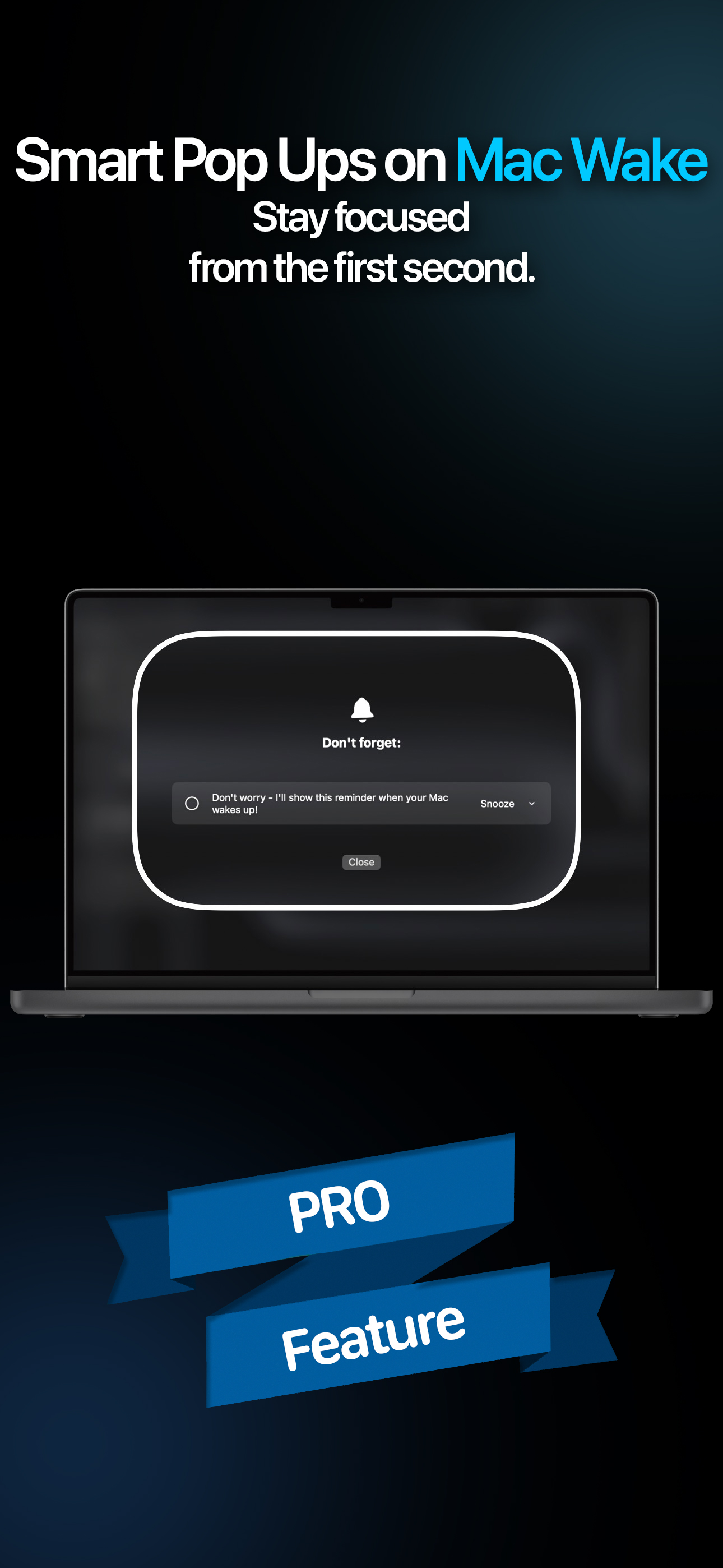
There never seems to be one good place to put the stuff you need to remember to do. Reminder lists and programs are great when you look at them, but when things pile up, it’s easy to procrastinate and put off checking the list. WakeMinder is an excellent way to keep the most important things to do right in front of you, every time you sit down at your computer. When the screen wakes, the reminders are there to be reviewed before dismissing. There is also a mobile app to send reminders to the computer. I have just started to use WakeMinder, and it is already keeping me more productive. I highly recommend getting it and trying it out.
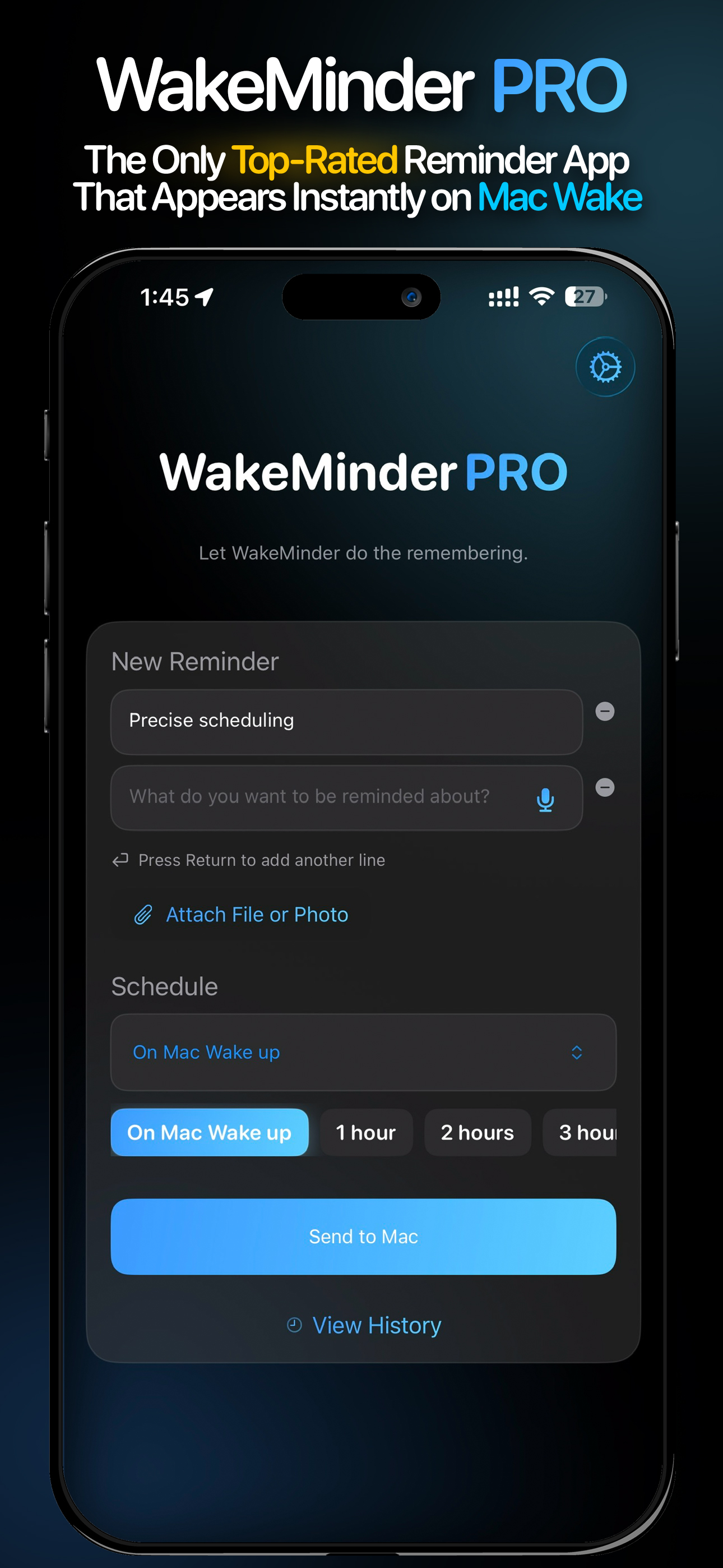
Ever write a reminder in your notebook, then forget to check it? Or open your Mac with a clear intention, only to forget what it was by the time your...
| Name | Price | Type |
|---|---|---|
| WakeMidner PRO - Monthly | $1.99 | Monthly |
| WakeMinder PRO - Yearly | $5.99 | Yearly |
| WakeMinder PRO - Lifetime | $12.99 | One-time |


