
Check the acquisition promise
Read the store headline, screenshots and description. What problem is the app promising to solve?
Study the storefront ↗
Dishith Dhanani · iOS
Explore the ad evidence, study the storefront, and build your next acquisition hypothesis.
01 / Creative research
Read the store headline, screenshots and description. What problem is the app promising to solve?
Study the storefront ↗Explore apps with direct store-link matches. Compare their hooks and formats without assuming the same approach works here.
Browse observed advertisers ↗Store rankings and revenue estimates describe market context. They do not establish ad spend, conversions or ROAS.
Review the market context ↗02 / Storefront & product
Study the product story and store experience behind the acquisition funnel.





03 / Market context
Keep revenue, downloads and store rankings separate from advertising performance.
This app is wonderful and does a lot of the work for me that I dread when it comes to budgeting on paper. One thing I have struggled with is finding where to adjust my spending limits since the app has updated. I could do it before just fine before the update, but I have yet to find the solution.
They tried so hard to remove the buttons and to have a clean layout that is hard to understand. I’ve been using for a month, even paid the premium version and still don’t know how to see how far I’m from reaching category budget limit.
This is a digital budgeting app for people who use cash. It doesnt sync like copiot does and honestly I find that helpful. The voice feature is 🔝🔝🔝🔝
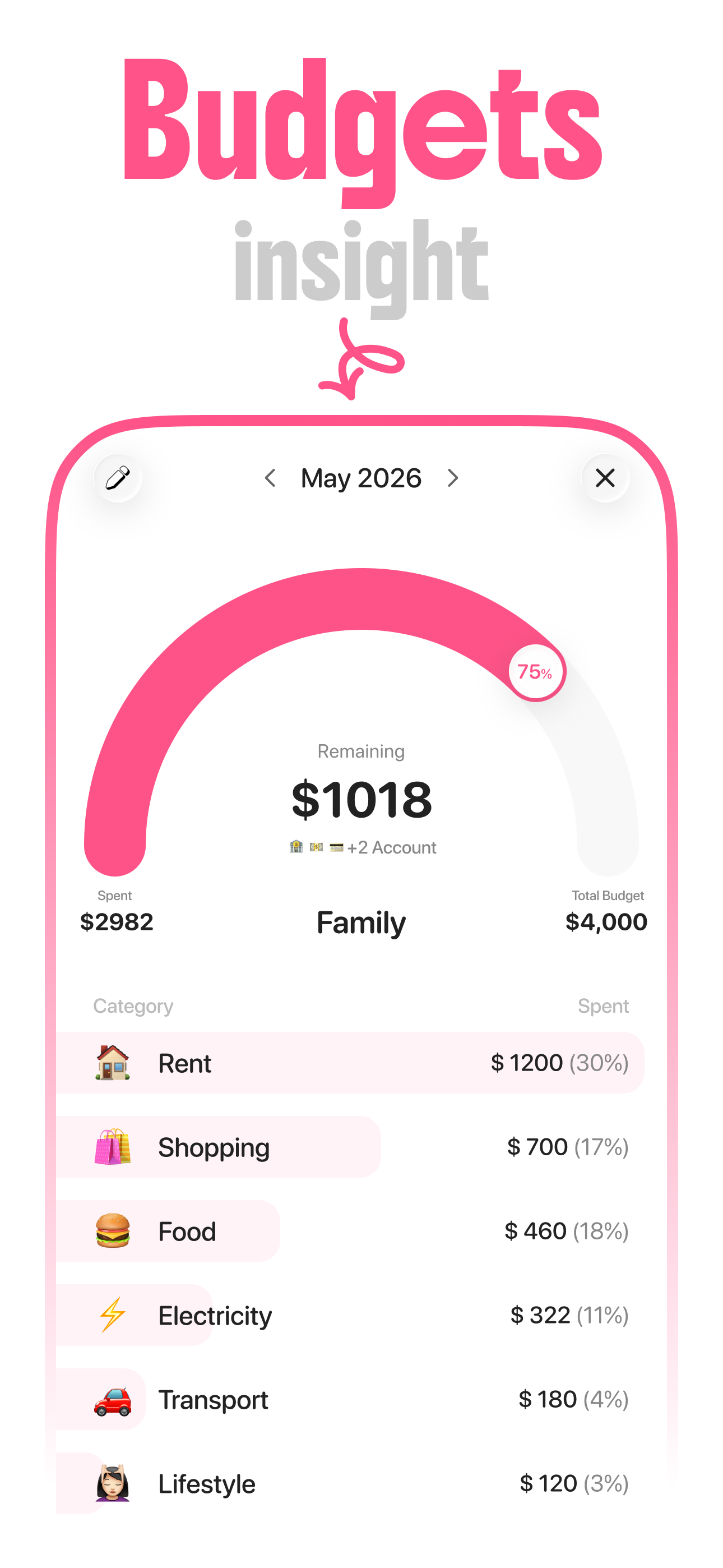
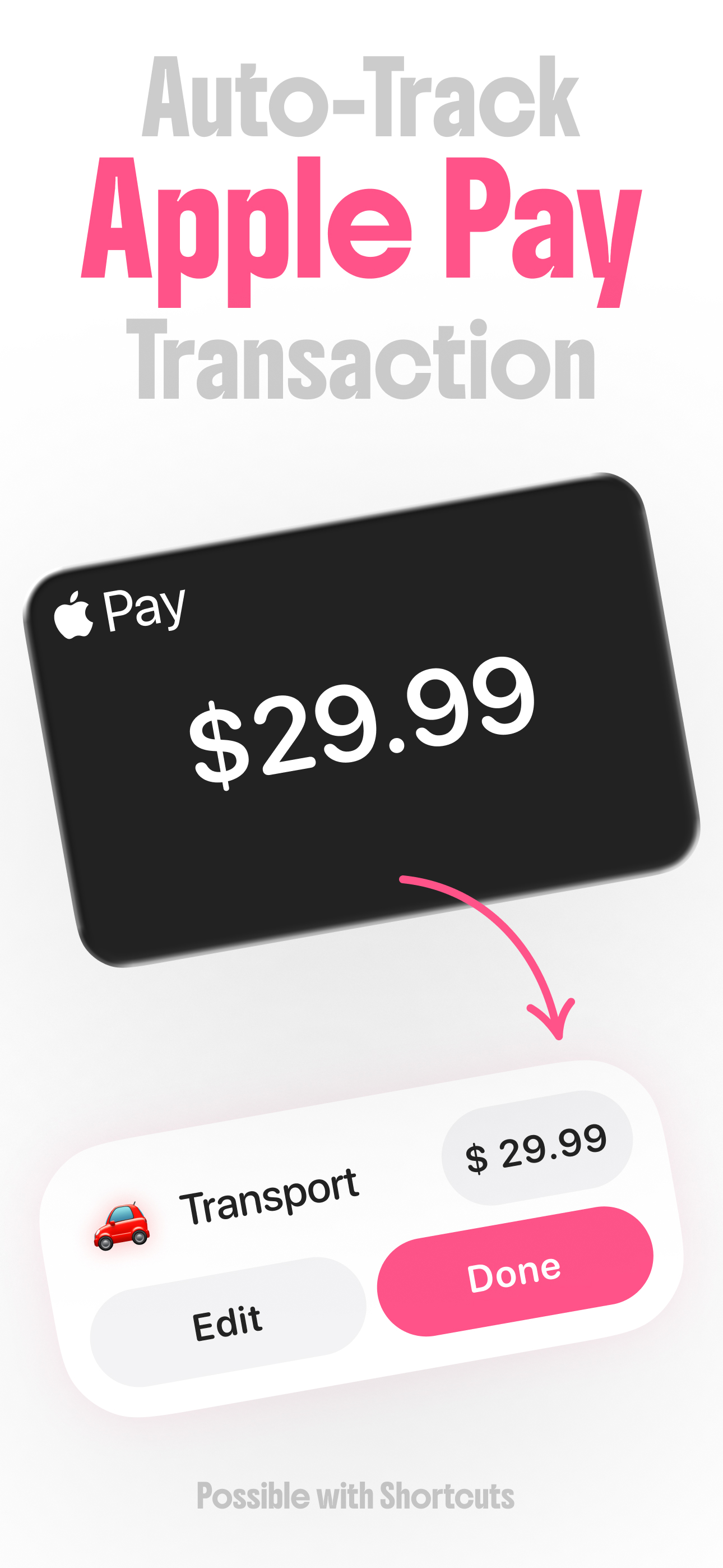
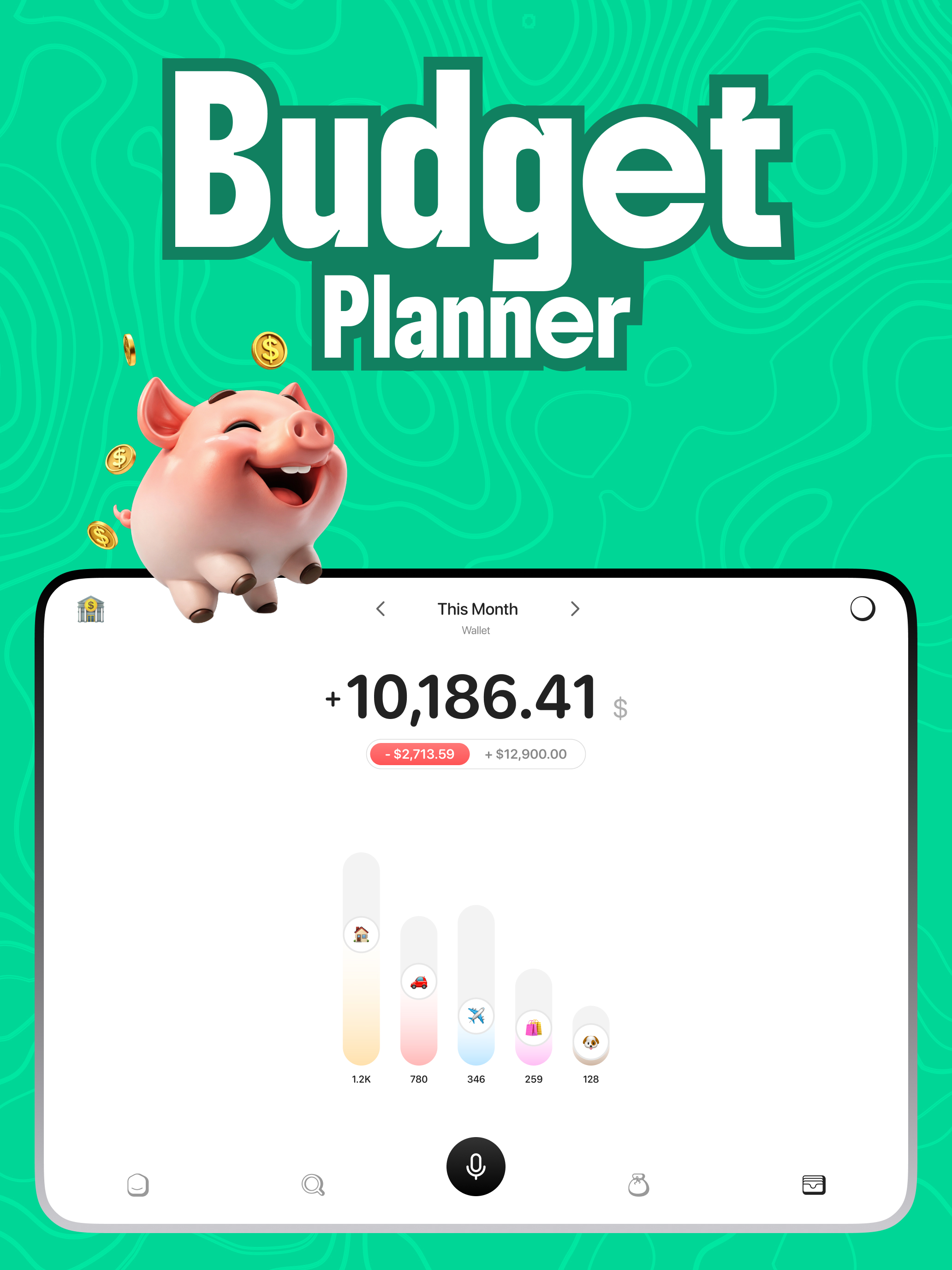
Meet Zero, The cutest budget app for your everyday life. Simply add expenses by typing or using your voice, and let our AI magic organize everything f...
| Name | Price | Type |
|---|---|---|
| Weekly Subscription | $3.99 | Weekly |
| Monthly Subscription | $3.99 | Monthly |
| Monthly Subscription | $7.99 | Monthly |
| Lifetime | $29.99 | One-time |
| Zero Lifetime | $29.99 | One-time |
| Annual Subscription | $47.99 | Yearly |


