
Check the acquisition promise
Read the store headline, screenshots and description. What problem is the app promising to solve?
Study the storefront ↗
Serhii Petrenko · iOS
Explore the ad evidence, study the storefront, and build your next acquisition hypothesis.
01 / Creative research
Read the store headline, screenshots and description. What problem is the app promising to solve?
Study the storefront ↗Explore apps with direct store-link matches. Compare their hooks and formats without assuming the same approach works here.
Browse observed advertisers ↗Store rankings and revenue estimates describe market context. They do not establish ad spend, conversions or ROAS.
Review the market context ↗02 / Storefront & product
Study the product story and store experience behind the acquisition funnel.


03 / Market context
Keep revenue, downloads and store rankings separate from advertising performance.
As soon as I see, there’s no lifetime option I don’t even bother exploring this app. Good luck, though it looks kind of neat.
Best thing about the app for me: It works on iPhone and iPad. The other quick add apps I’ve used for Obsidian are only iPhone. This app isn’t as polished but it does what I need very well, including widgets and from Lock Screen. Some obsidian users complained about the subscription — of course. I don’t need the AI functionality, so the free version works well for me. At some point, as long as I continue to use, I’ll find a way to support the developer. To be clear: The app still has some rough edges, especially getting around the setup, but once you see how it fits in to your vault it’s pretty smooth. I use it to send comments to my Daily Notes, tasks to a task/project area, and I append list notes like groceries or expenses. I really like the Lock Screen access so I can easily take a voice note while walking the giant dogs. My issue is I have to subscribe to transcribe that note, and it’s not cheap for as little as I’d use this. Anyway, this app has promise.
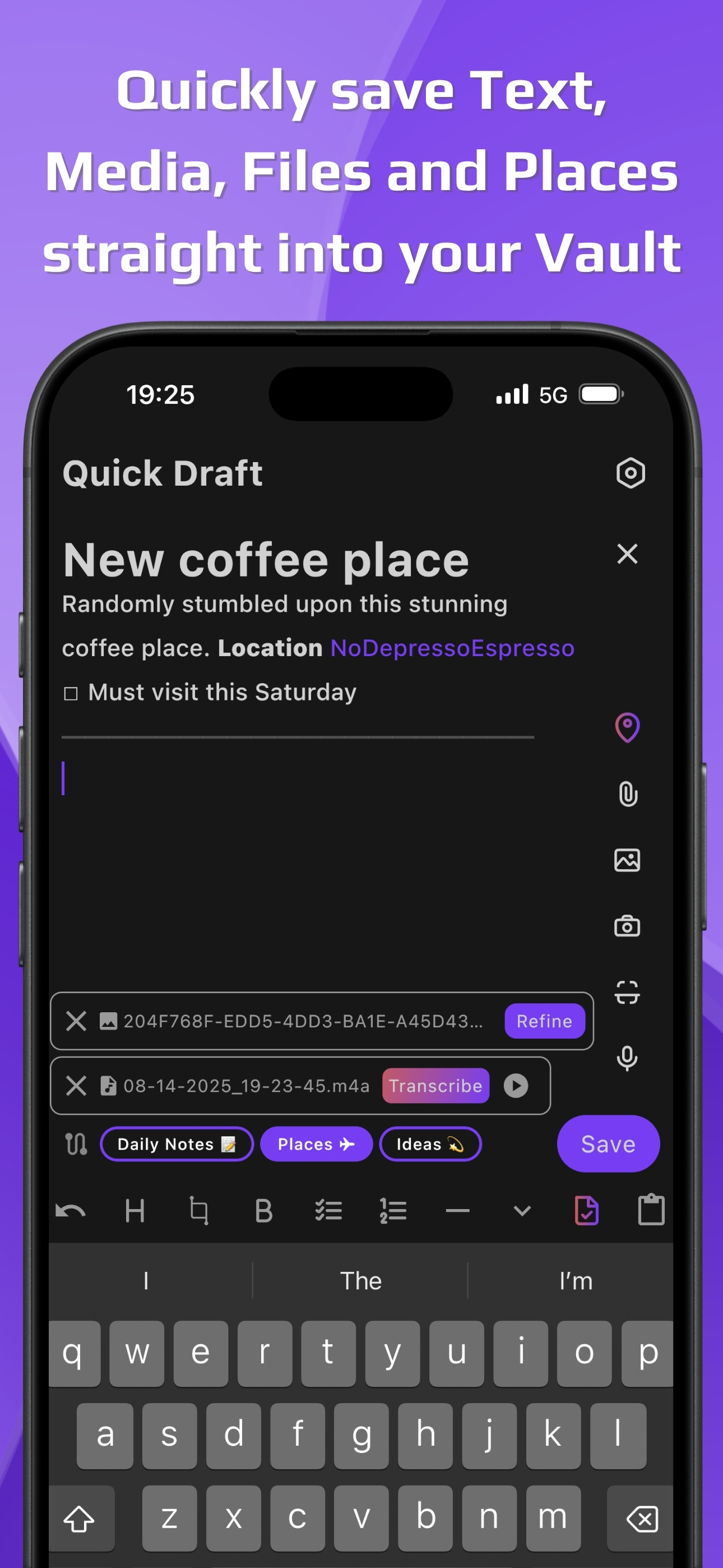
Quick Draft for Obsidian is built for quick capture of ideas. No clutter, no delays—just a blank page ready the instant inspiration strikes. Type, di...
| Name | Price | Type |
|---|---|---|
| Pro Mini Monthly | $1.99 | Monthly |
| Pro Monthly | $4.99 | Monthly |
| Pro Max Monthly | $9.99 | Monthly |


