Check the acquisition promise
Read the store headline, screenshots and description. What problem is the app promising to solve?
Study the storefront ↗
inq incorporated · iOS
Explore the ad evidence, study the storefront, and build your next acquisition hypothesis.
01 / Creative research
Read the store headline, screenshots and description. What problem is the app promising to solve?
Study the storefront ↗Explore apps with direct store-link matches. Compare their hooks and formats without assuming the same approach works here.
Browse observed advertisers ↗Store rankings and revenue estimates describe market context. They do not establish ad spend, conversions or ROAS.
Review the market context ↗02 / Storefront & product
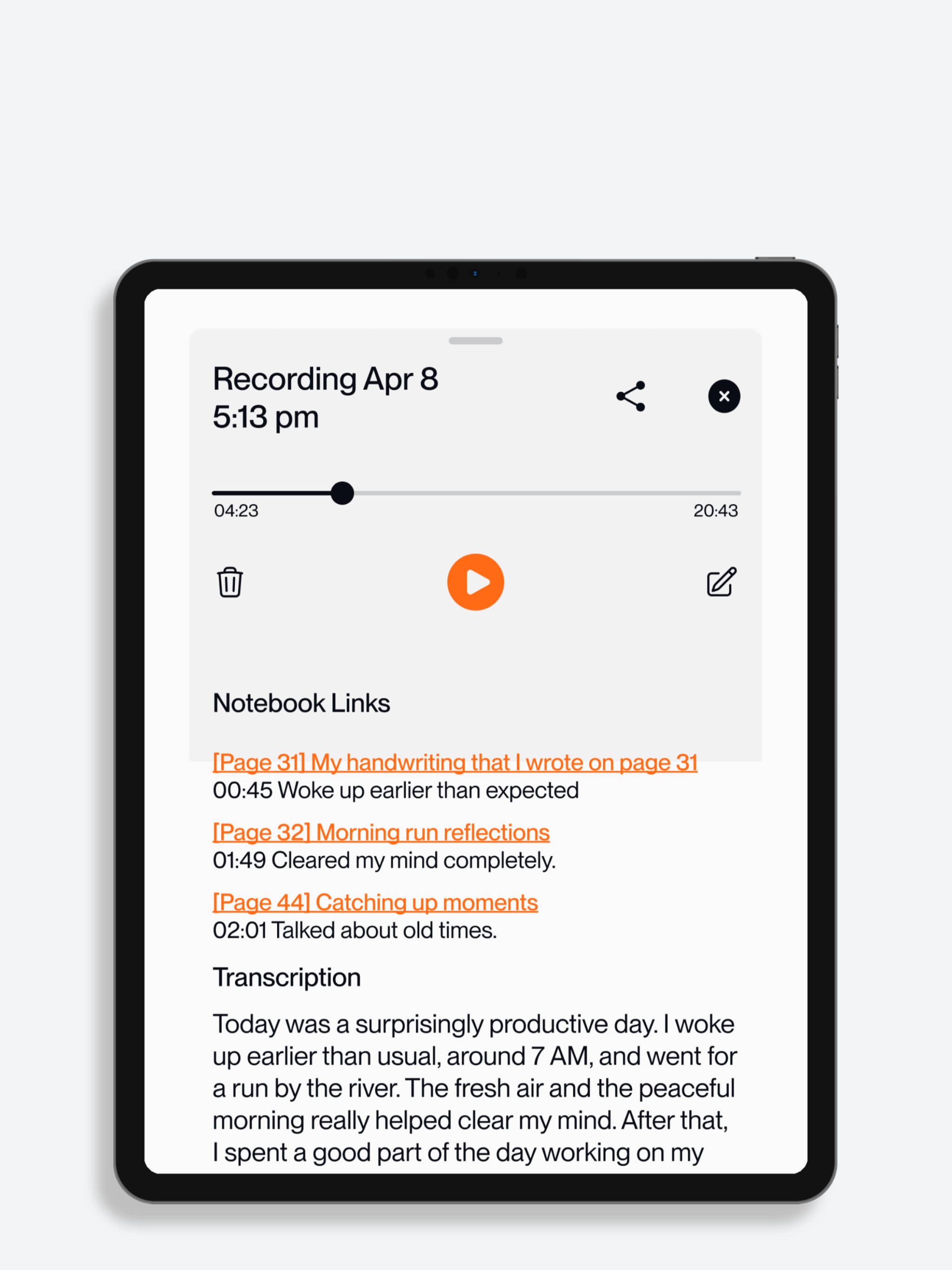
Study the product story and store experience behind the acquisition funnel.



03 / Market context
Keep revenue, downloads and store rankings separate from advertising performance.
Hi inq and friends, I’m very happy with this app and I just want to say thank you! I’m using it for studying in school and it seems like a super useful tool that keeps amazing me with its abilities. It records, it translates your writing into a transcript of your handwriting is messy (like mine is..) and I just want to say thank you for making this product and I’m very grateful to be able to use it!
The transcription feature is absolutely USELESS. I wrote an entire page of very legible text, part of a fictional piece for one of my classes, and instead of just transcribing what I wrote, it instead ‘interpreted’ my text and REWROTE it into entirely nonsensical generative AI slop that has absolutely nothing to do with my story. Frankly I find it to be an insult to my work, and I didn’t think I’d have to worry about AI scraping my writing when I’m literally handwriting in a notebook, but alas it happens with this app anyway and it’s impossible to turn off the feature. It renders this notebook practically useless unless you are okay with just your handwriting itself being copied onto an image that you can’t do much else with. This is a waste of money and it’s cheaper to just take a picture of a page and have it translated to text with Evernote. If anything, just buy a different notebook with better transcription and a better app instead of this bs.
I’ve been a loyal Livescribe user since the original OLED-display pens — even bought multiple units despite their tendency to die whether used or not. I later invested in the LivePen and now the INQ model, both of which promised smarter syncing and better UX. Instead, I got a mess. The INQ app is a disaster. My pen connects (green to blue LED), the phone recognizes it, and I can see old pages from months ago — but nothing new syncs. No “new page” button, no interface, no feedback. It’s as if the app was abandoned mid-design. I’ve tried everything: restarting the pen, reinstalling the app, toggling Bluetooth, switching devices. Nothing works. And when I reached out to customer service, I was met with condescending responses from reps who clearly didn’t understand their own product. No accountability, no escalation, no resolution. This isn’t just bad tech — it’s bad faith. One star for a product that fails at its core promise and a company that refuses to support its users.
- Access your notes and drawings anywhere, including on the web with any device. - Transcribe and search your notes automatically. - Export special fo...