Check the acquisition promise
Read the store headline, screenshots and description. What problem is the app promising to solve?
Study the storefront ↗
WattCycle · iOS
Explore the ad evidence, study the storefront, and build your next acquisition hypothesis.
01 / Creative research
Read the store headline, screenshots and description. What problem is the app promising to solve?
Study the storefront ↗Explore apps with direct store-link matches. Compare their hooks and formats without assuming the same approach works here.
Browse observed advertisers ↗Store rankings and revenue estimates describe market context. They do not establish ad spend, conversions or ROAS.
Review the market context ↗02 / Storefront & product
Study the product story and store experience behind the acquisition funnel.



03 / Market context
Keep revenue, downloads and store rankings separate from advertising performance.
Bought my 100Ah mini BT battery about a month ago and have had no issues. My intention from the beginning was to to load 2 100Ah mini BT batteries in my trailer. After reports of parallel charging and discharge issues, I wasn’t too sure. However WattCycle claimed that they released this new app to correct the issue. It’s not corrected at all. At charging, my second battery went into over voltage proctor mode (pack OVP). The battery was at 100% yet kept charging then shut down. Then when discharging, only one battery at a time will discharge. Apparently you have to draw over 50A in order to have both batteries share the load. What??? Frustrated and feeling like I’m out of $400!
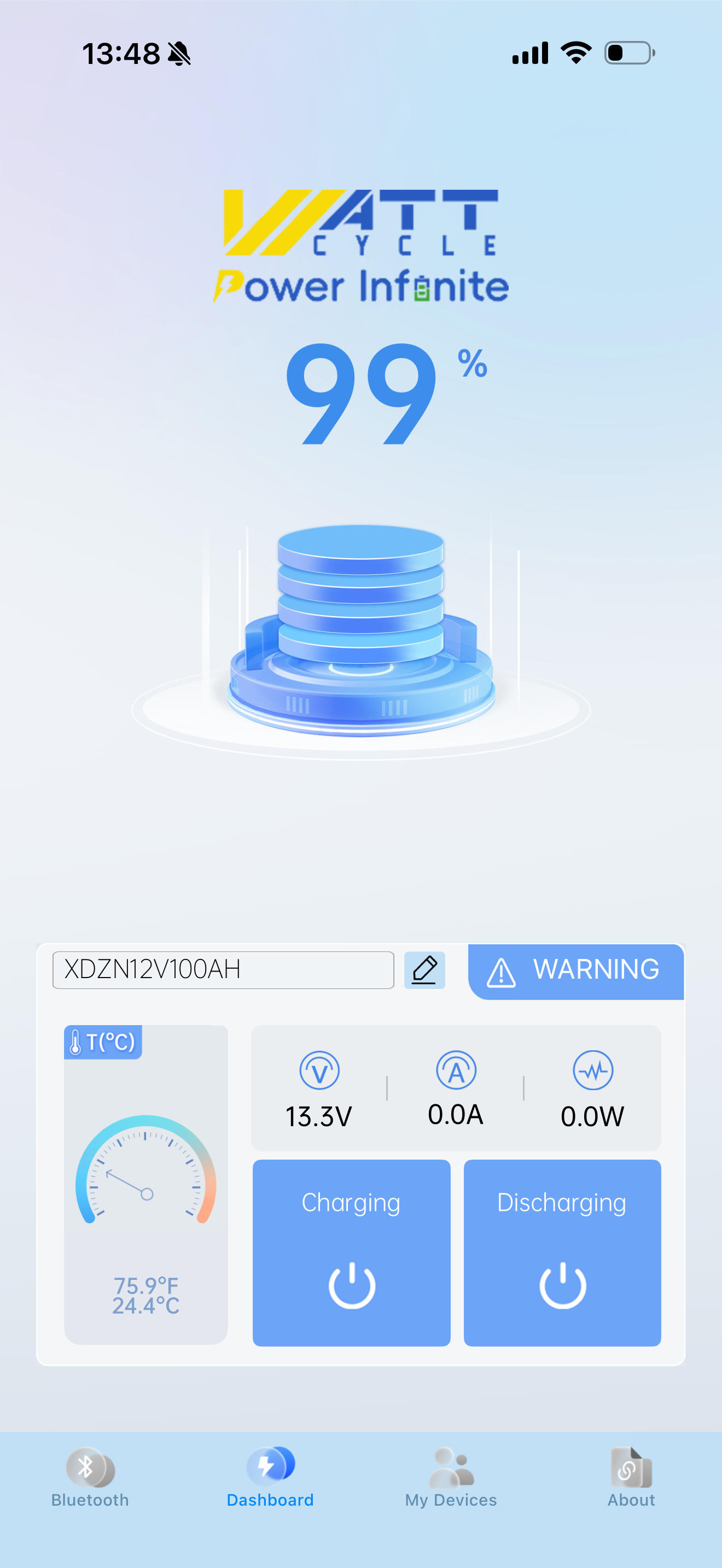
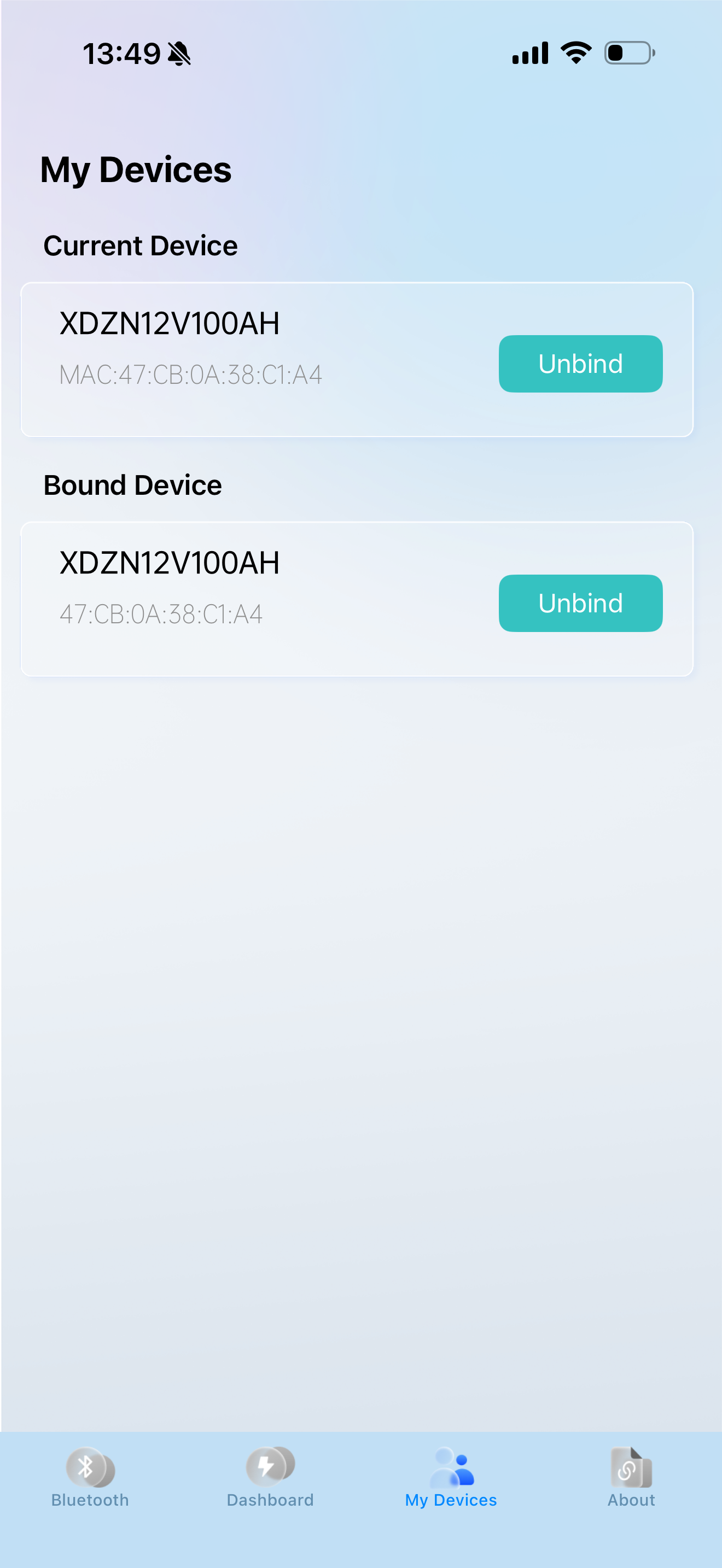
This app has a lot to be desired compared to other battery monitoring apps. It doesn’t show amps and volts when charging and discharging. You can’t view multiple batteries at the same time. It basically gives you state of charge. The manual listed is for the meta data app and not the new app. The meta data app won’t connect. Thete is no explanation for the charging/discharging switches in the app. And it only allows you to use their software when there are much better apps out there. I think their batteries are great. Probably the best value out there but the Bluetooth app is terrible. You’re much better off buying a non BT battery and using a smart shunt to monitor your system. The coustomer service is also pretty non existent unless you like dealing with AI.
I purchased two WattCycle Smart mini 100Ah batteries and followed the link to BMS Meta and had no issues connecting to either battery. I was very impressed with the info displayed and the cell balance status and you could make adjustments to the BMS. Today I received another identical battery and cannot connect to it with BMS Meta so I downloaded the WattCycle app that was recently updated. After finally figuring it out I was able to connect to all 3 of my batteries (1 at a time) but this app only displays the state of charge, v/a/w and no info about cells, balancing, etc. Very basic app. Also, the phone number provided in the app doesn’t work. This app needs to incorporate the options and info from BMS Meta. I gave it a 2 because it has a cool moving charge capacity graphic.
WattCycle is an app that connects to Bluetooth batteries and monitors their status in real time.