Check the acquisition promise
Read the store headline, screenshots and description. What problem is the app promising to solve?
Study the storefront ↗
Mind Spark Solution · iOS
Explore the ad evidence, study the storefront, and build your next acquisition hypothesis.
01 / Creative research
Read the store headline, screenshots and description. What problem is the app promising to solve?
Study the storefront ↗Explore apps with direct store-link matches. Compare their hooks and formats without assuming the same approach works here.
Browse observed advertisers ↗Store rankings and revenue estimates describe market context. They do not establish ad spend, conversions or ROAS.
Review the market context ↗02 / Storefront & product
Study the product story and store experience behind the acquisition funnel.





03 / Market context
Keep revenue, downloads and store rankings separate from advertising performance.
I've been using this app for a while to do invoices for my web design clients. The interface is sometimes a little unclear and the product could really do with some proper documentation, but once you get the hang of it it's useful. A tip for new users… If you want to mark an invoice is paid, you have to long press on it.
I downloaded this app to be able to issue invoices/receipts when I sell items online. However, I have found the app to be somewhat quirky, not very user-friendly, has no documentation of how to use it, and requires odd data for certain things. For instance, I can create items for sale easily enough, and I can attach those to an invoice easy enough, as well as create a client just fine, but then it requires an email address and phone number for all clients; most strangers from the internet are not going to divulge this info, nor am I comfortable asking for it, and finally, it has a place for payment methods, which is just a text box, with no description of what is supposed to go here. Additionally, once I create an invoice, I can email it, print, or save it easy enough, but I have found literally no way to mark an invoice as PAID, so everything just winds up showing as overdue. I’m rather disappointed in the app, because it does look nice and clean, but if I can’t mark things as paid, then what’s the point?
Invoice is amazing to use and I will continue to use it
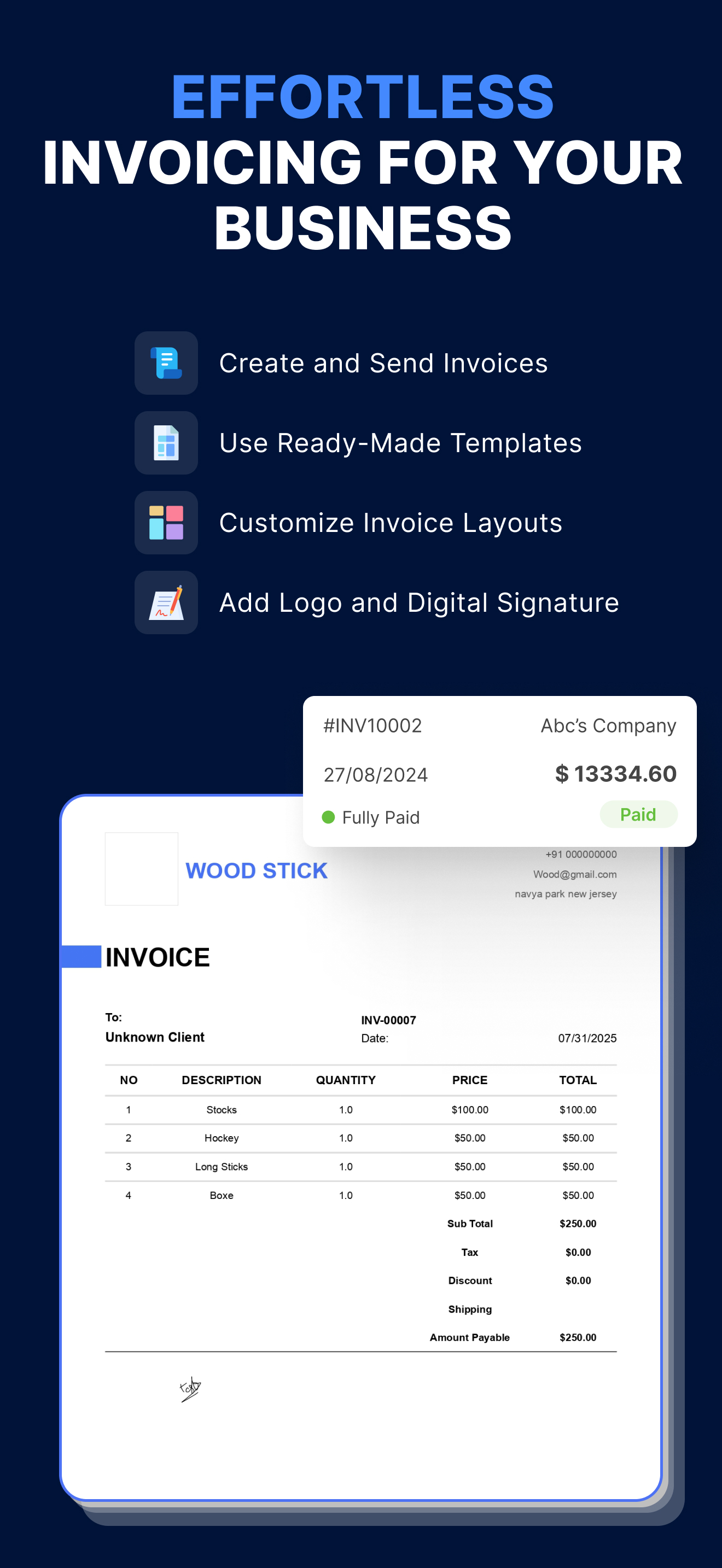
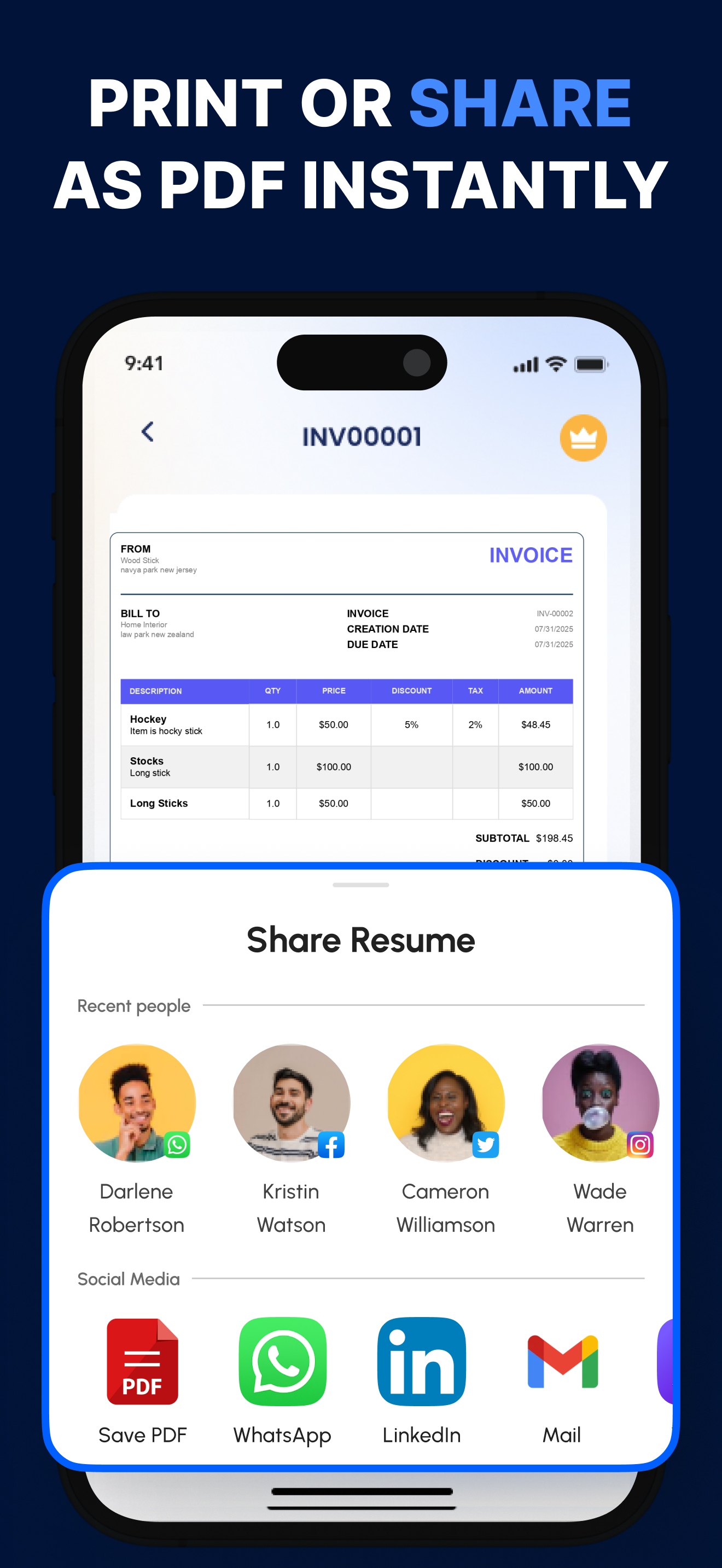
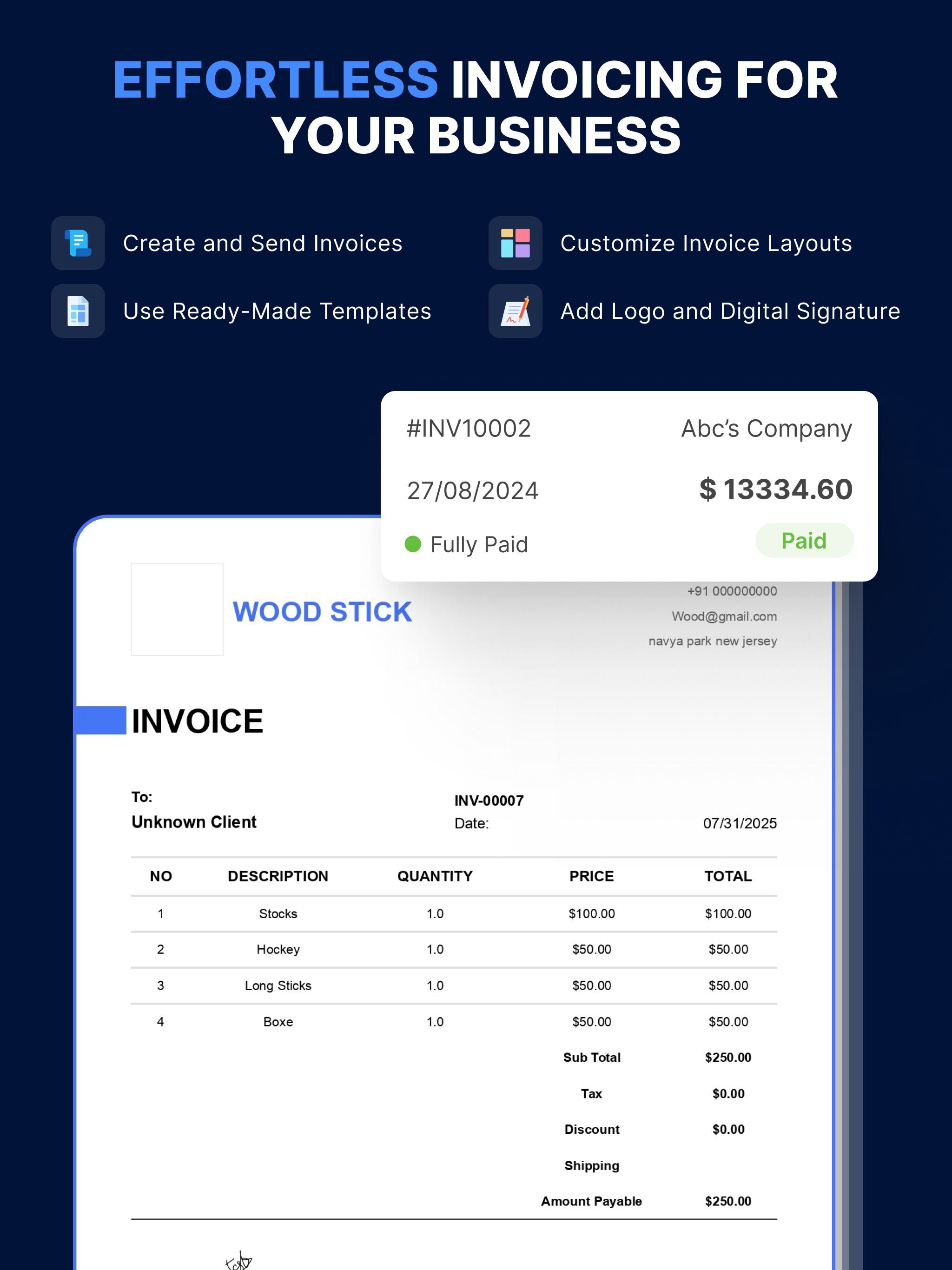
**Spark Invoice Manager** is your all-in-one iOS app designed to streamline your invoicing and business management needs. Perfect for freelancers, sma...
| Name | Price | Type |
|---|---|---|
| Upgrade Monthly | $2.99 | Weekly |
| Upgrade Yearly | $19.99 | Yearly |
| Upgrade for Lifetime | $49.99 | One-time |